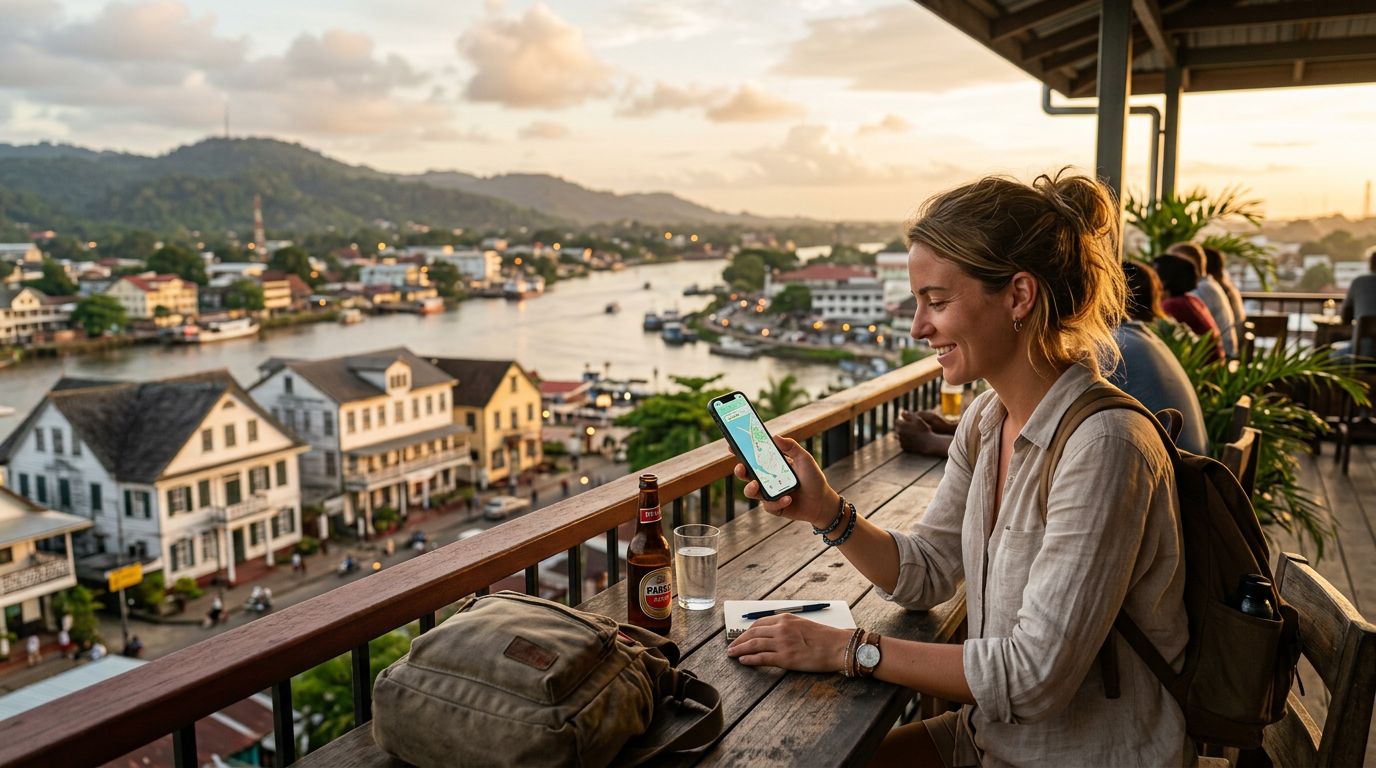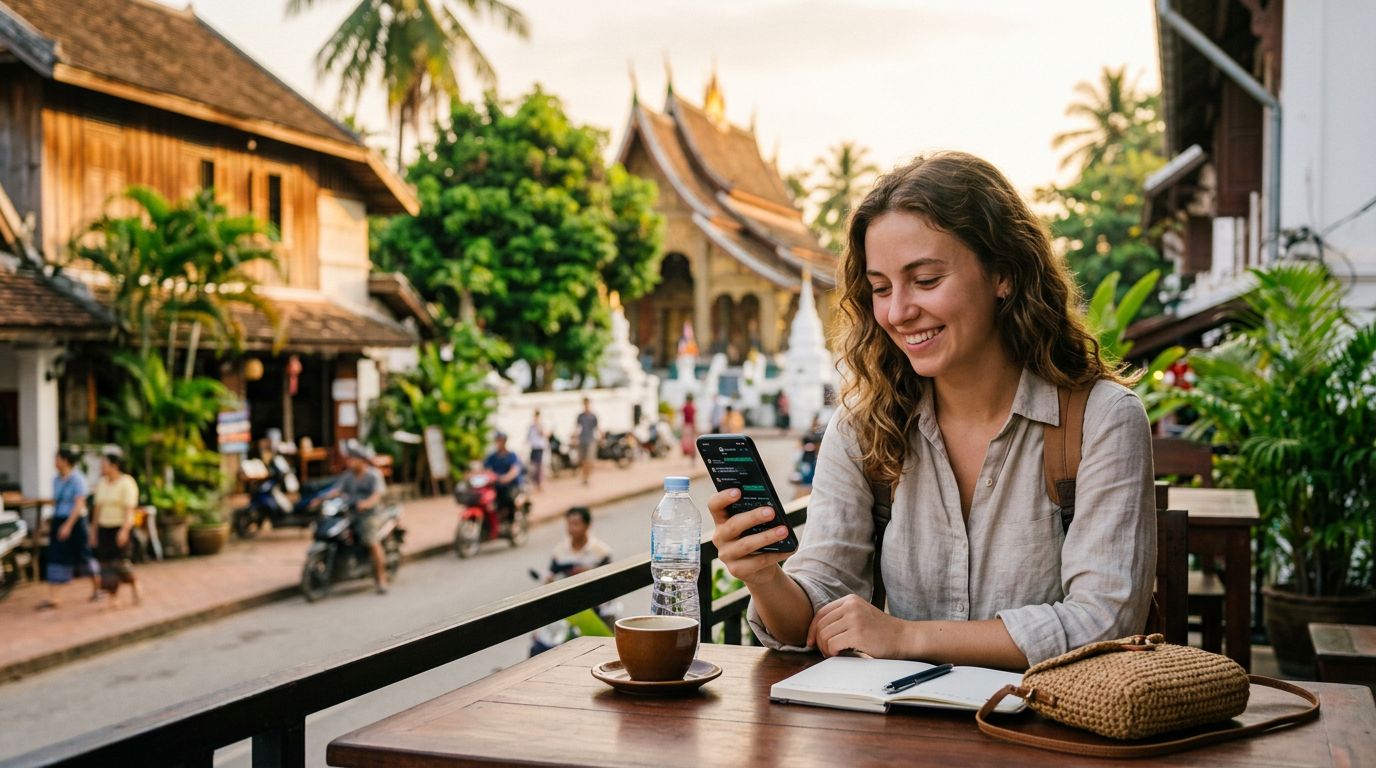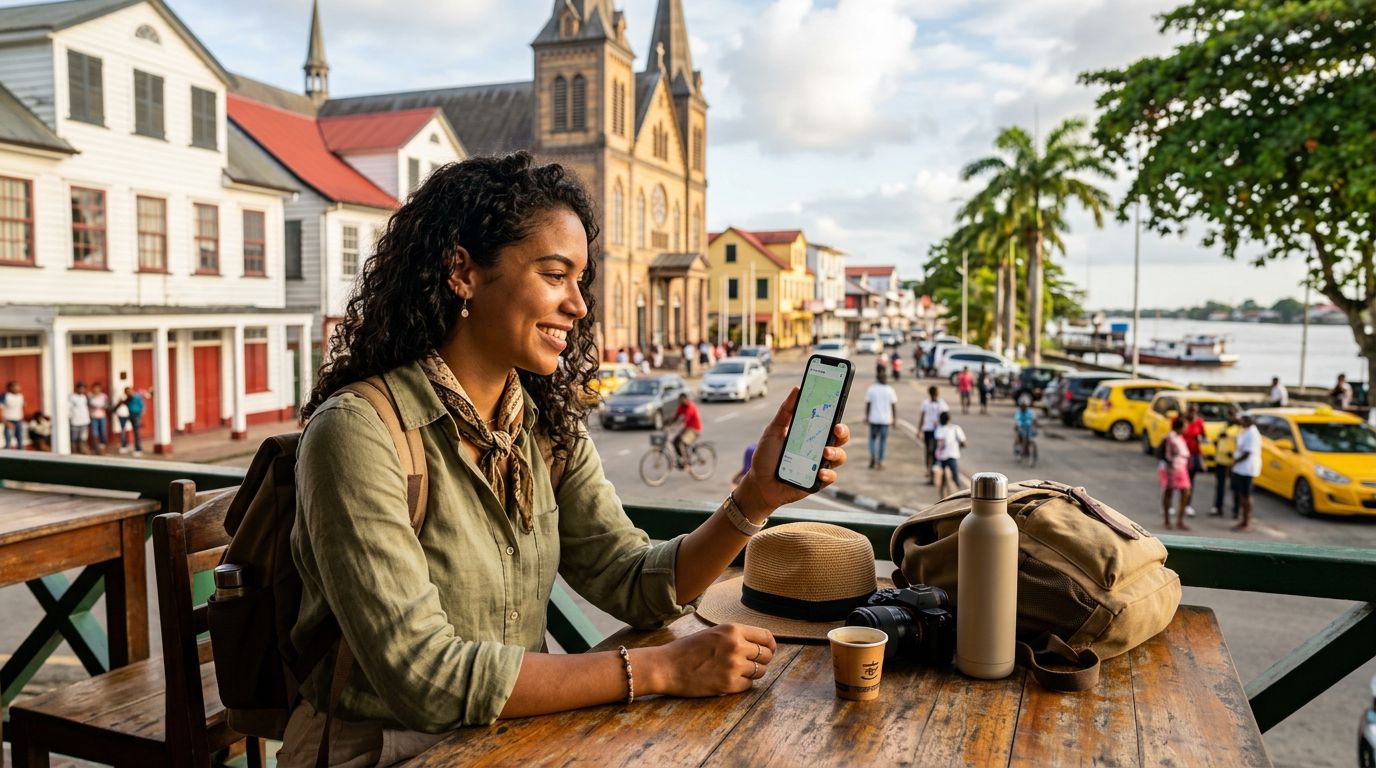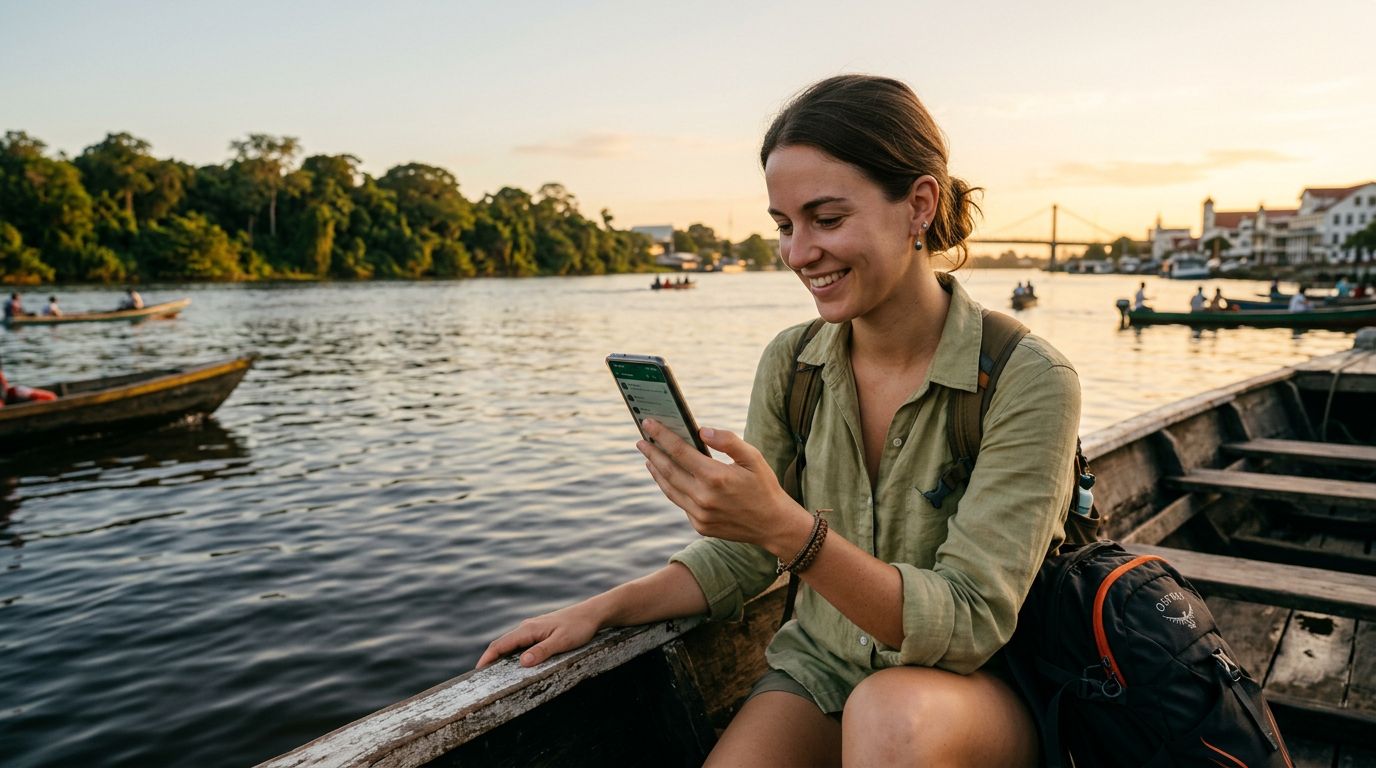
Suriname is a destination that captures the imagination with its lush rainforests, diverse cultural heritage, and the vibrant streets of Paramaribo. Whether you are trekking through the interior or exploring the colonial architecture of the capital, staying connected is essential. A common concern for international travelers is maintaining their digital presence, specifically regarding messaging apps that are tied to a primary phone number. If you are wondering how to keep your WhatsApp number in Suriname, you are certainly not alone.
The good news is that WhatsApp is not tied to your physical SIM card, but rather to the phone number itself. This means that as long as you can receive the initial verification code for your account, your messaging history and contact list remain intact regardless of which network you are using. Understanding how to manage your connectivity while traveling will ensure you stay in touch with friends, family, and colleagues without interruption.
Understanding How WhatsApp Connectivity Works
Many travelers mistakenly believe that their WhatsApp account is linked to the physical plastic chip inside their phone. In reality, WhatsApp uses your phone number as a unique identifier to create your account. When you switch to a travel eSIM, you are simply changing the method by which your phone accesses the internet. Because WhatsApp operates over data, it does not matter if that data is coming from your home carrier, a local provider, or a travel eSIM.
When you arrive in Suriname, you have a few options for connectivity. You could rely on public Wi-Fi, but this is often unreliable and poses security risks. You could use your home carrier’s international roaming plan, but these are frequently expensive and complicated to manage. Alternatively, you can use a travel eSIM like OneTapSIM to get consistent, high-speed data access the moment you land.
Because your WhatsApp account is already registered to your home phone number, simply turning on your data connection—via an eSIM or otherwise—allows the app to function exactly as it does back home. You do not need to change your number within the app settings, and you do not need to notify your contacts that you are traveling. Your chats, groups, and media will all be waiting for you.
The Role of eSIM Technology in Your Travel Plans
eSIM technology has revolutionized the way we travel. An eSIM is a digital version of a traditional SIM card that is embedded directly into your device's hardware. Instead of fumbling with tiny plastic cards or worrying about losing your original SIM, you can activate a digital plan through your phone’s settings. This is particularly useful in a place like Suriname, where you want to maintain your home number for SMS or calls while simultaneously using a data-only eSIM for your internet needs.
If you have a dual-SIM compatible smartphone, you can keep your home SIM card active alongside your travel eSIM. In this configuration, your phone can use your home SIM for essential tasks like receiving bank verification codes or important SMS messages, while the OneTapSIM eSIM handles all your data-heavy activities like using WhatsApp, browsing maps, or uploading photos.
To set this up, you typically install the eSIM profile before you depart or upon arrival. Once you reach Suriname, you simply toggle your data settings to use the eSIM. Your WhatsApp will automatically detect the internet connection and continue working seamlessly. This setup provides the best of both worlds: you keep your home number active for security and identity verification, while enjoying the flexibility of a dedicated data plan for your journey.
Practical Steps for a Seamless Experience
To ensure your transition to using a travel eSIM in Suriname is smooth, there are a few technical steps you should take before and during your trip. First, verify that your smartphone is carrier-unlocked. If your phone is locked to a specific network provider, it may not accept an eSIM from another service. You can check your device settings or contact your home carrier to confirm its status.
Before you leave, check your WhatsApp settings to ensure your account is backed up. Using the cloud backup feature—available through Google or Apple services—is a vital precaution. This ensures that even if you encounter an issue with your device, your chat history is safely stored and can be restored on any new device.
When you arrive in Suriname, follow these steps to maintain your connection:
- Keep your primary SIM card active if you need to receive SMS codes for banking or security.
- Activate your OneTapSIM eSIM through your phone’s cellular settings.
- Ensure that "Data Roaming" is turned on for the eSIM profile, but keep it turned off for your primary home SIM to avoid unwanted roaming charges from your home provider.
- Set your phone to use the eSIM for "Cellular Data."
By following this method, your WhatsApp will function as if you never left home. You will be able to send messages, make voice calls, and share videos with the same reliability you enjoy in your daily life. Because the app is using the data provided by your eSIM, you avoid the high costs associated with international roaming while maintaining the convenience of your original phone number.
Staying connected in Suriname allows you to share your experiences in real-time. Whether you are navigating the winding rivers or enjoying the local cuisine, having a reliable data connection means you can easily coordinate with tour guides, look up directions, or call a ride. By leveraging modern eSIM technology, you eliminate the stress of managing multiple physical cards and focus entirely on the adventure ahead. With your WhatsApp number securely linked to your identity and your data needs met by a reliable provider, your communication remains uninterrupted throughout your entire stay in this beautiful country.
Get an eSIM for
Plans for the destinations covered in this guide, with instant QR delivery.