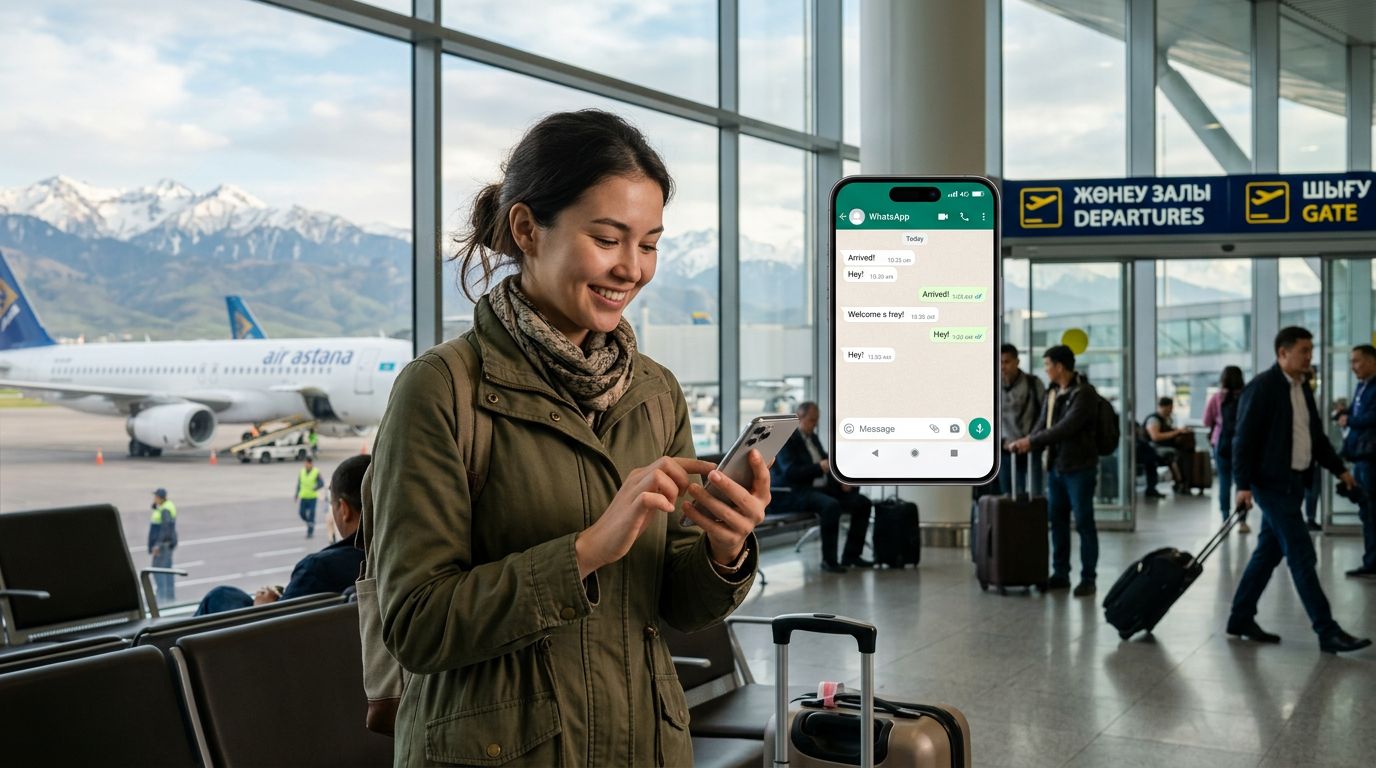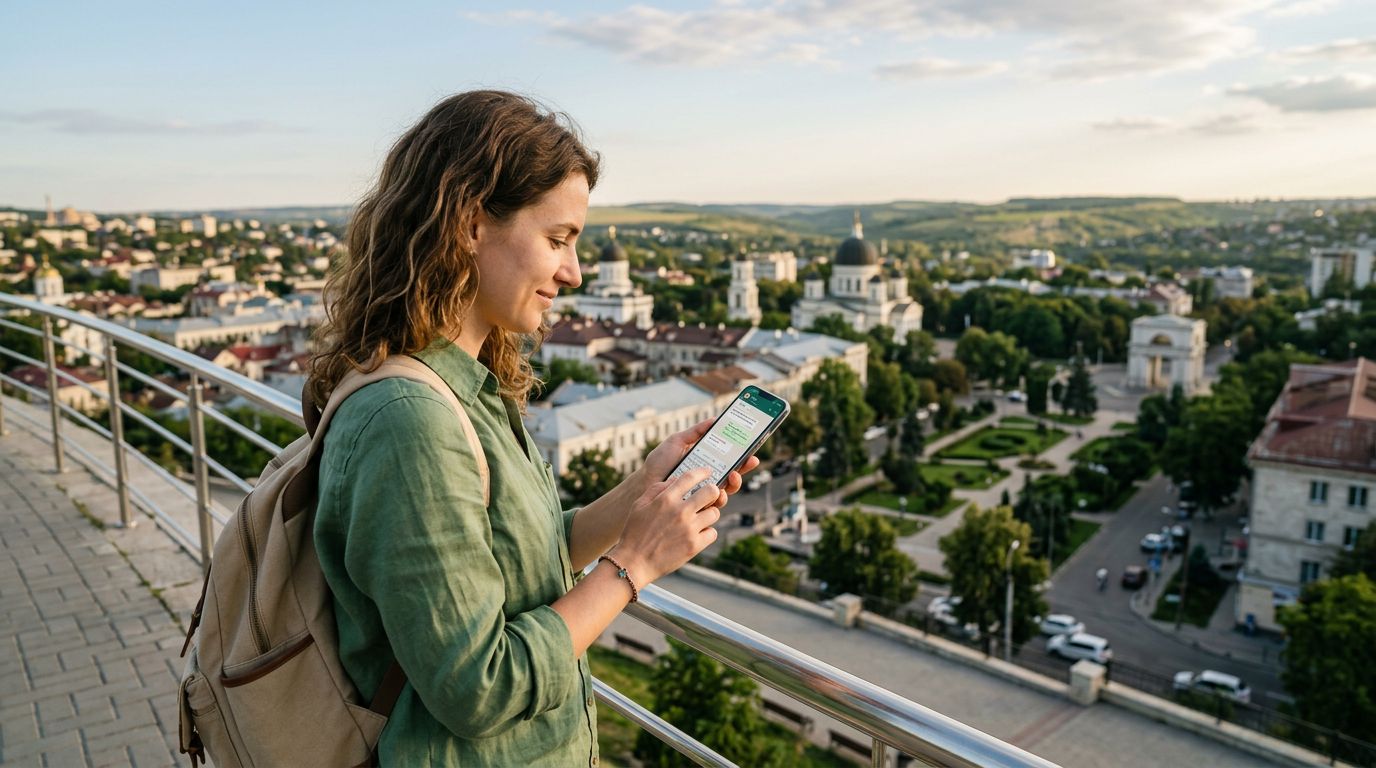
Traveling to Moldova offers a unique blend of historical charm, world-class wineries, and vibrant culture. Whether you are exploring the streets of Chișinău or visiting the underground cellars of Cricova, staying connected is essential. For many travelers, the biggest concern is not just internet access, but maintaining their existing digital identity. Specifically, keeping your WhatsApp number in Moldova is a top priority for those who rely on the app for business, family updates, and coordination while abroad.
When you switch SIM cards or rely on local networks, there is often a fear that your WhatsApp account will reset or that you will lose your chat history. Understanding how to manage your digital presence while using a travel eSIM is the key to a stress-free trip.
How WhatsApp Handles Phone Numbers and SIM Swaps
A common misconception is that WhatsApp is tied to the physical SIM card inside your phone. In reality, WhatsApp is tied to the account registered to your phone number, not the hardware currently inserted into your device. When you install a travel eSIM, such as those provided by OneTapSIM, you are essentially adding a secondary data connection to your phone.
Because your original SIM card remains in your device—or is simply deactivated while the eSIM takes over data duties—WhatsApp does not detect a change in your identity. As long as you do not go through the "Change Number" process within the WhatsApp settings menu, your account remains linked to your original home number.
If you are using a dual-SIM setup, your phone will continue to recognize your primary number for authentication purposes. When you open WhatsApp, it will continue to function exactly as it did back home. You can send messages, make calls, and share media without worrying about your contacts being notified of a number change or your chat history being wiped. The app simply uses the data connection provided by your OneTapSIM eSIM to route your traffic, while your home number remains the "anchor" for your account identity.
Managing Connectivity Without Losing Your Identity
The primary challenge for travelers in Moldova is avoiding high roaming fees from their home carrier while ensuring their data remains active for apps like WhatsApp. If you remove your home SIM card entirely, you might lose the ability to receive SMS verification codes for banking or other secure services. This is why the eSIM approach is so effective.
By keeping your primary SIM card active in your phone—often set to "voice only" or "roaming off" to avoid charges—and designating your OneTapSIM eSIM as the primary source for cellular data, you get the best of both worlds. Your phone treats the eSIM as a local data pipe. WhatsApp, which operates over the internet, will automatically detect this data connection and function seamlessly.
This configuration prevents the "WhatsApp Number Change" prompt from appearing. If you were to swap out your physical SIM for a local Moldovan plastic card, WhatsApp might occasionally prompt you to verify if you want to update your number to the new local one. By using an eSIM, you bypass this issue entirely because your primary number is still technically "present" in your device's software configuration. This allows you to maintain your professional and personal contacts without any disruption to your existing group chats or message threads.
Practical Steps for a Smooth Experience in Moldova
To ensure a seamless transition when you arrive in Moldova, there are a few technical steps you should follow. First, ensure your device is unlocked. An unlocked phone is a prerequisite for using any eSIM service. Before you land, you can purchase and install your OneTapSIM profile. The installation process is straightforward and typically involves scanning a QR code or entering details provided upon purchase.
Once you arrive in Moldova, navigate to your phone’s cellular settings. On an iPhone or Android device, you can designate which SIM is used for "Cellular Data." Select your OneTapSIM eSIM for data and keep your home SIM for "Voice" or "Default." This ensures that your phone uses the eSIM for all internet-based activities, including WhatsApp, while keeping your home number ready to receive essential calls or verification texts if absolutely necessary.
It is also helpful to check your WhatsApp settings before you leave. Ensure that your "Cloud Backup" feature is enabled. If you use an iPhone, this will back up your data to iCloud; if you use Android, it will go to Google Drive. Having a recent backup is a safety net that protects your conversations regardless of what happens to your device or your network connection.
Once you are connected via your eSIM, you can test your setup by sending a message to a friend or family member. You will notice that your profile picture, status, and chat history remain exactly as they were. You are effectively using the local Moldovan network to power your home-based digital life.
By taking these precautions, you remove the stress of managing multiple identities. You can focus on enjoying the sights of Orheiul Vechi or the hospitality of a local guesthouse, knowing that your communication lines remain open and consistent. The technology behind travel eSIMs is designed to make international travel feel more local, allowing you to stay connected to the people who matter most without the logistical headaches that used to define international roaming. Whether you are in the heart of the capital or the rural countryside, your digital presence stays with you, uninterrupted and secure.
Obtenha um eSIM para
Planos para os destinos abordados neste guia, com entrega instantânea por QR.