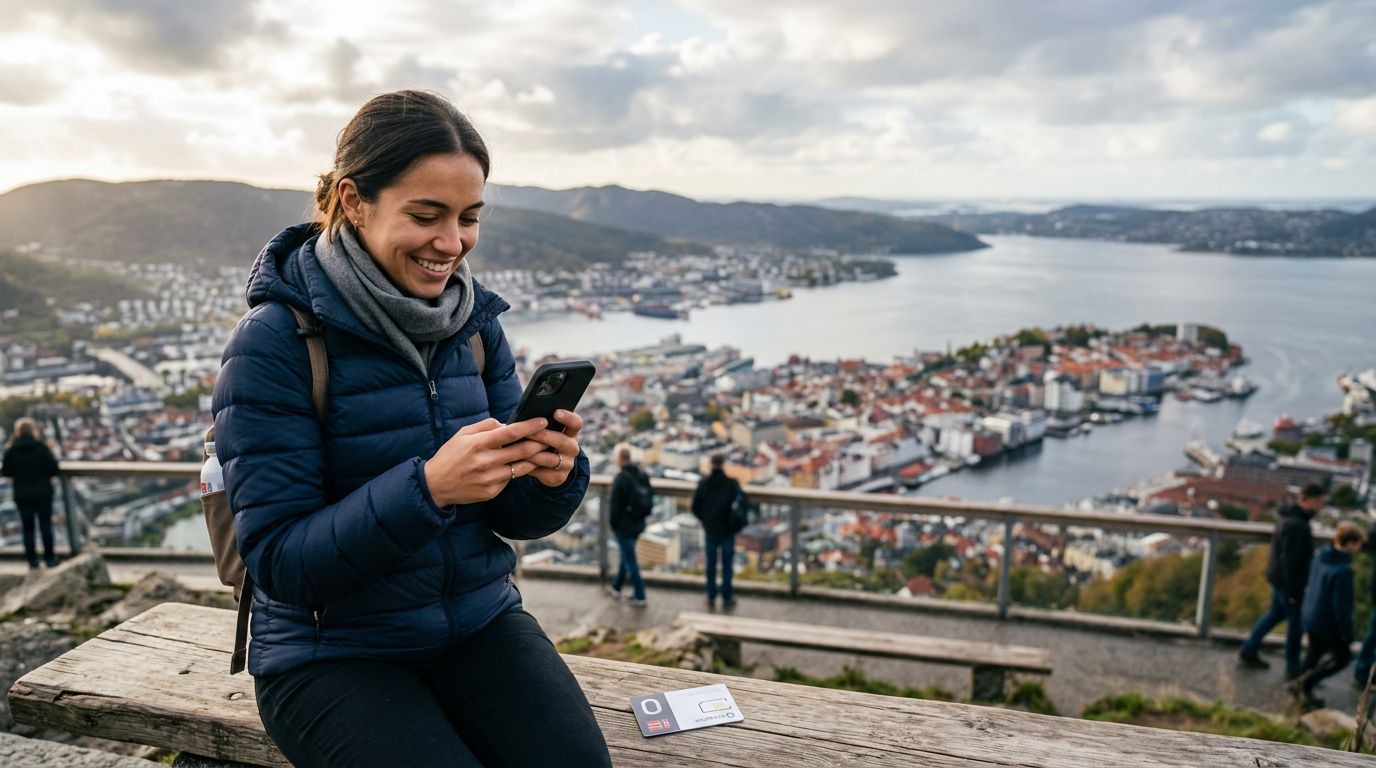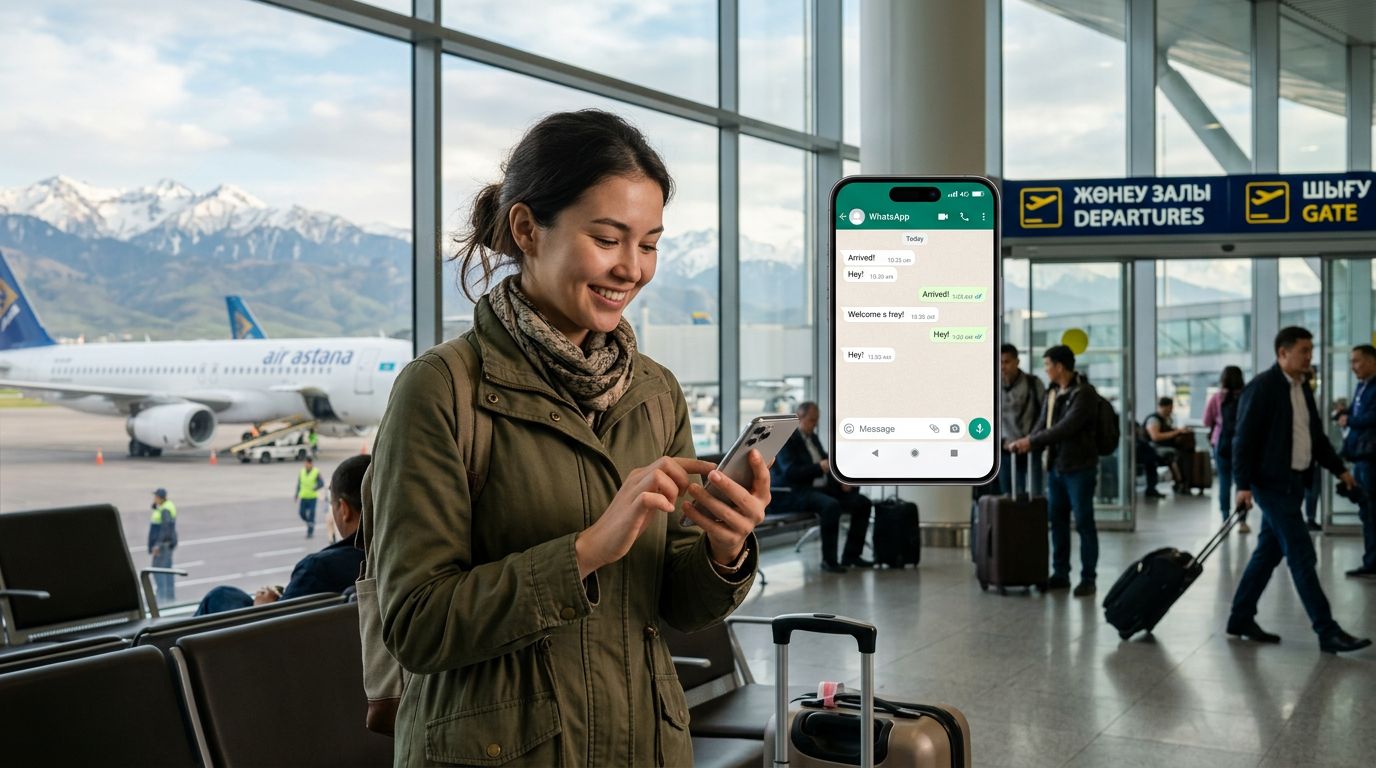
Why Maintaining Your WhatsApp Connection Matters While Traveling
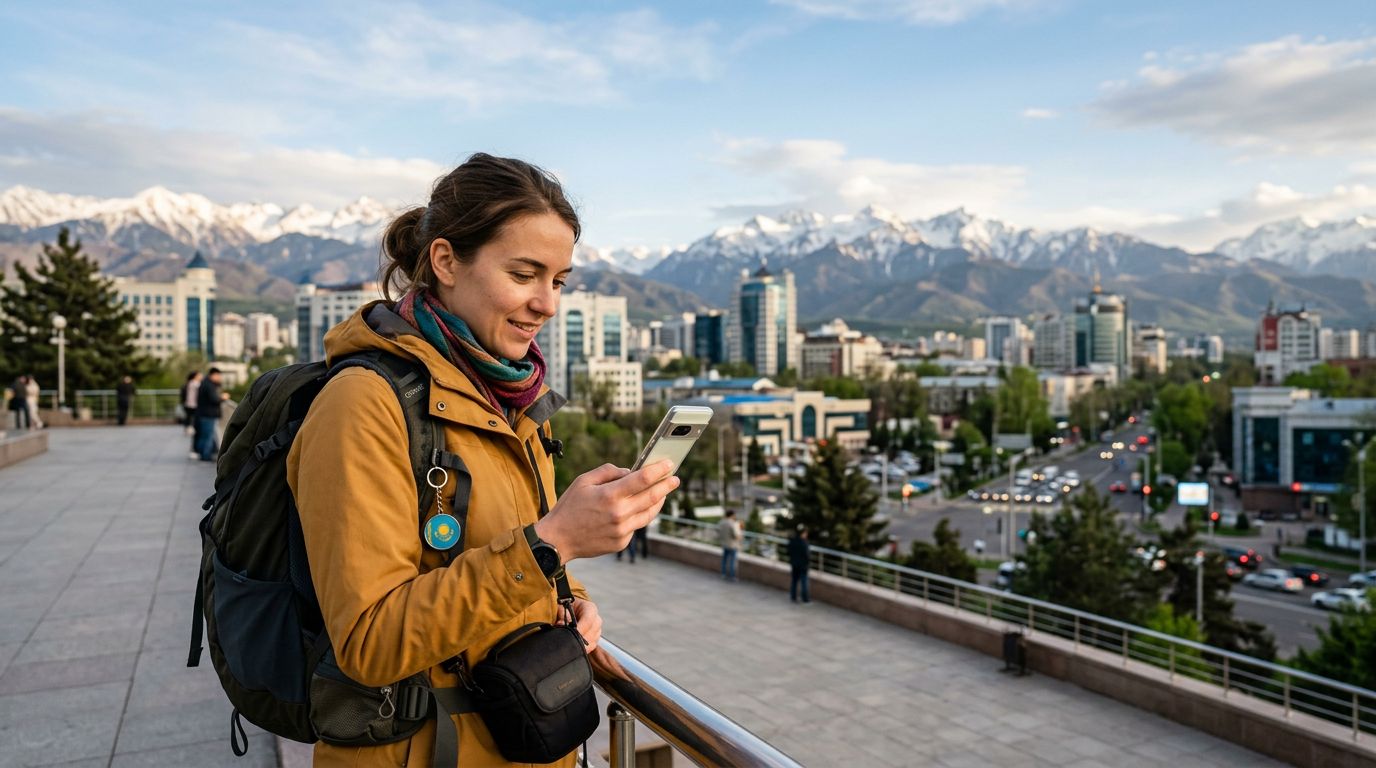
Traveling to Kazakhstan offers a unique blend of modern cityscapes in Almaty and the vast, beautiful steppes that define the nation’s geography. Whether you are visiting for business, trekking through the Tian Shan mountains, or exploring the futuristic architecture of Astana, staying connected is a priority. For most travelers, communication is synonymous with WhatsApp. It is the primary tool for coordinating with local guides, staying in touch with family back home, and managing work-related conversations.
A common anxiety for international travelers is the fear of losing access to their existing WhatsApp account when switching SIM cards. Because WhatsApp is tied to a specific phone number, the prospect of swapping your home SIM for a local one can feel risky. You might worry that removing your primary SIM card will trigger a logout or cause your contacts to lose track of you.
The good news is that WhatsApp is designed to be independent of the physical SIM card currently inserted in your phone. As long as you follow the correct setup process, you can keep your original number active on the app while using a different data source for your internet connectivity. This is where modern connectivity solutions, such as an eSIM, become essential. By using a secondary data plan, you ensure that your primary number remains linked to your WhatsApp account without needing to keep your home carrier’s expensive roaming plan active.
How WhatsApp Handles SIM Swapping
Understanding how WhatsApp functions is the key to stress-free travel. When you first register for WhatsApp, the application verifies your phone number via SMS. Once that verification is complete, the app is tied to that specific account profile. Crucially, WhatsApp does not constantly check if the SIM card associated with that number is physically present in the device. It only needs an active internet connection to send and receive messages.
If you are worried about "keeping your WhatsApp number in Kazakhstan," you should know that the application will continue to work perfectly even if you remove your home SIM card or switch it to a non-active state. The only time WhatsApp would prompt you to re-verify your number is if you were to delete the app and reinstall it, or if you were to attempt to register the same number on a different device.
To maintain your connection, keep your primary SIM card settings in the background or simply ensure that your phone is configured to use your travel eSIM for mobile data. When you arrive in Kazakhstan, you can activate your OneTapSIM, which provides high-speed data access across the country. Because your phone treats the eSIM as a data-only connection, your WhatsApp remains logged into your home number. You will still receive messages, photos, and voice notes just as you would at home, provided you have a stable data connection.
Setting Up Your Device for Seamless Connectivity
To ensure a smooth transition when you land in Kazakhstan, your device configuration is the most important step. Modern smartphones allow for dual-SIM functionality, where one slot (or digital eSIM profile) handles your data, while your original number remains active for receiving SMS or calls.
Before you depart, verify that your phone is unlocked and compatible with eSIM technology. If you are using an iPhone or a modern Android device, you can easily manage multiple profiles. Once you have purchased your OneTapSIM, you will receive instructions to install the profile. The installation process is straightforward: you scan a QR code or enter the details manually in your phone’s cellular settings.
Once the eSIM is installed, you need to configure your cellular data settings. Go to your phone’s settings menu and ensure that your travel eSIM is selected as the primary source for "Cellular Data." It is also helpful to turn off "Data Roaming" for your home SIM card to prevent any unexpected charges from your domestic provider. By isolating your home SIM to voice and SMS only—or turning it off entirely—you prevent the phone from trying to use your home carrier’s expensive roaming data.
With your OneTapSIM active, your phone will use the local network for all internet-based tasks. WhatsApp will detect this internet connection and function normally. You will not see a notification asking you to change your number, and your contacts will not notice any difference in how they reach you. You can continue to use your original number for WhatsApp, ensuring that all your groups, chat history, and media remain accessible throughout your stay in Kazakhstan.
Troubleshooting and Best Practices
While the process is generally seamless, there are a few best practices to keep in mind to ensure your experience remains trouble-free. First, always ensure that your WhatsApp application is updated to the latest version before you begin your journey. Updates often contain security patches and improvements that help the app manage network transitions more effectively.
If you find that your messages are not coming through immediately, check your "Cellular Data" settings once more. Occasionally, a phone might default back to the home SIM if the signal strength of the eSIM fluctuates. Manually selecting your travel eSIM as the data provider usually resolves this instantly. Additionally, keep an eye on your data usage. While WhatsApp text messages consume very little data, sending high-resolution videos or making long WhatsApp voice calls will use more. OneTapSIM offers flexible data packages that allow you to stay connected without worrying about running out of bandwidth during your trip.
Another tip for travelers is to back up your WhatsApp chat history to the cloud before leaving your home country. Whether you use iCloud or Google Drive, having a recent backup ensures that even if you were to lose your phone or encounter a technical glitch, your conversations are safe.
By leveraging the convenience of an eSIM, you avoid the hassle of visiting local kiosks in Kazakhstan to buy a physical SIM card, which often requires registration and language barriers. Instead, you arrive with your connectivity already sorted. Keeping your WhatsApp number while exploring the beauty of the Kazakh landscape is not just possible; it is the standard way for modern travelers to stay connected. With your digital plan active and your WhatsApp settings configured correctly, you can focus on your itinerary, knowing that your digital life is just as mobile as you are.
Obtenha um eSIM para
Planos para os destinos abordados neste guia, com entrega instantânea por QR.