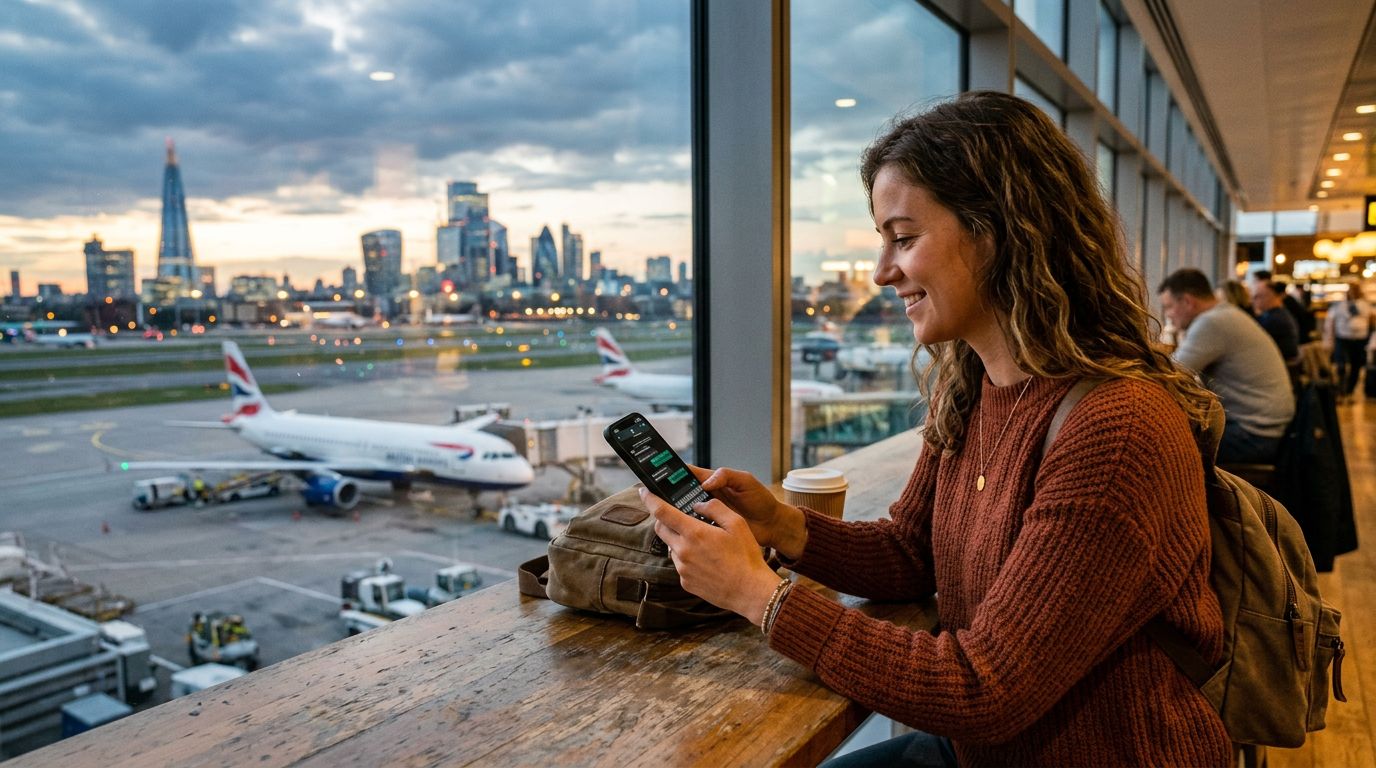
Understanding How WhatsApp Handles Your Phone Number
A common question for international travelers is: "Can you keep your WhatsApp number abroad?" The short answer is yes. WhatsApp is not tied to your physical SIM card or your current cellular network provider; it is tied to the phone number you used to register the account. As long as you have an active internet connection, your WhatsApp account will function exactly as it does at home, regardless of which country you are visiting or which SIM card is currently inside your phone.
When you install WhatsApp, the app verifies your identity by sending a one-time SMS code to your phone number. Once that initial setup is complete, the app links your account to your device’s internal identification. Because WhatsApp operates over data—either Wi-Fi or cellular data—it does not require a roaming agreement with your home carrier to function. You do not need to change your settings within the app when you cross international borders. Your chat history, group memberships, and contact list remain intact.
However, the confusion often stems from the difference between your WhatsApp account and your actual cellular service. If you remove your home SIM card to insert a travel SIM, your phone may stop receiving SMS messages to your original number. This does not delete your WhatsApp account, but it does mean you should ensure your WhatsApp is fully set up and verified before you leave home. If you were to log out of WhatsApp while abroad and try to log back in, you would need to receive that verification SMS, which could be problematic if your home SIM is inactive or lacks international roaming.
Managing Your Connectivity While Traveling
To maintain seamless access to your messages while traveling, you need a reliable data source. This is where modern connectivity solutions like OneTapSIM become essential. By using an eSIM, you can keep your primary physical SIM card in your phone for receiving important banking alerts or calls, while using the eSIM specifically for your data needs.
Because WhatsApp relies entirely on data, having a consistent connection is the only requirement to keep your conversations flowing. When you land in a new country, you can activate your OneTapSIM profile to gain immediate access to local data networks. Since your phone treats this as a data-only connection, your WhatsApp remains connected to your original, home-based phone number. You do not need to update your WhatsApp number settings, and you do not need to inform your contacts of any changes.
This setup offers a significant advantage over traditional roaming. Many travelers worry that changing their SIM card will force them to switch WhatsApp numbers. If you were to change your WhatsApp number to a local number in every country you visited, you would have to notify all your contacts repeatedly and risk losing your chat history if not backed up correctly. By keeping your original number as the "home" number for WhatsApp and using an eSIM for data, you bypass this entire headache. Your friends and family will continue to see your original number, and you will continue to receive messages as if you never left.
Best Practices for a Smooth International Experience
To ensure your messaging experience remains uninterrupted, there are a few technical steps to follow before and during your trip. First, verify that your WhatsApp account is backed up to the cloud. If you are using an iPhone, ensure your chats are backed up to iCloud; if you are using an Android, ensure they are backed up to Google Drive. This protects your data regardless of what happens to your device during your travels.
Second, check your phone’s settings to ensure that your primary SIM is set to allow cellular data usage only when necessary, or better yet, keep your data roaming turned off for your primary SIM to avoid unexpected charges from your home carrier. Meanwhile, set your OneTapSIM eSIM as the primary source for cellular data. This configuration allows your device to use the eSIM for all internet-based tasks, including WhatsApp, while your primary SIM remains in a standby mode.
If you are concerned about receiving calls or SMS on your primary number, keep in mind that many modern smartphones allow you to run two SIMs simultaneously. You can choose which SIM handles data and which handles voice. By keeping your primary SIM active for voice and your eSIM active for data, you maintain the ability to receive critical calls from home while enjoying high-speed data for your messaging apps.
Finally, remember that WhatsApp does not charge for the messages themselves; the cost is entirely dependent on the data you consume. Using a travel eSIM is generally far more cost-effective than relying on your home carrier’s international roaming plans, which often come with daily fees. By managing your data through an eSIM, you control your expenses while keeping your communication lines open.
If you ever find yourself in a situation where you must change your phone number permanently, WhatsApp has a built-in "Change Number" feature in the settings menu. This tool allows you to migrate your account information, groups, and settings from an old number to a new one. However, for the purpose of temporary travel, this feature is unnecessary. You can confidently travel the world, swap your data SIM as often as you like, and keep your WhatsApp identity exactly where it belongs: attached to your primary, home-based phone number. By preparing your device with a reliable data solution before you depart, you eliminate the stress of losing touch with those who matter most.