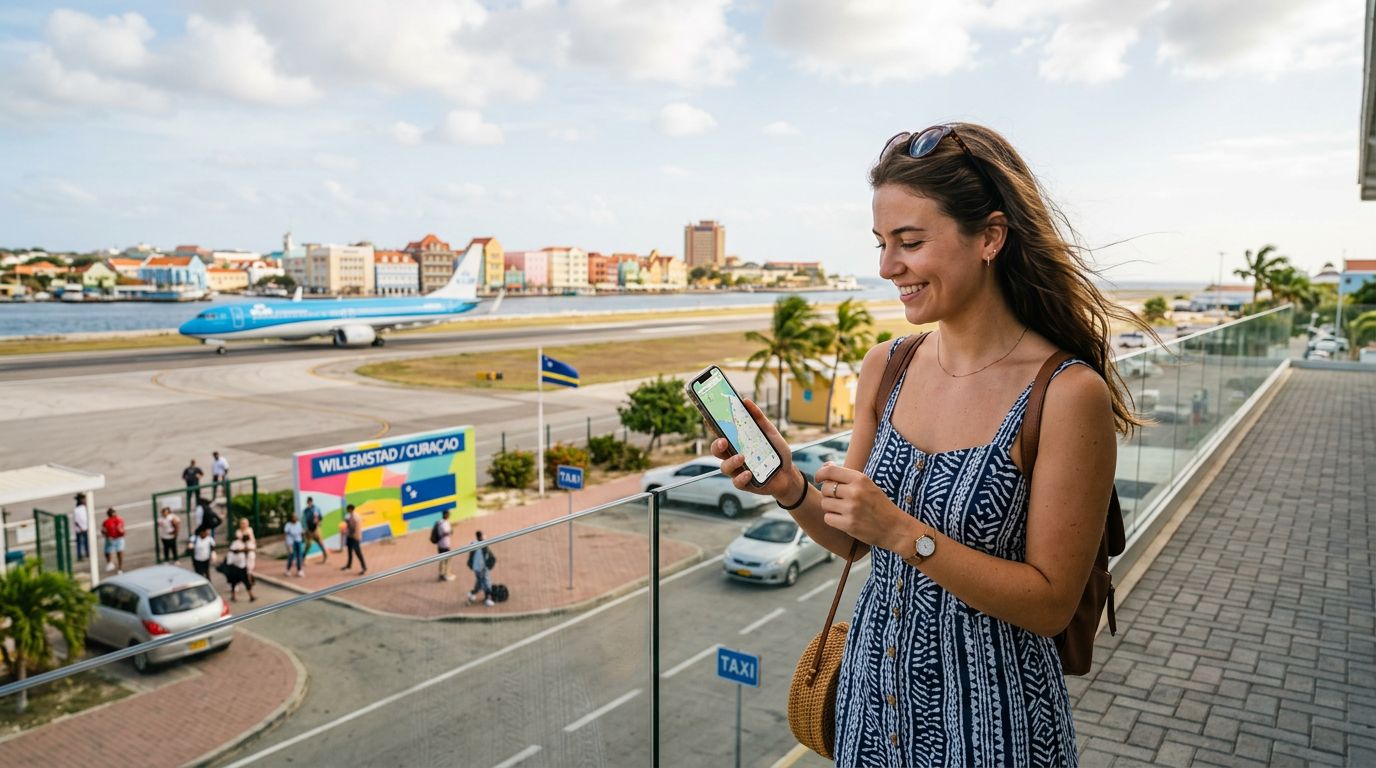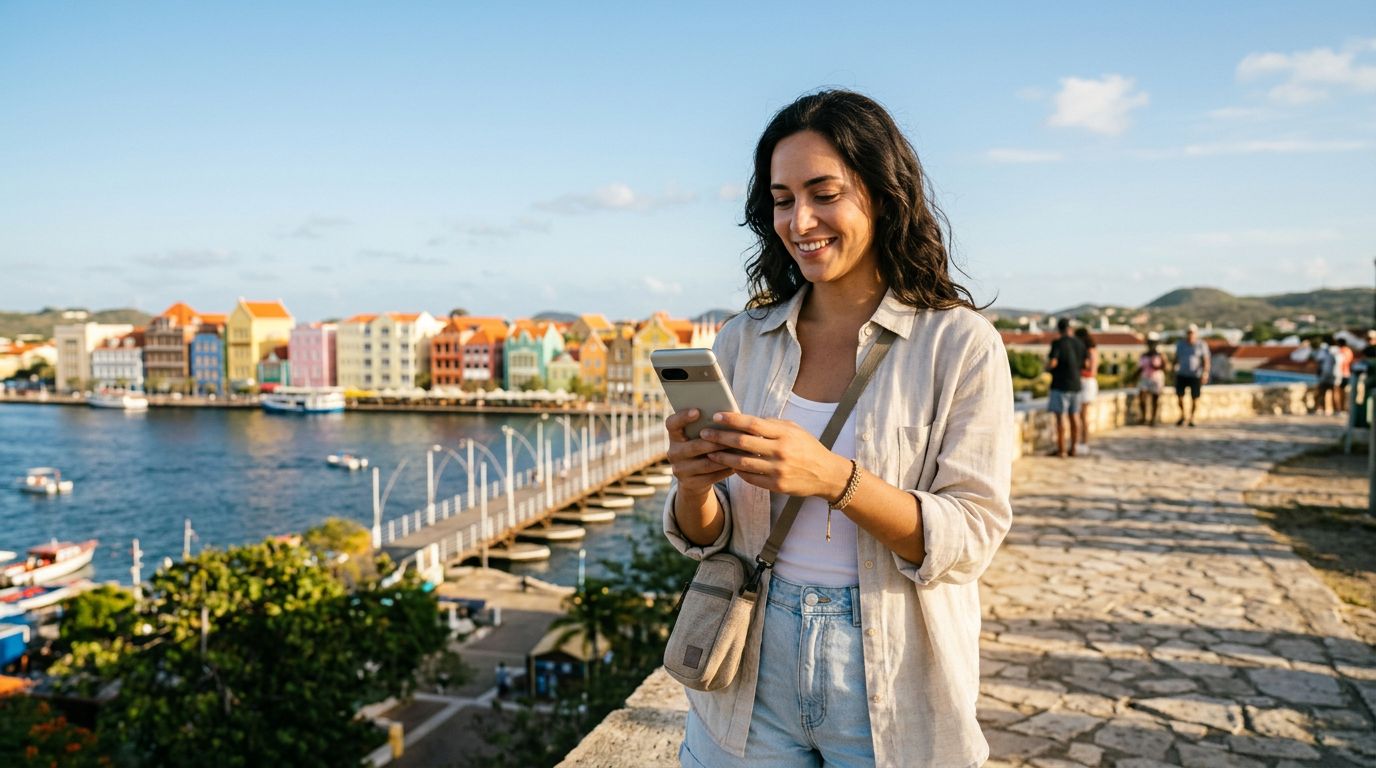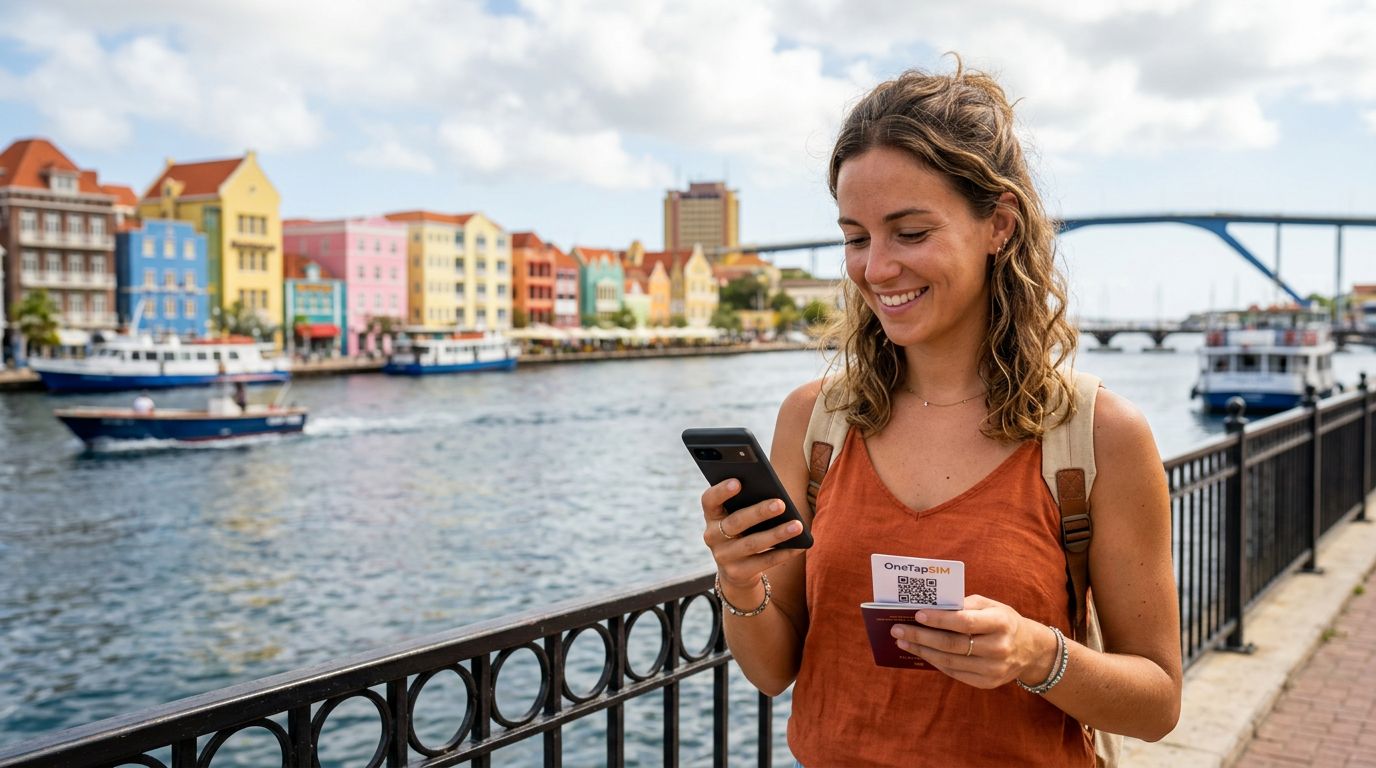
Curacao is a Caribbean gem known for its vibrant architecture, turquoise waters, and unique cultural blend. Whether you are planning to spend your days exploring the historic streets of Willemstad or relaxing on the secluded beaches of the west coast, staying connected is essential for a smooth trip. Relying on roaming fees from your home carrier can lead to unexpected charges, and searching for local physical SIM cards upon arrival can be a time-consuming hassle. This is where modern connectivity solutions come into play.
Using a travel eSIM allows you to maintain your data connection without the need to swap out your physical SIM card. By preparing your device before you board your flight, you can ensure that you have access to navigation, translation tools, and messaging apps the moment you land. OneTapSIM offers a streamlined way to manage your connectivity, allowing you to focus on your itinerary rather than technical troubleshooting.
Preparing Your Device for Curacao
Before you begin the process of activating travel eSIM in Curacao, you must ensure that your smartphone is compatible with eSIM technology. Most modern smartphones released in the last few years support this feature, but it is always wise to double-check your device settings or manufacturer documentation. You can verify your device's capabilities through resources provided by https://apple.com or https://google.com if you are unsure about your specific model.
Another critical requirement is that your phone must be carrier-unlocked. If your device is locked to a specific network provider, it will not be able to accept an eSIM from a different source. If you are uncertain about your device status, contact your home carrier before your trip to request an unlock. This simple step prevents significant frustration once you arrive at your destination.
Additionally, ensure your device software is up to date. Operating system updates often include improvements to cellular settings and network management, which can make the installation of your travel eSIM much smoother. Once you have confirmed compatibility and ensured your device is unlocked, you are ready to proceed with the setup process.
Installing and Activating Your eSIM
The installation process is designed to be user-friendly. When you choose a service like OneTapSIM, you will receive clear instructions, usually via email, containing a QR code or manual activation details. It is highly recommended to install your eSIM while you are still at home and have access to a stable Wi-Fi connection. Installing it early does not start your data plan; the plan typically activates only when it connects to the supported network in Curacao for the first time.
To install the eSIM on an iPhone, navigate to your Settings, tap on Cellular or Mobile Data, and select "Add eSIM." You can then scan the QR code provided by your service provider. If you are using an Android device, the steps are similar: go to Settings, tap Network & Internet, select SIMs, and choose the option to add an eSIM. Follow the on-screen prompts to complete the installation.
Once the eSIM is installed, it will appear in your list of cellular plans. You do not need to activate it immediately. You can keep your primary SIM active for calls and texts from home while keeping the eSIM ready for data usage. When you arrive in Curacao, you simply need to toggle the eSIM line to "On" in your cellular settings. Ensure that "Data Roaming" is enabled for your eSIM line, as this is necessary for the connection to function while abroad.
Managing Connectivity and Troubleshooting
After you have successfully activated your travel eSIM in Curacao, you may need to adjust a few settings to optimize your experience. It is common to have two SIMs active simultaneously. In your device settings, you can designate which SIM is used for cellular data. For your trip, make sure your OneTapSIM profile is selected as the primary source for data. This prevents your home carrier from accidentally triggering roaming charges for background data usage.
If you find that you are not immediately connected upon landing, do not panic. It is often helpful to toggle "Airplane Mode" on and off. This forces the device to search for local networks again. If that does not work, check your APN (Access Point Name) settings. Sometimes, the device requires manual input of these settings to communicate correctly with the local network provider. Most eSIM providers include these details in their setup guides, and they are usually straightforward to enter.
Battery management is another factor to consider. Using cellular data, especially in areas with varying signal strength, can drain your battery faster than usual. To mitigate this, consider closing background apps that consume high amounts of data and reduce your screen brightness. If you are planning a long day of exploring, carrying a portable power bank is a practical way to ensure your phone remains charged for navigation and photography.
Finally, keep in mind that coverage can vary depending on your specific location on the island. While major towns and tourist hubs generally have excellent connectivity, more remote areas might experience fluctuations in signal strength. By having your eSIM properly configured, you are setting yourself up for a reliable connection that allows you to share your experiences, look up local restaurant reviews, and stay in touch with loved ones throughout your time in Curacao. With the right preparation, your digital experience will be as seamless as the island breeze.
Need data for your trip?
Browse eSIM plans for 190+ destinations, with instant QR delivery.
Browse destinations