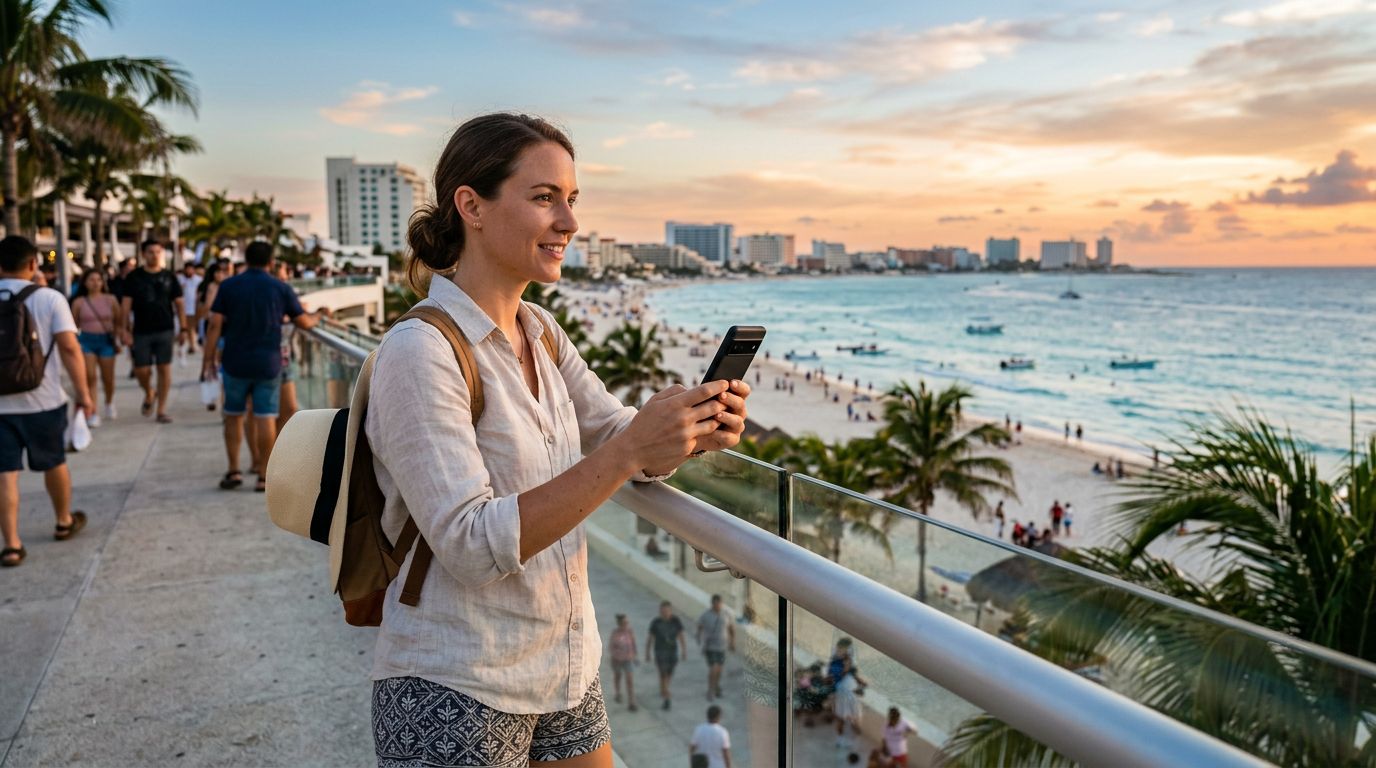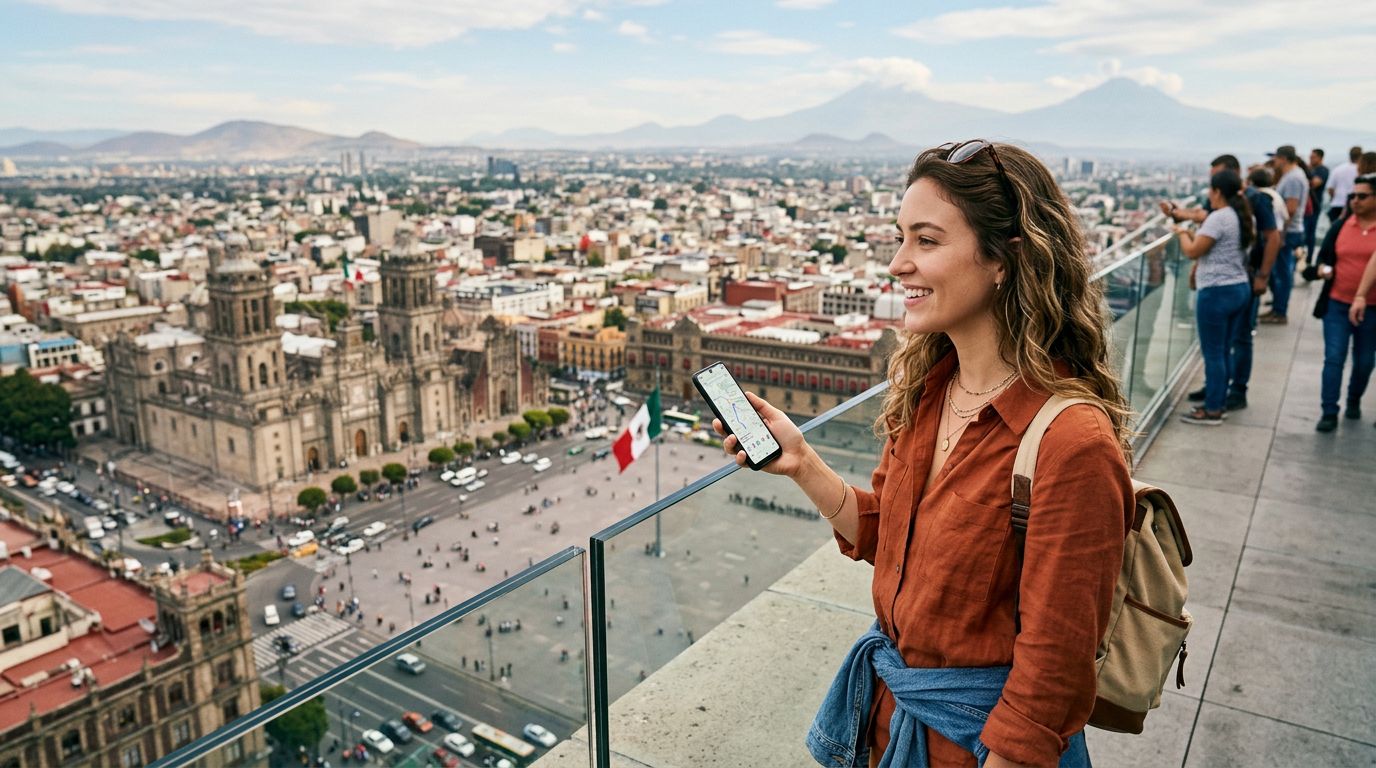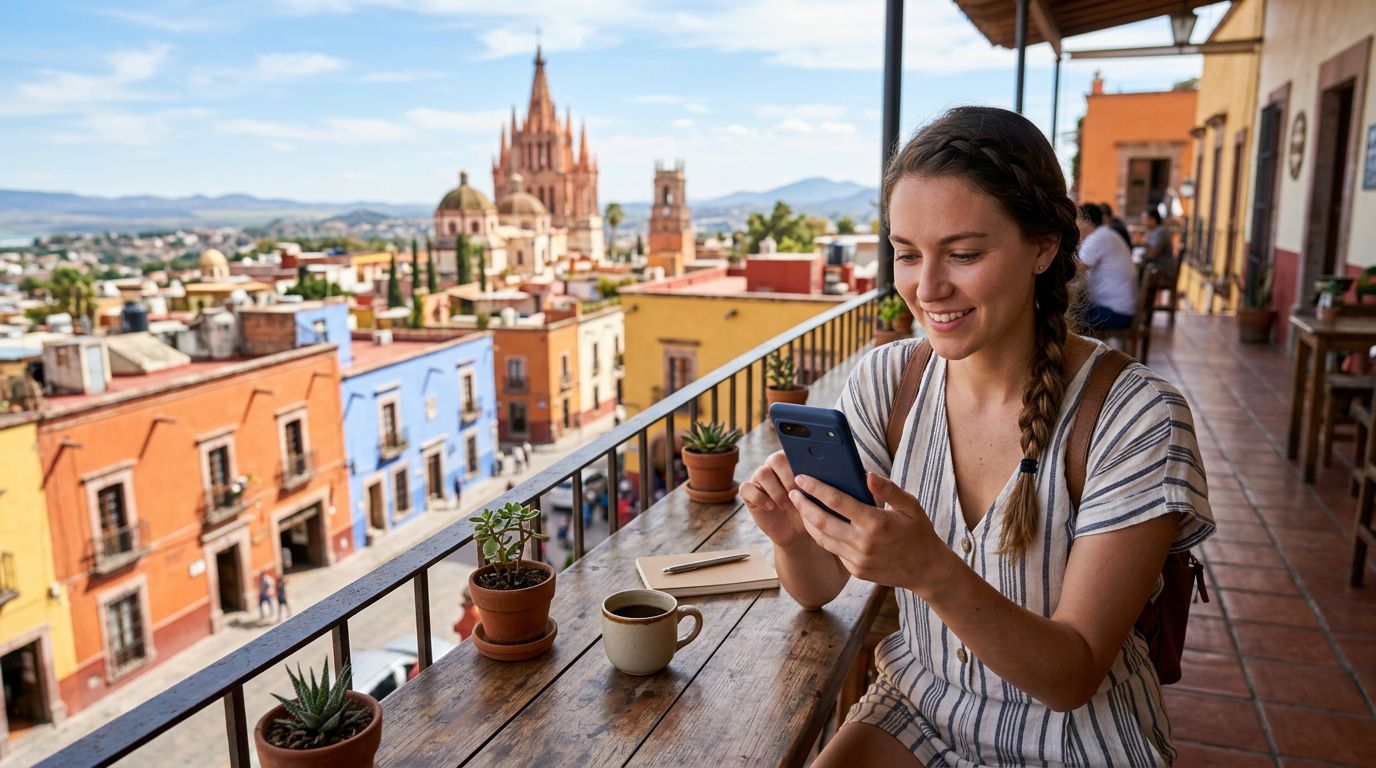
Traveling to Mexico offers a vibrant blend of historical ruins, pristine beaches, and bustling city centers. Whether you are exploring the ancient pyramids of Teotihuacán or relaxing on the shores of Tulum, staying connected is essential for navigation, translation, and sharing your journey. For many modern travelers, the most convenient way to access mobile data is through an eSIM. If you are wondering how to activate eSIM in Mexico, this guide will walk you through the process to ensure you are ready to go the moment you land.
Preparing Your Device for eSIM Activation
Before you begin the activation process, you must ensure that your smartphone is compatible with eSIM technology. Most flagship devices released in the last few years support eSIM, but it is always wise to verify your specific model. You can check your device settings or consult the manufacturer’s official support pages to confirm if your phone is carrier-unlocked. An unlocked phone is a strict requirement because a locked device will only accept a SIM card from the original carrier, preventing you from using a travel eSIM from providers like OneTapSIM.
Once you have confirmed compatibility, make sure your device is updated to the latest operating system. Software updates often include important carrier settings that facilitate a smoother connection to local networks. Additionally, ensure you have a stable internet connection while performing the initial setup, such as a reliable Wi-Fi network at home or in a hotel. While you do not need to be physically in Mexico to download the eSIM profile, having everything prepared before your departure will save you from scrambling for a connection once you arrive at the airport.
The process of obtaining your eSIM is straightforward. After selecting your preferred data package through a provider, you will typically receive a confirmation email containing a QR code or manual activation details. Keep this information accessible, as it acts as your digital SIM card. If you are using a QR code, you may want to have it displayed on a secondary device or printed out, though most modern phones allow you to scan a code from your photo gallery if you save it as an image before you leave.
Step-by-Step Activation on iOS and Android
Activating your eSIM follows a consistent pattern across most smartphones, though the specific menu labels may vary slightly depending on your operating system. For iPhone users, navigate to the Settings app, tap on "Cellular" or "Mobile Data," and select "Add eSIM." You will then be prompted to scan the QR code provided by your eSIM carrier. Once scanned, your phone will communicate with the network to register your device. You may be asked to label your new plan, such as "Mexico Travel," to distinguish it from your primary home SIM.
For those using Android devices, the path is generally found under Settings, then "Network & Internet" or "Connections." Look for the "SIM Manager" or "Add eSIM" option. Similar to the iOS process, you will scan the QR code or enter the activation details manually. After the profile is downloaded, the device will prompt you to enable the line. It is important to note that the eSIM does not usually activate until it detects a supported network, which means you might see a "No Service" indicator until you physically arrive in Mexico.
When you land in Mexico, your device should automatically detect the local cellular towers. If it does not connect immediately, ensure that "Data Roaming" is toggled on for your eSIM profile. This is a common point of confusion for travelers; while roaming is usually expensive with your home carrier, it is a necessary setting for travel eSIMs to function correctly, as they rely on partner networks to provide you with data. If you still face issues, toggling Airplane Mode on and off often forces the device to re-scan for available networks and establish a successful handshake.
Managing Your Data and Connectivity While Traveling
Once your OneTapSIM or other eSIM is active, managing your data usage becomes a priority. To avoid accidental charges from your home carrier, ensure that your primary SIM is set to "Voice/Calls" only or turned off entirely while you are abroad. Your eSIM should be designated as the primary source for "Cellular Data." By keeping your home SIM active for calls but directing all data traffic through your travel eSIM, you maintain the ability to receive urgent text messages or calls from home while keeping your data costs predictable and manageable.
Monitoring your data consumption is also a good practice. Most smartphones have built-in data tracking tools in the settings menu that show exactly how much data each app has consumed. If you find yourself running low, check if your provider offers a top-up option. Using offline maps or downloading content while on Wi-Fi can significantly extend the life of your data package. Remember that high-bandwidth activities like streaming high-definition video or conducting long video calls will consume your data balance much faster than browsing websites or using navigation apps.
Finally, remember that the quality of your connection can vary depending on your location. In major cities like Mexico City or Guadalajara, you will likely enjoy high-speed 4G or 5G coverage. However, in remote areas or deep within the jungle, signal strength may fluctuate. If you encounter a weak signal, try moving to an area with higher elevation or away from thick concrete structures. By following these steps and preparing your device in advance, you can enjoy a seamless connection throughout your Mexican adventure, allowing you to focus on the sights, sounds, and experiences that make the country so unique.