Preparing Your Device for a Seamless Connection
Before you land in Belgrade or head toward the mountains of Zlatibor, ensuring your device is ready for a digital SIM is the most important step. A travel eSIM, or embedded SIM, is a digital alternative to the physical plastic cards you are likely used to. Because it lives entirely within your phone’s software, you do not need to visit a local kiosk or swap out your home SIM card while traveling.
To use an eSIM, your smartphone must be carrier-unlocked. This means your home service provider has released the device from any network restrictions. If you purchased your phone through a mobile carrier on a contract, it might be locked. You can usually check this in your phone’s settings under the general information or network sections. If you are uncertain, contact your provider before you travel to ensure your device is ready to accept a foreign SIM profile.
Additionally, you must verify that your specific phone model supports eSIM technology. Most modern smartphones released in the last few years—including recent models from major manufacturers—are compatible. You can verify this by checking the official support pages for Apple or Google. Once you have confirmed that your device is unlocked and eSIM-ready, you are halfway to staying connected throughout your Serbian adventure.
How to Activate Your Travel eSIM in Serbia
Learning how to activate your travel eSIM in Serbia is a straightforward process that takes only a few minutes. Whether you are using a service like OneTapSIM or another provider, the general procedure remains consistent across most devices.
First, you will receive a QR code or a manual activation string via email after purchasing your data plan. It is best to complete the initial setup while you still have a stable Wi-Fi connection, such as at home or in your hotel, before you head out to explore the streets of Novi Sad or the fortresses of the Danube.
On an iPhone, go to Settings, tap Cellular or Mobile Data, and then select Add eSIM. You will be prompted to scan the QR code provided by your eSIM carrier. Once scanned, your phone will download the necessary network configuration. You can label this connection as "Travel" or "Serbia" to keep it organized.
On an Android device, the steps are similar. Navigate to Settings, select Network & Internet, and find the SIMs or Mobile Network menu. Tap Add SIM or the plus icon to add a new profile. Scan your QR code when prompted.
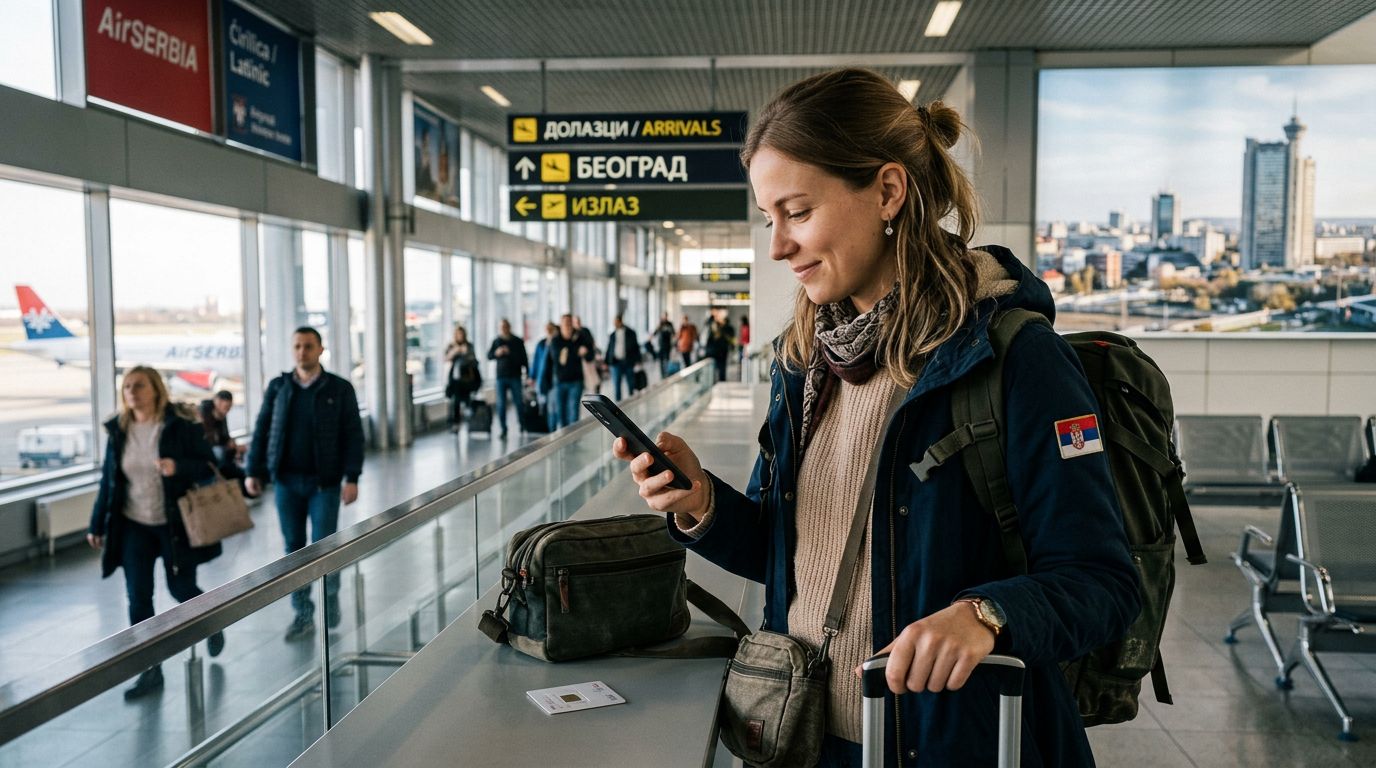
Once the eSIM profile is added, it will appear in your list of cellular plans. You do not need to activate it until you actually arrive in Serbia. When you land, simply toggle the eSIM "On" in your cellular settings. Ensure that Data Roaming is turned on for the eSIM profile—this is a common point of confusion, but for travel eSIMs, roaming must be enabled to allow the digital card to connect to the local Serbian networks.
Managing Your Data and Connectivity While Traveling
Once your eSIM is active, you can manage your mobile settings to ensure you are using your data efficiently. One of the primary advantages of using a service like OneTapSIM is the ability to maintain your primary phone number for calls or texts while using the eSIM exclusively for high-speed data.
In your phone’s cellular settings, you can designate which SIM is used for "Cellular Data." Make sure to select your new travel eSIM for this purpose. You should also ensure that "Allow Cellular Data Switching" is turned off. This prevents your phone from accidentally reverting to your home carrier’s expensive roaming data if the signal fluctuates.
While traveling through Serbia, you might find that your connection speed varies depending on your location. Major cities like Belgrade and Niš offer robust 4G and 5G coverage, but if you are hiking in the remote wilderness or visiting rural villages, signal strength can fluctuate. If you find your connection is dropping, try toggling "Airplane Mode" on and off; this forces the device to re-scan for the strongest available local tower.
Keep an eye on your data usage through your phone’s built-in settings menu. Most modern smartphones provide a breakdown of which apps are consuming the most data. If you are on a limited plan, consider disabling background app refresh or downloading offline maps for the areas you intend to visit. This proactive approach ensures you have enough data to navigate, translate local signs, and share your travel photos throughout your entire trip.
If you ever encounter an issue where the internet does not connect immediately upon arrival, double-check your APN (Access Point Name) settings. These are usually configured automatically when you scan the QR code, but occasionally, you may need to manually enter the settings provided by your eSIM issuer. You can find these details in the instructions sent to you at the time of purchase. By following these steps, you can enjoy a reliable, stress-free internet connection, allowing you to focus on the history, culture, and hospitality that make Serbia such a unique destination.