Understanding Connectivity Challenges in Burkina Faso
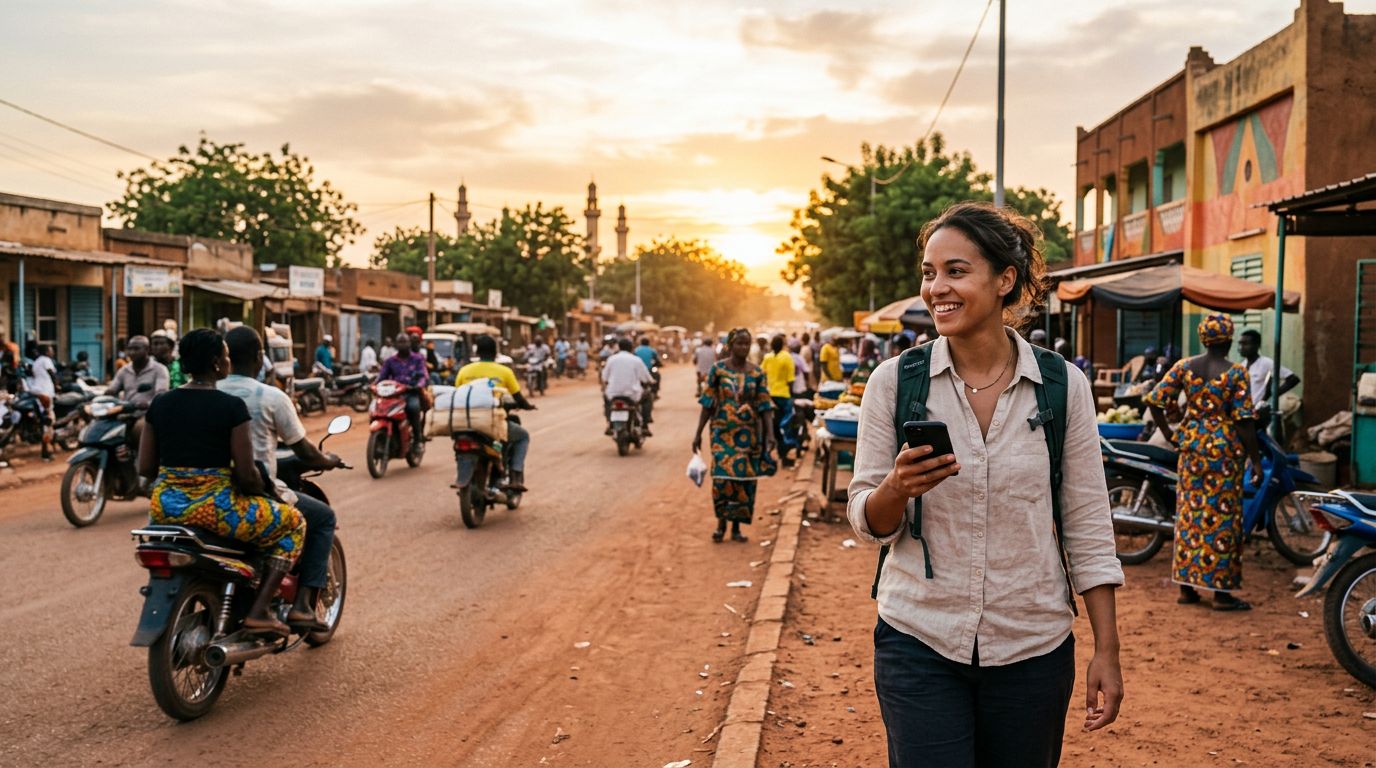
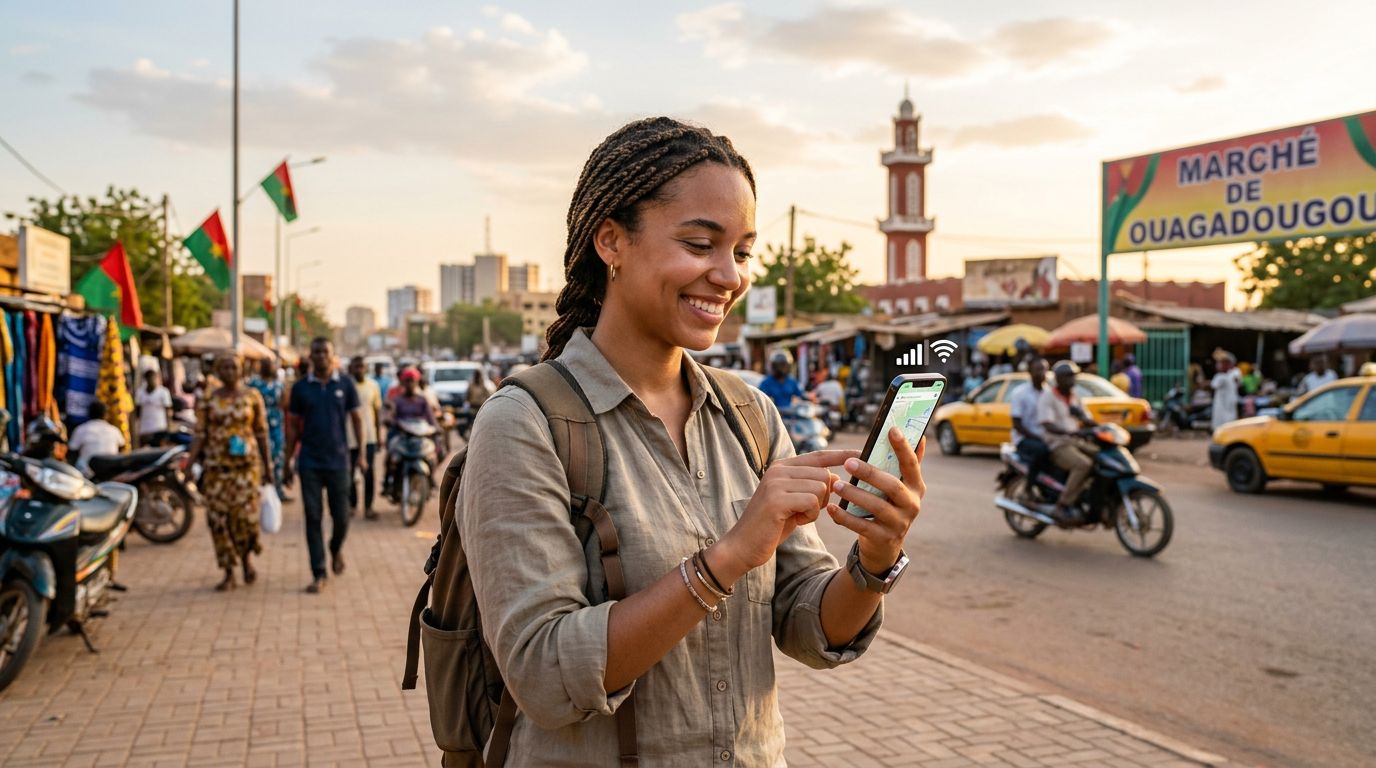
Traveling to Burkina Faso offers a unique experience, from the vibrant markets of Ouagadougou to the stunning architecture of Bobo-Dioulasso. However, staying connected while moving through West Africa can be complex for international visitors. Many travelers find that their home mobile provider charges exorbitant roaming fees, or worse, provides no coverage at all in remote areas. Relying solely on public Wi-Fi is rarely a viable strategy, as connections can be sporadic and insecure.
For those who need to stay in touch with family, manage work emails, or use navigation apps, having a reliable data connection is essential. This is where the concept of using dual SIM in Burkina Faso becomes highly practical. By utilizing a device that supports both a physical SIM and an eSIM, you can maintain your home number for critical incoming calls or texts while using a local or international data plan for your internet needs.
The primary challenge in Burkina Faso is the infrastructure. While major urban centers have decent cellular coverage, rural areas can be hit-or-miss. Having a secondary data source ensures that if your primary carrier struggles to find a signal, you have a backup ready to go. Many travelers are surprised to learn that their modern smartphones are already equipped with the hardware necessary to handle two networks simultaneously, yet they fail to leverage this feature until they are already abroad and facing connectivity issues.
The Technical Advantage of Dual SIM Functionality
If you own a modern smartphone, there is a high probability that it supports eSIM technology. An eSIM is a digital SIM that allows you to activate a cellular plan from a carrier without having to insert a physical nano-SIM card. When you combine this with your existing physical SIM slot, you create a dual SIM environment. This setup is the most efficient way to manage your mobile data while traveling.
When you arrive in Burkina Faso, you can keep your home SIM card active for essential SMS verification codes or urgent calls from home. Simultaneously, you can activate a OneTapSIM data plan via your device’s eSIM settings. This allows you to route all your data traffic—such as maps, social media, and web browsing—through the eSIM, while your home carrier remains in a standby mode for voice calls.
One of the greatest benefits of this approach is the ability to manage your data usage directly from your phone’s settings. You can designate which SIM card is responsible for cellular data, ensuring you never accidentally trigger expensive roaming charges on your primary line. If you find that you are running low on data, you can often manage your plan through the OneTapSIM interface, which is designed to be user-friendly and accessible regardless of your technical expertise.
To ensure your device is ready for this, check your phone’s settings menu under the cellular or mobile data section. If you see an option to "Add eSIM" or "Add Cellular Plan," your device is compatible. This simple step before your departure can save you hours of frustration once you land at the airport. By preparing your dual SIM configuration in advance, you ensure that your phone is ready to connect the moment you touch down.
Practical Tips for Seamless Travel Connectivity
Once you have decided on using dual SIM in Burkina Faso, there are a few best practices to ensure a smooth experience. First, always verify that your phone is carrier-unlocked. If your device is locked to a specific provider, it may prevent you from adding an eSIM from a different service. Most modern phones purchased directly from manufacturers are unlocked, but it is always safer to confirm with your home provider before you leave.
Second, manage your data settings carefully. When you land in Burkina Faso, your phone may attempt to connect to the strongest signal available. If you have not configured your dual SIM settings correctly, your phone might default to your home carrier’s roaming data, which can lead to unexpected charges. Navigate to your cellular settings and explicitly select your eSIM as the primary source for "Cellular Data." It is also helpful to turn off "Allow Cellular Data Switching" to prevent the phone from jumping back to your home network if the eSIM signal fluctuates.
Third, consider the battery impact. Running two SIMs simultaneously can consume slightly more battery power than using a single SIM. To mitigate this, keep a portable power bank in your day bag. Additionally, if you are in an area with very poor coverage, your phone will work harder to maintain a connection, which drains the battery faster. In such cases, you might consider turning off the SIM that is not currently in use, or switching your phone to airplane mode for short periods to reset the connection.
Finally, remember that OneTapSIM provides a streamlined way to get online without the need to visit a local kiosk or deal with language barriers when purchasing a physical SIM card. In a country where you might not speak the local language fluently, the ability to activate your data plan digitally is a significant advantage. You can complete the setup process while still at home or in the comfort of your hotel, ensuring that you are connected as soon as you step out to explore.
By taking these steps, you transform your phone into a versatile travel tool. Whether you are navigating the streets of Ouagadougou or visiting the scenic landscapes of the Sahel, having a reliable, dual-SIM setup means you can focus on your journey rather than worrying about your connectivity. Proper preparation and the right digital tools make all the difference in maintaining a stress-free travel experience.
Get an eSIM for
Plans for the destinations covered in this guide, with instant QR delivery.