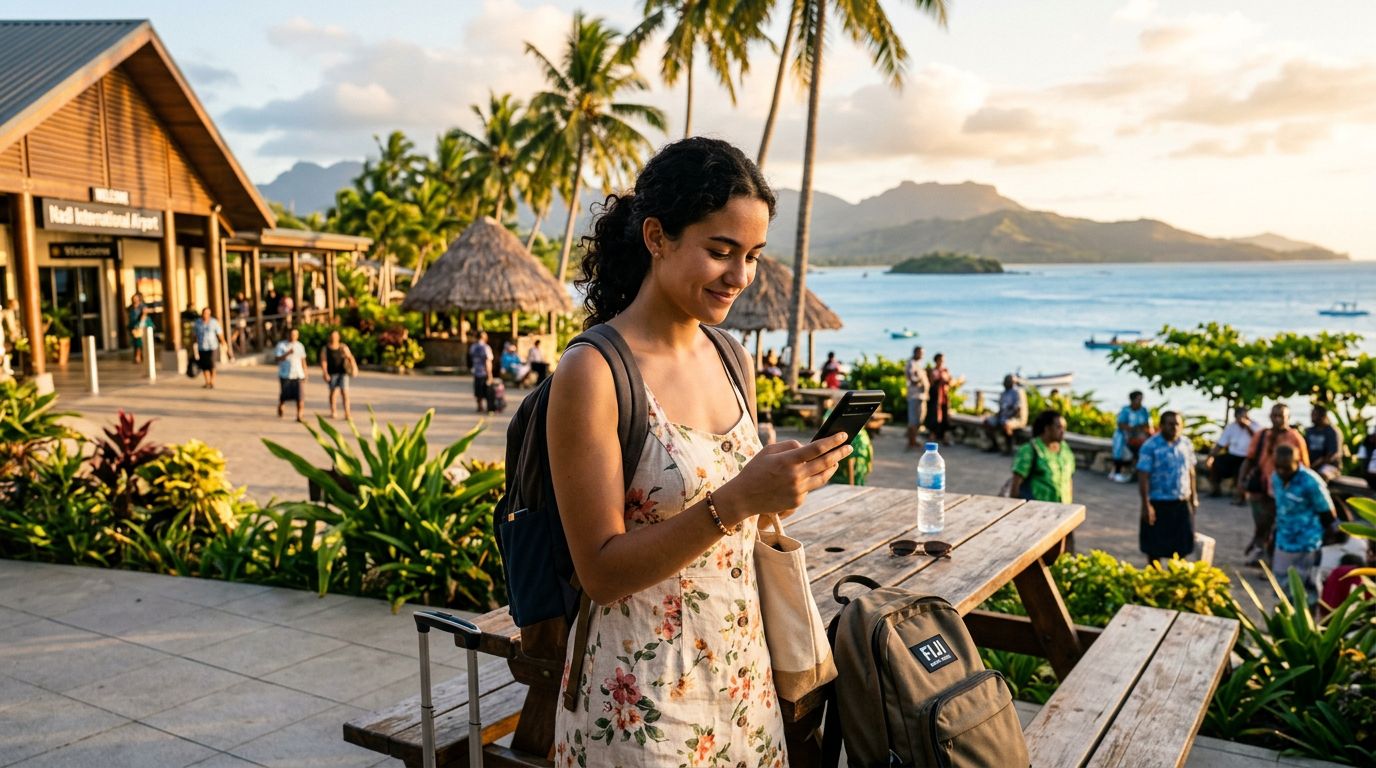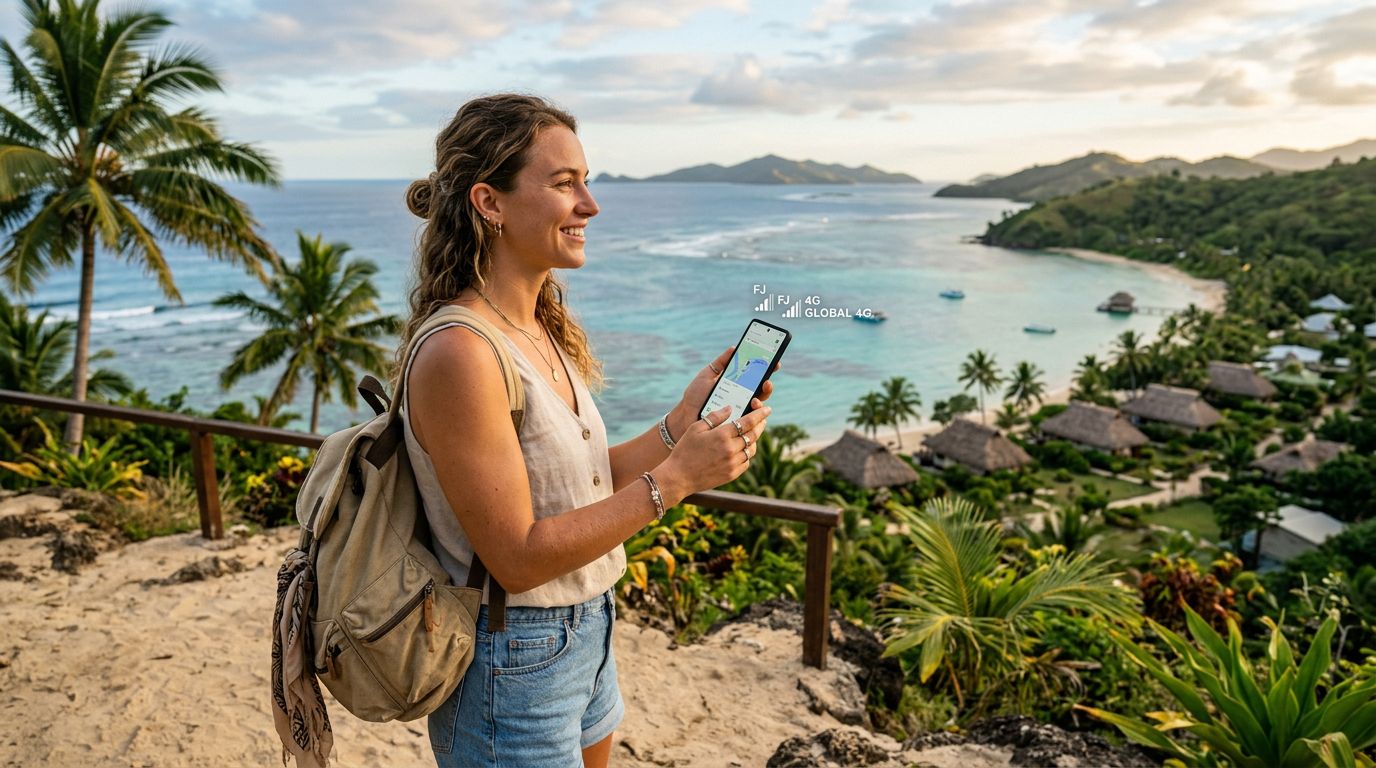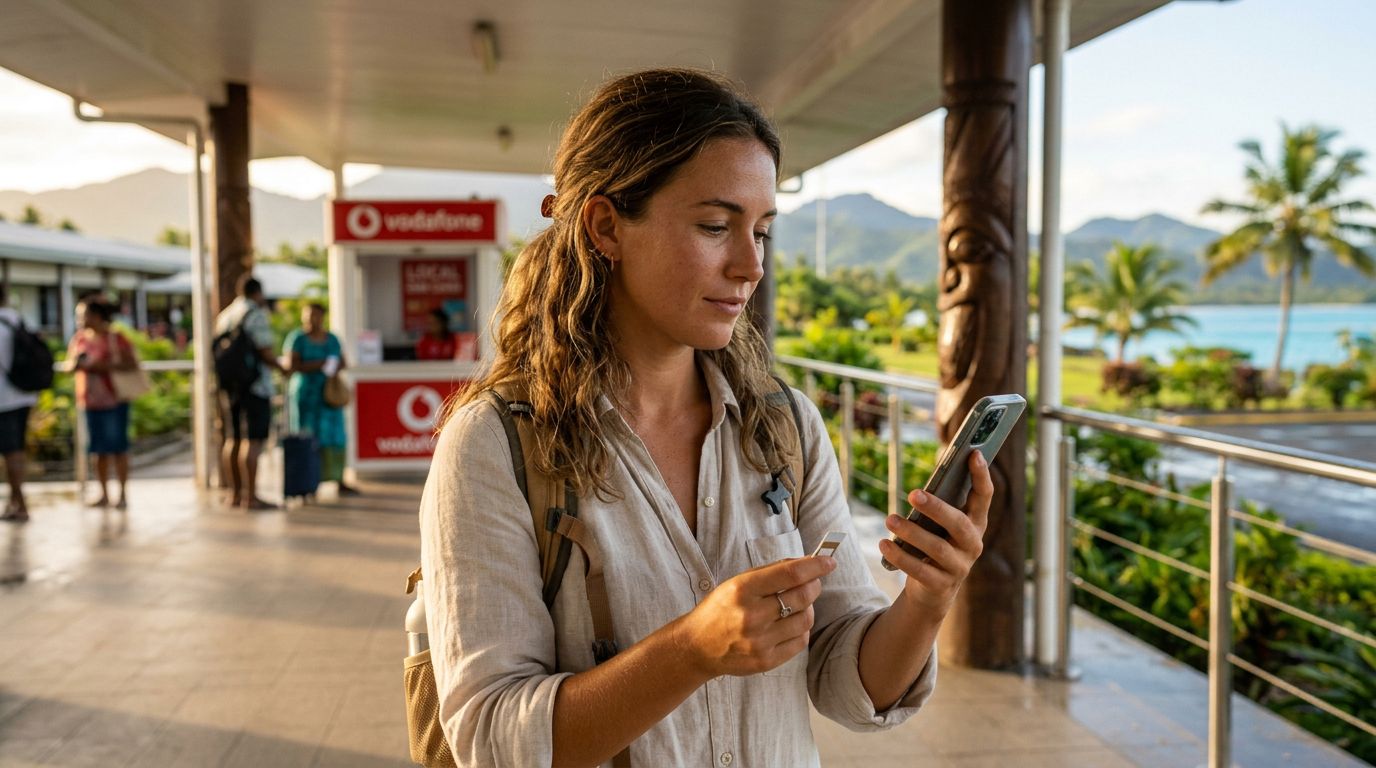
Fiji is a destination defined by its turquoise waters, lush rainforests, and vibrant island culture. Whether you are planning to spend your days relaxing on the beaches of the Mamanuca Islands or trekking through the highlands of Viti Levu, staying connected is essential. However, relying on traditional roaming methods can lead to unexpected complications or connectivity gaps. Managing mobile data usage in Fiji requires a bit of foresight, especially when you want to balance sharing your experiences with unplugging from the digital noise.
By utilizing an eSIM, you gain more control over your connection, allowing you to access local networks without the hassle of swapping physical cards or facing restrictive roaming agreements from your home carrier. This guide covers how to optimize your data consumption so you can enjoy your Fijian escape without worrying about your connectivity status.
Understanding Your Connectivity Needs in Fiji
Before you arrive in Fiji, it is helpful to assess how you typically use your phone while traveling. Many travelers find that their data usage patterns shift when they are on vacation. You might find yourself using more data for navigation, local research, or uploading high-resolution photos of the sunset, while using less for streaming long-form video or attending virtual meetings.
The geography of Fiji—an archipelago of over 300 islands—means that network coverage can vary significantly. While major hubs like Nadi and Suva offer robust cellular service, remote islands may have limited signal strength. Because of this, it is wise to prioritize essential data tasks. When you use a service like OneTapSIM, you are connecting directly to local network infrastructure, which generally provides a more reliable experience than routing your data through an international roaming agreement.
To manage your usage effectively, start by auditing your background data settings. Many modern smartphones are configured to automatically download updates, sync cloud photos, and refresh social media feeds in the background. These processes can consume significant amounts of data without you ever opening an app. By restricting background data for non-essential applications, you ensure that your available data is reserved for the tasks that truly matter, such as checking ferry schedules or finding the best local dining spots.
Strategies for Efficient Data Consumption
Once you have arrived, the best way to maintain control over your data is to be proactive about your device settings. One of the primary culprits of data drain is high-quality media streaming. If you plan on listening to music or watching videos, download your content ahead of time while you have access to a stable Wi-Fi connection at your resort or hotel. Most streaming services allow you to save content for offline playback, which is a lifesaver when you are traveling between islands or spending time on a boat.
Another key strategy involves your navigation apps. Google Maps, for instance, allows you to download offline maps for specific regions. By downloading the map of Viti Levu or Vanua Levu before you leave your accommodation, you can rely on your phone’s GPS without needing a constant stream of data to load map tiles. This not only saves data but also ensures you have access to directions even in areas where cellular reception might be spotty.
When it comes to communication, consider the platform you use. Text-based messaging apps are generally very light on data, whereas video calling apps can consume large amounts of data in a matter of minutes. If you need to check in with family or friends back home, encourage them to use messaging services that allow for low-bandwidth communication. If you must use video, try to wait until you are in a location with a strong signal or a high-quality Wi-Fi connection to prevent the call from dropping or stuttering, which often causes apps to use more data as they struggle to maintain the connection.
Managing Your eSIM Settings with OneTapSIM
One of the greatest advantages of using an eSIM for your Fijian travels is the ability to manage your connection directly from your phone’s settings menu. With a solution like OneTapSIM, you can easily toggle your data connection on or off as needed. If you are heading out for a day of snorkeling where you know you will want to be completely disconnected, you can simply switch off your eSIM data line in your phone’s cellular settings. This provides peace of mind, knowing that no data is being used while you are enjoying the water.
It is also important to monitor your data usage via your device’s built-in tracking tools. Both iOS and Android operating systems have detailed sections in their settings menus that show exactly how much data each app has used during your current billing period. By checking this periodically, you can identify if a specific app is behaving unexpectedly or consuming more data than anticipated. If you notice a particular app is using a disproportionate amount of data, you can restrict its access to mobile data entirely, forcing it to wait until you are on Wi-Fi.
Furthermore, keeping your operating system and apps updated is important for security, but you should ensure these updates only occur over Wi-Fi. Check your settings to ensure that "Wi-Fi Assist" or similar features are disabled. These features are designed to automatically switch your phone to cellular data if your Wi-Fi connection is weak, which can lead to accidental data usage if you are near a slow or unstable public hotspot.
Finally, remember that the goal of your trip is to experience the beauty of Fiji. Managing your mobile data usage is not just about avoiding overages or saving resources; it is about ensuring that technology serves your trip rather than distracting from it. By setting up your device correctly before you leave and making informed choices about how you consume data while on the move, you can stay connected when you need to and fully present when you want to be. Whether you are posting a quick update from the beach or navigating your way to a hidden waterfall, having a reliable and manageable data plan via OneTapSIM allows you to focus on the journey ahead.
Get an eSIM for
Plans for the destinations covered in this guide, with instant QR delivery.