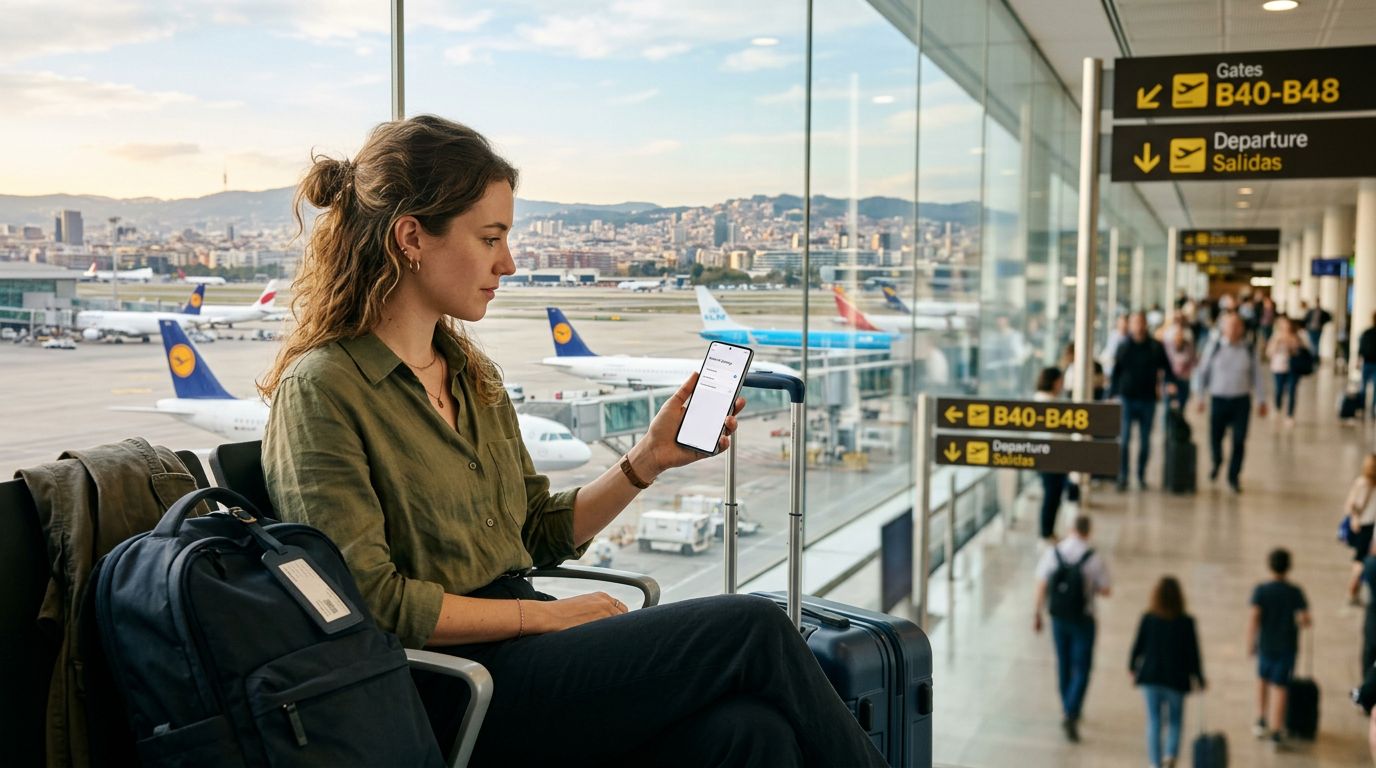
Traveling abroad brings a unique set of challenges, and staying connected is often at the top of the list. With an eSIM from OneTapSIM, you gain the freedom to access local networks without the logistical nightmare of physical SIM cards. However, the convenience of constant connectivity can sometimes lead to unexpected data consumption. Whether you are navigating a new city, uploading photos of your journey, or checking emails, understanding how to control your digital footprint is essential for a stress-free trip.
Understanding Your Data Consumption Patterns
The first step in managing data usage on your travel eSIM is recognizing what actually consumes your bandwidth. Many travelers assume that simple browsing is the primary culprit, but background processes often account for a significant portion of data depletion. Applications on your smartphone frequently sync data, update software, or refresh social media feeds without your explicit command.
To gain control, start by reviewing your device’s built-in data usage statistics. Both iOS and Android operating systems provide granular breakdowns of which applications are consuming the most data. By identifying the heavy hitters, you can make informed decisions about which apps should be restricted while you are roaming. For instance, video streaming services and high-resolution photo backup tools are notorious for draining data allowances in minutes. If you are not careful, a single high-definition video call or an automatic cloud backup can consume a large chunk of your plan before you even reach your hotel.
When using OneTapSIM, it is helpful to treat your data as a finite resource. By proactively turning off "Background App Refresh" for non-essential applications, you ensure that your data is reserved for what truly matters, such as maps, translation tools, and communication apps. This manual adjustment acts as a digital gatekeeper, preventing your phone from working harder than it needs to while you are exploring.
Optimizing Device Settings for Efficient Data Flow
Once you have identified the primary sources of data consumption, the next phase involves adjusting your device settings to prioritize efficiency. Modern smartphones are designed to be "always on," which is convenient at home but potentially costly when traveling. You can override these defaults to make your data last significantly longer.
One of the most effective strategies is to disable automatic updates for both your operating system and individual applications. These updates are often large files that can trigger automatically when a stable connection is detected. By setting your phone to update only over Wi-Fi, you ensure that your OneTapSIM data is strictly allocated to your immediate travel needs.
Additionally, consider using "Low Data Mode" or "Data Saver" features. These settings are specifically designed to reduce network activity. When enabled, your phone will pause automatic background tasks, stop photos from syncing to the cloud, and reduce the quality of media streaming. This is particularly useful when you are out and about and away from a reliable Wi-Fi network.
Another often overlooked setting involves your map applications. Many map services allow you to download offline regions. By downloading the maps for the cities you plan to visit while you are still connected to a stable home or hotel Wi-Fi network, you can navigate using GPS without needing a constant data stream to load map tiles. This simple habit drastically reduces the amount of data your navigation apps consume, leaving more room in your plan for other essential tasks.
Best Practices for Maintaining Connectivity Throughout Your Trip
Managing data usage is not just about restricting access; it is about being strategic with how and when you use your connection. A proactive approach allows you to enjoy the benefits of having a OneTapSIM eSIM without the anxiety of running out of data prematurely.
Communication is a vital part of travel, but it is also a major data drain if handled incorrectly. Instead of sending high-resolution videos or photos through messaging apps, wait until you are back at your accommodation to upload them via Wi-Fi. If you need to make voice or video calls, prioritize audio-only calls when possible, as video transmission requires significantly more bandwidth.
Furthermore, be mindful of your browser settings. Many mobile browsers offer a "lite" version or a compression mode that reduces the amount of data required to load a webpage. By utilizing these tools, you can continue to research local attractions, read reviews, and check train schedules while keeping your data consumption to a minimum.
It is also beneficial to keep an eye on your usage throughout your trip. While OneTapSIM provides a seamless experience, checking your remaining data periodically helps you adjust your habits in real-time. If you find that you are using data faster than expected, you can quickly pivot to a more conservative usage model for the remainder of your trip. Conversely, if you have plenty of data left, you can feel more comfortable using it for tasks like streaming music or sharing your experiences on social media.
Ultimately, effective data management is about finding a balance. By taking control of your device settings, being mindful of background activity, and choosing Wi-Fi for heavy tasks, you can ensure that your OneTapSIM eSIM provides reliable, uninterrupted connectivity for the duration of your journey. This level of preparation allows you to focus on the experience of traveling rather than the technicalities of your mobile plan, ensuring that your digital connection remains a helpful tool rather than a source of stress. Whether you are a solo backpacker or a business traveler, these habits will help you stay connected on your own terms, allowing you to explore the world with confidence and peace of mind.