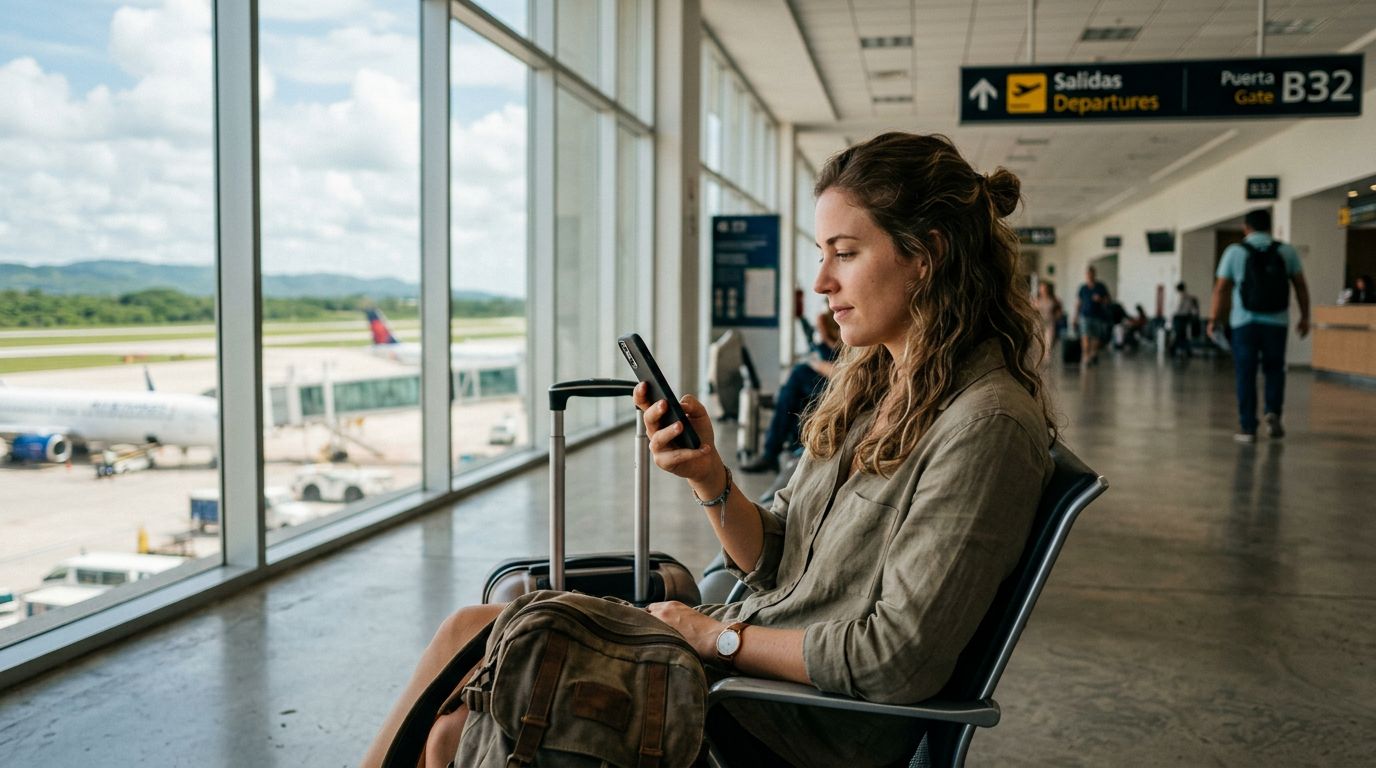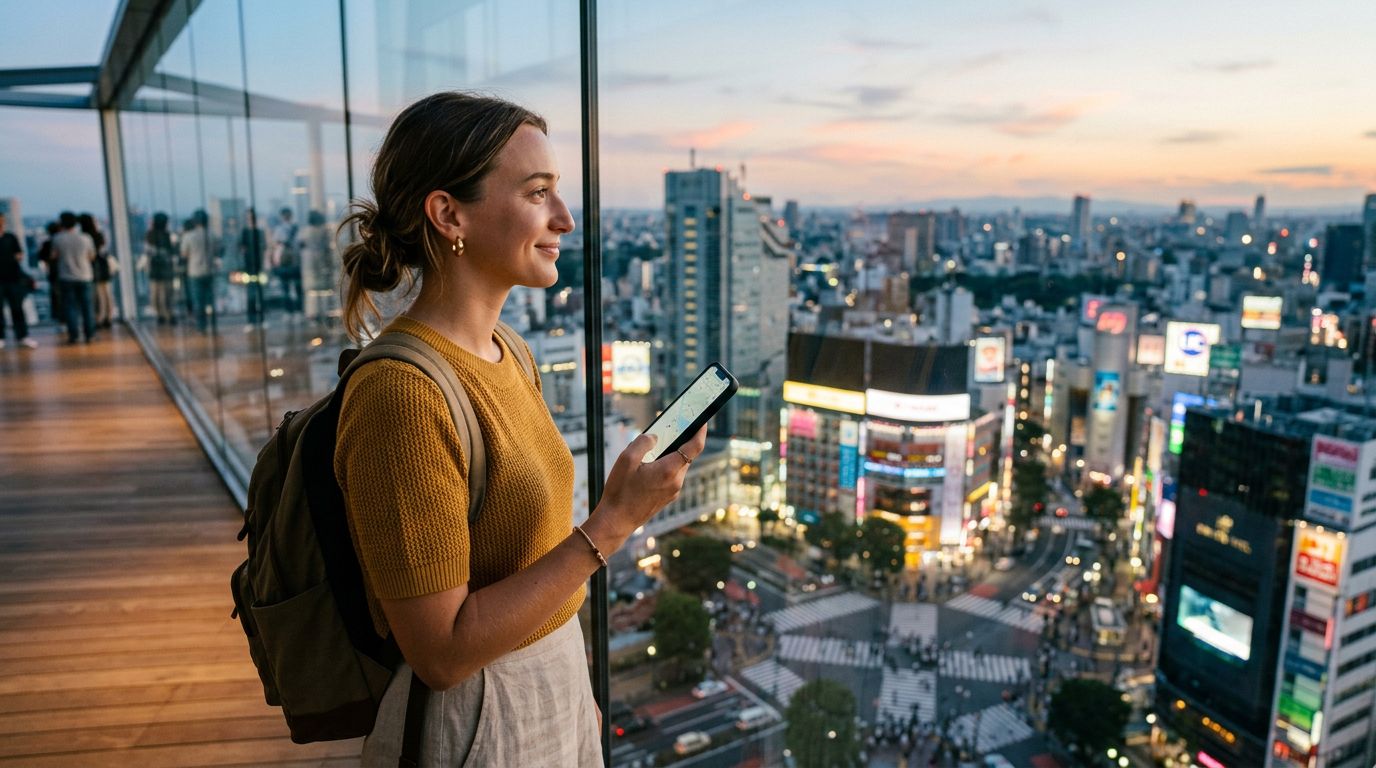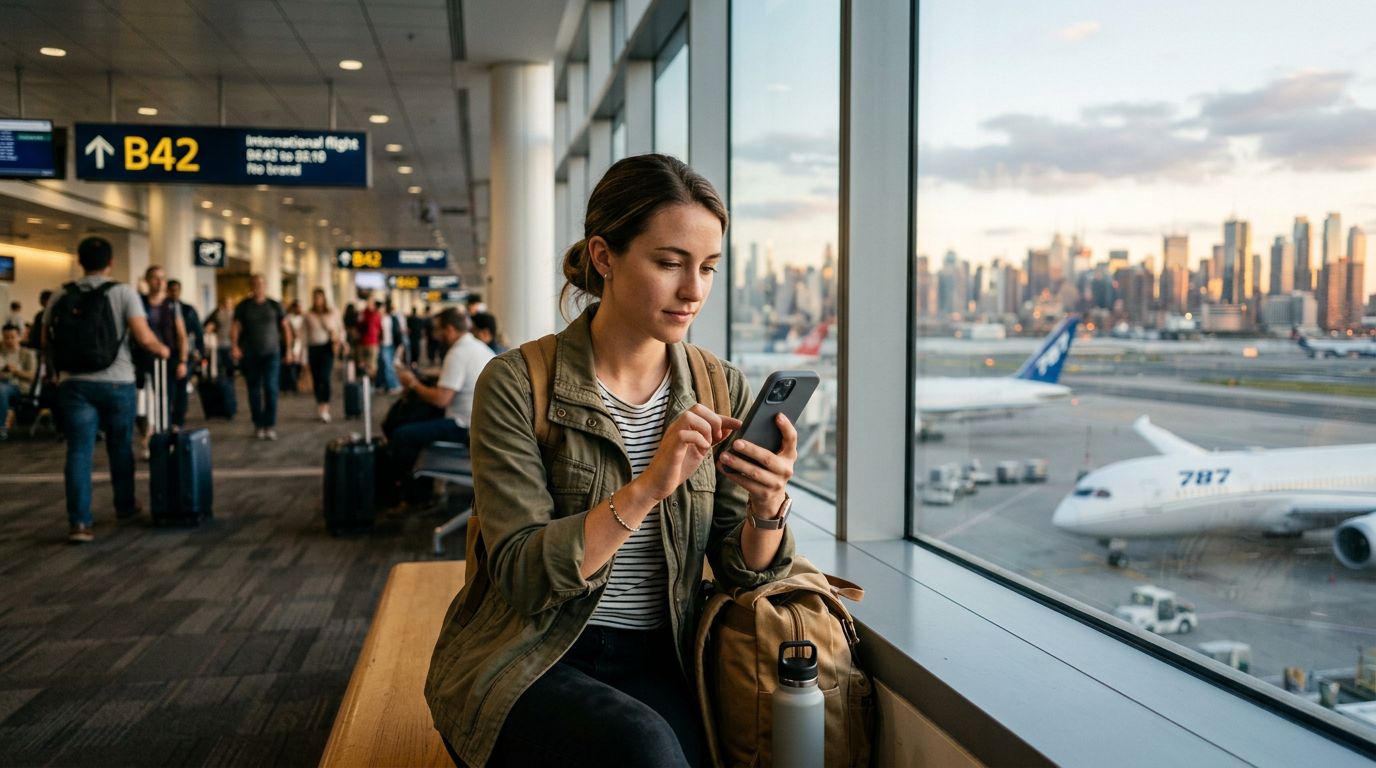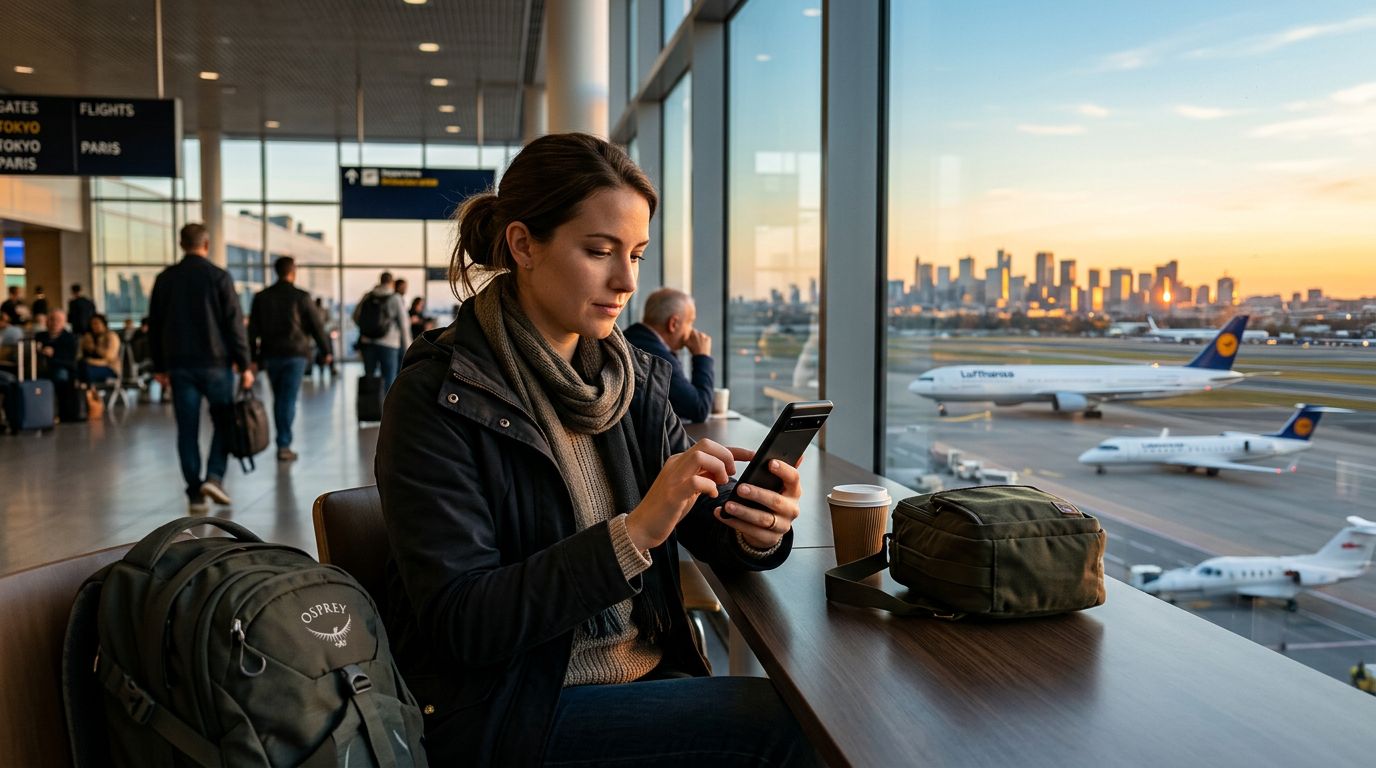
Traveling to a new country is an exhilarating experience, but the fear of unexpected connectivity costs or running out of data can cast a shadow over your trip. Whether you are navigating through winding city streets, searching for the best local cuisine, or uploading photos of your journey, your mobile data is your lifeline. Learning how to manage mobile data usage abroad is essential for maintaining a stress-free travel experience. By taking control of your settings before and during your trip, you can ensure that your connectivity remains reliable without compromising your budget.
Understanding Your Data Consumption Habits
Before you land at your destination, it is helpful to understand what actually consumes your data. Many travelers assume that browsing the web is the primary culprit, but background processes often account for a significant portion of usage. Applications frequently sync, update, and fetch data in the background, even when you are not actively using your phone.
To gain a clear picture of your usage, check your device’s built-in data tracking tools. On iOS, you can find this information under Settings and then Cellular. On Android, you can usually find this within Settings under Network & Internet or Connections. These menus provide a granular breakdown of which apps are consuming the most data. You might be surprised to find that social media apps or cloud storage services are working behind the scenes, draining your allowance while you walk around a museum or relax at a cafe.
Once you identify the apps that are the most "data-hungry," you can proactively restrict their background access. For example, you can disable background app refresh for non-essential services. This simple step prevents your phone from downloading updates or syncing data unless you explicitly open the application. By curbing these silent data drains, you extend the longevity of your mobile data plan significantly.
Optimizing Device Settings for International Travel
When you arrive abroad, your smartphone is designed to be helpful, but some of its default features are optimized for a stable home network rather than international travel. Adjusting these settings is a critical part of knowing how to manage mobile data usage abroad.
One of the most effective strategies is to download offline content. Before you leave your hotel or a location with reliable Wi-Fi, download maps of the city you are visiting, language packs for translation apps, and even playlists or podcasts. This allows you to navigate and entertain yourself without needing a constant stream of data. Modern mapping applications allow you to save large areas for offline use, ensuring that you can find your way back to your accommodation without relying on a cellular signal.
Another vital adjustment is the management of automatic updates. Ensure that your App Store or Google Play Store is set to update apps only over Wi-Fi. If this is not set correctly, your device might attempt to download a large software update the moment it connects to a local network, potentially exhausting your data allowance in minutes.
If you are using a service like OneTapSIM, you can easily switch between your primary home SIM and your travel eSIM. This allows you to keep your home number active for essential calls or texts while dedicating the eSIM specifically to data. By designating the eSIM as your primary source for cellular data, you can keep a close eye on your usage through your device’s data management dashboard, ensuring you never accidentally trigger expensive roaming charges from your home carrier.
Smart Browsing and Connectivity Habits
Managing your data is not just about changing settings; it is also about adopting smart browsing habits while you are on the move. While it is tempting to stream high-definition video or engage in long video calls while using cellular data, these activities are the fastest ways to deplete your plan. If you need to share a video of your travels, consider waiting until you return to your accommodation to upload it over a secure Wi-Fi connection.
Social media platforms are another area where you can save a considerable amount of data. Many apps have a "data saver" mode that prevents videos from playing automatically as you scroll through your feed. Enabling this feature can save hundreds of megabytes over the course of a few days. Furthermore, be mindful of cloud backup services. If your phone is set to automatically upload every photo you take to the cloud, you are essentially streaming your entire camera roll over your mobile data connection. Change these settings to "upload over Wi-Fi only" to keep your data usage strictly for navigation, communication, and essential information.
When you are in a public space, prioritize using Wi-Fi for heavy tasks, but always be cautious about security. If you must use public Wi-Fi, consider using a Virtual Private Network (VPN) to protect your information. However, for tasks that require high security, such as banking or accessing sensitive personal accounts, relying on your own dedicated eSIM data is often a safer and more reliable choice than an unknown public network.
Finally, remember that communication does not always require high-bandwidth video calls. Switching to voice-only calls or using text-based messaging apps can significantly reduce the amount of data transmitted. By being intentional about how you use your connection, you turn your smartphone into a tool that enhances your trip rather than one that demands constant attention. With a bit of preparation and the right tools like OneTapSIM to provide a stable, local-like data connection, you can focus on the sights, sounds, and experiences of your destination, confident that your digital connectivity is fully under control.