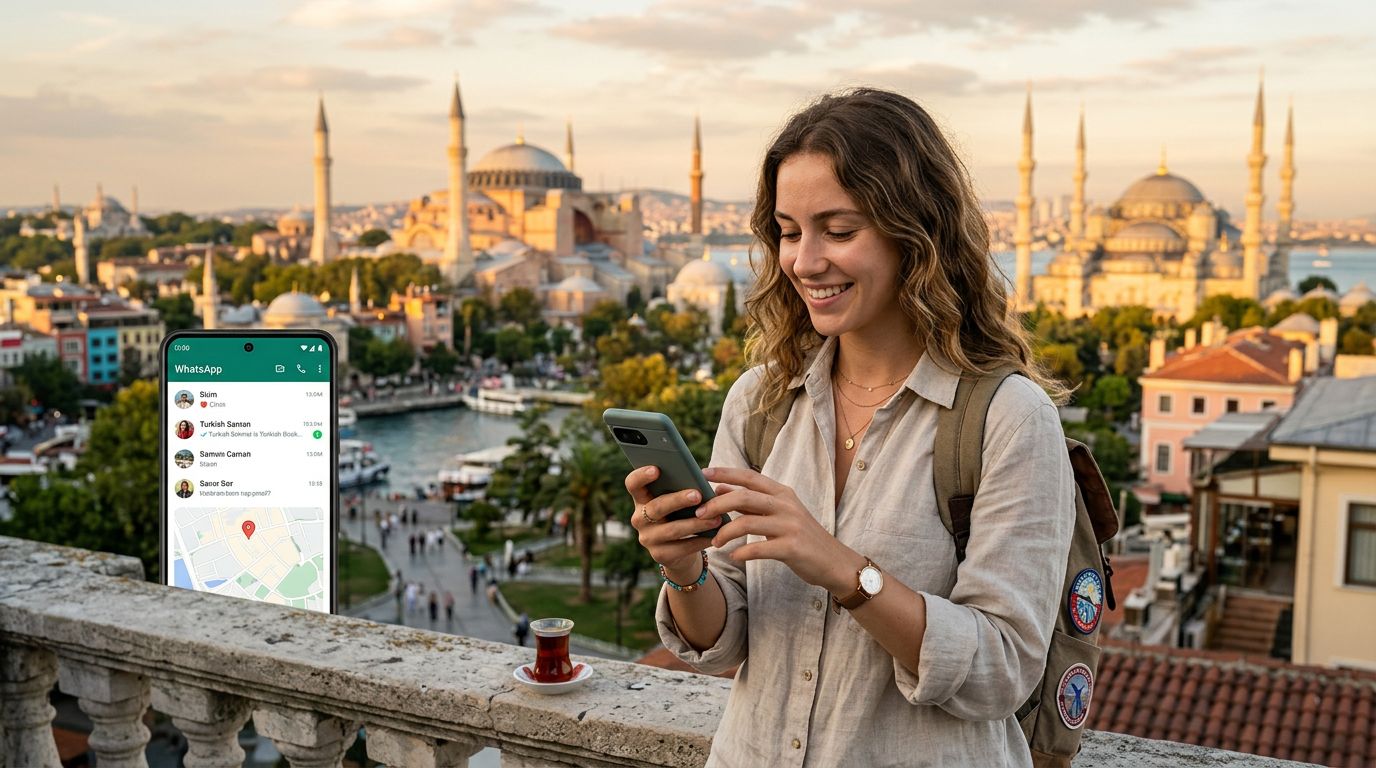
Traveling to Turkey is an incredible experience, from the vibrant bazaars of Istanbul to the surreal landscapes of Cappadocia. However, one of the most common anxieties for modern travelers is staying connected without losing access to essential communication tools. If you rely on WhatsApp for coordination with family, friends, or local tour guides, you likely worry about what happens to your account when you swap your physical SIM card for a local one. The good news is that keeping your WhatsApp number while visiting Turkey is straightforward, provided you understand how the application functions.
Understanding How WhatsApp Links to Your Phone Number
Many travelers mistakenly believe that WhatsApp is tied to the physical SIM card inside their phone. In reality, WhatsApp is tied to your account, which is verified by a phone number. Once your account is activated and verified, it remains active regardless of which SIM card is in your device.
When you land in Turkey and decide to switch to a travel eSIM, you do not need to register a new WhatsApp account. Your existing account will continue to function exactly as it did at home. The application uses your data connection—whether that is Wi-Fi or cellular data—to send and receive messages, make voice calls, and share media.
Because WhatsApp operates over the internet, it does not matter if your phone is currently using a local Turkish number, a home-country number, or no number at all. As long as your phone is connected to the internet, your WhatsApp will function normally. This is why using an eSIM is such a convenient solution. You can keep your primary SIM card in your phone (or switch it to a secondary slot) to receive important authentication codes from your bank or home service providers, while using your eSIM for high-speed data.
The Role of eSIM Technology in Seamless Connectivity
The transition to eSIM technology has simplified international travel significantly. An eSIM is a digital version of a traditional physical SIM card that you download directly to your device. Because it is digital, you do not need to physically remove your home SIM card if your phone supports dual-SIM functionality.
When you use a service like OneTapSIM, you are essentially purchasing a data-only plan that allows your phone to connect to local Turkish networks. Because this is a data connection, it acts as a bridge for all your internet-based apps. When you arrive in Turkey, you simply activate your eSIM profile in your phone’s settings. Once the data connection is established, your phone treats it like any other internet source.
If you are worried about missing calls or texts to your home number, keeping your home SIM card active in your settings is the best strategy. Most modern smartphones allow you to designate one SIM for data and another for voice and SMS. By setting your eSIM as the primary source for cellular data, you avoid roaming charges from your home carrier while ensuring your WhatsApp remains fully operational. You can continue to chat with your contacts using your usual phone number, and they will see your messages as if you never left home.
Managing Your Settings for a Smooth Experience
To ensure your WhatsApp experience remains uninterrupted during your time in Turkey, there are a few settings you should verify before and after you land. First, confirm that your WhatsApp account is already set up and verified before you leave your home country. Attempting to switch phone numbers or re-verify your account while abroad can sometimes trigger security protocols that are difficult to resolve without access to your original SMS reception.
Once you have arrived in Turkey and activated your eSIM, check your phone’s cellular data settings. Ensure that "Data Roaming" is turned on for your eSIM profile. Without this enabled, your phone may fail to connect to the local Turkish towers, leaving you without internet access. Do not worry about "roaming charges" in the traditional sense; because you are using a pre-purchased data plan, your eSIM provider handles the connection.
If you find that your WhatsApp is not sending messages, check your connection status. Open a web browser on your phone and try to load a page. If the page does not load, your data connection is not active. Often, this is a simple matter of selecting the correct network in your phone settings or ensuring your APN (Access Point Name) settings are configured correctly according to the instructions provided by your eSIM service.
Another tip for travelers is to keep your WhatsApp notifications enabled. When you are moving between different networks, sometimes the app needs to re-establish its connection to the server. If you notice a slight delay in receiving messages, simply opening the app will force it to refresh and fetch any pending data.
By utilizing a travel eSIM, you maintain the flexibility to use your phone just as you would at home. You can navigate the streets of Turkey using GPS, look up restaurant reviews, and keep in touch with everyone back home via WhatsApp, all without the stress of changing your account details or losing your chat history. It is a reliable, efficient, and modern way to stay connected while exploring a new country. Whether you are in Turkey for a weekend getaway or an extended tour, your digital life remains right where you left it, accessible and ready to go.