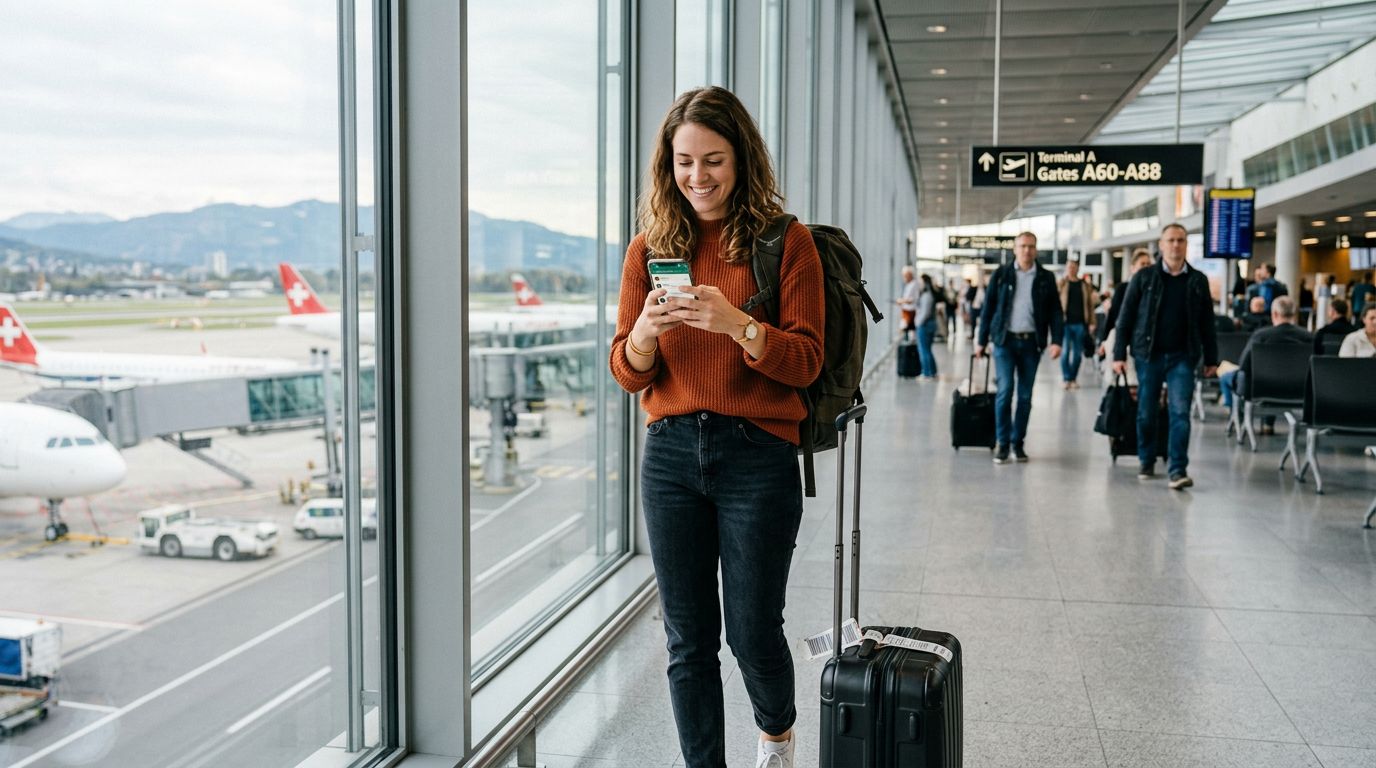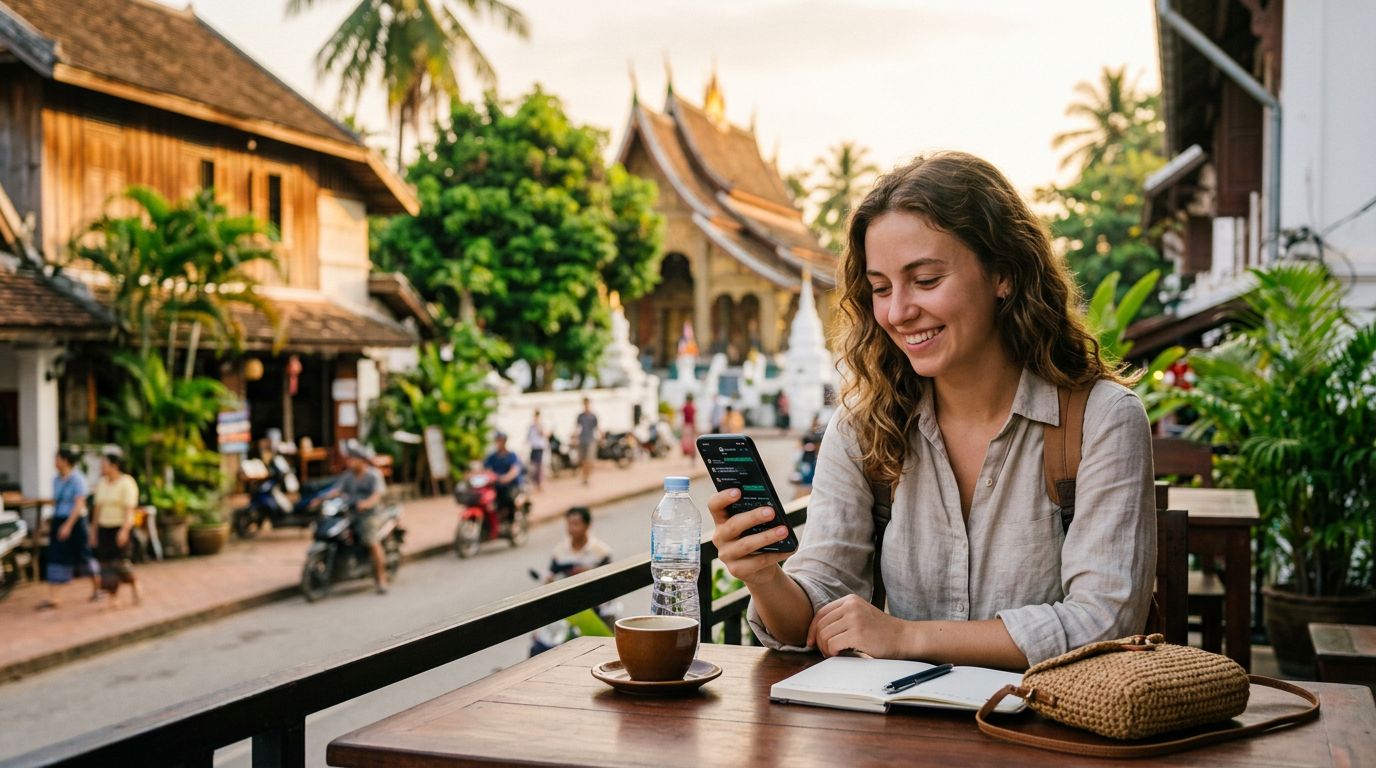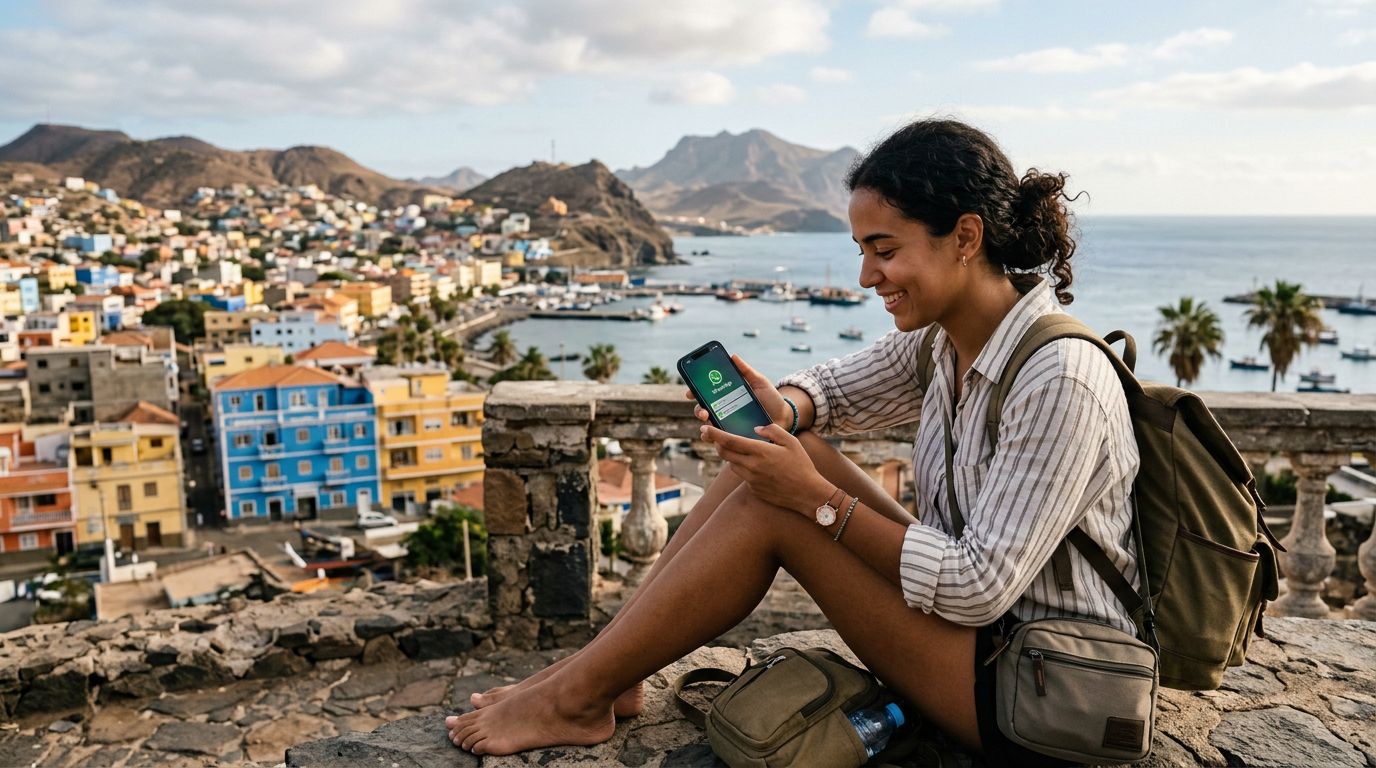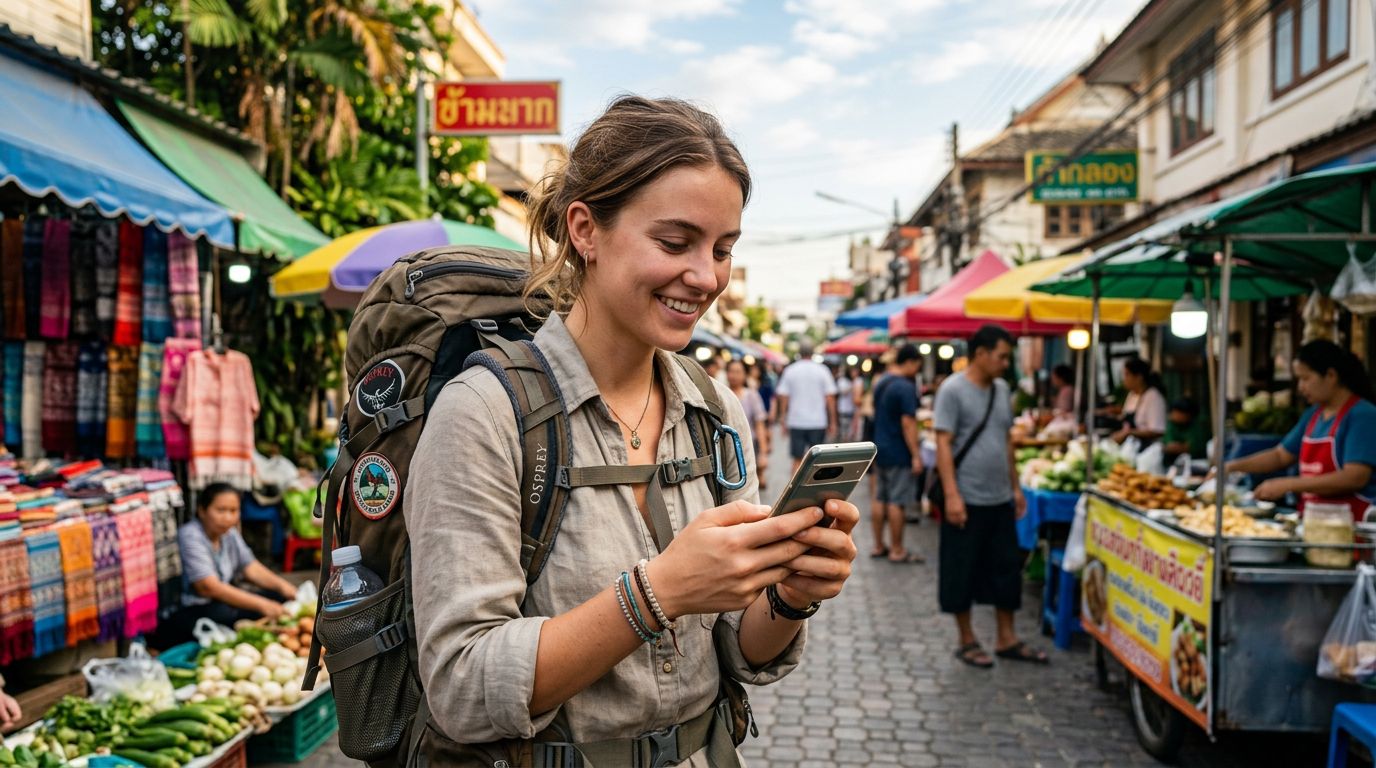
The Challenge of Staying Connected on the Move
Backpacking across borders is an exercise in freedom. You are moving from city to city, often crossing multiple time zones and national boundaries in a single week. While the physical act of traveling is liberating, the digital side of things can quickly become a logistical headache. One of the most common concerns for international travelers is how to maintain their existing digital identity while moving through foreign networks.
Specifically, keeping your WhatsApp number while backpacking abroad is a top priority for most people. WhatsApp has become the global standard for communication, linking you to your family, friends, and even local hosts or tour guides. Because the app is tied to your phone number, the prospect of swapping out SIM cards often creates anxiety. Many travelers fear that if they remove their home SIM card to insert a local one, they will lose access to their chats, their contacts, or their ability to receive messages.
The good news is that WhatsApp is remarkably resilient. It does not actually care which SIM card is physically inside your phone. It cares about the registration of the account. As long as you follow the correct procedures, you can switch between local connectivity options without ever losing your chat history or your ability to communicate with your contacts back home.
How WhatsApp Handles SIM Swaps
To understand how to keep your number, you first need to understand how WhatsApp functions. When you first set up the app, it verifies your phone number via an SMS code. Once that verification is complete, the app is "bound" to that specific number on that specific device.
If you remove your home SIM card and replace it with a travel eSIM, WhatsApp does not automatically log you out or delete your data. Your chat history, media files, and group memberships are stored locally on your device or in your cloud backup. As long as you do not go into the WhatsApp settings and explicitly choose the "Change Number" option, your account will remain associated with your original home number.
This is where many travelers make a mistake. They assume that because they are now using a different network, they need to update their WhatsApp settings. You do not. You should keep your original number registered in the app even while you are physically using a different data source.
When you land in a new country, you can simply install a travel eSIM like OneTapSIM to get data access. Because OneTapSIM provides a data-only connection, your phone will treat it as a secondary source of internet. Your phone will continue to recognize your primary SIM (or the eSIM profile for your home number) as the "voice and text" line, while the travel eSIM handles your data needs. This allows you to browse maps, book transport, and use WhatsApp exactly as you would at home, without the app ever realizing you have switched networks.
Best Practices for Seamless Connectivity
While the technical side is straightforward, there are a few best practices to ensure your experience remains smooth throughout your trip.
First, ensure that your WhatsApp backups are up to date before you leave your home country. Use the built-in cloud backup features in the app settings to sync your chats to your Google account or iCloud. This acts as a safety net. If you ever lose your phone or encounter a technical glitch, your entire conversation history is preserved in the cloud.
Second, manage your phone's settings to avoid accidental roaming charges. If you are using a dual-SIM setup—where you keep your home SIM active alongside your travel eSIM—make sure you have disabled data roaming on your home SIM. You want your phone to use the OneTapSIM data connection for everything. If you leave data roaming on for your home carrier, you might end up with unexpected charges from your home provider for background data usage.
Third, consider the "Change Number" feature only if you are moving permanently. If you are just backpacking, ignore that setting entirely. If you accidentally trigger a number change, you may lose access to your groups or cause confusion among your contacts. If you are ever prompted by WhatsApp to verify your number again, ensure you have your home SIM active or that you are in a position to receive an SMS to your original number.
Finally, remember that WhatsApp is a data-based service. It does not require a cellular voice connection to function. As long as your OneTapSIM eSIM is providing a stable internet connection, you can send texts, make voice calls, and share photos through WhatsApp. You are essentially using the internet to bypass the need for a traditional roaming plan. This is the most efficient way to travel because it separates your data needs from your identity. By keeping your home number as the primary identifier for your apps, you remain reachable to everyone who already has your contact information, regardless of which country you are currently exploring.
By preparing your device before you board your flight and understanding that your apps are independent of your physical SIM card, you can focus on the journey rather than the technology. Keeping your digital life intact while exploring the world is not just possible—it is the modern standard for the prepared backpacker. With a reliable data connection, the world becomes much smaller, and you remain just one tap away from the people who matter most.