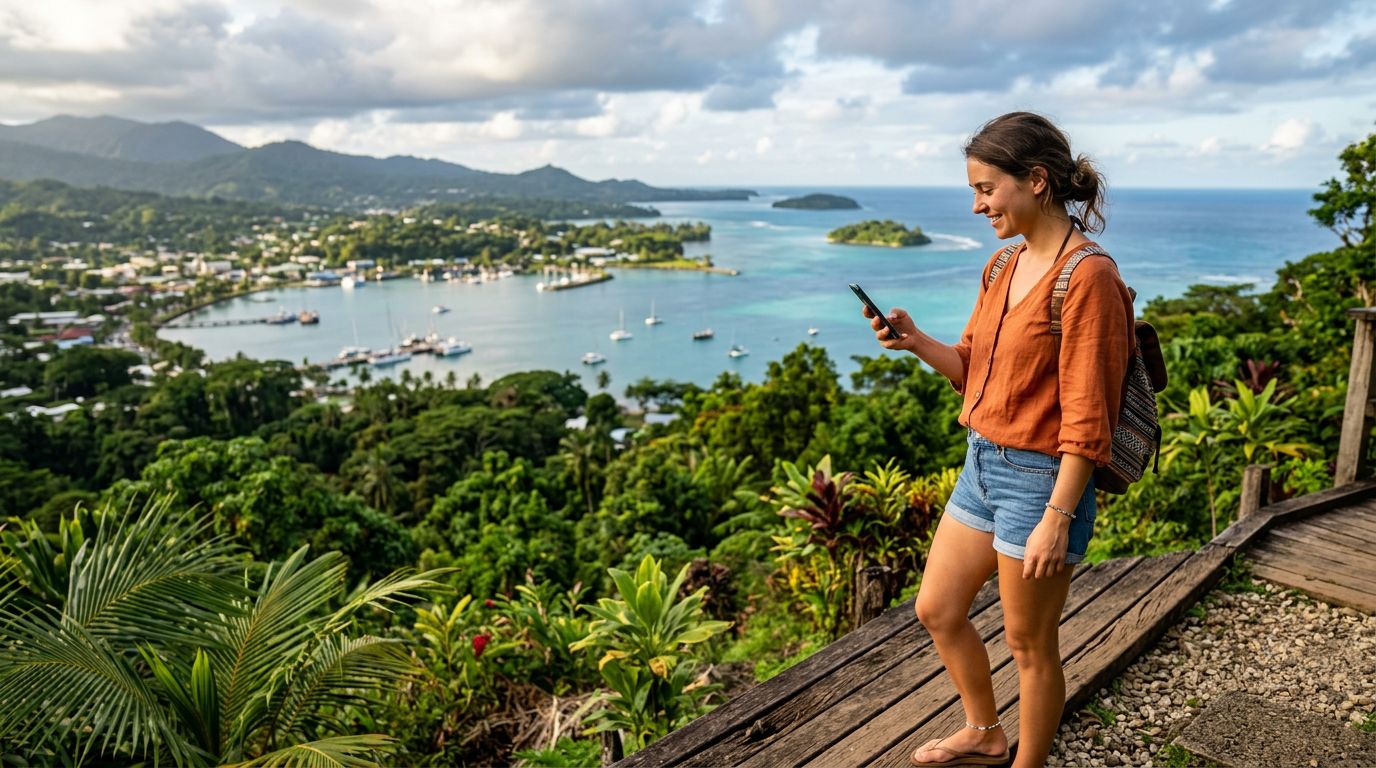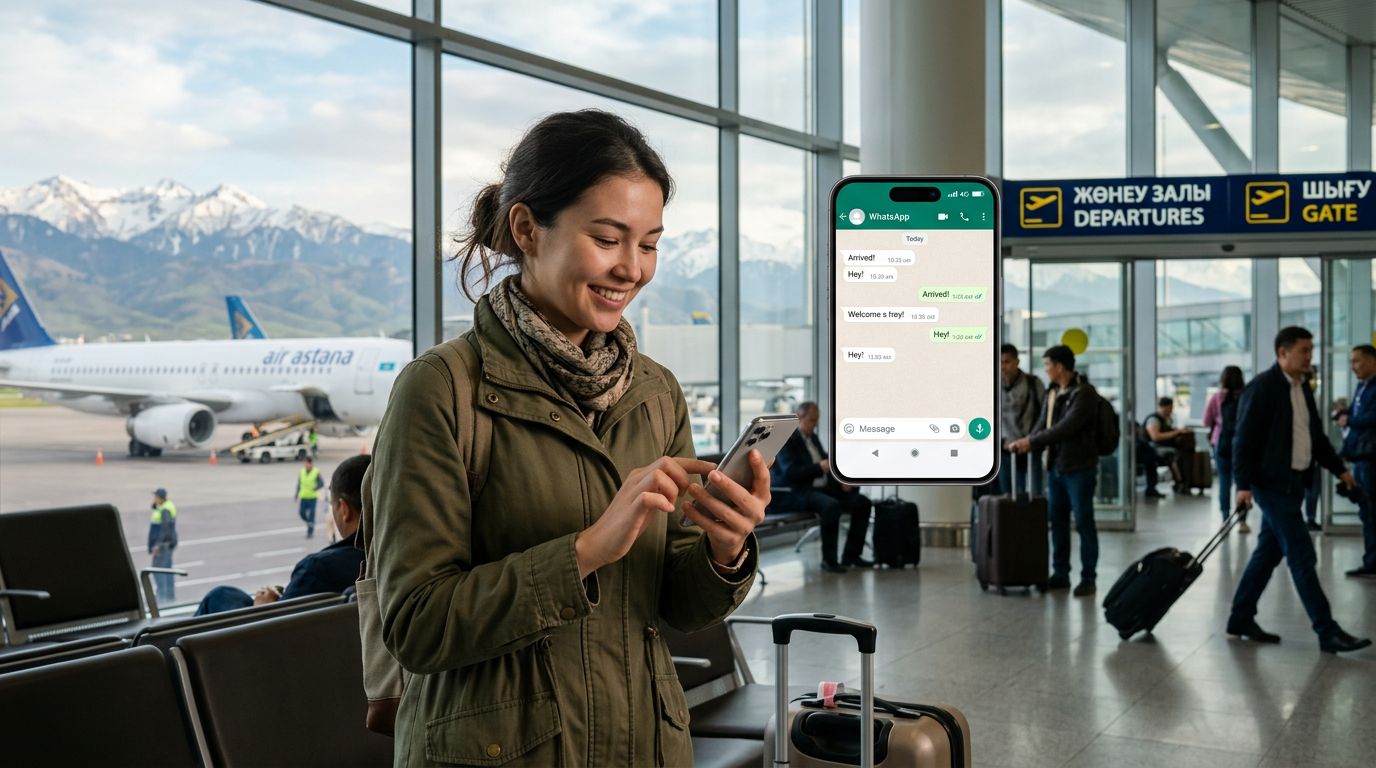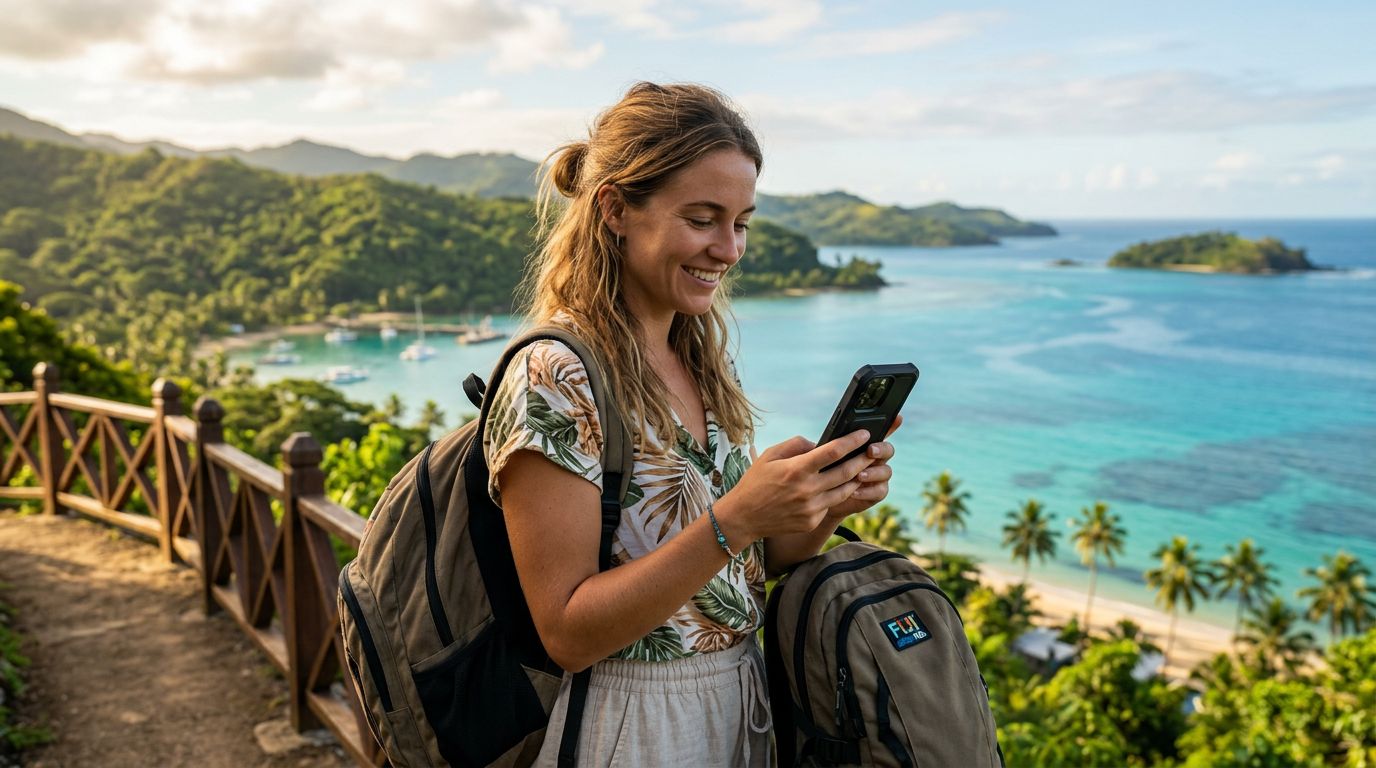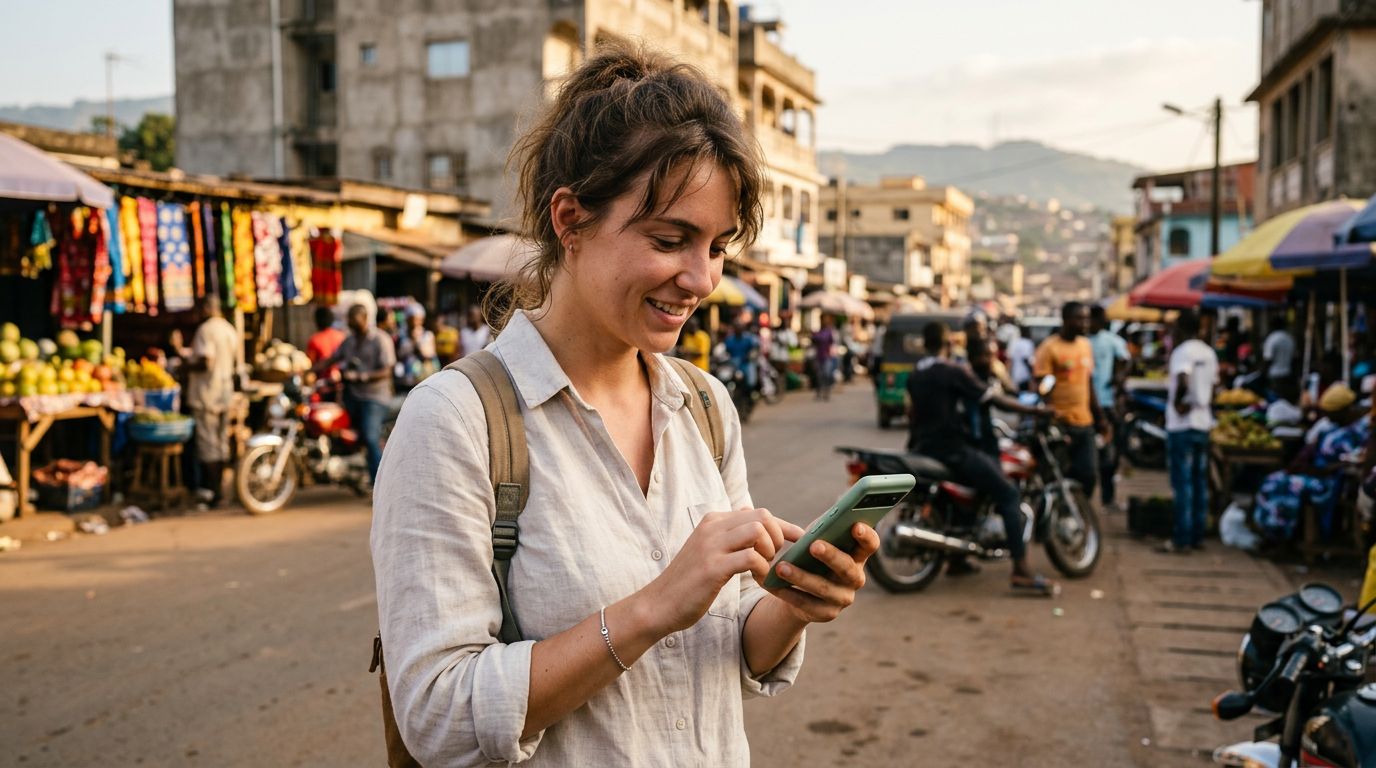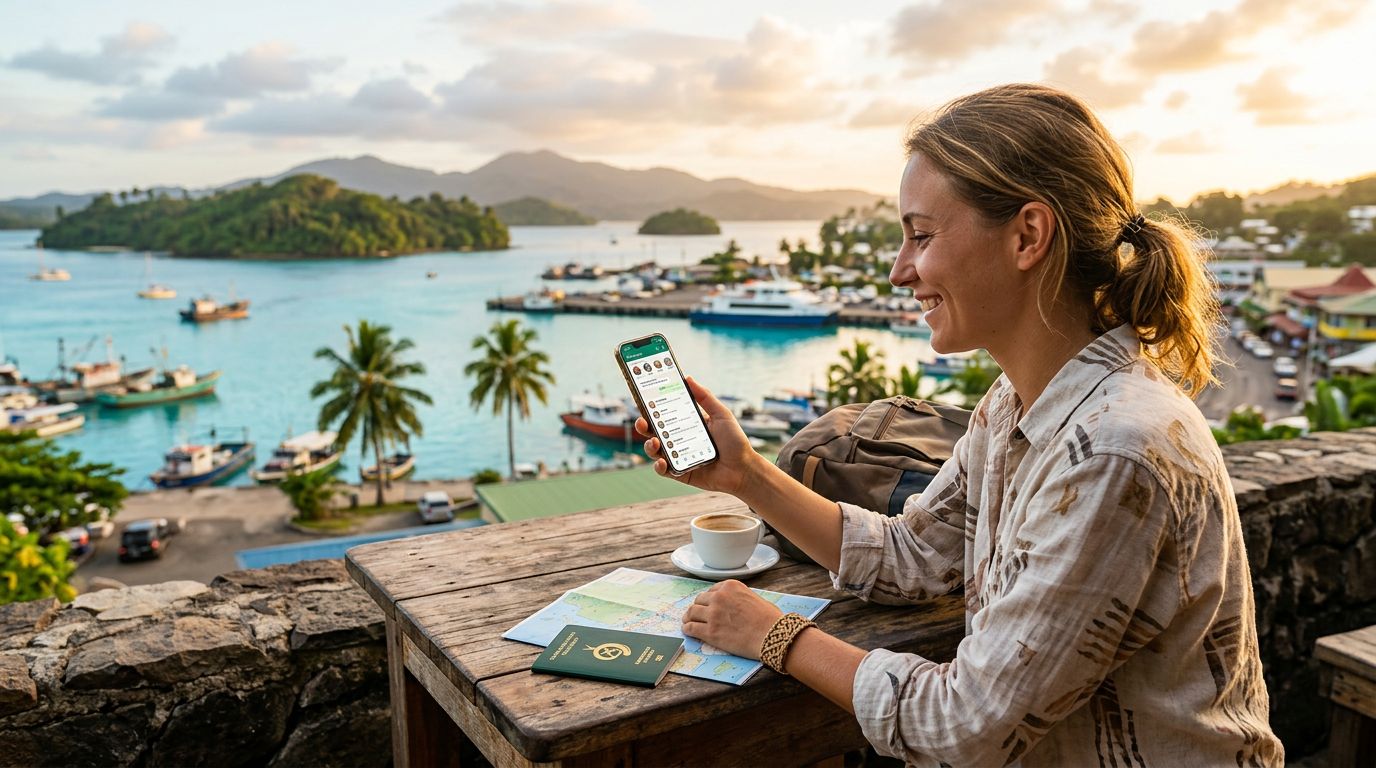
Vanuatu is an archipelago of stunning beauty, known for its volcanic landscapes, crystal-clear blue holes, and vibrant Melanesian culture. Whether you are trekking near Mount Yasur or relaxing on the shores of Espiritu Santo, staying connected is a priority for most modern travelers. One of the most common concerns for those heading to the South Pacific is maintaining access to their primary communication tools, specifically WhatsApp. Because WhatsApp is tied to your phone number rather than your device, many travelers worry that swapping SIM cards will disrupt their chats, contacts, and group memberships.
The good news is that you do not have to choose between local connectivity and your digital social life. By understanding how the application functions and utilizing modern technology like an eSIM, you can enjoy seamless communication while exploring the islands.
Understanding How WhatsApp Works While Traveling
Many people mistakenly believe that WhatsApp is linked to the physical SIM card inside their phone. In reality, WhatsApp is linked to the phone number used during the initial account verification process. When you download the app and register, it verifies your identity via an SMS code sent to that specific number. Once the account is active, it lives on the app’s servers and your device, not on the SIM card itself.
This is why keeping your WhatsApp number while traveling in Vanuatu is straightforward. As long as you do not delete the app or choose the "Change Number" option within the settings menu, your account will remain tied to your original home number, regardless of which network provides your data. You can continue to send messages, make voice calls, and share media just as you would at home. The only requirement is that your phone must have an active internet connection.
When you arrive in Vanuatu, you might be tempted to purchase a local physical SIM card. While this provides data, it often requires you to remove your home SIM card. If you remove your home SIM, you might lose the ability to receive SMS verification codes for banking or other secure services, and you risk losing or damaging your original card. This is where digital connectivity solutions become essential for a stress-free trip.
The Advantage of Using an eSIM for Connectivity
An eSIM, or embedded SIM, is a digital version of a traditional physical SIM card. It allows you to connect to a local mobile network without needing to swap out your hardware. For travelers heading to Vanuatu, using a service like OneTapSIM is an effective way to maintain your home connection while gaining high-speed data access.
Because most modern smartphones support dual-SIM functionality, you can keep your home physical SIM card inside your phone to receive important calls or SMS messages from home. Simultaneously, you can activate a OneTapSIM eSIM for your data needs. By setting your primary SIM to "on" and your OneTapSIM eSIM as the designated data line, your phone will use the local network for internet access while keeping your original number active for WhatsApp.
This setup ensures that you never miss a message. When someone sends you a WhatsApp text, the data travels through the OneTapSIM network to your device, and the app recognizes your original number instantly. You do not need to update your WhatsApp settings, notify your contacts, or worry about losing your group chats. You are essentially using the local data connection to power your home-based account, providing the best of both worlds.
Tips for a Smooth Experience in Vanuatu
Preparation is the key to a successful trip. Before you leave for the airport, ensure your phone is carrier-unlocked. If your device is locked to a specific provider, it may not accept an eSIM, which would force you to rely on expensive international roaming or physical SIM cards that might not be readily available in remote parts of the islands. You can verify your device status through your phone manufacturer’s support resources.
Once you have confirmed your device compatibility, you can install your OneTapSIM profile before you depart or upon arrival at the airport. The installation process is simple and usually involves scanning a QR code or entering details provided by the service. Once installed, you can toggle the eSIM on as soon as you land.
It is also wise to check your WhatsApp settings before you go. Ensure that your "Cloud Backup" or "Chat Backup" is synced to your Google or iCloud account. This provides an extra layer of security for your message history. If you happen to lose your phone or experience a technical glitch while trekking through the jungle, having a recent backup ensures that you can restore your conversations once you have a new device and a stable connection.
While in Vanuatu, be mindful of your data usage. While WhatsApp itself is relatively efficient, background apps can consume data quickly. You can manage this by going into your phone’s settings and restricting background data for apps you do not need while traveling. This helps your data plan last longer, ensuring you stay connected throughout your entire stay.
Finally, remember that remote areas of Vanuatu may have limited network coverage. While the main islands have decent connectivity, moving into the deep interior or onto smaller, uninhabited islands might result in signal drops. This is a characteristic of the geography and infrastructure, not a reflection of your eSIM provider. Plan your communication windows accordingly, and enjoy the moments when you are offline, knowing that your WhatsApp account is safely waiting for you the moment you reconnect. By leveraging the convenience of an eSIM, you can focus on the breathtaking landscapes of Vanuatu rather than worrying about your digital footprint.
Get an eSIM for
Plans for the destinations covered in this guide, with instant QR delivery.