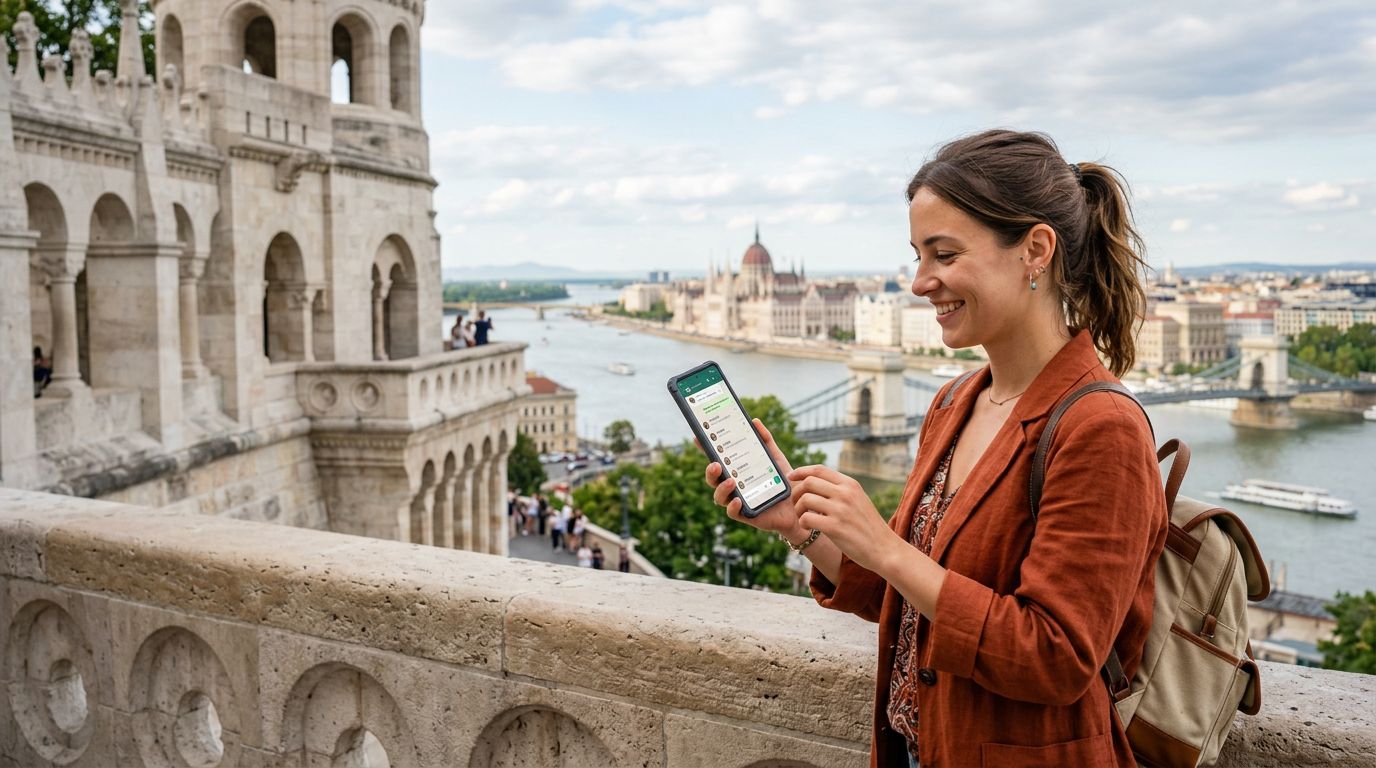
The Importance of Maintaining Your WhatsApp Presence Abroad
When you travel to a destination as culturally rich and historically significant as Hungary, your primary focus should be on soaking in the atmosphere of Budapest’s thermal baths or exploring the wine regions of Eger. However, staying connected is an essential part of modern travel. For most international travelers, WhatsApp is the primary bridge between their home life and their current location. Whether you are coordinating meeting points with friends, checking in with family, or managing business communications, the ability to maintain your existing WhatsApp account is vital.
Many travelers worry that switching to a local network or using a travel eSIM will disrupt their messaging services. A common misconception is that your WhatsApp account is tied to the physical SIM card currently inserted into your phone. In reality, WhatsApp is linked to your account identity, not the specific cellular hardware. As long as you do not actively choose to change your number within the WhatsApp settings menu, your account remains tied to your original home number, regardless of which data connection you use to access the internet.
Understanding this distinction is the key to keeping your WhatsApp number in Hungary without stress. When you land at Budapest Ferenc Liszt International Airport, your priority is to secure a reliable data connection. By using an eSIM from providers like OneTapSIM, you can ensure that your phone has a stable data stream to run your apps, while your original SIM—or your original eSIM profile—remains active in the background for SMS verification and identity purposes.
How WhatsApp Functions with Dual SIM and eSIM Technology
Modern smartphones have revolutionized how we handle international connectivity. Most devices manufactured in the last few years support Dual SIM functionality, which allows you to have two active lines simultaneously. This is the perfect setup for keeping your WhatsApp number while traveling. You can keep your primary home SIM active—often set to a roaming-off or "Wi-Fi only" mode to avoid unwanted charges—while your secondary eSIM handles all your cellular data needs.
When you install a OneTapSIM profile for your Hungarian trip, your phone treats it as a secondary data source. WhatsApp does not care which network provides the data, as long as it has a connection to the internet. Because your original number is still registered on the device, WhatsApp continues to recognize you as the same user. You will not lose your chat history, your group memberships, or your contact list.
The only potential hurdle occurs if you accidentally trigger the "Change Number" feature within the WhatsApp settings. This option is intended for people who are permanently switching to a new phone number. If you are simply visiting Hungary for a short duration, you should never touch this setting. Simply keep your original number as the primary identifier for your account. If you receive a prompt from WhatsApp asking if you would like to update your number because a new SIM has been detected, you should decline or ignore it. Your existing number is perfectly capable of operating over the data provided by your travel eSIM.
Practical Tips for Seamless Connectivity in Hungary
To ensure your transition to a travel eSIM is smooth, preparation is essential. Before you depart for Hungary, check your device settings to confirm that your phone is unlocked and compatible with eSIM technology. You can verify this information through the official support pages provided by manufacturers like Apple or Google. Ensuring your hardware is ready is the first step toward a hassle-free experience.
Once you have your OneTapSIM profile ready, you can activate it upon arrival or even just before you take off. Once active, go into your phone’s cellular settings. You will want to designate your travel eSIM as the primary source for "Cellular Data." By doing this, you ensure that all your apps, including WhatsApp, use the local data connection. Meanwhile, keep your home SIM enabled but ensure that "Data Roaming" is switched off for that specific line. This prevents your home carrier from attempting to connect to expensive roaming data services, while still allowing the SIM to stay "on" so that WhatsApp remains linked to your original number.
If you are concerned about missed calls or texts from home, remember that you can still receive SMS messages on your home number while using your data eSIM. Most modern phones handle this transition automatically. You can keep your WhatsApp notifications enabled, and you will receive messages as soon as they are sent, provided you have a steady data connection.
Another benefit of this setup is the ability to use local services in Hungary. Whether you need to book a ride-share service, check train schedules, or look up restaurant reservations, having a dedicated data plan allows you to use these tools without relying on spotty public Wi-Fi. Because you have maintained your WhatsApp number, you can easily share your location with fellow travelers or send photos of the Parliament Building back home without any interruption to your digital identity. By separating your data needs from your identity-based messaging, you gain the freedom to explore Hungary with the confidence that your primary communication channel remains exactly as it was when you left home.
Ultimately, keeping your WhatsApp number in Hungary is not a complex technical challenge; it is a matter of choosing the right tools. By utilizing an eSIM for your data requirements and keeping your home SIM as the anchor for your digital identity, you can enjoy your travels without the fear of losing touch with the people who matter most.
Get an eSIM for
Plans for the destinations covered in this guide, with instant QR delivery.