Getting Ready for Your Irish Adventure
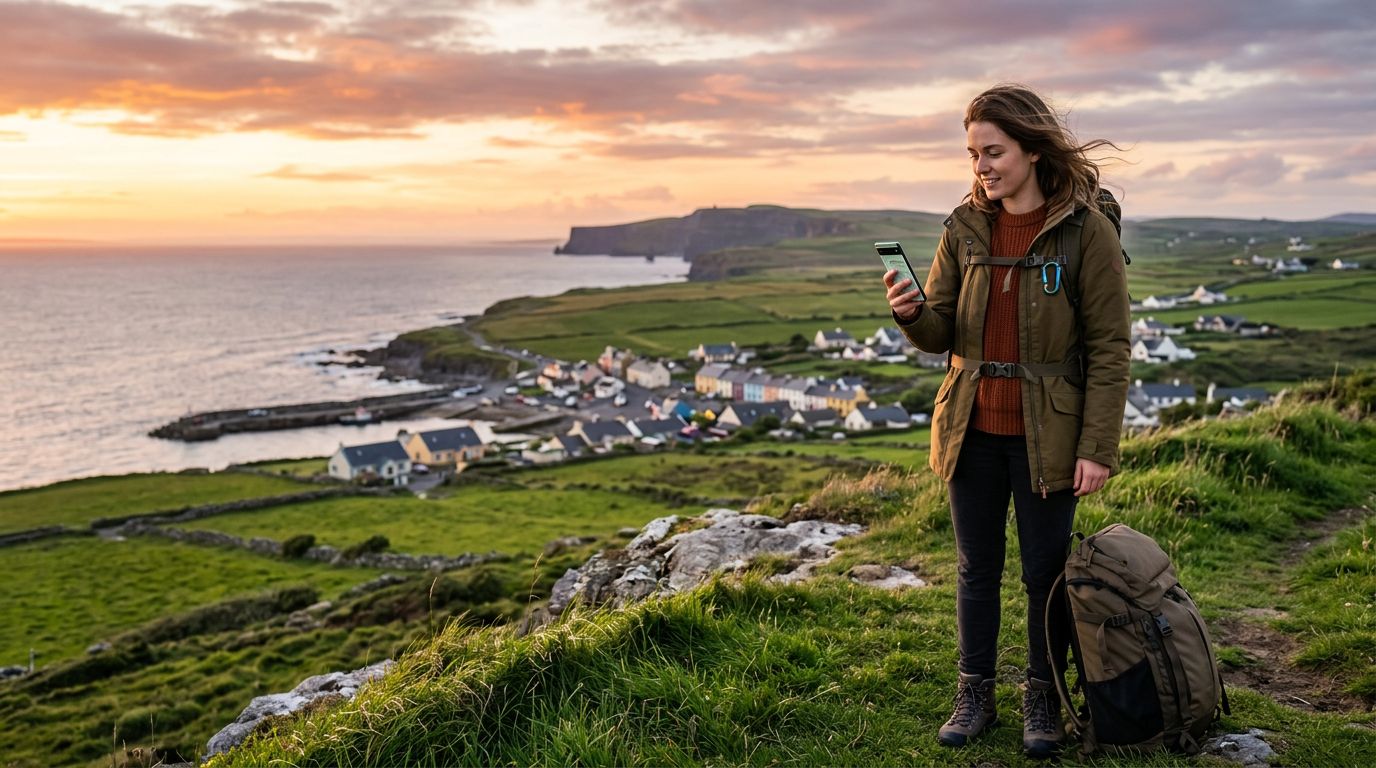
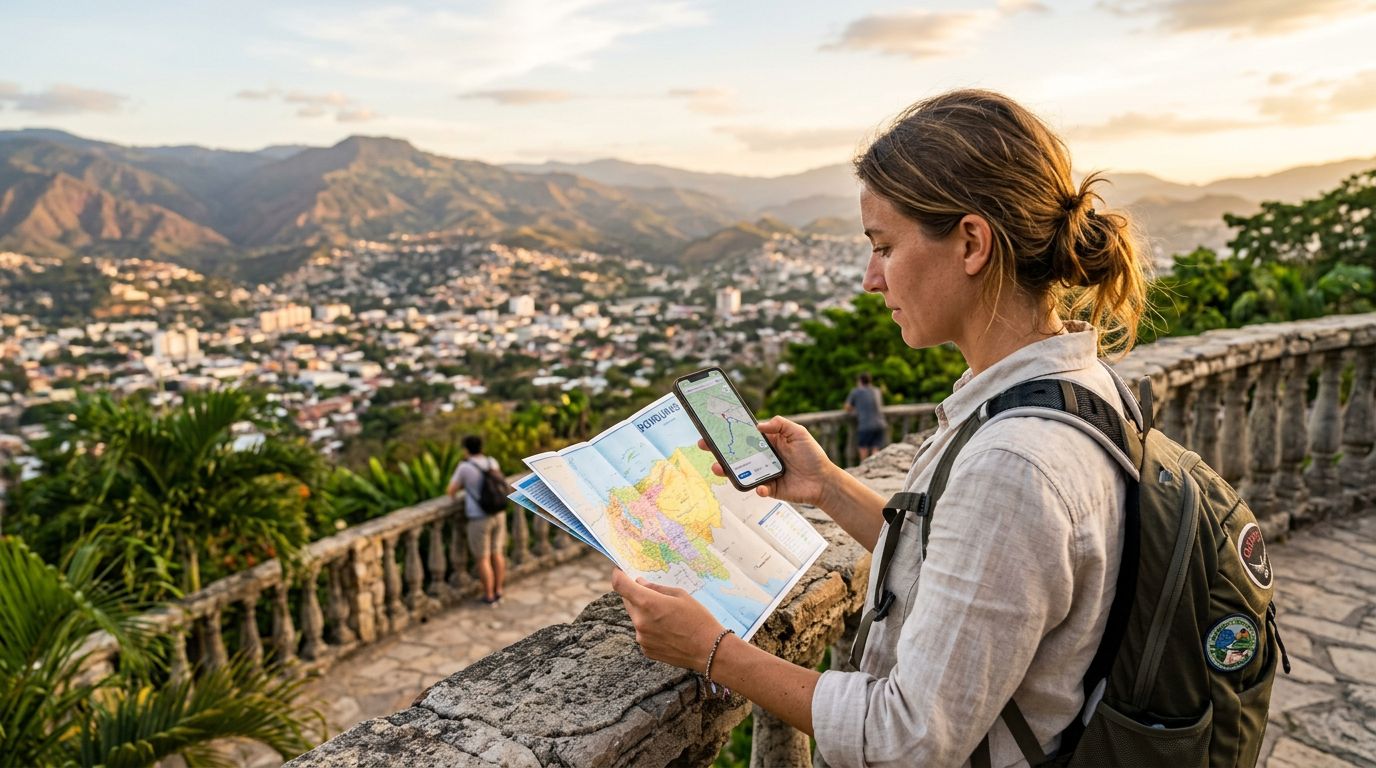
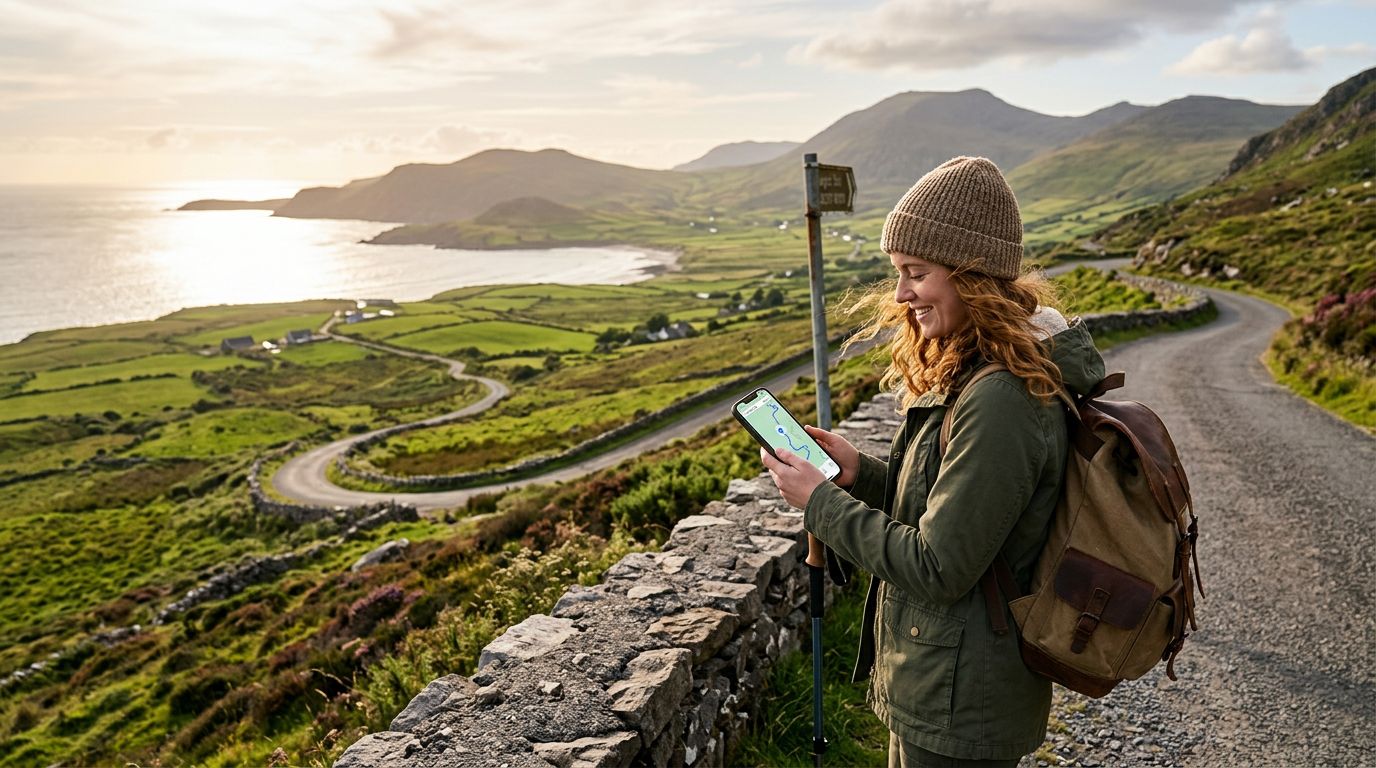
Ireland is a land of winding country roads, hidden coastal gems, and vibrant city streets. Whether you are driving the Wild Atlantic Way or searching for the best pub in Dublin’s Temple Bar, having reliable navigation is essential. Relying on paper maps can be charming, but it is rarely practical when you are trying to find a specific turn on a narrow rural road. This is where a travel eSIM becomes your most valuable travel companion.
Before you touch down in Dublin or Shannon, you need to ensure your device is ready to handle digital mapping tools. Using maps with an eSIM in Ireland allows you to access real-time traffic updates, public transport schedules, and walking directions without searching for local Wi-Fi hotspots. By setting up your OneTapSIM before you leave home, you ensure that as soon as your plane lands, you are connected to the local network. This eliminates the stress of hunting for a physical SIM card kiosk or dealing with expensive roaming charges from your home carrier.
To prepare your device, ensure it is carrier-unlocked. Most modern smartphones support eSIM technology, but it is always wise to verify your phone’s compatibility through the manufacturer's official support pages. Once confirmed, the installation process is straightforward. You will receive a QR code or manual activation details, which you can use to add the eSIM profile to your phone’s settings. Think of this as a digital layer on top of your existing phone setup, allowing you to keep your primary number for essential calls while using your eSIM specifically for data-heavy tasks like GPS navigation.
Optimizing Google Maps and Navigation Settings
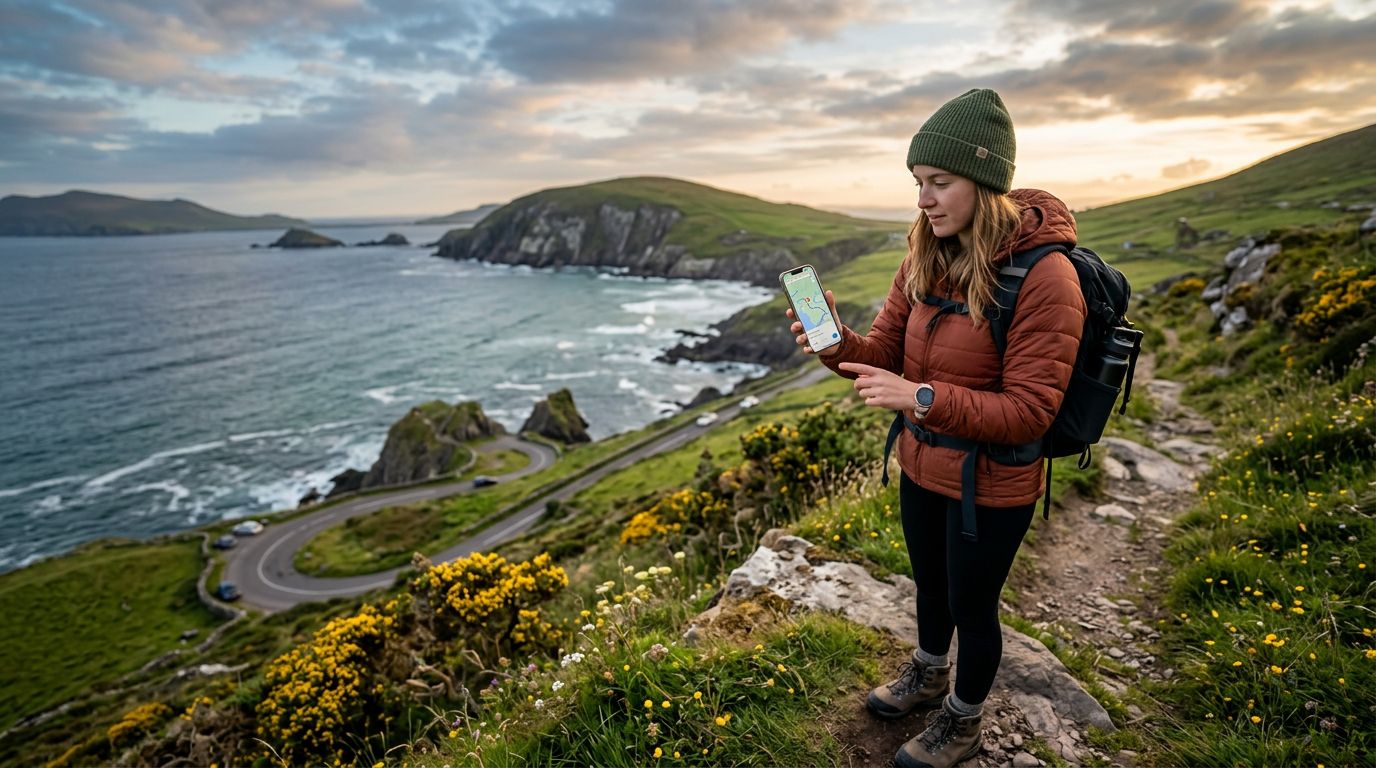
Once you have your eSIM active, the way you interact with your mapping apps can significantly improve your experience. While cellular data is generally excellent across Ireland, there are remote areas in the west, such as the Connemara region or the rugged peninsulas of Kerry, where signal strength might fluctuate. Taking a few minutes to configure your apps correctly will save you from getting lost in the middle of a scenic mountain pass.
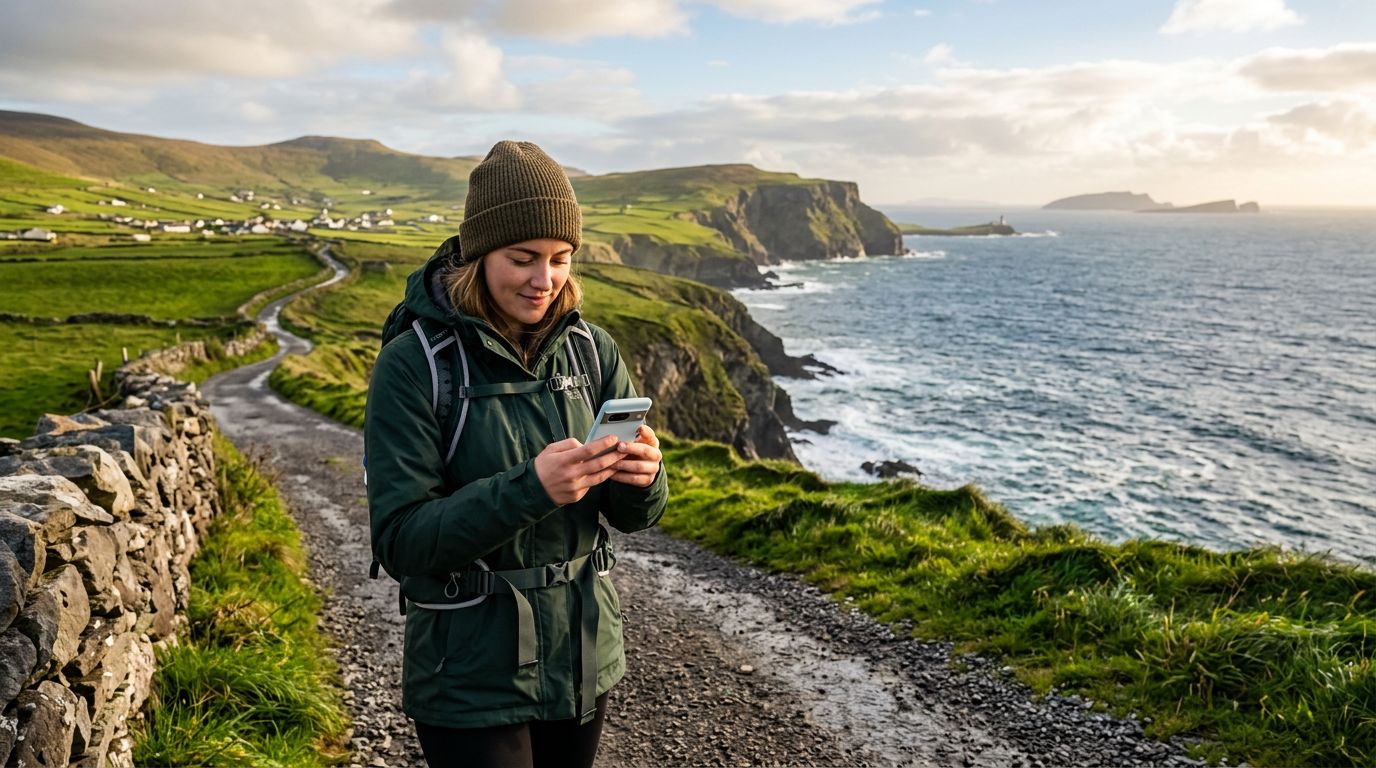
One of the most effective strategies is downloading offline maps. Google Maps allows you to save specific regions for offline use, which means your phone will still provide turn-by-turn directions even if you lose your cellular signal. To do this, open the app, search for the area you plan to visit, and select the download option. This acts as a safety net. Your OneTapSIM will provide the high-speed data you need for real-time traffic updates and searching for nearby restaurants, while the offline map serves as a reliable backup for the actual routing.
Another tip is to adjust your navigation preferences. If you are driving a rental car, be aware that Irish roads—particularly the "L" (local) roads—can be extremely narrow. You may want to set your navigation app to avoid highways or toll roads if you prefer a more scenic route, but keep in mind that these smaller roads can add significant time to your journey. Using your eSIM data to check the "Live Traffic" overlay on your map app is a great way to see if there are road closures or construction ahead, allowing you to adjust your route before you get stuck in a bottleneck.
Finally, remember that battery drain is a common side effect of constant GPS usage. Navigation apps are demanding on your phone's processor and screen. To conserve battery while using your eSIM for data, consider using a portable power bank and mounting your phone in a visible position so you do not have to keep unlocking it. If you are walking through city centers, switch your map view to "Walking" mode to ensure you are directed through pedestrian-friendly paths rather than vehicle-only roads.
Managing Data Usage and Staying Connected
Many travelers worry about running out of data while using navigation apps. The truth is that map applications are actually quite efficient. While video streaming or high-resolution photo uploads will drain your data allowance quickly, GPS navigation only requires a small, constant stream of data to update your position and traffic conditions. You can comfortably use your OneTapSIM for navigation throughout your entire trip without fearing that you will hit a data cap, provided you are mindful of other background activities.
To keep your data usage in check, head into your phone’s settings and review which apps are permitted to use cellular data. You might want to disable background data for apps that are not essential for your trip, such as social media platforms or cloud storage backups. This ensures that your OneTapSIM data is prioritized for what you actually need: finding your way from the Cliffs of Moher to your hotel in Galway.
If you find yourself frequently checking your data balance, most modern smartphones provide a built-in tracker in the cellular settings menu. This allows you to see exactly how much data your mapping apps have consumed during your trip. You will likely be surprised at how little is required to traverse the entire country.
Communication is also part of the navigation experience. If you are meeting friends or joining a guided tour, you might need to share your "Live Location" via messaging apps. This is a fantastic way to coordinate meetups in busy areas like St. Stephen's Green. Because your eSIM provides a stable connection, you can share your location accurately, ensuring that you and your travel partners can find each other with ease.
Ultimately, using an eSIM in Ireland changes the way you explore. It shifts the focus from worrying about connectivity to enjoying the journey. By having a reliable data connection, you gain the freedom to be spontaneous. You can change your plans on a whim, look up the history of a castle you just stumbled upon, or find a highly-rated cafe in a town you had not originally planned to visit. With the right preparation and a reliable eSIM, the entire island becomes accessible, navigable, and ready for you to discover at your own pace. Whether you are navigating the bustling streets of Dublin or the quiet lanes of the countryside, your digital map will remain your most trusted guide.