Understanding Connectivity Requirements for Your Colombian Trip
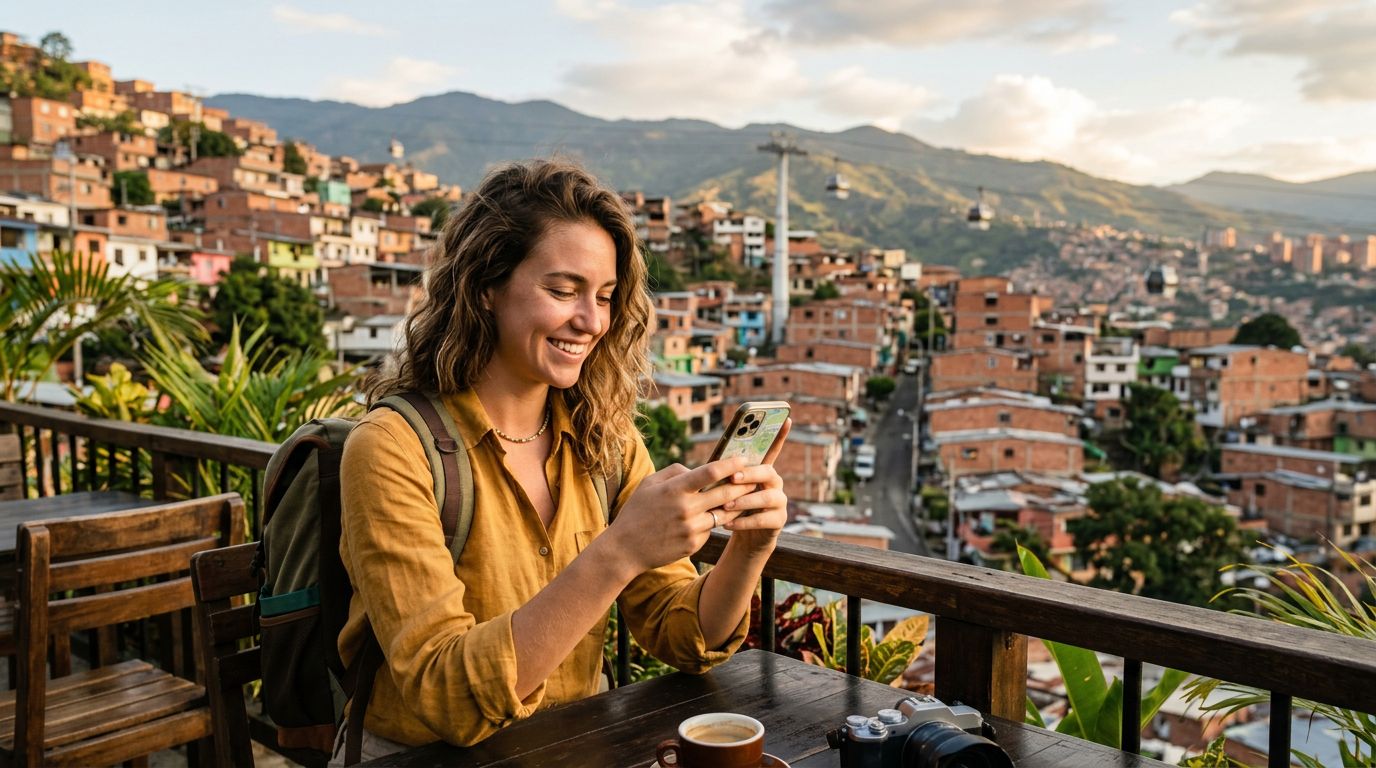
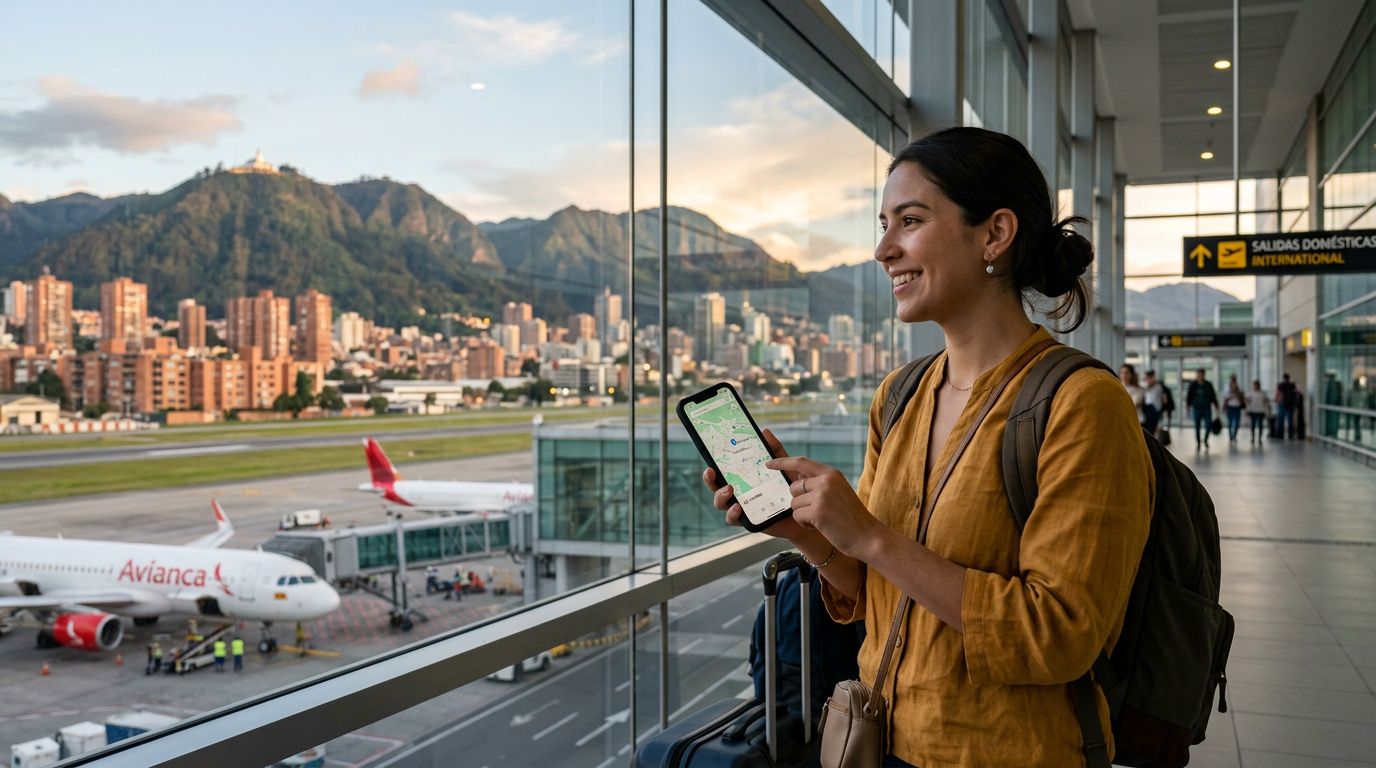
Colombia is a country of immense geographic diversity, ranging from the bustling high-altitude streets of Bogotá to the humid, lush jungles of the Amazon and the sun-drenched Caribbean coast. Whether you are a digital nomad working from a café in Medellín or a traveler sharing your hiking photos from the Cocora Valley, staying connected is a priority. Many travelers find that relying solely on public Wi-Fi is insufficient, especially when you need to navigate transit, translate local menus, or join a quick video call.
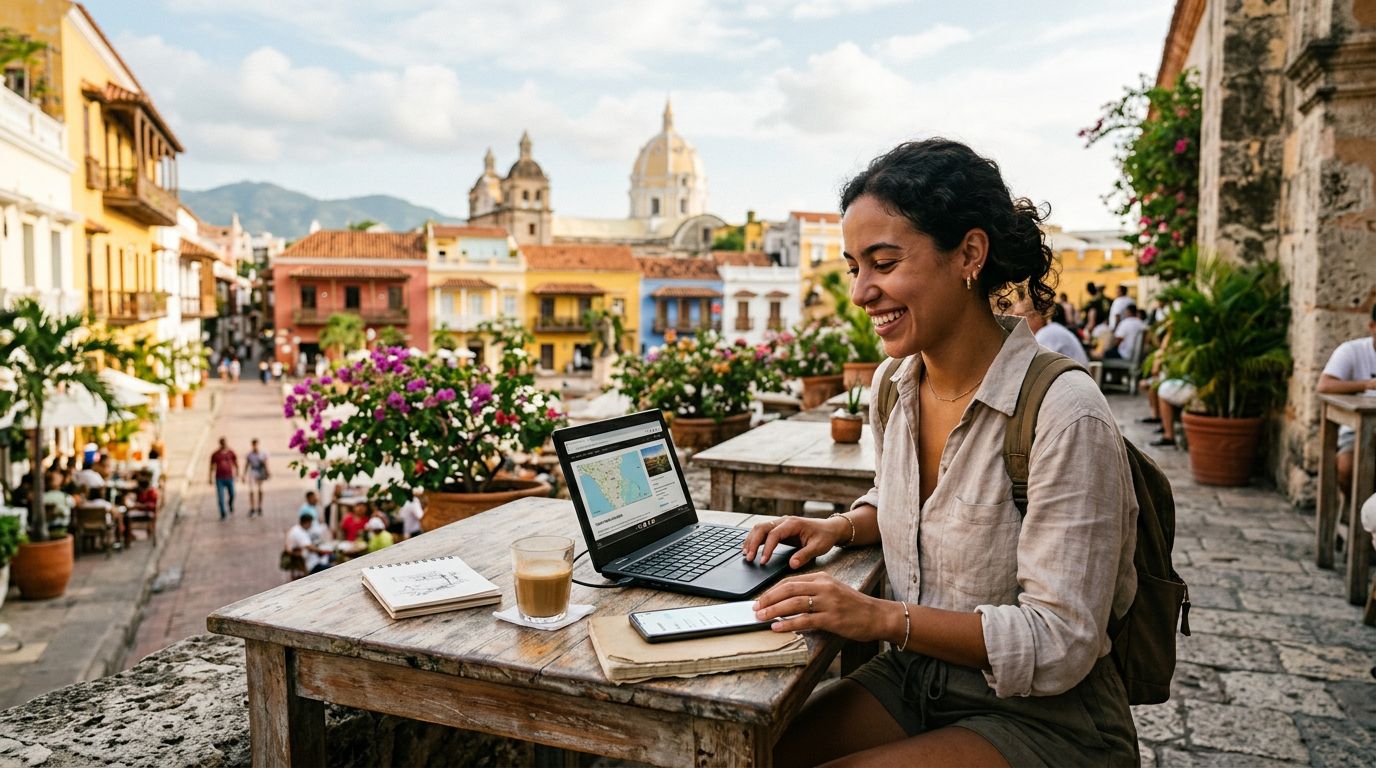
When you arrive, you might find yourself needing to share your internet connection with a laptop, a tablet, or a travel companion. This is where knowing how to use hotspot in Colombia becomes essential. A mobile hotspot allows your smartphone to act as a portable router, broadcasting a Wi-Fi signal that your other devices can connect to. However, to do this effectively, you need a reliable data source. Traditional roaming plans from your home carrier are often restrictive, expensive, and prone to throttling.
Using an eSIM from a provider like OneTapSIM is a modern, efficient alternative. Because these digital SIMs are provisioned directly to your device, they often treat data traffic more flexibly than legacy roaming agreements. Once you have your eSIM installed and active, turning your phone into a hotspot is a standard procedure that relies on your device’s internal settings rather than the specific carrier’s permission, provided your data plan supports tethering.
Configuring Your Device for Hotspot Usage
Before you attempt to share your connection, verify that your data plan is active and that you have a strong signal. In urban areas like Cartagena or Cali, 4G and 5G coverage is generally robust. In more remote regions, however, connectivity can fluctuate. If you are struggling to connect, ensure your roaming data is toggled on in your phone settings, as eSIMs function by accessing local partner networks.
For iPhone users, the process is straightforward. Navigate to your Settings menu and look for the Personal Hotspot option. If you do not see it immediately, it may be located under the Cellular or Mobile Data menu. Ensure the "Allow Others to Join" toggle is switched to the on position. You will need to set a secure password to prevent unauthorized users from draining your data. Once configured, your phone will appear in the Wi-Fi list of your other devices. If you need specific technical guidance on these settings, you can refer to the official documentation at support.apple.com.
Android users follow a similar path. Go to your Settings, select Network & Internet, and look for Hotspot & Tethering. From here, you can enable the Wi-Fi Hotspot feature. You can customize the network name and security settings to ensure your connection remains private. Android devices offer a variety of options, including the ability to choose between 2.4GHz and 5GHz bands. For better compatibility with older devices, 2.4GHz is usually the safer choice, while 5GHz offers faster speeds if your devices are in close proximity. If you encounter issues, help is available at support.google.com.
OneTapSIM users often find that the setup process is seamless because the eSIM is designed to integrate with the phone's native networking stack. Once the eSIM is set as your primary data line, your device treats the tethered traffic as standard cellular data, making the transition to hotspot mode smooth and reliable.
Best Practices for Data Management and Battery Life
Sharing your internet connection can be a significant drain on your device’s resources. When you use your phone as a hotspot, it is working harder to manage both the cellular connection to the tower and the local Wi-Fi broadcast to your other devices. To make the most of your data while traveling in Colombia, keep a few management tips in mind.
First, monitor your background data usage. Many applications on your laptop or tablet will automatically begin syncing files, updating software, or backing up photos as soon as they detect a Wi-Fi connection. If you are tethering to your phone, these background tasks can consume your data allowance rapidly. Before connecting your laptop, go into its network settings and mark the connection as "metered." This prevents Windows or macOS from downloading large system updates while you are on a mobile network.
Second, be mindful of your battery. Broadcasting a hotspot generates heat and consumes power quickly. If you are working in a remote area, keep your phone plugged into a portable power bank. If you do not have access to a power source, try to limit your hotspot usage to short, necessary tasks rather than streaming high-definition video or participating in long video conferences.
Lastly, security is paramount. Always use a strong, unique password for your hotspot. Public spaces in major Colombian cities are popular hubs for travelers, and leaving an open network invites others to utilize your data. By maintaining a secure connection and choosing a high-quality data provider like OneTapSIM, you can enjoy the freedom of working or browsing from anywhere in the country. Whether you are in a quiet mountain town or a busy city center, having the ability to share your connection empowers you to explore Colombia with confidence, knowing you have a reliable link to the digital world whenever you need it. Remember to check your data balance periodically through your account dashboard to ensure you have enough coverage for the remainder of your trip.
Get an eSIM for
Plans for the destinations covered in this guide, with instant QR delivery.