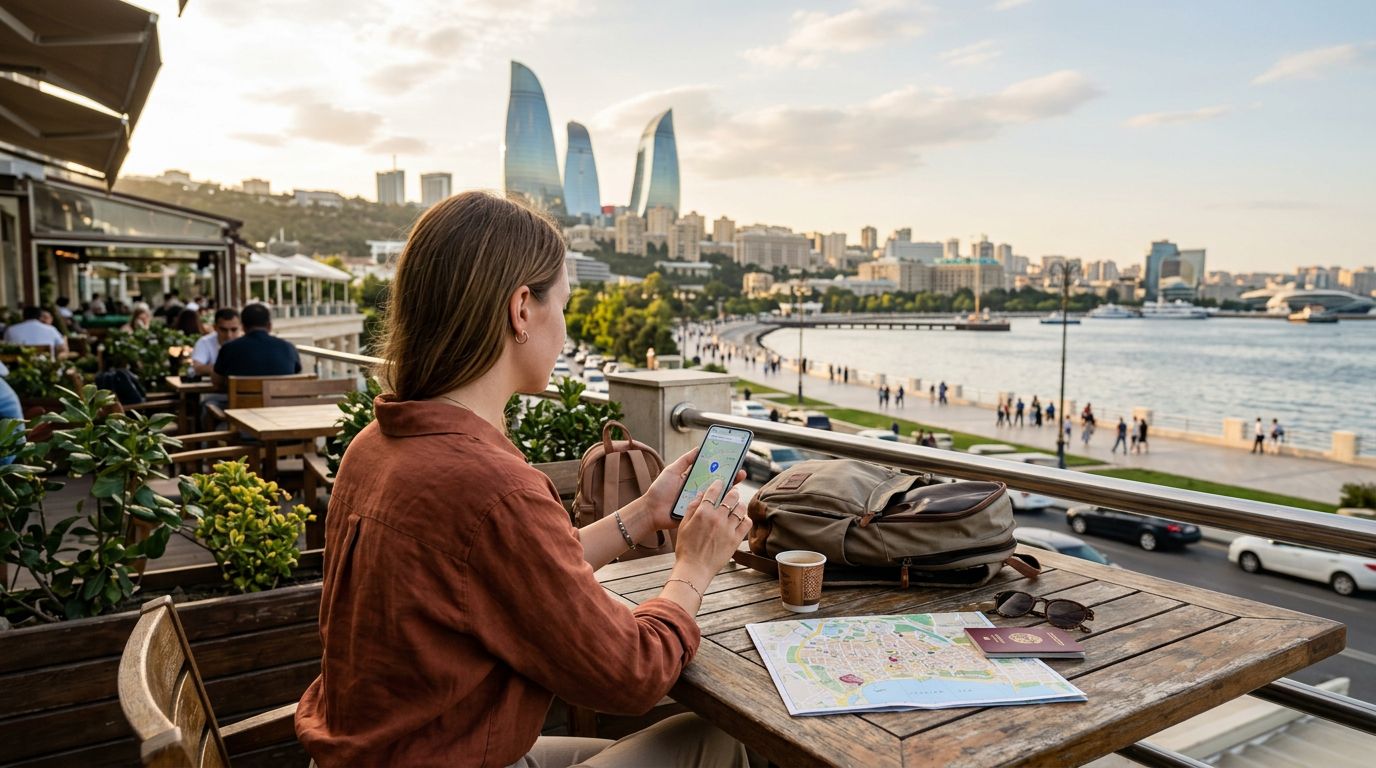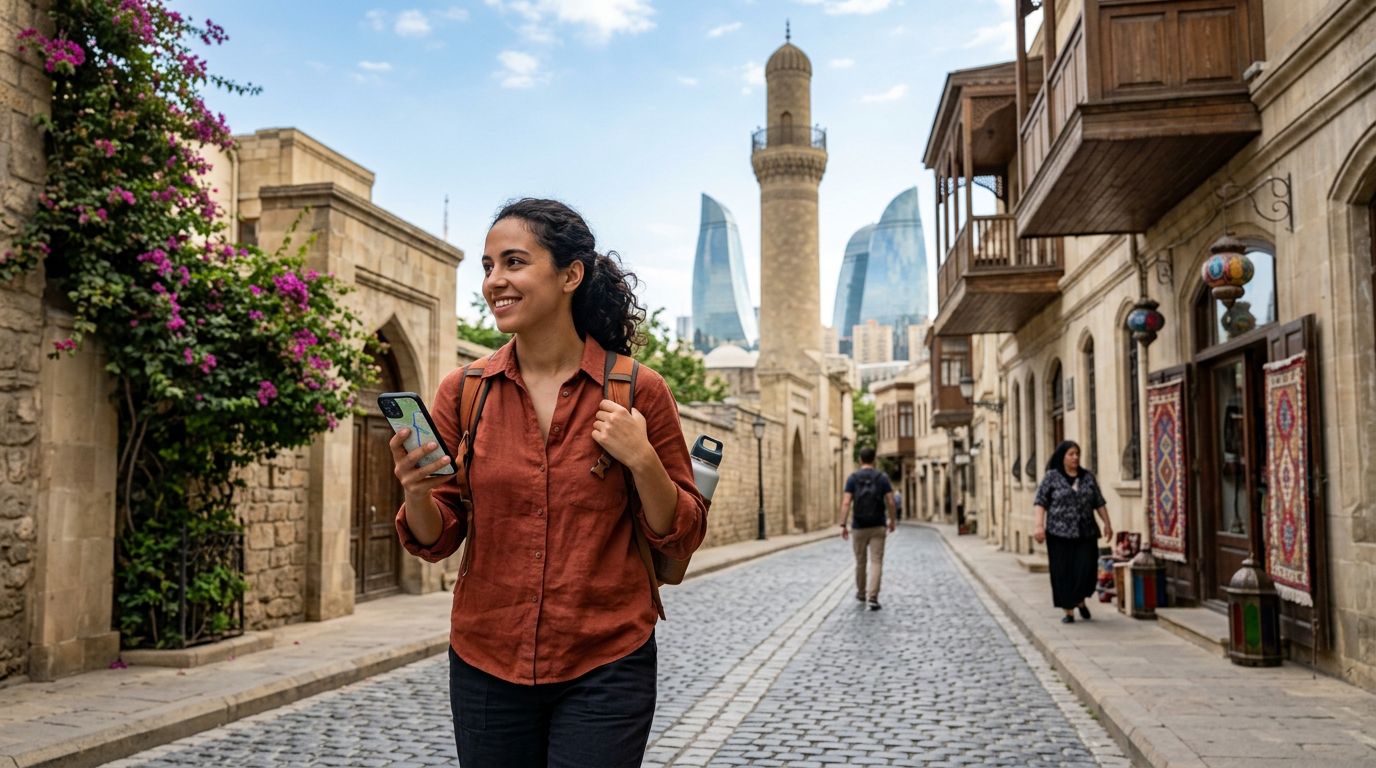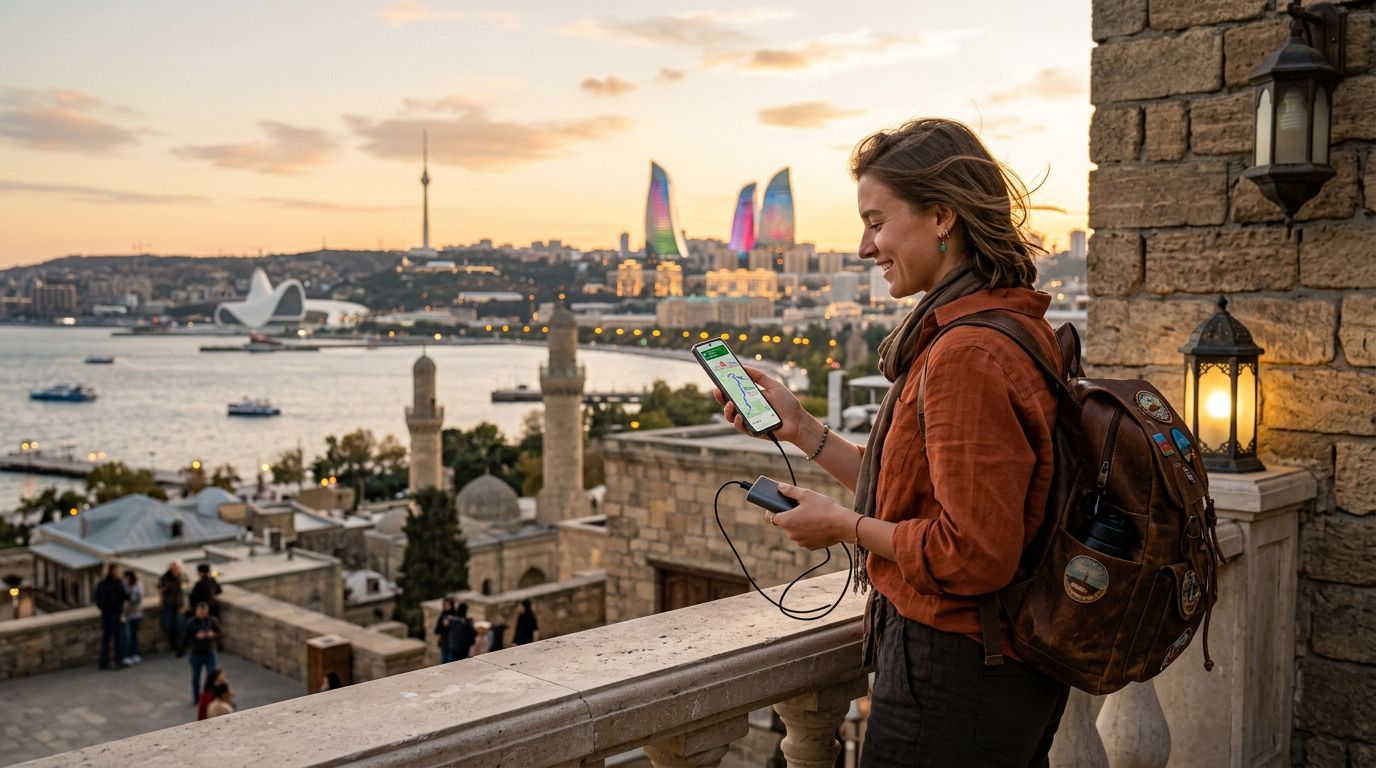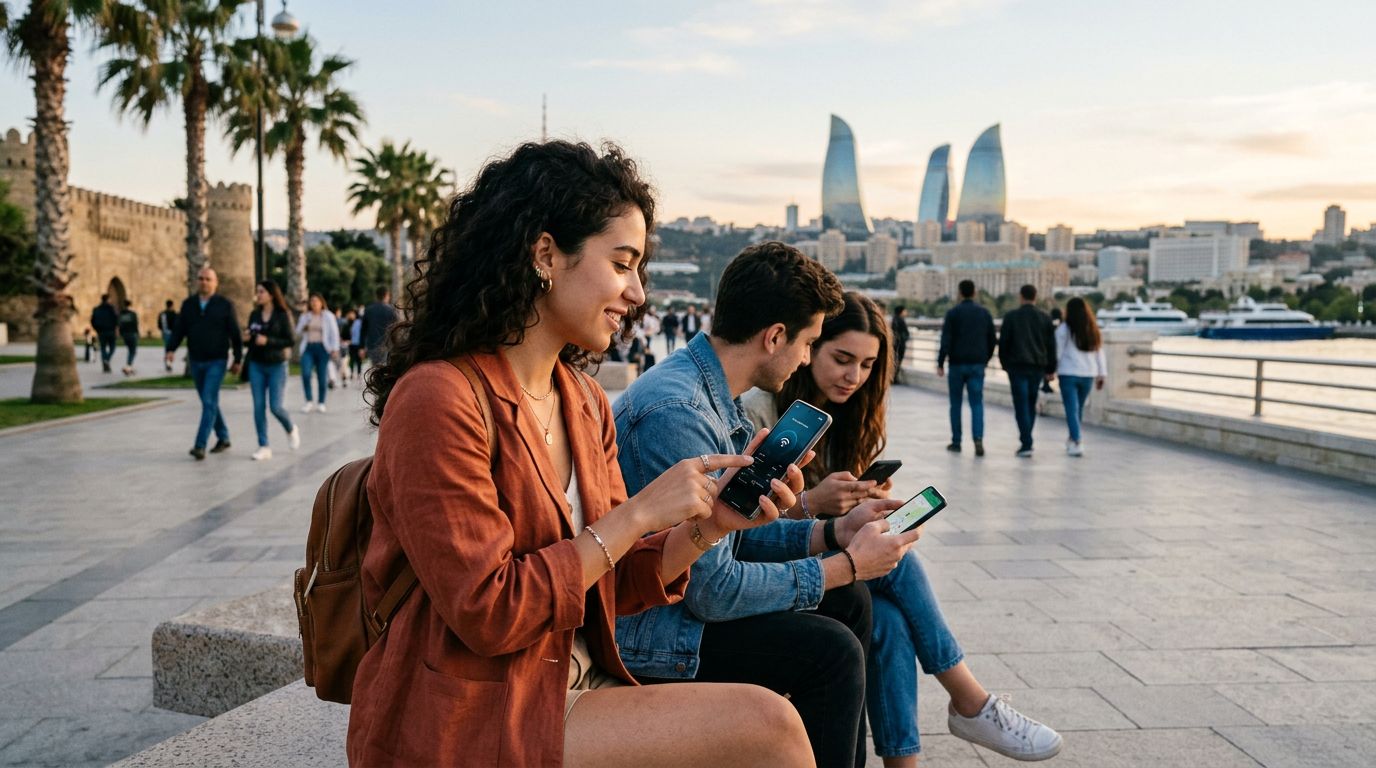
Azerbaijan is a country of striking contrasts, where the futuristic skyline of Baku meets the ancient, winding streets of the Old City and the rugged beauty of the Caucasus Mountains. Whether you are trekking through the remote villages of Quba or working remotely from a cafe in the capital, staying connected is essential. Many travelers find that relying on a single device isn't enough, especially when you need to connect a laptop, a tablet, or a travel companion’s phone to the internet. This is where knowing how to use a hotspot becomes a vital skill for your trip.
Understanding Connectivity Options in Azerbaijan
Before you can set up a hotspot, you need a reliable data source. Traditional roaming through your home carrier can be prohibitively expensive and often comes with restrictive data caps. Local physical SIM cards are an option, but they require visiting a store, dealing with language barriers, and potentially waiting in long queues at the airport.
A modern alternative is the eSIM. Using a service like OneTapSIM allows you to download a digital plan directly to your device before you even land in Baku. Because an eSIM functions exactly like a physical SIM card, your phone treats the data connection as a primary source. This means that your device is fully capable of sharing that connection with other gadgets. When you have a stable eSIM data plan, your phone becomes a portable Wi-Fi router, providing you with the flexibility to work or share photos from anywhere in the country.
Setting Up Your Hotspot on iOS and Android
Once you have your data plan active, the process of enabling a hotspot is straightforward. The steps vary slightly depending on your operating system, but both platforms have streamlined the experience.
For iPhone users, navigate to your Settings menu. Look for the option labeled "Personal Hotspot." If you do not see this immediately, check under "Cellular" or "Mobile Data." Once you are in the Personal Hotspot menu, toggle the "Allow Others to Join" switch to the on position. You will see a Wi-Fi password listed; you can change this to something memorable if you wish. To ensure a stable connection, keep the "Maximize Compatibility" setting turned on if you are connecting older devices, though be aware this may use the 2.4 GHz band, which can be slower in crowded areas.
If you are using an Android device, the process is equally simple. Open your Settings and look for "Network & Internet" or "Connections." From there, select "Hotspot & Tethering" and then "Wi-Fi Hotspot." You can toggle the hotspot on and set your network name and password. It is highly recommended to use WPA3 or WPA2 security protocols to ensure your connection remains private. Once activated, your device will broadcast a signal that your laptop or tablet can detect just like a standard home Wi-Fi network.
Best Practices for Managing Data While Tethering
Sharing your data connection can consume your mobile allowance much faster than browsing on a phone alone. When you connect a laptop to your phone’s hotspot, your computer may automatically initiate background processes, such as cloud backups, software updates, or high-resolution photo syncing. These activities can drain your data plan in minutes.
To manage your data usage effectively while in Azerbaijan, adjust your device settings before connecting. On a laptop, set your connection as a "Metered Connection" in Windows or disable "Background App Refresh" on macOS. This prevents the computer from treating the hotspot like an unlimited home fiber connection. Furthermore, close any unnecessary browser tabs or streaming applications that might be running in the background.
When you use a high-quality eSIM from OneTapSIM, you benefit from consistent network speeds across Azerbaijan. However, even with a strong signal, it is wise to be mindful of how much data you are consuming. If you are planning on attending video conferences or uploading large files, try to do so when you are in areas with the strongest coverage, such as central Baku or major tourist hubs.
Another tip for travelers is to keep your devices charged. Running a hotspot is a power-intensive task that puts significant strain on your phone’s battery. If you are out exploring the countryside, carry a portable power bank to ensure your phone stays powered on. If your phone dies, your hotspot goes with it, leaving your other devices without access.
Finally, always remember to turn off your hotspot when you are finished using it. Leaving the feature enabled can lead to your phone constantly searching for devices to connect to, which wastes battery life and can occasionally lead to unauthorized devices attempting to join your network if your password is weak. By following these simple steps, you can enjoy seamless connectivity throughout your Azerbaijani adventure, ensuring you can navigate, communicate, and share your experiences without interruption. Whether you are uploading a video from the Flame Towers or checking your email in a mountain village, your mobile hotspot is the bridge that keeps your digital life running smoothly.
Get an eSIM for
Plans for the destinations covered in this guide, with instant QR delivery.