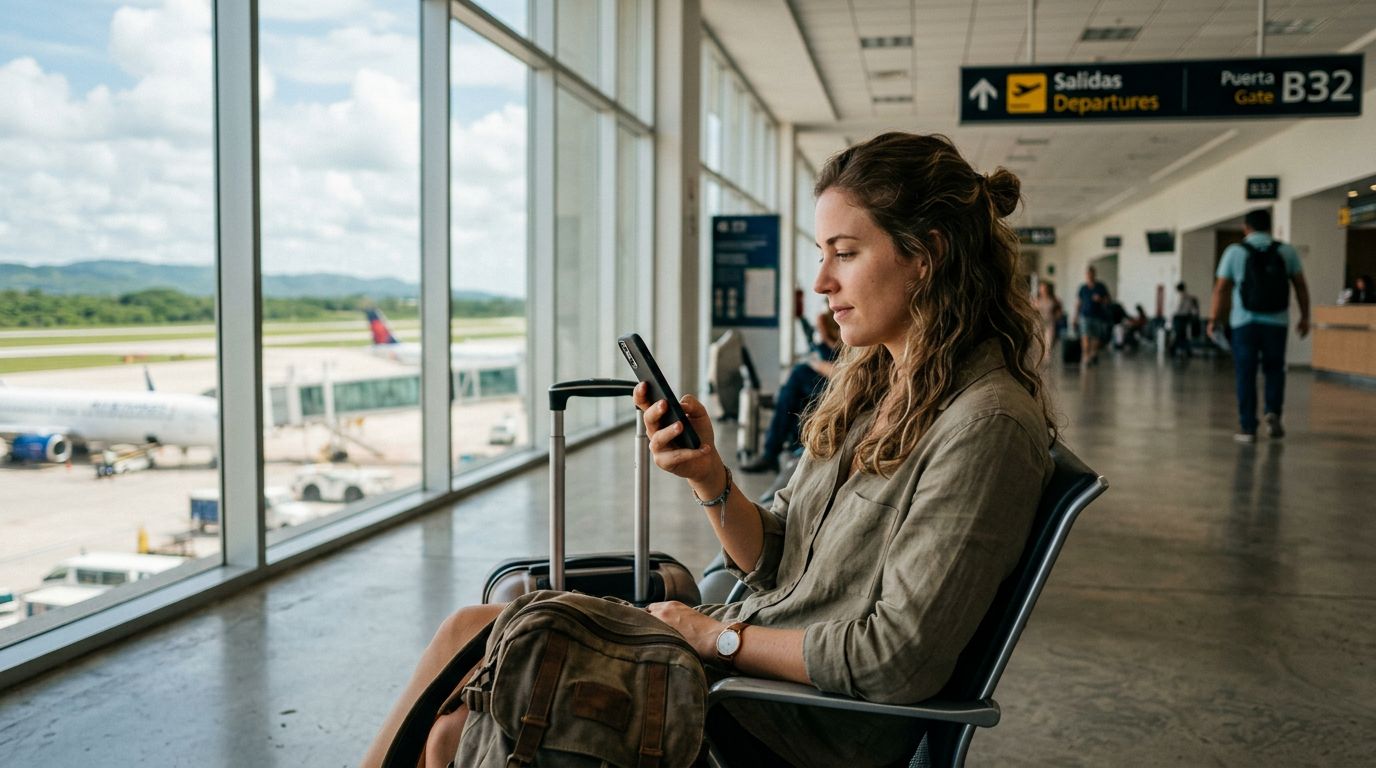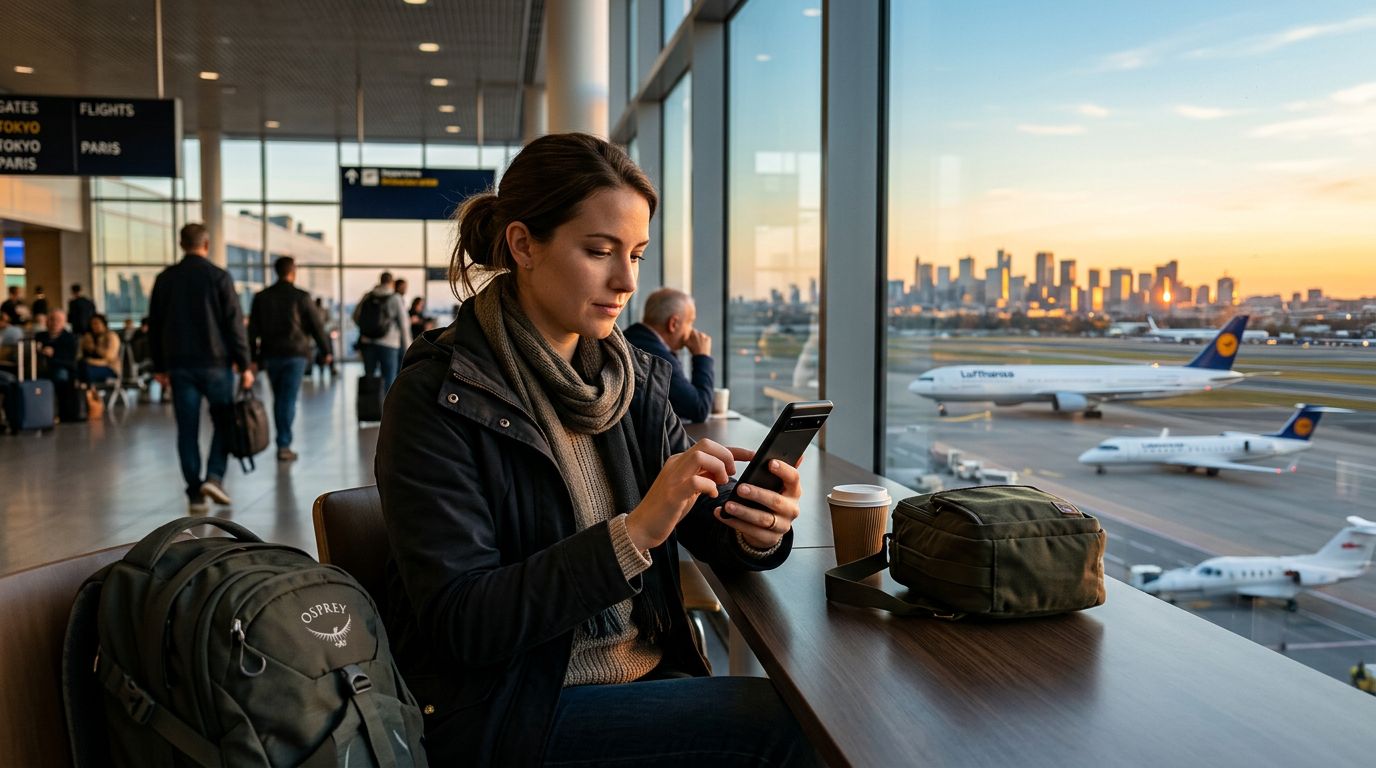
Traveling to a new country is an exhilarating experience, but it often comes with the hidden stress of staying connected without incurring massive bills or running out of data at the worst possible moment. Whether you are navigating a foreign city using maps, uploading photos of your journey, or checking in with family, mobile data is the lifeline of the modern traveler. Understanding how to manage data usage abroad is the key to a smooth, worry-free trip. By taking control of your device settings and choosing the right connectivity solutions, you can ensure your data lasts exactly as long as you need it to.
Understanding Your Data Consumption Habits
Before you even step onto the plane, it is vital to understand what actually consumes your mobile data. Many travelers assume that simply browsing the web is the primary culprit, but background processes and high-definition media are often the silent killers of a data plan.
Applications on your smartphone are designed to update, sync, and refresh even when you are not actively using them. Social media apps, in particular, are notorious for auto-playing videos and pre-loading high-resolution images. To gain control, start by reviewing your phone’s internal data usage settings. Both iOS and Android devices provide a breakdown of which apps are consuming the most data. By identifying these heavy hitters, you can restrict their background access or disable their ability to use cellular data entirely while you are abroad.
Another major drain is cloud synchronization. If your phone is set to automatically back up your photos and videos to a cloud service every time you take a picture, you could burn through a significant portion of your data allowance in a single afternoon. Switch these settings to "Wi-Fi Only" before you leave home. This simple adjustment ensures that your high-quality media is only uploaded when you are connected to a hotel or cafe network, preserving your cellular data for essential tasks like navigation and communication.
Optimizing Device Settings for International Travel
Once you have identified the culprits, it is time to configure your device to work for you rather than against you. The most effective way to manage data usage abroad is to be proactive with your operating system settings.
Start by enabling "Low Data Mode" or "Data Saver" mode. These features are built into modern smartphones and are designed to reduce the amount of data your apps use by pausing automatic updates and reducing the quality of background processes. When you are on a limited data plan, these modes act as a safety net, ensuring that your device does not perform unnecessary tasks in the background.
Offline capabilities are your best friend when traveling. Most major map applications allow you to download entire regions for offline use. By downloading the maps of the city you are visiting while you are still connected to a stable Wi-Fi network at home, you can navigate the streets without needing to download map tiles in real-time. Similarly, many music and video streaming services allow you to download content for offline playback. Preparing your device this way significantly reduces your reliance on cellular data for entertainment and navigation.
If you are using a travel eSIM like OneTapSIM, you have the advantage of managing your connectivity directly through your phone's digital settings. Since eSIMs are integrated into your device’s hardware, you can easily toggle between your home SIM and your travel eSIM. This allows you to keep your primary number active for essential calls or texts while dedicating your travel eSIM exclusively to data, preventing your home carrier from accidentally triggering expensive roaming charges.
Smart Strategies for Staying Connected
Managing your data isn't just about what you do on your phone; it is about how you approach connectivity throughout your trip. While public Wi-Fi networks in airports, cafes, and hotels can seem like a great way to save data, they come with significant security risks. Relying on public Wi-Fi for sensitive tasks like banking or accessing personal accounts is never recommended.
Instead, use your mobile data for secure, essential tasks and reserve public Wi-Fi for non-sensitive activities like browsing travel blogs or checking weather updates. When you need a reliable connection for your entire trip, a travel eSIM provides a consistent, secure bridge to the internet. Because OneTapSIM offers localized data packages, you can choose a plan that matches the length and intensity of your trip. This removes the "bill shock" associated with traditional roaming, as you are paying for a set amount of data upfront.
If you find yourself approaching your data limit, do not panic. Most modern devices allow you to set a data warning or a hard limit. By setting a threshold, your phone will notify you when you have used a certain percentage of your plan, giving you the chance to adjust your usage habits before you run out.
Finally, consider the human element of data management. When traveling with others, try to avoid having everyone in your group use their own data to look up the same information. If you are traveling as a pair or a group, designate one person to handle the navigation or research for a specific outing. By centralizing your data usage, you can collectively stretch your resources further.
Ultimately, managing your data is about balance. You do not need to turn your phone into a brick to save money, nor do you need to spend your entire vacation worrying about your balance. By preparing your device, understanding your app behaviors, and utilizing efficient tools like an eSIM, you can focus on the sights, sounds, and experiences of your destination, knowing that your digital connection is handled. Whether you are navigating a bustling market or finding a quiet cafe, staying connected should be an asset to your journey, not a source of stress.