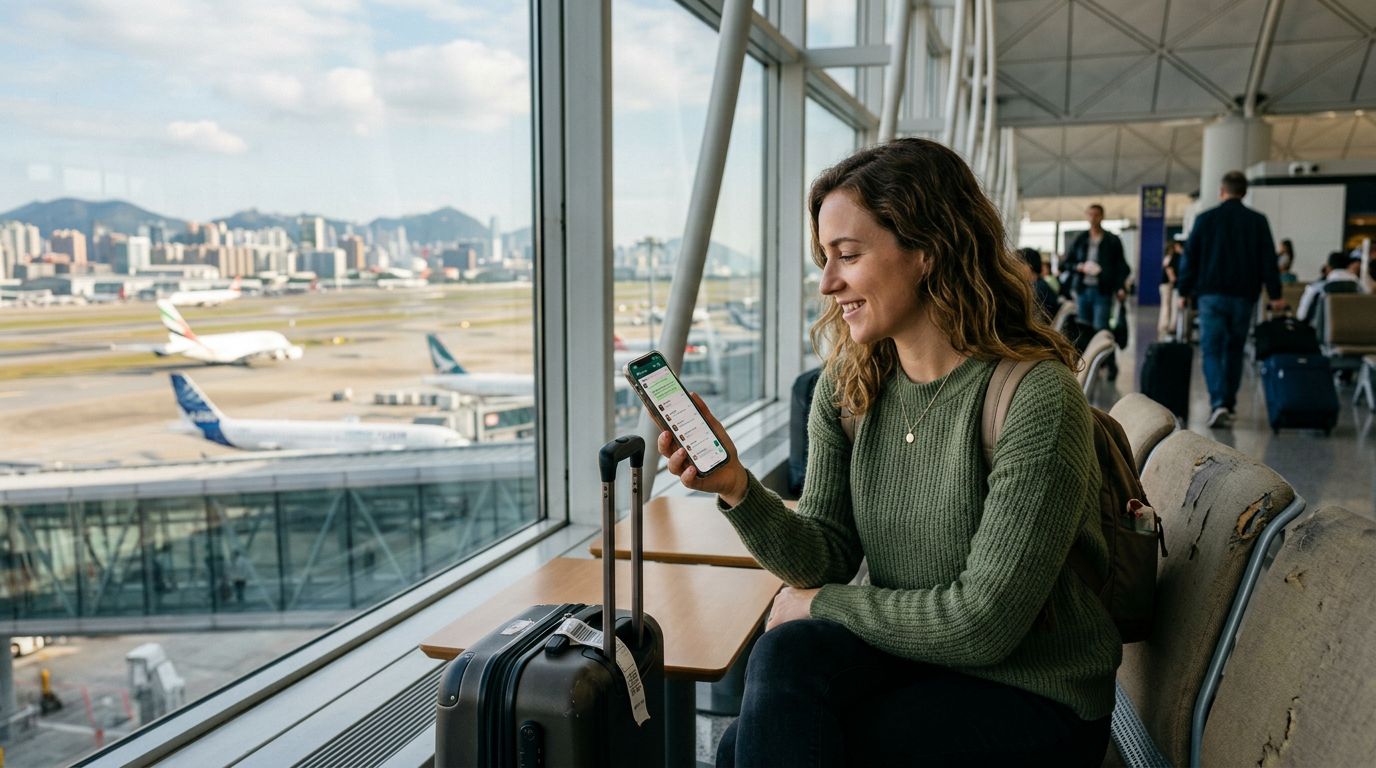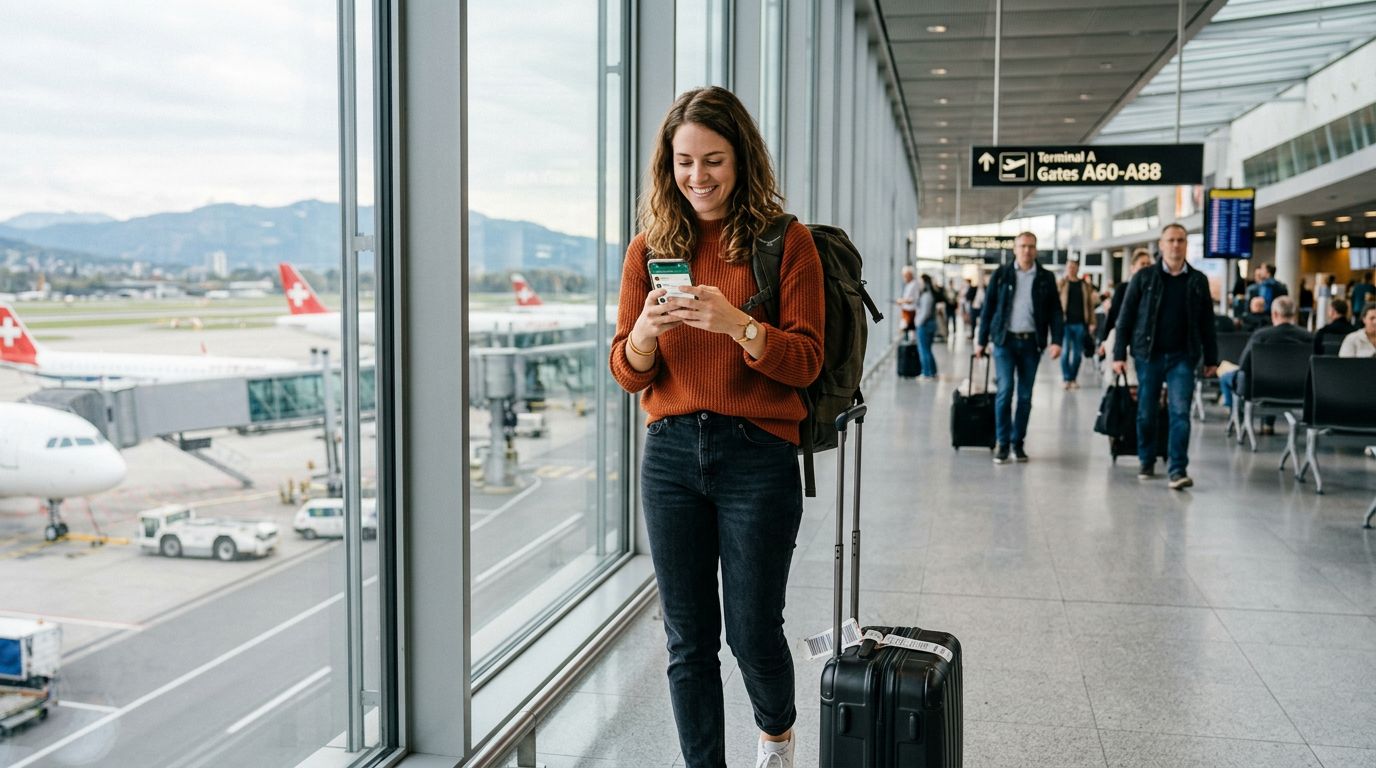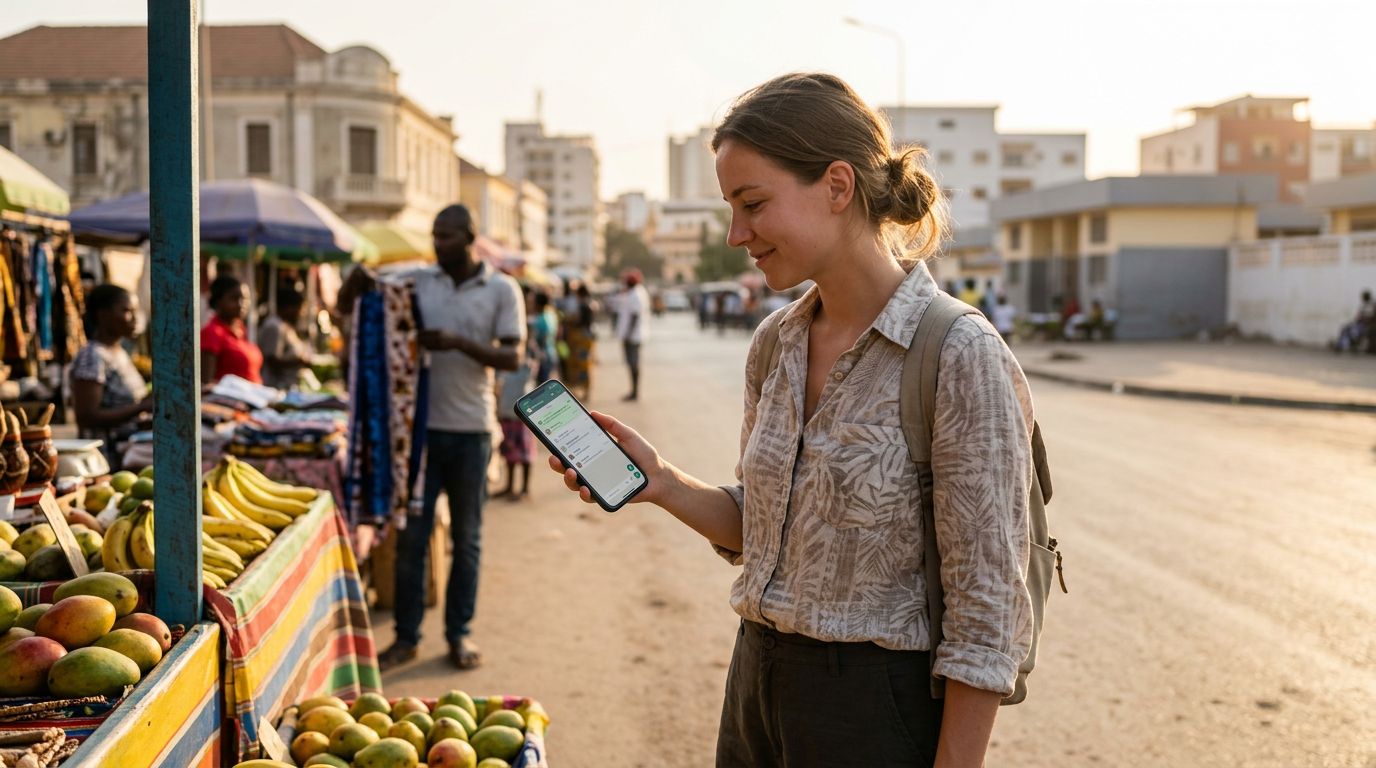
Traveling abroad is an exciting experience, but it often brings a significant technical headache: staying connected without losing access to your essential apps. For most people, WhatsApp is the primary bridge between them and their contacts back home. A common fear among travelers is that swapping out their physical SIM card for a local one will somehow disconnect their WhatsApp account, delete their message history, or force them to switch to a new number.
The good news is that your WhatsApp account is tied to your account identity, not your physical SIM card. You can easily maintain your existing number while using a data-only eSIM for your internet connectivity. By understanding how the application functions and utilizing modern technology like OneTapSIM, you can travel the globe without ever missing a notification.
Understanding How WhatsApp Works While Traveling
Many users mistakenly believe that their WhatsApp account is "stored" on their physical SIM card. In reality, WhatsApp links your account to a specific phone number during the initial registration process. Once your account is verified, the application functions independently of the SIM card currently inserted in your phone. As long as your device has an active internet connection—whether through Wi-Fi or a mobile data plan—WhatsApp will continue to work perfectly.
When you arrive in a new country, you might be tempted to remove your home SIM card to avoid roaming charges. If you do this, WhatsApp will not automatically prompt you to change your number or delete your data. When you open the app, it will look for a data connection. If you have an eSIM providing that connection, the app will function exactly as it did when you were at home. You can continue to send messages, make voice calls, and participate in group chats without any interruption.
The primary requirement is that you do not perform a "Change Number" action within the WhatsApp settings while abroad. As long as you keep your original SIM card registered to the account, the app remains linked to that number. You can even keep your home SIM card inside your phone (in a secondary slot or simply disabled in settings) while using an eSIM for your data needs. This ensures that you can still receive SMS verification codes if a service provider or bank requires one, keeping your digital identity secure and intact.
The Role of eSIMs in Maintaining Connectivity
Transitioning to an eSIM for international travel is the most efficient way to manage your mobile data. An eSIM is a digital version of a traditional plastic SIM card that you download directly to your device. Because it is software-based, you can install it before you even board your flight. This allows you to land at your destination and immediately have a data connection, eliminating the need to search for local kiosks or deal with physical card swaps.
Using a service like OneTapSIM allows you to activate a data plan that covers your specific travel destination. Because these plans are data-only, they do not interfere with your primary phone number’s voice or SMS capabilities. You simply configure your phone to use the eSIM for "Cellular Data" while keeping your primary line set for "Voice" or "Default." This setup creates a seamless experience where your phone handles data traffic through the local network provided by the eSIM, while your WhatsApp remains tethered to your home number.
This approach also helps you avoid the high costs associated with traditional roaming. When you rely on your home carrier’s roaming data, you are often subject to daily fees or restrictive data caps. By using a dedicated travel eSIM, you gain access to local data speeds at a fraction of the complexity. You can browse maps, check emails, and stay active on WhatsApp without worrying about a massive bill upon your return. The flexibility of having a secondary data source ensures that your primary number remains dormant for data purposes, preventing accidental roaming charges while keeping your WhatsApp account fully functional.
Best Practices for a Seamless Experience
To ensure you know how to keep your WhatsApp number while traveling, follow a few simple steps before and during your trip. First, verify that your phone is unlocked. An unlocked device is required to use an eSIM from a provider other than your home carrier. You can check your device status through your phone’s settings or by contacting your home service provider.
Before you leave, ensure that your WhatsApp is backed up. While your account is not tied to the SIM, backing up your chat history to the cloud is a critical safety measure for any traveler. If you lose your phone or experience a hardware failure, having a cloud backup ensures your conversations remain safe.
Once you arrive at your destination and activate your OneTapSIM, go into your phone’s cellular settings. Make sure that your home SIM is set to "On" if you wish to receive incoming calls or SMS, but ensure that "Cellular Data" is toggled to your eSIM. By designating the eSIM as the primary source for data, you ensure that your WhatsApp traffic flows through the local network.
It is also helpful to keep "Data Roaming" turned off for your home SIM card. This prevents your home carrier from attempting to connect to foreign networks and charging you for background data usage. With the eSIM handling your data, your home SIM acts merely as a standby connection for your phone number. If someone calls your home number, the call will either go through (if your carrier supports Wi-Fi calling or roaming) or go to voicemail, but your WhatsApp will continue to operate as if you were still in your home country.
By following these steps, you remove the stress of managing your mobile connectivity. You can focus on your itinerary rather than worrying about your digital presence. With the right preparation and the reliability of an eSIM, maintaining your WhatsApp connection is a straightforward process that allows you to enjoy your travels with the peace of mind that you are always just one tap away from your friends and family.