Back to blog

How to install a travel eSIM in 2 minutes

A clear step-by-step guide to install your OneTapSIM travel eSIM on iPhone or Android before you fly.

Share
How to install a travel eSIM in 2 minutes

Travel eSIMs let you get online abroad without swapping a plastic SIM or paying roaming fees. Install on Wi-Fi at home — validity usually starts when you connect at your destination.

Before you start

  • Your phone must support eSIM and be carrier-unlocked
  • Use Wi-Fi for the install
  • Keep your home SIM in place for calls and WhatsApp

iPhone

  1. Open your order email or order page with the QR code
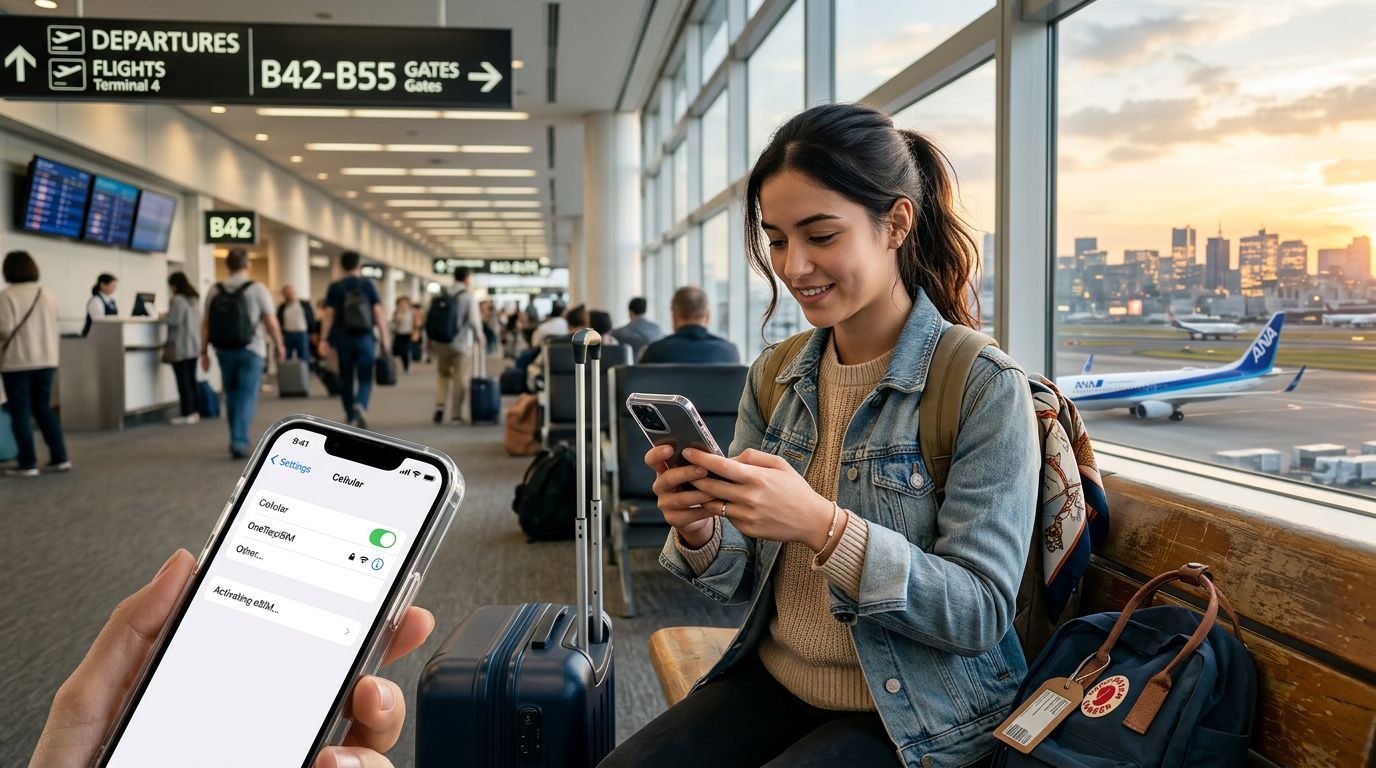
  2. Go to Settings → Cellular → Add eSIM → Use QR Code
  3. Scan the QR, confirm, and label it Travel
  4. Leave the eSIM off until you land
  5. On arrival: enable the travel eSIM, set it for Cellular Data, turn Data Roaming ON for that line only

Android

  1. Open the QR on another screen (or use manual codes)
  2. Settings → Network & internet → SIMs → Add eSIM (Samsung: Connections → SIM manager)
  3. Scan, name it Travel, keep your main SIM for calls
  4. On arrival: enable eSIM for mobile data and turn Data Roaming on

Tips

Each QR installs once — don't delete the eSIM mid-trip. If something fails, email info@onetapsim.com with your order number.

Ready to go? Browse eSIM plans on OneTapSIM and install before you fly.

Need data for your trip?

Browse eSIM plans for 190+ destinations, with instant QR delivery.

Browse destinations
Topics:Esim

Related guides

More in Esim
10 Fun Facts About Colombia: A Guide for Travelers with OneTapSIM

Planning a trip to Colombia? Discover fascinating facts about this vibrant South American gem. Stay connected throughout your journey with a reliable eSIM from OneTapSIM.

Should You Buy an eSIM Before Travel? The Ultimate Guide

Wondering if you should buy an eSIM before your next trip? Discover why pre-installing your OneTapSIM connectivity is the smartest way to avoid roaming fees and stay connected the moment you land.

Can You Buy an eSIM Before You Travel? Your Ultimate Guide

Wondering if you can buy an eSIM before you travel? Discover why purchasing your OneTapSIM in advance is the smartest way to ensure instant connectivity the moment you land at your destination.

Airalo Discount Code vs. OneTapSIM: How to Save on Your Next eSIM

Looking for an Airalo discount code? Before you buy, compare the best ways to save on international data. Discover why savvy travelers are choosing OneTapSIM for reliable, affordable global connectivity.

How to Buy an eSIM for USA Travel: A Complete Guide

Planning a trip to the States? Discover how to buy an eSIM for USA travel to stay connected without roaming fees. Learn the benefits of OneTapSIM and how to get set up before you land in America.

No SIM Available on iPhone? Here’s How to Fix It With OneTapSIM

Stuck with a 'No SIM Available' error on your iPhone? Discover the most common causes for this connectivity issue and learn how a travel eSIM from OneTapSIM can be your reliable backup solution.