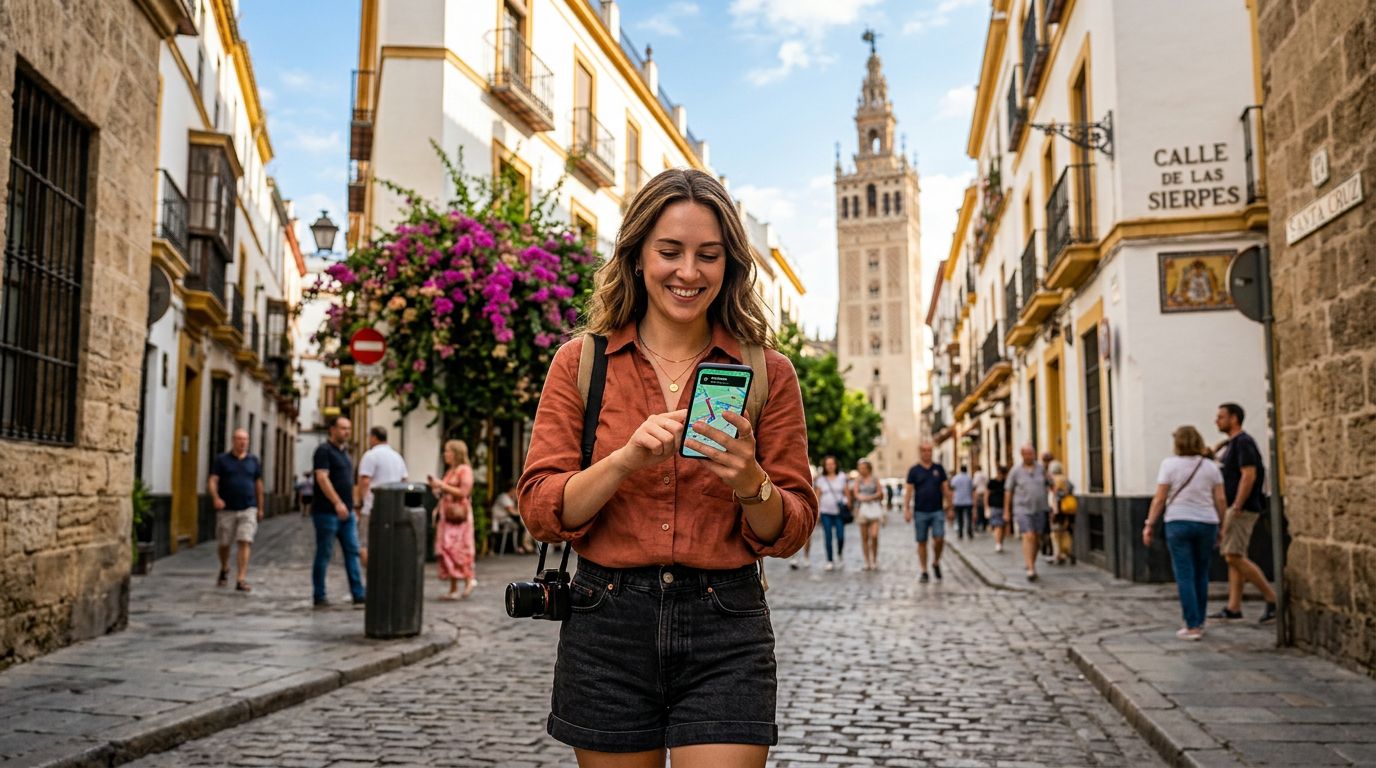
Understanding eSIM Technology for Your Spanish Adventure
Traveling to Spain offers a wealth of experiences, from the architectural wonders of Barcelona to the sun-drenched beaches of the Costa del Sol. Staying connected while exploring these destinations is essential for using GPS, translating menus, and sharing your experiences with friends and family. An eSIM, or embedded SIM, is a digital alternative to the traditional physical plastic cards that have dominated mobile connectivity for decades. Because it is built directly into the hardware of your smartphone, you do not need to visit a local shop or swap out a tiny chip when you land at the airport.
When you choose a service like OneTapSIM, you are essentially purchasing a digital profile that allows your phone to connect to local Spanish cellular networks. This technology eliminates the risk of losing your home SIM card while traveling and provides the convenience of having your data plan ready the moment your plane touches down. Before you begin the process, ensure that your device is carrier-unlocked. If your phone is tied to a specific mobile provider from your home country, it may prevent you from adding an eSIM from a different provider. You can usually check this in your device settings or by contacting your home carrier.
How to Activate Your eSIM in Spain on iOS and Android
The process of setting up your digital connection is straightforward, provided you have a stable internet connection—such as hotel Wi-Fi—to complete the initial download. Most travelers prefer to set up their eSIM while still at home or at the airport before leaving the Wi-Fi zone.
For iPhone users, the process typically involves navigating to your cellular settings. You will select the option to add an eSIM, which will prompt you to either scan a QR code provided by your service or enter the details manually. Once the profile is added, you will need to label it—for example, "Spain Travel"—so you can easily distinguish it from your primary home line. Apple provides comprehensive documentation on their support pages regarding the management of cellular plans, which can be useful if you encounter any unexpected prompts during the installation.
For Android users, the steps are similar but may vary slightly depending on your specific device manufacturer. Generally, you will go to your network or connection settings, find the SIM card manager, and select the option to add a new eSIM. Again, you will scan the provided QR code or input the activation information. Android devices often allow you to toggle between SIMs easily, which is helpful if you intend to keep your home number active for receiving specific SMS messages while using your OneTapSIM data plan for internet access.
Regardless of your device, the most important step is to ensure that "Data Roaming" is turned on for the eSIM profile specifically. Many users mistakenly believe that roaming must remain off to avoid charges, but because your eSIM is a local-style connection, enabling this setting is actually what allows the data to flow through the Spanish network.
Managing Your Connection and Troubleshooting Common Issues
Once you arrive in Spain, your device should automatically detect the local network and begin providing data. If you find that you are not connected immediately, a quick restart of your phone often forces the device to re-scan for available towers. Ensure that your "Cellular Data" or "Mobile Data" setting is explicitly set to use your new travel eSIM rather than your home SIM. This prevents your home carrier from attempting to connect to international roaming, which could result in unexpected charges from your original provider.
If you encounter a scenario where you have full signal bars but no internet access, check your Access Point Name (APN) settings. Sometimes, the profile requires a specific string of text to be entered into the network settings menu to authenticate the data connection. OneTapSIM provides clear instructions for these settings if they are required for your specific device. If the issue persists, verify that your primary SIM is set to "Voice Only" or "Off" for data, as this forces the phone to prioritize the eSIM for all web-based activities.
Another common concern for travelers is tracking data usage. Because you are using a digital plan, you can monitor your consumption directly through your phone’s built-in data usage tracker. This allows you to see exactly which apps are consuming the most data, such as video streaming services or social media uploads. If you plan on using your phone for navigation or heavy media usage, consider downloading offline maps or pre-loading content while on a high-speed Wi-Fi network to conserve your data balance.
By following these steps, you ensure that your connectivity remains stable throughout your trip. Whether you are navigating the winding streets of Madrid or searching for the best tapas bar in Seville, having a reliable digital connection allows you to move with confidence. Remember to keep your eSIM profile on your device until your trip is fully concluded; deleting it prematurely can make it impossible to re-download if you experience a temporary connection glitch. With your device properly configured, you are ready to enjoy everything Spain has to offer without the stress of searching for public Wi-Fi hotspots.
Get an eSIM for
Plans for the destinations covered in this guide, with instant QR delivery.