Preparing for Your Mongolian Adventure
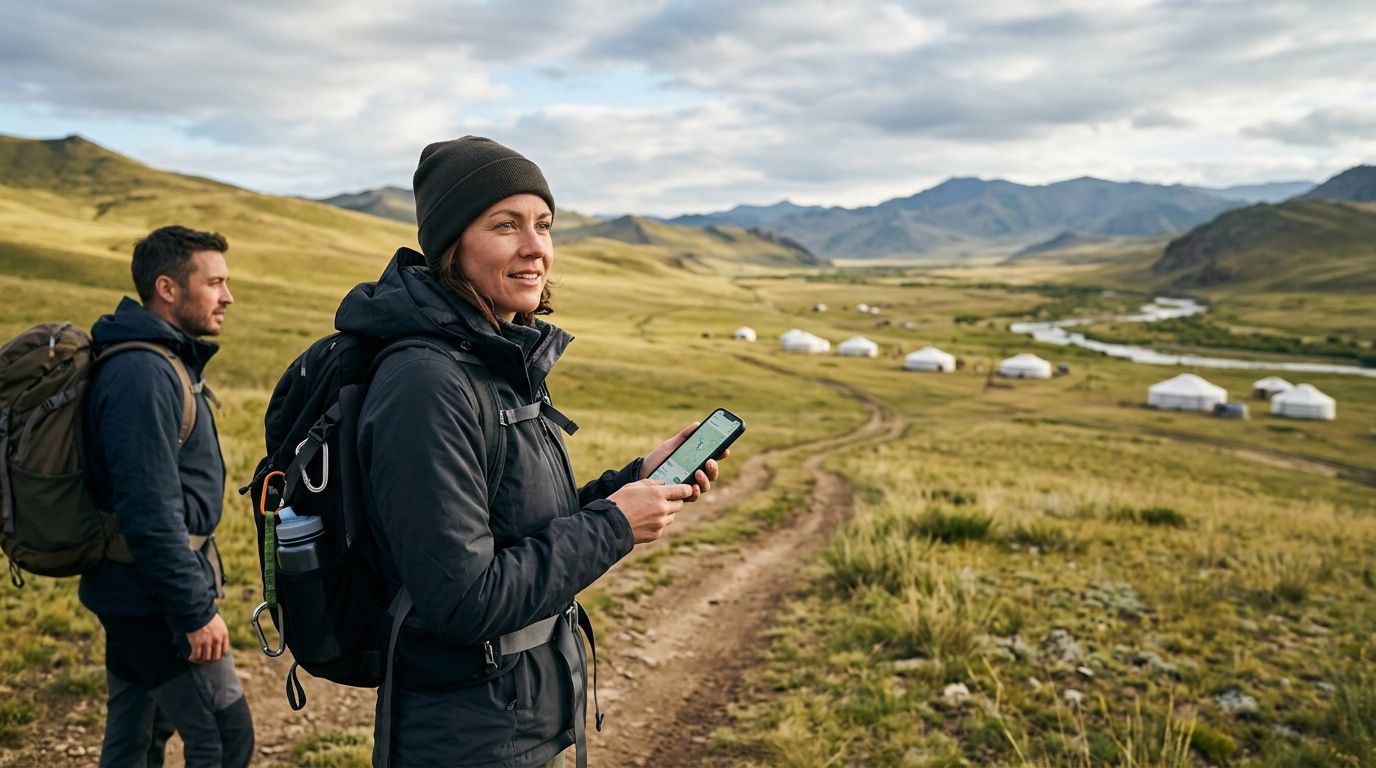
Mongolia is a land of vast horizons, nomadic traditions, and breathtaking landscapes. Whether you are planning to traverse the Gobi Desert, explore the historic sites of Karakorum, or experience the vibrant culture of Ulaanbaatar, staying connected is essential for a smooth journey. Relying on traditional physical SIM cards can be cumbersome, especially when you need to swap out your home card and risk losing it. This is where eSIM technology changes the game for international travelers.
An eSIM, or embedded SIM, is a digital version of the standard plastic SIM card. It is built directly into your smartphone’s hardware, allowing you to download and activate a cellular plan without needing to visit a local shop or wait for a physical card to be shipped to your home. Before you begin your trip, it is important to ensure your device is compatible. Most modern smartphones released in the last few years support this technology. You can verify your phone’s status by checking the settings menu under cellular or mobile data options to see if there is an "Add eSIM" or "Add Cellular Plan" feature.
If you are wondering how to activate your eSIM in Mongolia, the process is designed to be user-friendly and efficient. By choosing a provider like OneTapSIM, you can secure your data connection before you even board your flight. This ensures that the moment you land at Chinggis Khaan International Airport, you have access to navigation apps, translation tools, and messaging services to contact your transport or accommodation hosts.
Step-by-Step Activation Process
The activation process is straightforward, but it requires a few specific steps to ensure your device connects to the local network correctly. Before you start, make sure you have a stable Wi-Fi connection, as you will need to download the eSIM profile to your device.
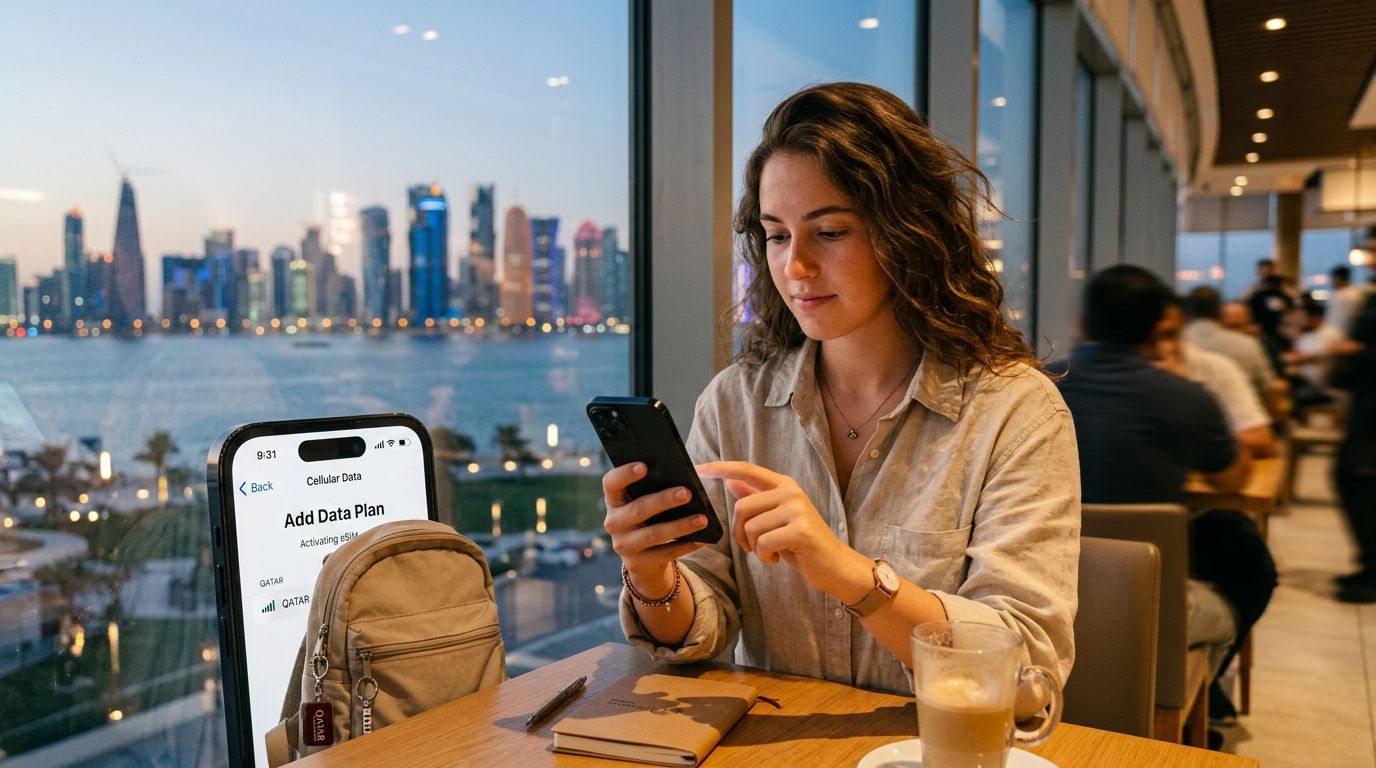
First, purchase your chosen data plan through the OneTapSIM website. Once the purchase is confirmed, you will typically receive a QR code via email or directly through the provider's interface. If you are using an iPhone, go to Settings, select Cellular or Mobile Data, and tap "Add eSIM." You will be prompted to scan the QR code provided. If you are using an Android device, the steps are similar: navigate to your Network & Internet settings, select SIMs, and choose the option to add an eSIM.
After scanning the QR code, your phone will begin downloading the profile. This may take a few moments. Once downloaded, you will be prompted to label your new plan. It is helpful to name it "Mongolia" so you can easily distinguish it from your primary home SIM. You will then be asked to select your default line for voice and data. For your trip, ensure that your data is set to the OneTapSIM plan.
Crucially, you must enable "Data Roaming" for the eSIM to function correctly in Mongolia. Do not worry about high roaming charges; because you have purchased a specific data plan for the region, enabling this setting simply allows the device to communicate with the local partner networks. Once these settings are configured, your phone should automatically detect the local network, and you will see signal bars appear at the top of your screen.
Troubleshooting and Best Practices
Even with a smooth setup, technology can occasionally be unpredictable. If you find that your data is not working immediately upon arrival in Mongolia, do not panic. Most connectivity issues can be resolved with a few simple troubleshooting steps.
The first thing to check is your APN settings. Sometimes, the device does not automatically configure the Access Point Name. You can manually enter these details, which are usually provided in the setup instructions sent by your eSIM provider. If the data still does not connect, try toggling Airplane Mode on for ten seconds and then off again. This forces the phone to re-scan for available local towers.
Another common issue is having the wrong SIM selected as the primary data source. Double-check your Cellular settings to ensure that your home SIM is turned off or set to "Voice Only" and that your Mongolia eSIM is designated as the active data provider. If you have multiple eSIMs installed, ensure that only the one intended for use in Mongolia is toggled on, as having several active at once can sometimes cause conflicts.
Lastly, keep an eye on your data usage. While many plans offer generous amounts of data, streaming high-definition video or backing up large photo files over cellular data can deplete your balance quickly. Use Wi-Fi at your hotel or guesthouse whenever possible to conserve your data for when you are out exploring the countryside or navigating the city streets.
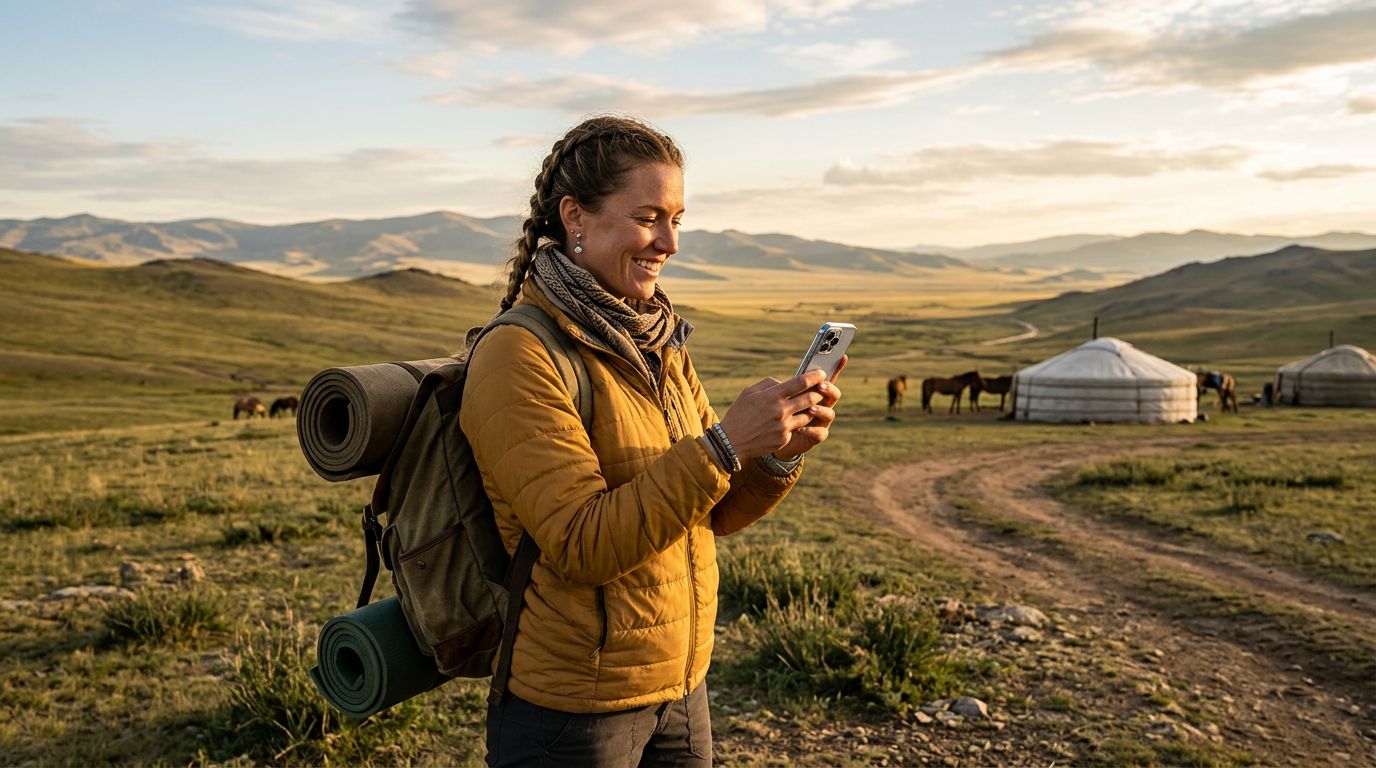
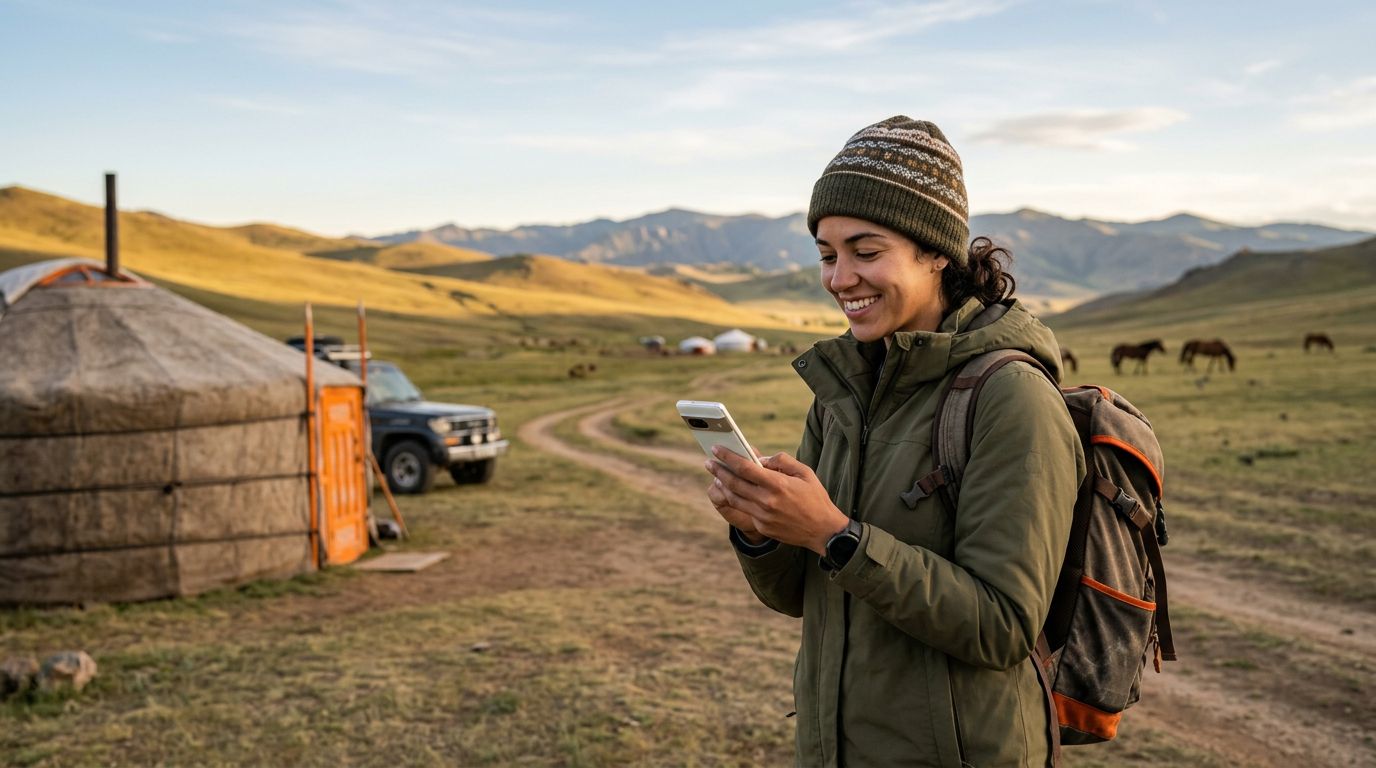
By preparing your device before you leave and understanding how to manage your settings, you can enjoy the freedom of constant connectivity in one of the world's most unique destinations. Whether you are sharing photos of the eagle hunters or looking up directions to the next ger camp, having a reliable digital connection makes your Mongolian adventure significantly more comfortable and secure. OneTapSIM provides the flexibility you need to stay online without the stress of managing physical hardware, allowing you to focus on the incredible experience of traveling through the Land of the Eternal Blue Sky.
Get an eSIM for
Plans for the destinations covered in this guide, with instant QR delivery.