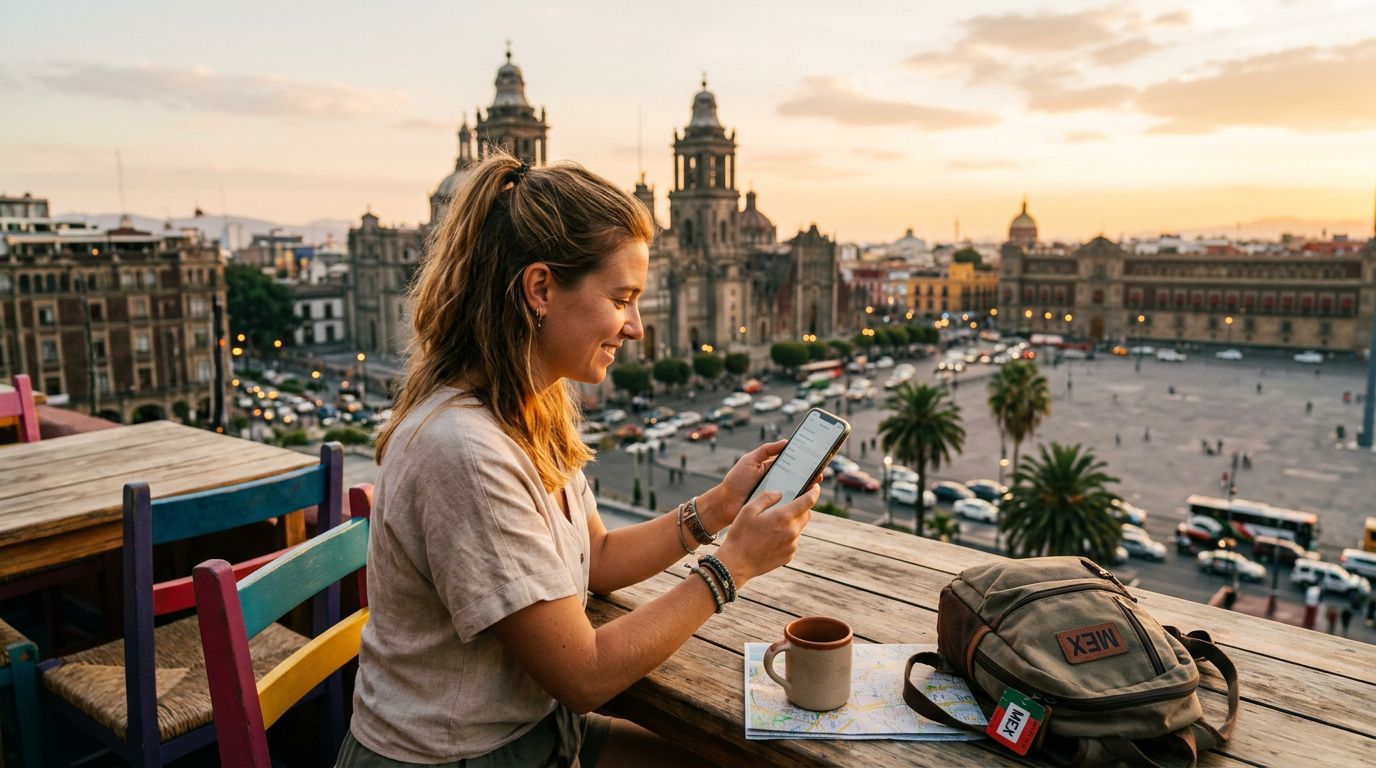
Traveling to Mexico offers an incredible blend of vibrant culture, stunning beaches, and historic ruins. Whether you are exploring the bustling streets of Mexico City or relaxing on the shores of Tulum, staying connected is essential for maps, translation apps, and keeping in touch with home. Traditional roaming plans can be expensive and cumbersome, which is why many travelers are switching to eSIM technology. Understanding how to activate eSIM in Mexico is the key to a stress-free trip.
Preparing Your Device for eSIM Activation
Before you begin the activation process, you must ensure your smartphone is compatible with eSIM technology. An eSIM is a digital SIM card embedded directly into your device’s hardware, allowing you to activate a cellular plan without needing a physical plastic card. Most modern smartphones released in the last few years support this feature, but it is always best to verify your specific model.
First, check if your phone is carrier-unlocked. If your device is locked to a specific mobile provider, it will not be able to accept an eSIM from a different network. You can usually check this in your phone’s settings menu under the cellular or network section. If you are unsure, contact your current mobile provider to ask if your device is unlocked for international use.
Once you have confirmed compatibility, ensure your phone is connected to a stable Wi-Fi network. Because you are downloading a digital profile, a strong internet connection is necessary to complete the installation without errors. If you are already in Mexico and do not have local service, try to find a public hotspot or connect to your hotel Wi-Fi before attempting the setup. If you are still at home, it is often recommended to install the eSIM profile before you board your flight so that it is ready to go the moment you land.
Step-by-Step Installation Process
The process of activating an eSIM is straightforward, but it varies slightly depending on whether you are using an iPhone or an Android device. With a provider like OneTapSIM, you will typically receive a QR code or a set of manual installation instructions via email after your purchase.
For iPhone users, navigate to your Settings app and tap on "Cellular" or "Mobile Data." Look for the option labeled "Add eSIM" or "Add Cellular Plan." From here, you can choose to scan the QR code provided by your eSIM service. Once scanned, your phone will prompt you to label the plan—naming it "Mexico" or "Travel" makes it easier to manage later. After the profile is added, you will need to select it as your primary line for data. Ensure that "Data Roaming" is toggled on for your eSIM plan, as this is required for the service to function correctly while abroad.
For Android users, the steps are similar but may vary based on your specific device manufacturer. Go to your Settings menu and look for "Network & Internet" or "Connections." Select "SIM Manager" or "SIM Card Manager" and tap on "Add eSIM" or the plus sign icon. Scan the QR code provided. Once the profile is downloaded, ensure the eSIM is toggled to the "On" position. Similar to iOS, you must verify that data roaming is enabled within the settings for that specific SIM card to allow it to connect to the local Mexican towers.
If you encounter any issues during installation, double-check that your camera is focused on the QR code and that you have not exceeded your device's limit for stored eSIM profiles. Most phones allow you to store multiple eSIMs, but you can only have a certain number active at one time.
Managing Your Connection and Troubleshooting
Once your eSIM is installed, you are ready to enjoy seamless connectivity across Mexico. However, there are a few best practices to ensure your data usage remains efficient and your connection stays strong.
When you arrive in Mexico, your phone should automatically detect the local network partners associated with your eSIM. If it does not connect immediately, toggle "Airplane Mode" on for ten seconds and then off again. This forces the device to refresh its search for available signals. If that does not work, manually select a network provider in your cellular settings. Usually, selecting the network automatically is the best approach, but manual selection can help if you are in a remote area with spotty coverage.
Managing your data usage is also important. If you are using a plan with a specific data limit, keep an eye on your usage through your phone’s built-in data tracking tools. You can view which apps are consuming the most data and restrict background activity for non-essential applications. This ensures your data lasts for the duration of your trip.
If you have a primary SIM card from your home country, you can keep it in your phone while using your OneTapSIM eSIM. Most modern phones allow for "Dual SIM" functionality. You can set your home SIM to handle calls and texts while designating your eSIM as the primary source for mobile data. This allows you to avoid high roaming fees while still being reachable on your regular phone number if necessary.
If you ever experience a complete loss of service, ensure that your APN (Access Point Name) settings are correct. While most modern eSIMs configure these automatically, some providers require a manual entry. Check the instructions provided by your service provider to see if any specific APN settings are required for your device. By following these steps and preparing in advance, you can enjoy the freedom of high-speed data throughout your Mexican adventure, allowing you to focus on the sights rather than worrying about connectivity.
Get an eSIM for
Plans for the destinations covered in this guide, with instant QR delivery.