Preparing Your Device for Solomon Islands Connectivity
Traveling to the Solomon Islands offers a unique experience, from the pristine diving spots of Gizo to the historical significance of Honiara. To ensure you stay connected throughout your journey, using an eSIM is the most efficient approach. Before you arrive, you must confirm that your smartphone is compatible with eSIM technology. Most modern smartphones released in the last few years support this feature, but it is always best to verify your device settings.
To check if your device is ready, go to your phone’s settings menu. For iPhone users, navigate to Settings, then Cellular or Mobile Data. If you see an option labeled "Add eSIM" or "Add Cellular Plan," your device is ready to proceed. For Android users, check under Settings, then Network & Internet or Connections, and look for a SIM manager or eSIM section.
Beyond device compatibility, you must ensure your phone is carrier-unlocked. Many phones purchased through mobile service providers are locked to that specific network. If your device is locked, it will not be able to accept an eSIM from a different provider. If you are uncertain about your status, contact your home carrier to request that they unlock your device for international travel. This process can sometimes take a few days, so it is wise to handle this well before your departure date.
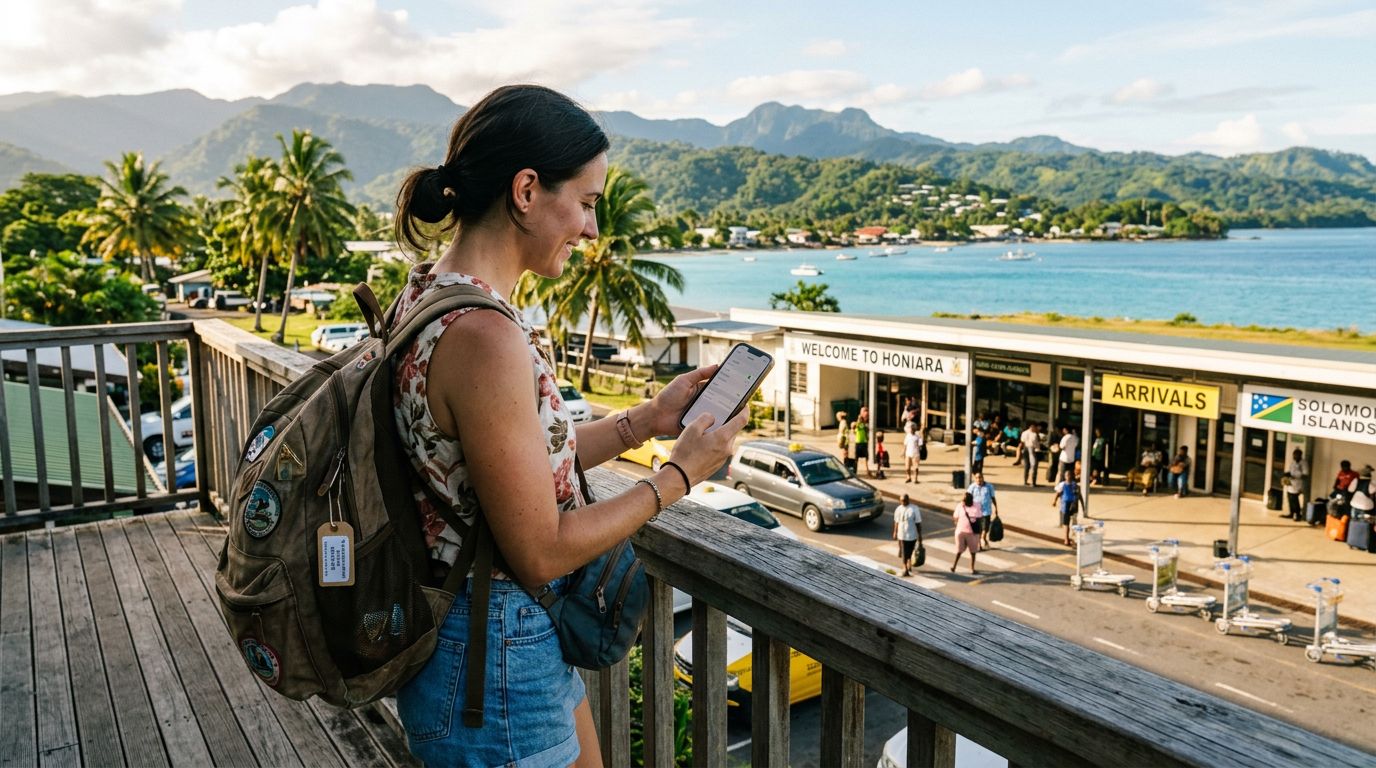
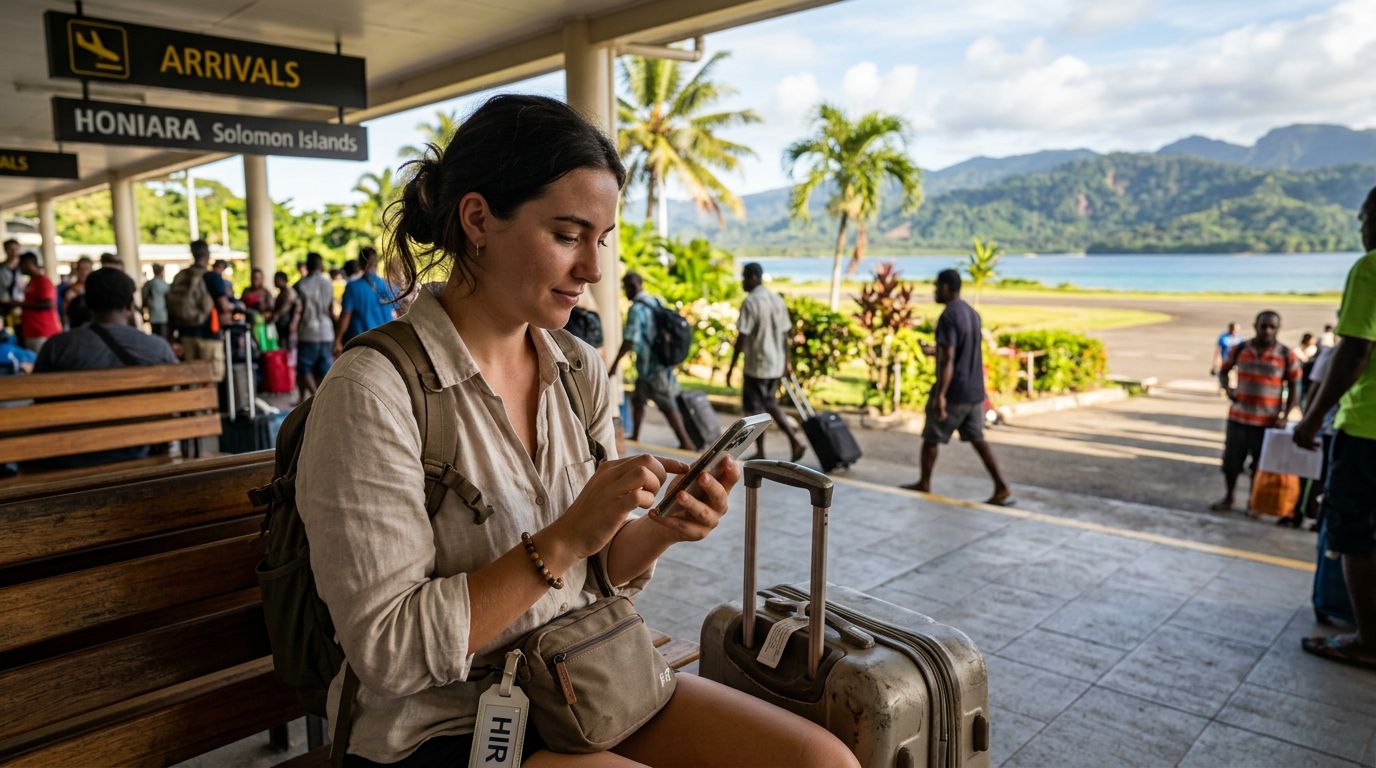
Once you have confirmed compatibility and unlocked your device, you can select a data plan from a provider like OneTapSIM. By setting this up before you leave your home country, you ensure that you have a data connection the moment you land at Honiara International Airport, avoiding the stress of searching for local physical SIM cards or relying on spotty airport Wi-Fi.
How to Activate Your eSIM for Solomon Islands
The activation process is designed to be straightforward, allowing you to manage your connectivity without needing a physical card. Once you have purchased your eSIM, you will typically receive a QR code or an activation code via email.
To activate your eSIM on an iPhone, navigate to Settings, select Cellular or Mobile Data, and tap "Add eSIM." You will then be prompted to scan the QR code provided by your eSIM service provider. If you are unable to scan the code, you can choose the option to enter the details manually. Once the scan is complete, follow the on-screen instructions to label your new plan. Many travelers choose to label it "Solomon Islands" to easily distinguish it from their home SIM.
For Android users, the process is similar. Go to Settings, then Network & Internet, and select the plus icon next to SIMs or Mobile Network. Choose "Download a SIM" or "Add eSIM." Scan the QR code provided by your service provider and confirm the installation.
OneTapSIM makes this process seamless by providing clear instructions tailored to your specific device. After the eSIM is installed, you may need to adjust your settings to ensure your phone uses the eSIM for data. Go to your Cellular or Mobile Data settings and select your new eSIM plan as the primary source for mobile data. Ensure that "Data Roaming" is toggled on for the eSIM, as this is necessary for the connection to function correctly while you are abroad. Do not worry about additional roaming fees from your home carrier, as the eSIM acts as a local data source.
Managing Your Connection and Troubleshooting
Once your eSIM is active, you can enjoy the freedom of having mobile data throughout the Solomon Islands. However, there are a few best practices to keep in mind to ensure your connection remains stable.
If you find that you are not immediately connected upon arrival, try toggling "Airplane Mode" on for ten seconds and then off again. This forces the device to search for local cellular towers. If that does not resolve the issue, check your APN (Access Point Name) settings. Occasionally, a device may require a manual update to the APN settings to recognize the network. Your eSIM provider will typically provide these settings in the installation guide.
It is also important to manage your data usage. While you are exploring the islands, your phone may attempt to perform background updates or cloud backups. To prevent your data allowance from depleting too quickly, consider setting your connection to "Low Data Mode" in your phone’s settings. This restricts background tasks and ensures that your data is prioritized for navigation, messaging, and essential travel tools.
If you are traveling with a companion, remember that most modern phones allow you to keep your primary SIM active alongside your eSIM. You can keep your primary number on for calls or SMS if needed, while using the OneTapSIM data plan for all your internet requirements. This dual-SIM setup provides the best of both worlds: you remain reachable on your home number while enjoying the cost-effective and reliable data access of a local eSIM.
If you encounter persistent issues, verify that your eSIM is listed as "On" in your cellular settings. Sometimes, after a restart, a phone might default back to the primary SIM. Simply navigate back to your cellular settings and ensure the eSIM is selected for data. By preparing your device and understanding these basic settings, you can focus on enjoying the natural beauty and culture of the Solomon Islands without worrying about connectivity. With a reliable eSIM, you are fully equipped to navigate your trip with confidence.