Understanding Connectivity Challenges in Zimbabwe
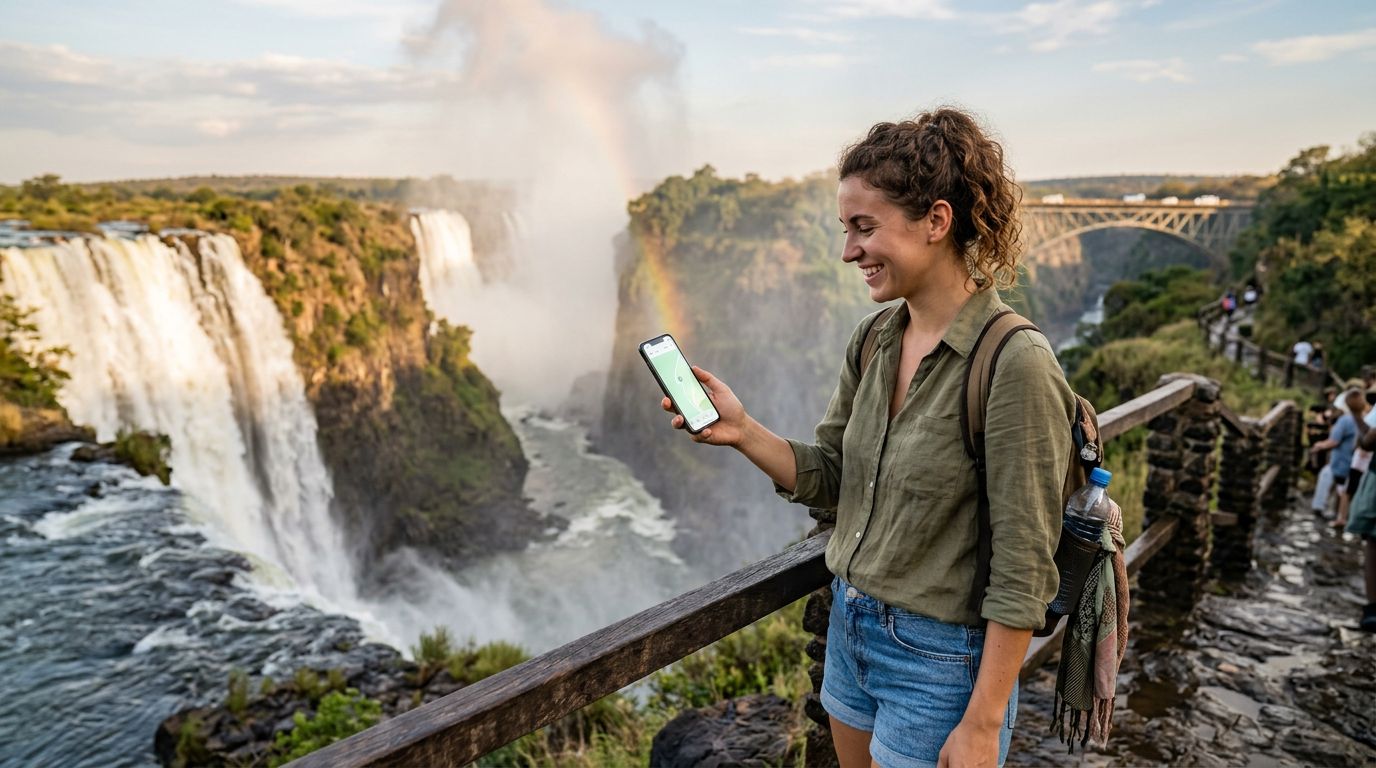
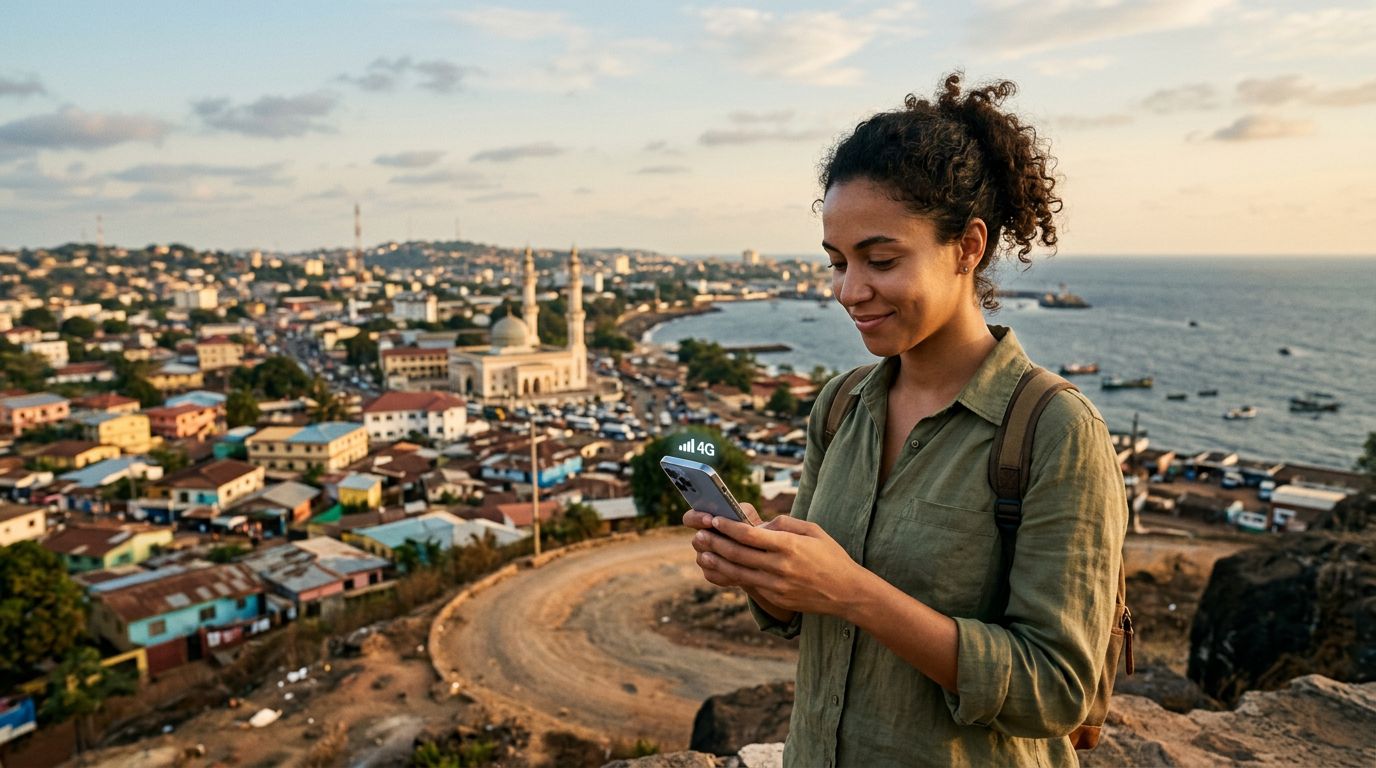
Zimbabwe offers a breathtaking array of natural wonders, from the thundering spray of Victoria Falls to the ancient granite ruins of Great Zimbabwe and the wildlife-rich plains of Hwange National Park. However, for travelers accustomed to constant, high-speed connectivity, the reality of staying online in Southern Africa can be complex. Reliable internet is essential for accessing navigation tools, checking flight updates, translating local languages, and sharing experiences with family back home.
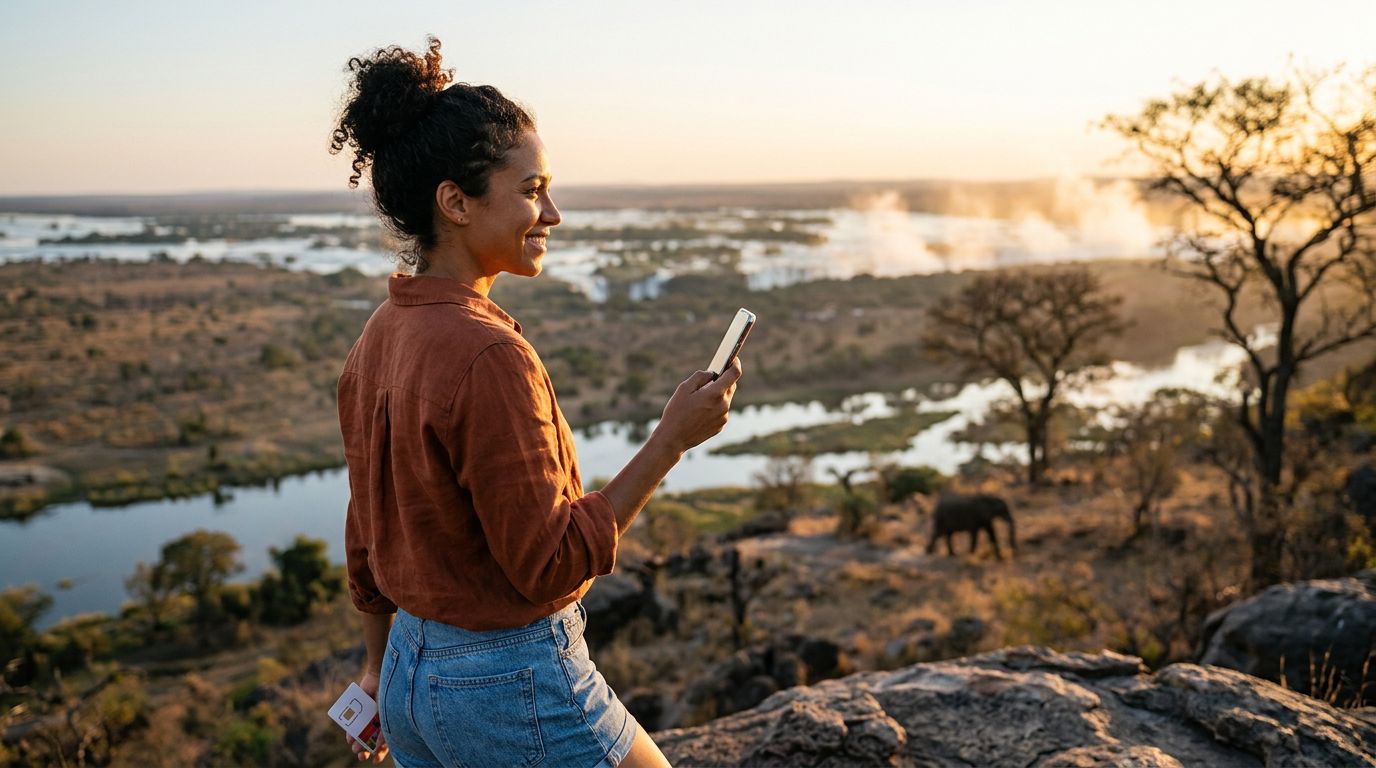
The infrastructure in Zimbabwe often relies on a mix of local mobile network operators. While urban centers like Harare and Bulawayo generally provide decent mobile data coverage, the more remote safari regions and national parks can present significant challenges. Signal strength fluctuates based on your proximity to cell towers, and the terrain—ranging from dense bushveld to rocky outcrops—can interfere with reception.
For many travelers, the most efficient way to maintain a stable connection is through an eSIM, such as those provided by OneTapSIM. By utilizing digital SIM technology, you bypass the need to hunt for physical SIM cards at local kiosks upon arrival. Instead, you have a pre-configured data profile ready to activate the moment you land. This is particularly useful when you need to coordinate transportation or check into your accommodation immediately after clearing customs.
Managing Hotspot Data Usage in Zimbabwe
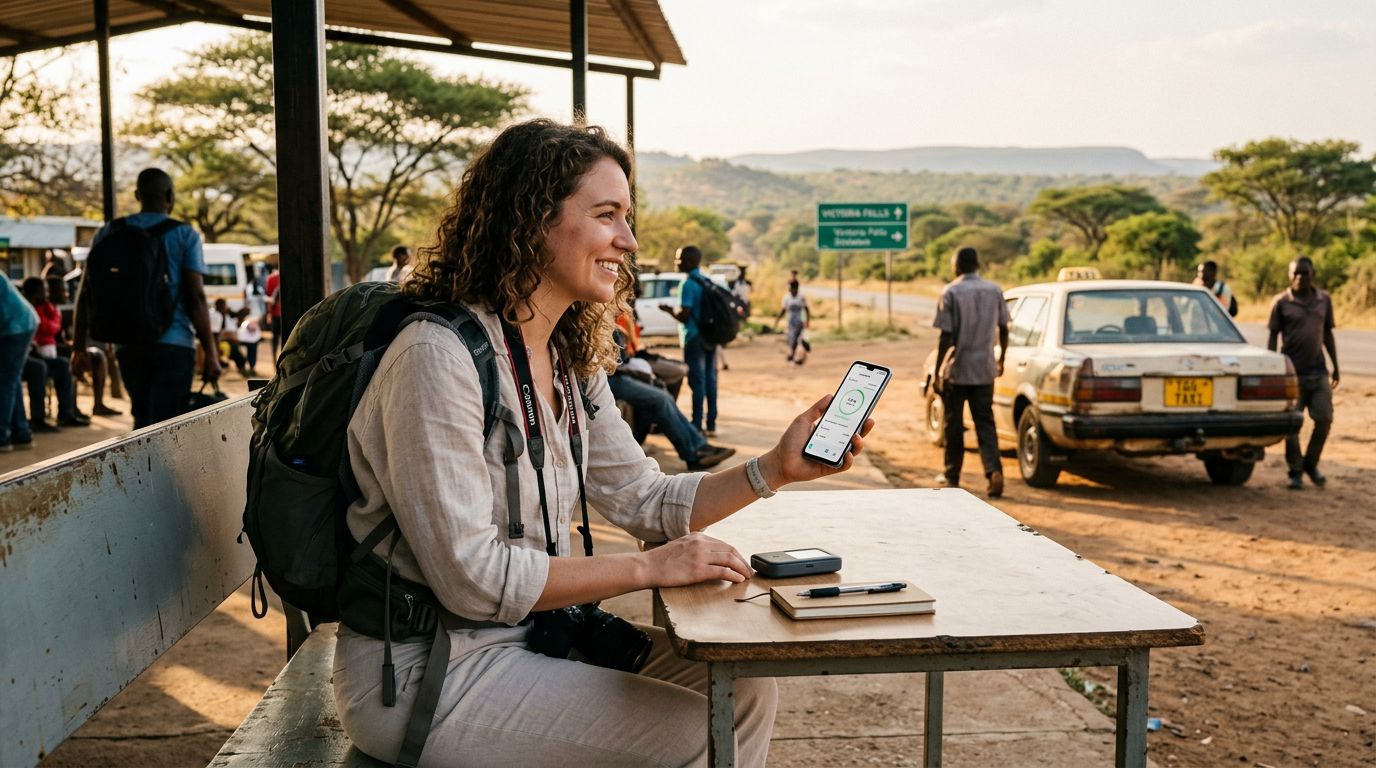
When traveling in a group or carrying multiple devices, the temptation to use your phone as a mobile hotspot is high. Sharing your data connection allows your laptop, tablet, or a companion’s phone to access the internet, which is incredibly convenient for uploading high-resolution photos or handling urgent work emails. However, hotspot data usage in Zimbabwe requires careful management to ensure you do not exhaust your data allowance prematurely.
Background processes are the primary culprit behind rapid data depletion. When you connect a laptop to a mobile hotspot, the computer often assumes it is on a standard Wi-Fi network. Consequently, it may automatically initiate large operating system updates, cloud storage synchronization, or background application refreshes. These processes can consume gigabytes of data in minutes, leaving you without connectivity for the rest of your journey.
To mitigate this, you should configure your connected devices to recognize the hotspot as a "metered connection." In the settings of most operating systems, you can restrict background data, pause automatic updates, and disable automatic photo syncing to cloud services. By taking these proactive steps, you ensure that your data is reserved for essential tasks like checking maps or sending messages.
Furthermore, consider the nature of your activities. Streaming high-definition video or participating in long video conference calls will drain your data pool significantly faster than browsing text-based websites or using navigation apps. If you are using a OneTapSIM plan, keeping an eye on your usage through your device’s internal data tracking tools will help you stay within your limits, allowing you to enjoy your trip without the stress of unexpected disconnection.
Best Practices for Efficient Data Consumption
Efficiency is the key to a seamless digital experience while traveling through Zimbabwe. Even with a robust data plan, being mindful of how your devices interact with the network will improve your overall experience. One of the most effective strategies is to download offline content before you leave your accommodation. If you have access to stable Wi-Fi at your lodge or hotel, use that time to download maps of the areas you plan to visit, save playlists for offline listening, and cache articles or documents you might need later.
Navigation apps are indispensable when driving between tourist destinations. Most modern mapping applications allow you to download entire regions for offline use. By doing this, you can still get turn-by-turn directions and find points of interest without relying on a constant cellular data stream. This not only saves your data for other tasks but also ensures you have guidance even in areas where the mobile signal is weak or non-existent.
Another important consideration is the social media experience. Many platforms automatically play videos as you scroll through your feed. This feature is a major contributor to data consumption. You can easily disable "autoplay" in the settings menu of your social media applications. By requiring a manual tap to play a video, you gain control over what consumes your data. Similarly, adjusting the image quality settings for uploads can significantly reduce the size of the files being transmitted.
If you find yourself frequently needing to share your connection, consider the hardware you are using. A modern smartphone running a clean operating system will generally manage hotspot traffic more efficiently than older devices. If you are using a OneTapSIM eSIM, ensure your phone’s software is up to date, as manufacturers frequently release patches that improve modem performance and network stability.
Finally, remember that Zimbabwe is a place meant to be experienced firsthand. While staying connected is important for logistics and safety, the true value of your journey lies in the sights, sounds, and interactions you encounter. Use your data tools to facilitate your travels, but allow yourself moments to disconnect and fully immerse yourself in the environment. Whether you are watching the sunset over the Zambezi River or observing wildlife in the bush, the most memorable moments are often those captured in your memory rather than on a screen. By managing your hotspot data usage in Zimbabwe wisely, you strike the perfect balance between staying connected to the world and being present in one of Africa's most beautiful destinations.
Get an eSIM for
Plans for the destinations covered in this guide, with instant QR delivery.