Understanding eSIM Technology for Your Trip to Liberia
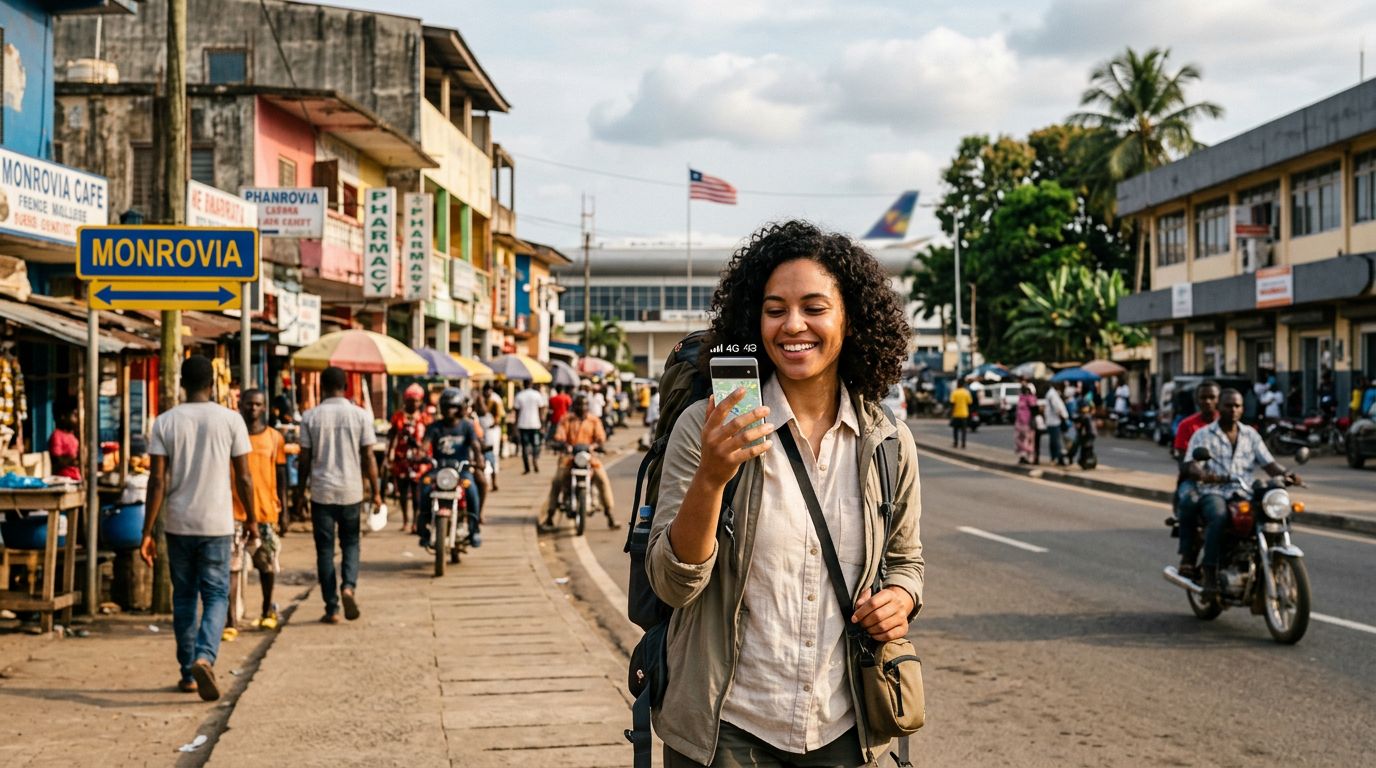
Travelers visiting West Africa often prioritize connectivity to ensure they can access maps, translation tools, and communication apps while on the move. When planning a trip to Liberia, a common question arises: does eSIM work in Liberia? The short answer is yes, but the experience depends on how you prepare your device before you land at Roberts International Airport.
An eSIM, or embedded SIM, is a digital version of the traditional plastic SIM card. Instead of physically inserting a chip into your phone, you download a profile that allows your device to connect to local cellular networks. This technology has become the standard for international travel because it eliminates the need to hunt for a local kiosk or swap out your home SIM card, which carries the risk of losing your original chip.
For those heading to Monrovia or exploring the coastal regions of Liberia, having a reliable data connection is essential. eSIMs function by partnering with local mobile network operators. When you activate an eSIM from a provider like OneTapSIM, your phone essentially treats the digital profile as a secondary line. This allows you to keep your primary number active for essential calls or texts from home while using the eSIM specifically for mobile data. Before you depart, it is vital to ensure your smartphone is carrier-unlocked. If your phone is locked to a specific mobile provider, it will not be able to accept an eSIM from a third-party travel provider, regardless of the destination.
Checking Device Compatibility and Network Coverage
Before you commit to using an eSIM for your journey, you must verify that your specific device supports this technology. Most modern smartphones released within the last few years are equipped with eSIM capabilities. You can check your device settings or consult the manufacturer’s support pages to confirm if your model is compatible. Generally, flagship phones from major manufacturers like Apple and Google support multiple eSIM profiles, making them ideal for international travel.
Once you have confirmed that your device is compatible, the next step is to understand the network landscape in Liberia. Connectivity in Liberia is centered primarily around the capital, Monrovia, and major urban hubs. While cellular infrastructure has improved significantly, coverage can become intermittent in more remote or rural areas. By using an eSIM, you are often able to connect to the strongest available local network automatically, which provides a more stable experience than relying on a single, potentially weaker provider.
OneTapSIM simplifies this process by providing a digital setup that connects your device to local networks as soon as you arrive. Because the eSIM profile is downloaded directly to your phone, you do not need to worry about physical compatibility issues or finding a shop that sells SIM cards that fit your specific device tray. To ensure a smooth experience, verify your device’s eSIM settings under the cellular or mobile network menu before your flight. If you see an option to "Add eSIM" or "Add Cellular Plan," your device is ready to be configured.
How to Get Connected Before You Arrive
The primary advantage of using an eSIM for Liberia is the ability to activate your data plan before you even board your plane. Traditional travel methods often involve waiting until you reach your destination to find a mobile store, which can be time-consuming and frustrating after a long flight. With an eSIM, you can purchase and install your data plan from the comfort of your home.
The process typically involves receiving a QR code or a manual activation string after your purchase. You scan this code with your phone, and the eSIM profile is installed in the background. While the plan is installed before you leave, it usually does not activate until it detects a supported network in Liberia. This means you can land, turn off "Airplane Mode," and your phone will immediately begin searching for the local signal associated with your eSIM.
When you choose a provider like OneTapSIM, you receive clear instructions on how to manage your data settings. It is recommended to set your primary SIM to "Voice" or "Calls" only and designate your eSIM as the "Primary Data" source. This configuration prevents your home carrier from triggering expensive international roaming charges while ensuring that your navigation apps and messaging services have a steady stream of data.
If you encounter any issues upon arrival, the digital nature of the eSIM allows for quick troubleshooting. Because the profile is managed entirely through software, you can easily toggle the line on or off in your phone's settings. If the signal is weak, a simple restart of the device or toggling the eSIM line often forces the phone to re-register with the local tower, restoring your connection.
As you travel through Liberia, keep in mind that data consumption can vary based on your usage habits. High-definition video streaming or large file downloads will deplete your data allowance quickly. To maximize your connection, consider downloading offline maps of Monrovia and other areas you plan to visit. This ensures that even if you move into an area with lower network density, you can still navigate effectively. By preparing your eSIM in advance, you remove the stress of connectivity, allowing you to focus on your trip rather than searching for local mobile shops. Whether you are traveling for business or exploring the history and culture of Liberia, having a pre-configured data plan ensures you stay reachable and informed throughout your stay.
Get an eSIM for
Plans for the destinations covered in this guide, with instant QR delivery.