Understanding the Benefits of a Dual SIM Setup for Uzbekistan
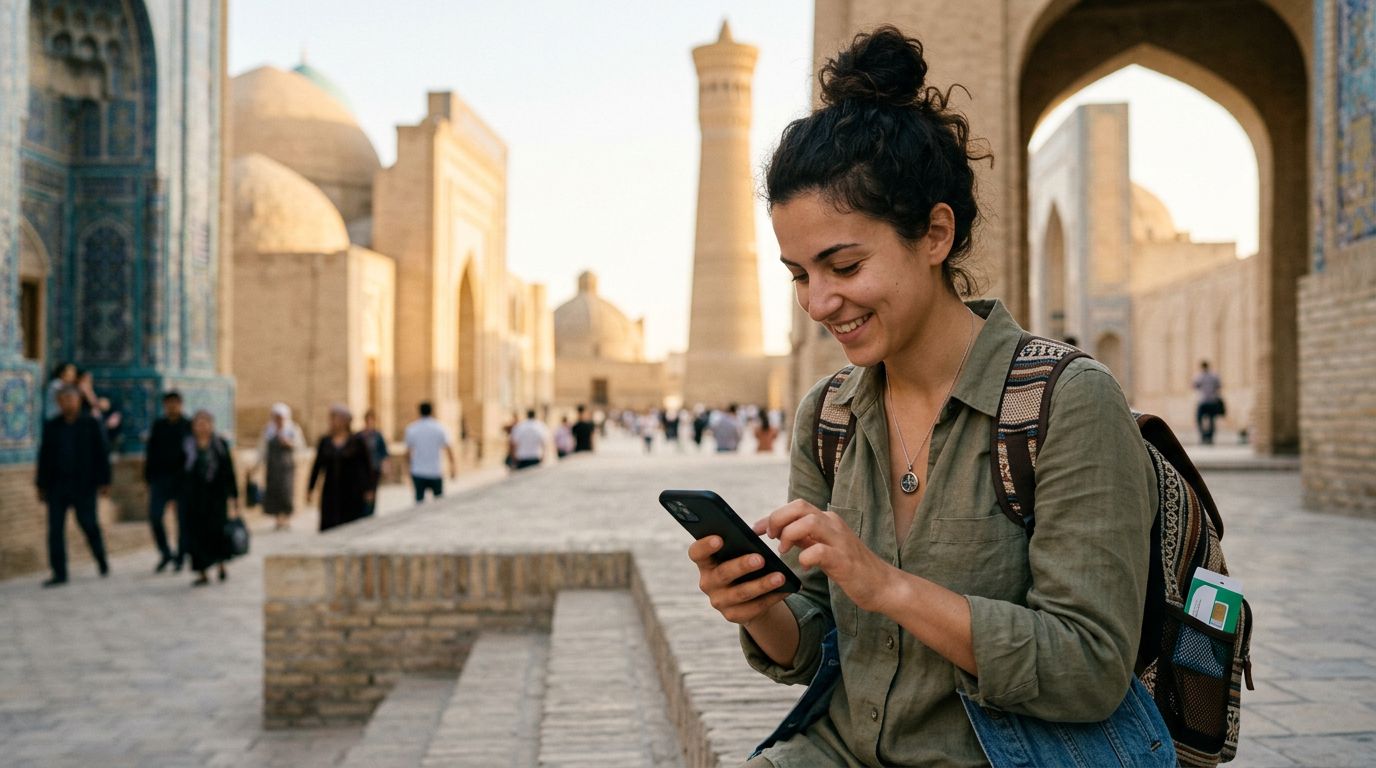
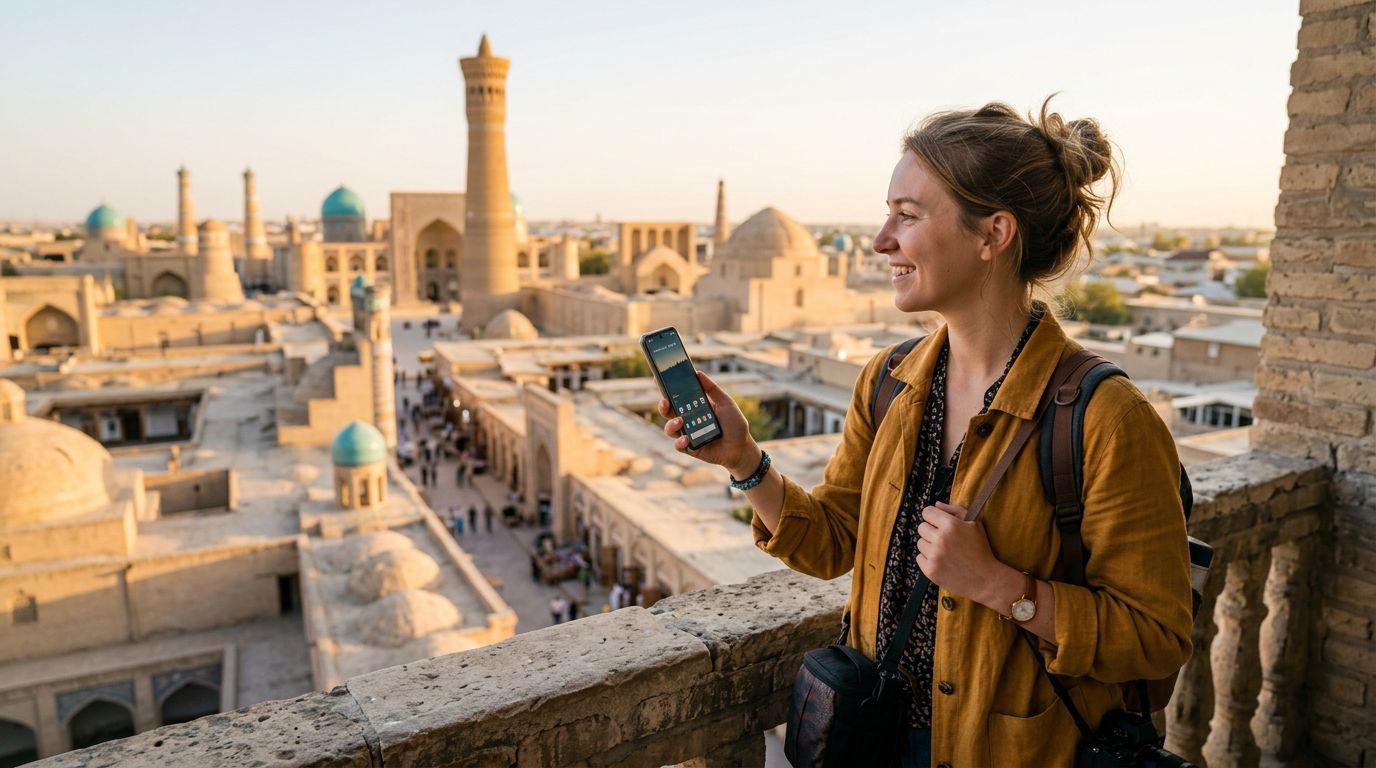
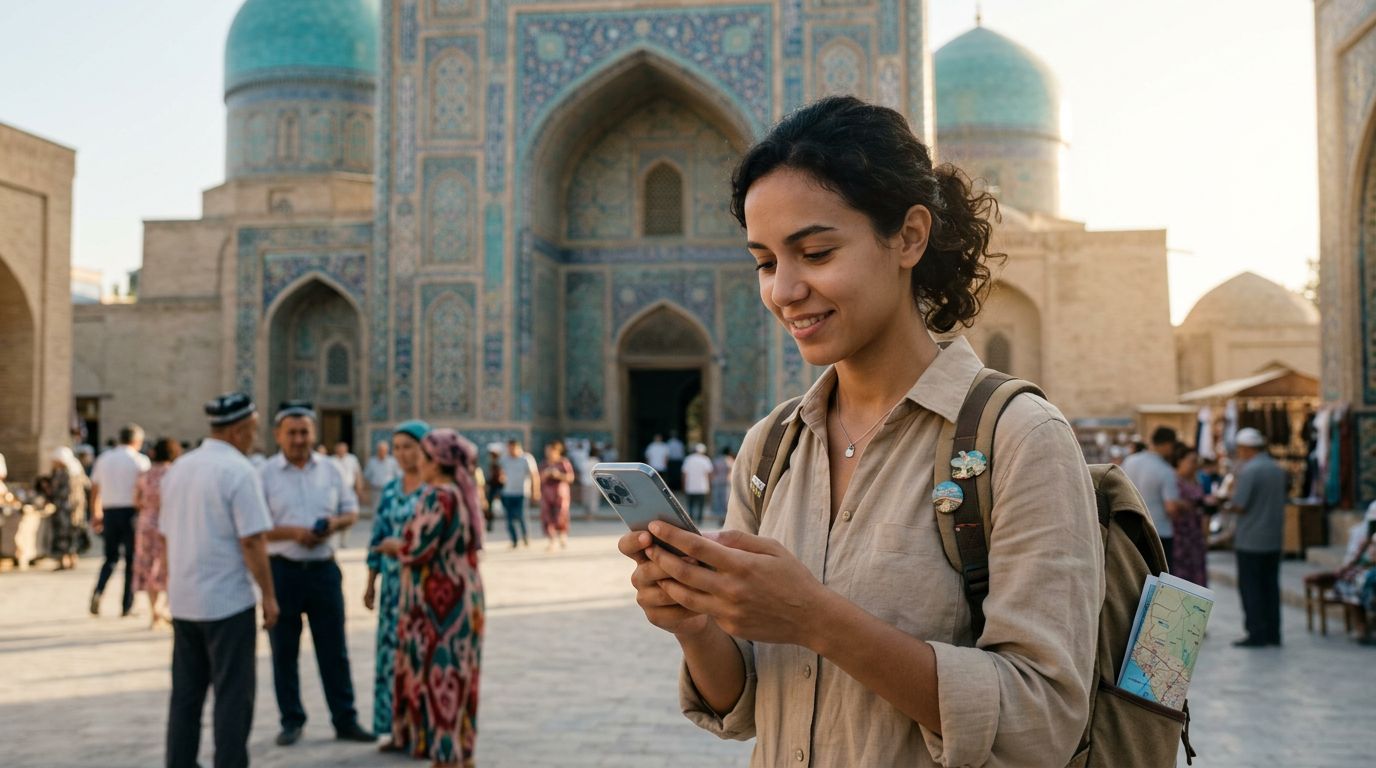
Uzbekistan is a country of breathtaking architecture, vast desert landscapes, and rich history. From the turquoise domes of Samarkand to the ancient walls of Khiva, travelers are increasingly drawn to the Silk Road. However, staying connected while wandering through these historic sites can be a challenge if you rely solely on your home carrier. This is where a dual SIM setup becomes an essential component of your travel toolkit.
By using a dual SIM configuration, you maintain your primary phone number for critical home-based communications—such as two-factor authentication codes for banking or urgent calls from family—while simultaneously running a local or travel-specific data plan. This prevents the high roaming fees often associated with using your home SIM abroad and ensures you have reliable internet access for maps, translation apps, and ride-sharing services throughout your journey.
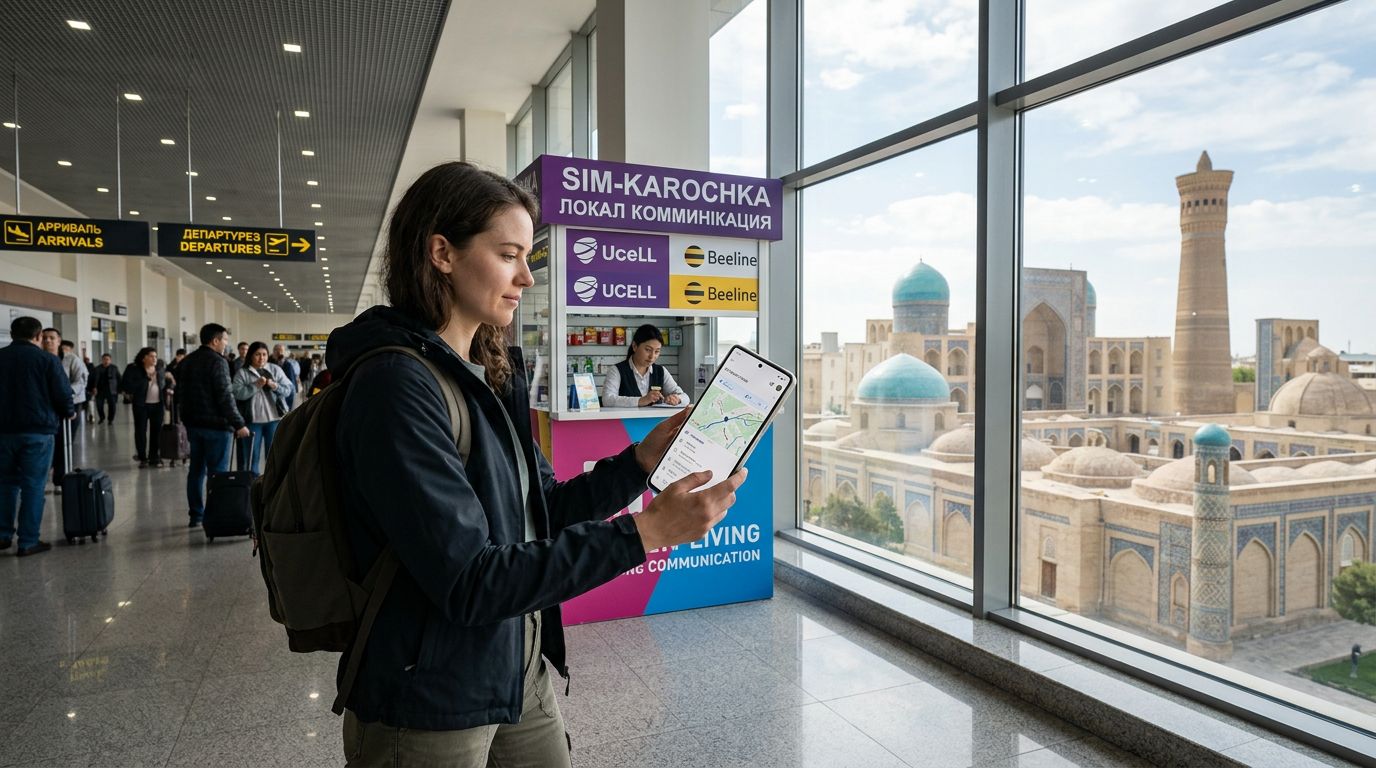
A digital eSIM, such as those provided by OneTapSIM, integrates seamlessly into this setup. Because it is entirely digital, you do not need to hunt for a physical shop in Tashkent or worry about losing your original SIM card. You can configure your device before you even board your flight, ensuring that you have connectivity the moment your plane touches down.
How to Configure Your Device for Dual SIM Usage
Setting up your phone for dual SIM functionality is more straightforward than many travelers realize. Most modern smartphones support eSIM technology, allowing you to have one physical SIM card and one or more eSIM profiles active at the same time.
For iPhone users, the process involves navigating to your cellular settings and selecting the option to add an eSIM. You can often scan a QR code or enter details provided by your service provider. Once added, you can label your SIMs—for instance, labeling your home SIM as "Primary" and your travel SIM as "Travel." Apple provides extensive documentation on managing these settings through their official support pages, which can be helpful if you encounter any specific device-related questions.
Android users follow a similar path. By accessing the network and internet settings, you can manage your SIM cards and choose which one handles data, calls, and texts. It is important to remember to turn off "Data Roaming" on your home SIM to avoid accidental charges, while ensuring that "Data Roaming" is enabled for your travel eSIM.
When you use OneTapSIM, the installation process is designed to be user-friendly. Once you have purchased your plan, you receive instructions that guide you through the activation steps. The key advantage here is flexibility; you can keep your home line active for calls while designating your OneTapSIM profile as the primary source for mobile data. This separation is vital for managing your data usage effectively while exploring Uzbekistan’s vast regions.
Practical Tips for Connectivity Across Uzbekistan
Connectivity in Uzbekistan has improved significantly, but there are nuances to consider when traveling between major cities and rural areas. While Tashkent, Samarkand, and Bukhara offer robust 4G and even 5G coverage, remote areas near the Aral Sea or deep in the Kyzylkum Desert may have more limited signals.
To maximize your dual SIM setup, consider these strategies:
First, always download offline maps. While your eSIM will provide data in most populated areas, having a backup map of the cities you plan to visit ensures you can navigate even if you hit a dead zone. Google Maps offers excellent offline functionality that can be saved directly to your device.
Second, manage your data settings. If you are using a travel eSIM for data, go into your phone’s cellular settings and ensure that your home SIM is not set to use data. This is the most common reason for unexpected roaming charges. By explicitly setting your OneTapSIM profile as the "Cellular Data" source, you gain peace of mind that your data consumption is contained within your travel plan.
Third, keep a portable power bank in your bag. Using a dual SIM setup can sometimes drain your battery slightly faster than a single SIM, as the phone maintains connections to two different networks simultaneously. Given that you will likely be using your phone for photography and navigation, keeping your device charged is essential to maintaining that connection.
Finally, remember that your travel eSIM is data-only. This is perfect for modern travelers who rely on messaging apps like WhatsApp, Telegram, or iMessage to stay in touch. If you need to make traditional voice calls, you can still use your primary SIM, but be mindful of the potential costs. Many travelers find that using data-based calling apps is a more cost-effective way to communicate during their trip.
By preparing your dual SIM setup before you arrive, you remove the stress of finding a local provider upon landing. You can arrive at the airport, switch your data to your travel eSIM, and immediately order a taxi or check your hotel reservation. This level of readiness allows you to spend less time worrying about connectivity and more time experiencing the wonders of the Silk Road. Whether you are navigating the bustling Chorsu Bazaar or finding your way to a remote mountain village, having a reliable data connection through a service like OneTapSIM ensures that your Uzbekistan trip is as smooth and connected as possible.
Get an eSIM for
Plans for the destinations covered in this guide, with instant QR delivery.