Understanding eSIM Technology in South Africa
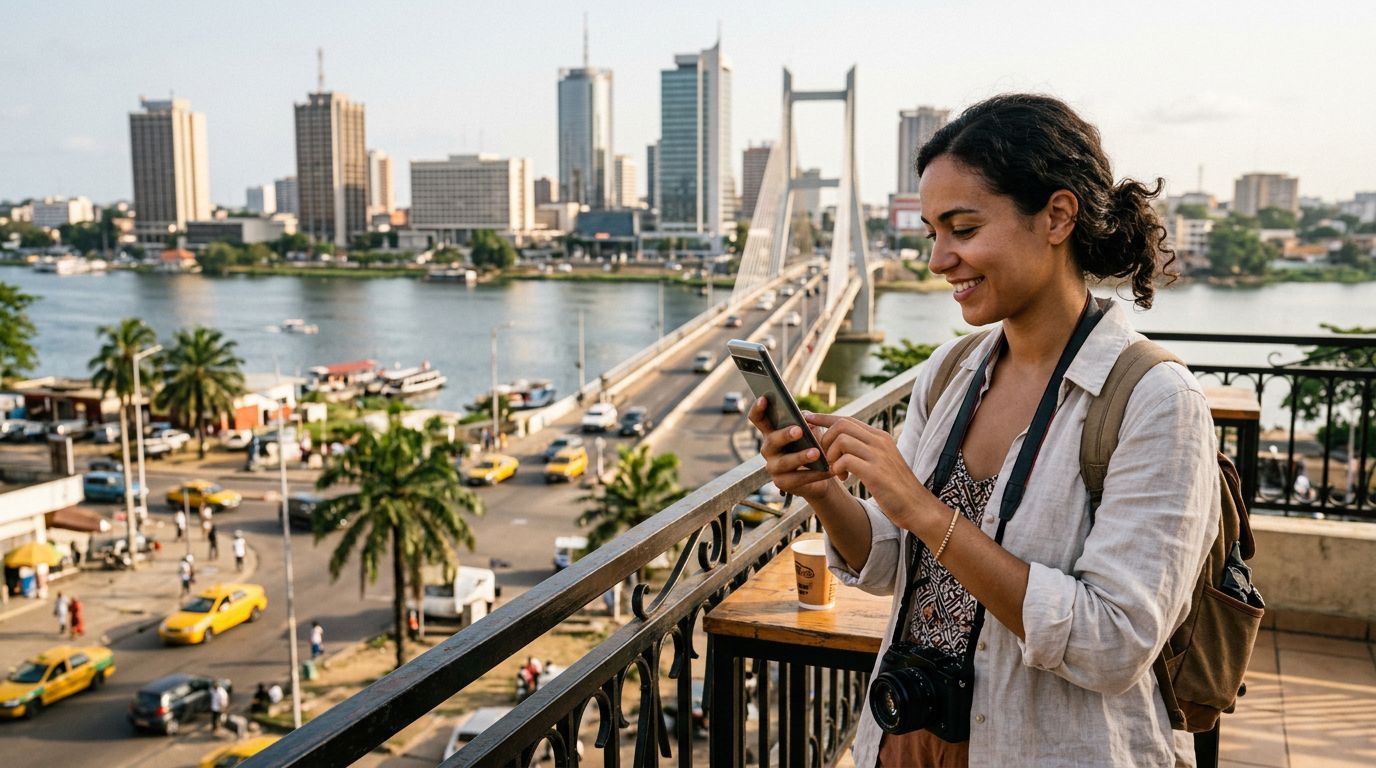
If you are planning a trip to the southern tip of the African continent, you likely have questions about how to stay connected. A common query for modern travelers is: does eSIM work in South Africa? The short answer is yes. eSIM technology is fully supported and widely available throughout the country, making it an excellent alternative to traditional physical SIM cards.
An eSIM, or embedded SIM, is a digital version of the standard plastic SIM card you are accustomed to. Instead of inserting a physical chip into your device, you download a digital profile that allows your phone to connect to local mobile networks. Because the chip is soldered directly onto your device’s motherboard, you do not need to worry about swapping cards or losing a tiny piece of plastic while traveling through airports or bustling city centers.
South Africa has a robust telecommunications infrastructure. Major local network providers have embraced eSIM technology, and the country’s coverage is extensive, spanning from the urban hubs of Johannesburg and Cape Town to the scenic Garden Route and the vast wilderness of national parks. When you use a service like OneTapSIM, you are essentially leveraging these local networks without the logistical headache of visiting a physical store or registering your passport at a kiosk upon arrival.
Why Choose an eSIM for Your South African Adventure
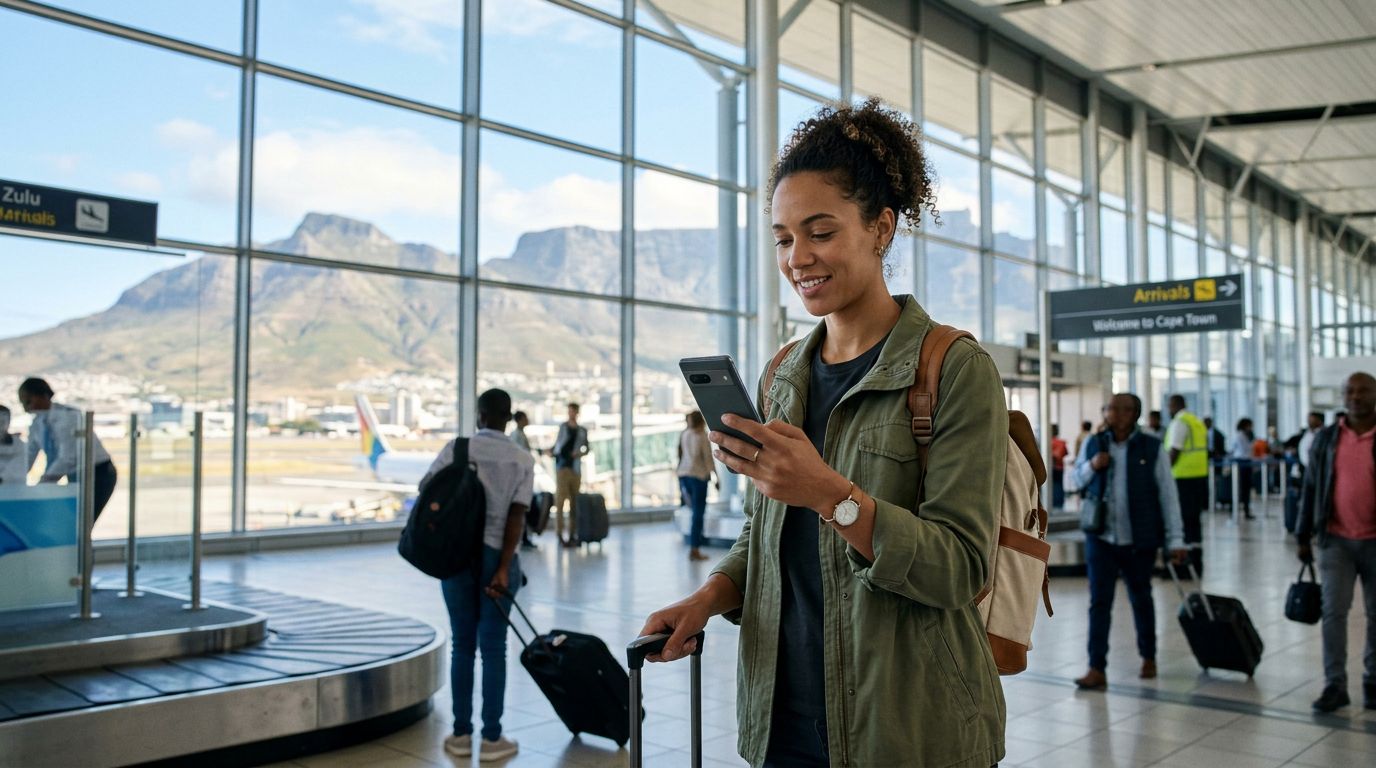
The primary benefit of using an eSIM in South Africa is convenience. When you land at OR Tambo International Airport or Cape Town International, you want to be able to call an Uber, check your hotel reservation, or navigate to your first destination immediately. With a physical SIM, you are often forced to wait in long queues at airport retail outlets, provide identification documents, and manually swap your cards. An eSIM eliminates these friction points entirely.
Another significant advantage is the ability to keep your home number active. Most modern smartphones allow you to use two SIMs simultaneously. You can keep your primary SIM active for essential calls or SMS messages from home while designating your eSIM as the primary source for mobile data. This setup ensures you stay reachable for emergencies while avoiding the exorbitant roaming fees your home carrier might charge for international data usage.
Reliability is also a key factor. South Africa’s mobile networks are highly developed, offering strong 4G and LTE coverage in most populated areas. By utilizing an eSIM, you gain access to these high-speed networks as soon as your plane touches the tarmac. Whether you are uploading photos of your safari, streaming music during a long drive, or video calling family back home, the stability of a local data connection is far superior to relying on spotty hotel Wi-Fi or expensive roaming packages.
Furthermore, managing your data usage becomes much simpler. With a digital solution, you can monitor your consumption in real-time. If you find yourself using more data than expected, you can often top up your plan through your provider’s interface without needing to find a local shop. This flexibility is particularly useful for travelers on the move who may not have a consistent schedule or access to physical retail locations during their journey.
Preparing Your Device for Connectivity
Before you depart, you must ensure your device is compatible with eSIM technology. Most flagship smartphones released in the last few years support this feature. If you are uncertain about your specific model, you can verify compatibility through the official manufacturer support pages for Apple or Google.
The most critical requirement is that your phone must be carrier-unlocked. Many phones purchased through a mobile contract are locked to a specific provider, meaning they will not accept a SIM card—digital or physical—from another network. If your phone is locked, you will need to contact your home carrier before your trip to request an unlock. This process can sometimes take a few days, so it is best to handle this well in advance of your departure date.
Once you have confirmed your device is unlocked and compatible, the setup process is straightforward. You will typically receive a QR code or a set of activation details via email. In your phone’s settings menu, you will find an option to "Add Cellular Plan" or "Add eSIM." You can scan the QR code provided by your service provider, and your phone will automatically configure the necessary network settings.
OneTapSIM provides clear instructions to guide you through this installation. It is generally recommended to install your eSIM profile while you are still at home and connected to a stable Wi-Fi network. While the eSIM will not activate until it detects a supported network in South Africa, having the profile already downloaded on your device ensures that your connection will be seamless the moment you arrive.
Once you land, simply toggle your data settings to prioritize the eSIM. Your phone will then search for and connect to the local South African network. If it does not connect automatically, a quick restart of your device usually resolves the issue. By taking these simple steps before you leave, you ensure that your trip to South Africa is defined by exploration rather than technical troubleshooting. With your connectivity sorted, you can focus on the breathtaking landscapes, vibrant culture, and unique wildlife experiences that make South Africa such a remarkable destination.
Get an eSIM for
Plans for the destinations covered in this guide, with instant QR delivery.