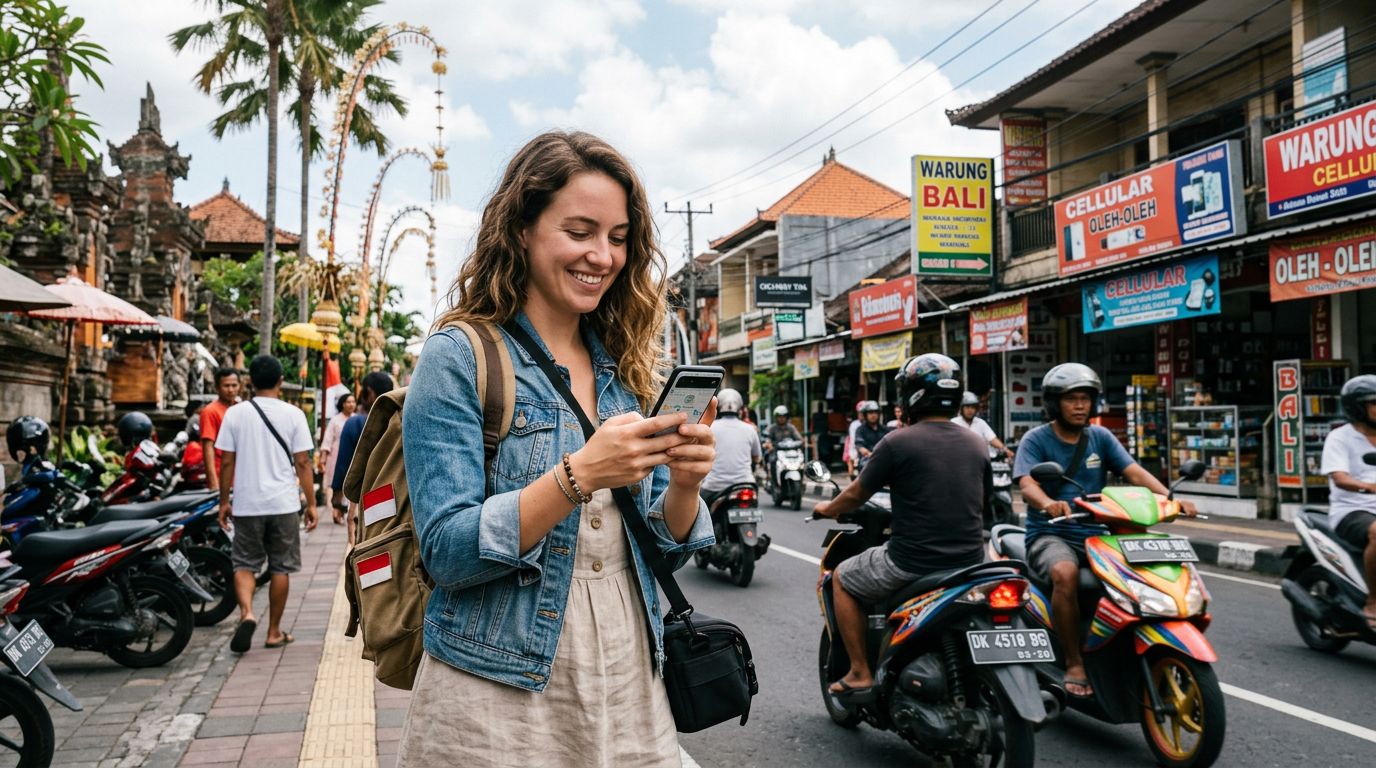
Traveling to Indonesia offers a blend of vibrant city life in Jakarta, the cultural heart of Ubud, and the pristine beaches of Bali. As you prepare for your journey across the archipelago, staying connected is essential for accessing maps, translation tools, and ride-sharing apps. Many travelers wonder, does eSIM work in Indonesia? The short answer is yes, and it is widely considered the most efficient way to manage your mobile data while exploring the islands.
Traditional roaming options often come with high costs and complex settings. Physical SIM cards, while popular, require you to find a local vendor, register your passport, and physically swap out your home SIM, which carries the risk of losing your original card. An eSIM, or embedded SIM, eliminates these logistical hurdles by allowing you to download a digital profile directly to your device.
Why eSIM is the Preferred Choice for Indonesia
Indonesia presents unique connectivity challenges due to its geography. With thousands of islands, signal strength can vary significantly depending on your location. When you use an eSIM from a provider like OneTapSIM, you gain the ability to switch between local networks that offer the most reliable coverage in specific regions. Instead of being locked into one carrier that might have poor reception in a remote area, you can rely on high-quality digital profiles designed for international travelers.
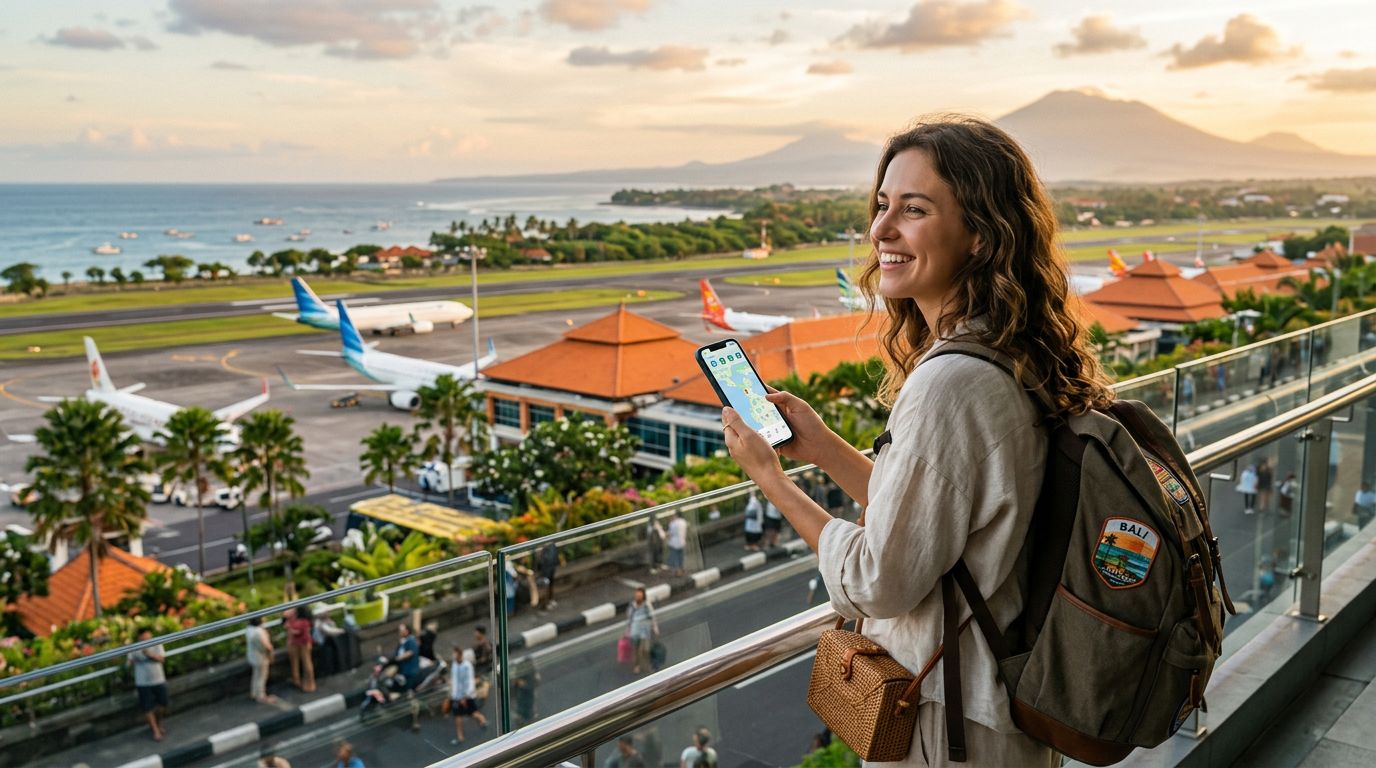
One of the primary benefits of using an eSIM in Indonesia is the convenience of pre-activation. You can install your eSIM profile before you even board your flight. As soon as your plane touches down at Ngurah Rai International Airport or Soekarno-Hatta, your device connects to the local network automatically. This avoids the stress of searching for a kiosk or dealing with language barriers at a mobile shop immediately after a long journey.
Furthermore, managing your data usage becomes much simpler. Because the eSIM is purely digital, you can monitor your consumption through your phone’s settings without needing to send SMS codes or log into complex carrier portals. If you find yourself needing more data, you can often add a top-up through your provider’s platform without needing to visit a physical store. This level of control is particularly helpful when you are moving between islands and relying heavily on navigation apps to find your next destination.
Compatibility and Device Requirements
Before choosing an eSIM for your trip, it is critical to verify that your smartphone is compatible. Most modern flagship devices manufactured in the last few years support eSIM technology. To check if your device is ready, you can consult the official support pages for your manufacturer, such as the resources provided by Apple or Google. Generally, if your phone was purchased within the last three to four years, it is likely eSIM-compatible.
Another important factor to consider is whether your device is carrier-locked. Many phones purchased through a mobile network provider are restricted to that specific carrier’s network until the device is fully paid off or the contract term expires. If your phone is locked, it will not accept an eSIM from a third-party provider like OneTapSIM. You should contact your home carrier before your trip to ensure your device is unlocked. This is a common oversight that can cause significant frustration upon arrival.
Once you confirm your device is unlocked and compatible, the installation process is straightforward. You will typically receive a QR code or an activation code via email. By navigating to your phone’s cellular settings, you can add a new data plan by scanning this code. The process takes only a few minutes. Because the eSIM functions as a secondary line, you can keep your primary SIM active for receiving important calls or messages from home while using the eSIM exclusively for your data needs in Indonesia.
Tips for Managing Connectivity Across the Islands
Indonesia is a massive country, and connectivity can fluctuate based on infrastructure. While major tourist hubs like Bali, Lombok, and Java have excellent 4G and increasingly 5G coverage, more remote regions may have limited bandwidth. To maximize your experience, it is helpful to download offline maps for the specific areas you plan to visit. This ensures that even if you encounter a momentary dead zone, your navigation tools remain functional.
When using an eSIM, remember that your data plan is intended for mobile internet. If you need to make traditional voice calls, you may need to use Voice over IP (VoIP) services like WhatsApp, Telegram, or Skype. These apps work seamlessly over your eSIM data connection and are the standard way most travelers communicate while abroad. By relying on these platforms, you avoid the high costs associated with international roaming voice minutes.
Another tip is to manage your background data usage. Apps often sync photos, update software, or refresh feeds in the background, which can consume your data allowance quickly. You can adjust these settings in your phone’s menu to ensure that your data is prioritized for essential tasks like transit apps, messaging, and web searches.
If you plan to visit multiple islands, keep in mind that some carriers have better coverage in the east compared to the west. Using a flexible eSIM service allows you to stay connected without needing to purchase a new physical SIM card every time you cross a regional border. The transition between different local network towers is usually handled automatically by the eSIM profile, providing a seamless experience as you travel from the bustling streets of Jakarta to the quiet beaches of the Gili Islands.
By choosing a reliable digital solution, you remove the guesswork from your travel preparations. You can spend less time worrying about connectivity and more time enjoying the diverse landscapes and rich culture that Indonesia has to offer. With your digital plan secured and your device prepared, you are ready to navigate the islands with confidence, knowing that your connection is as mobile as you are.
Get an eSIM for
Plans for the destinations covered in this guide, with instant QR delivery.