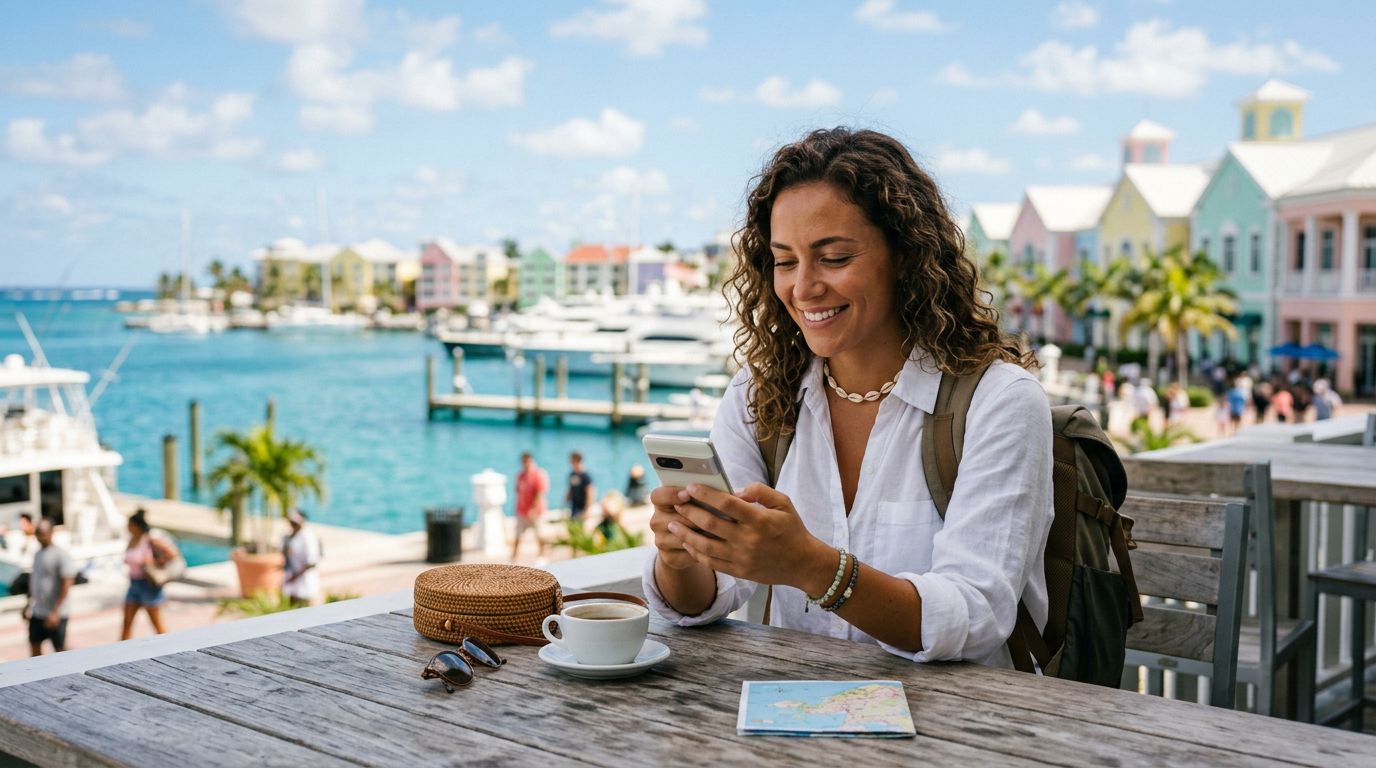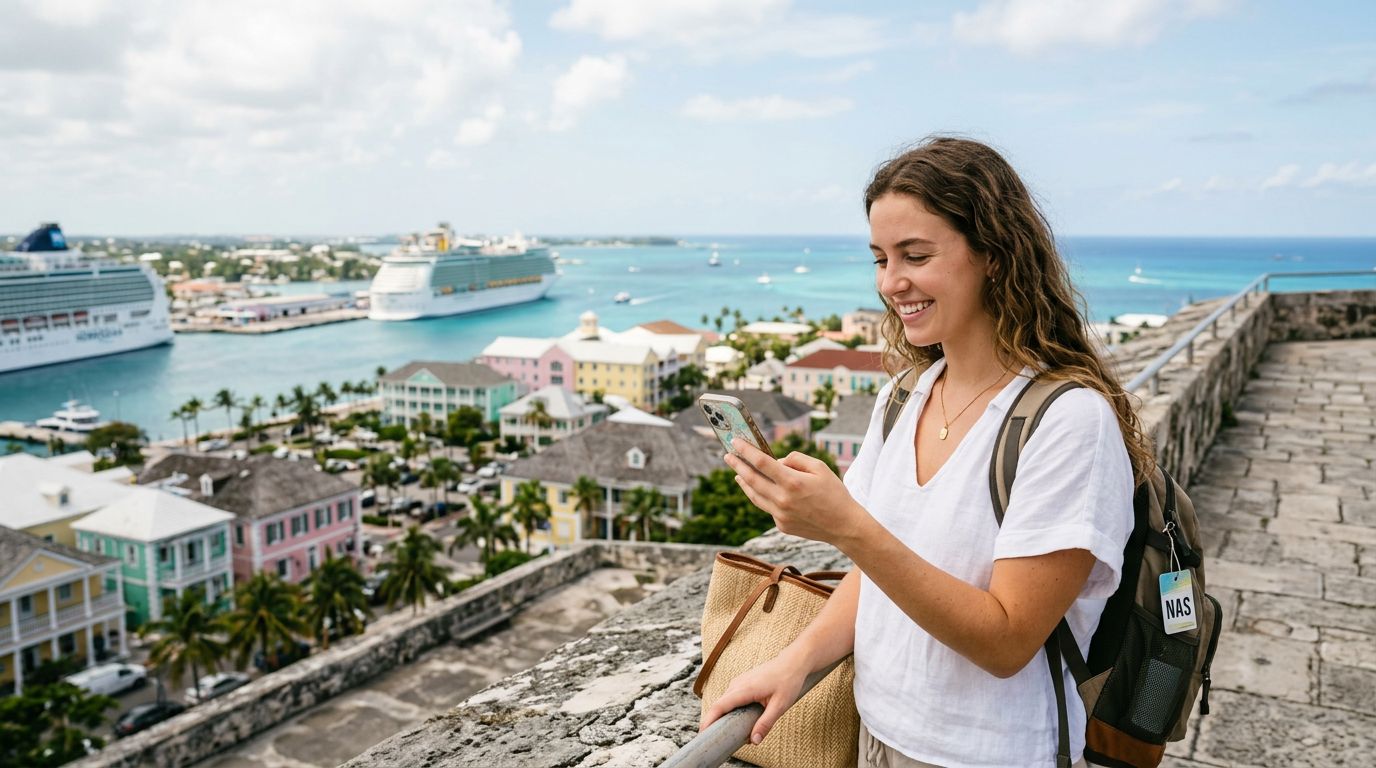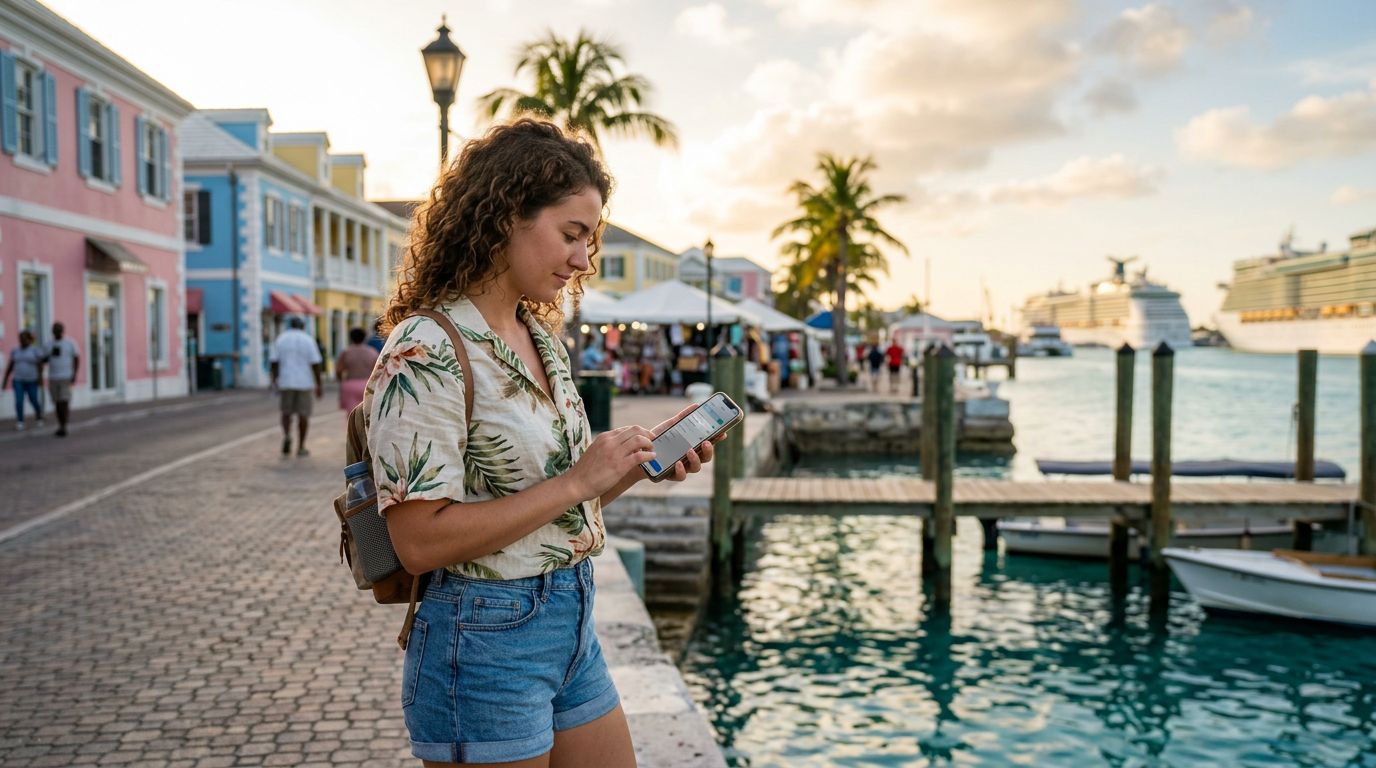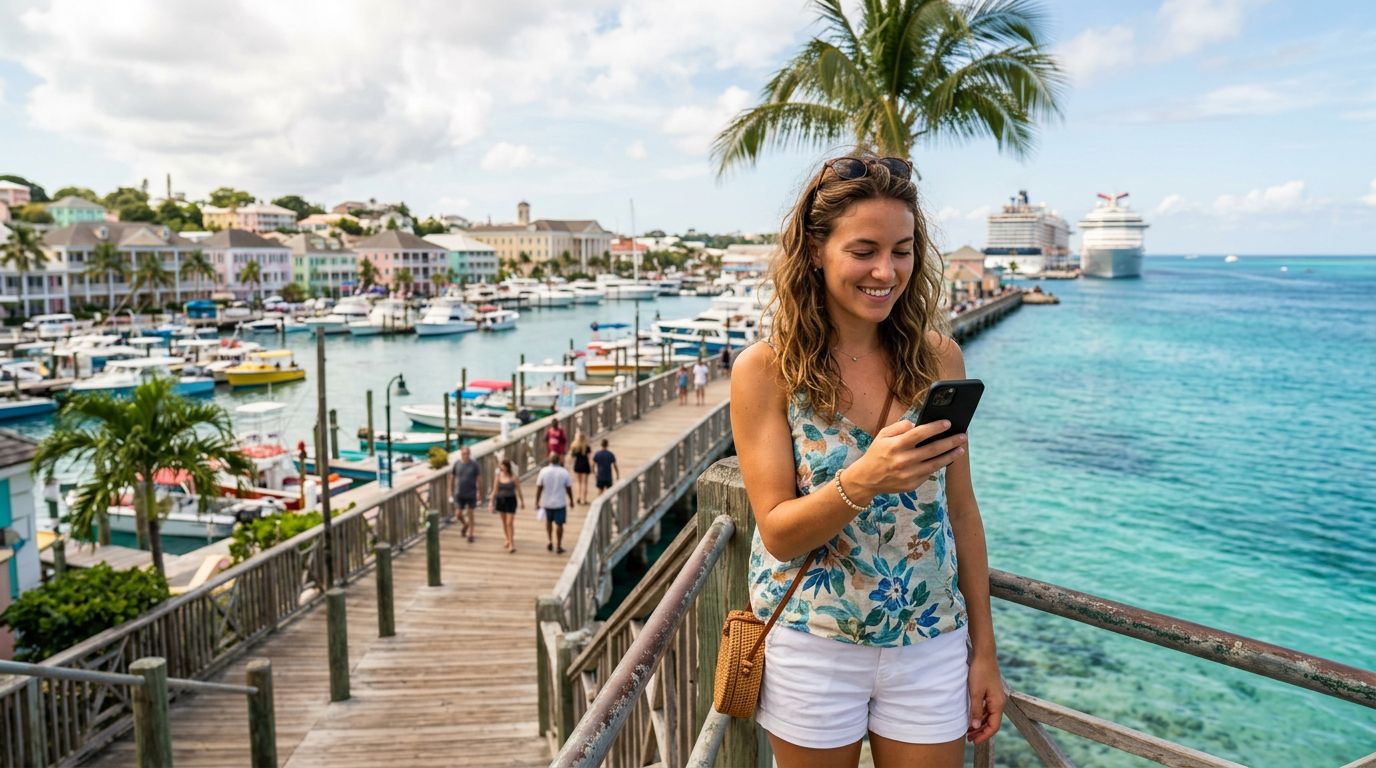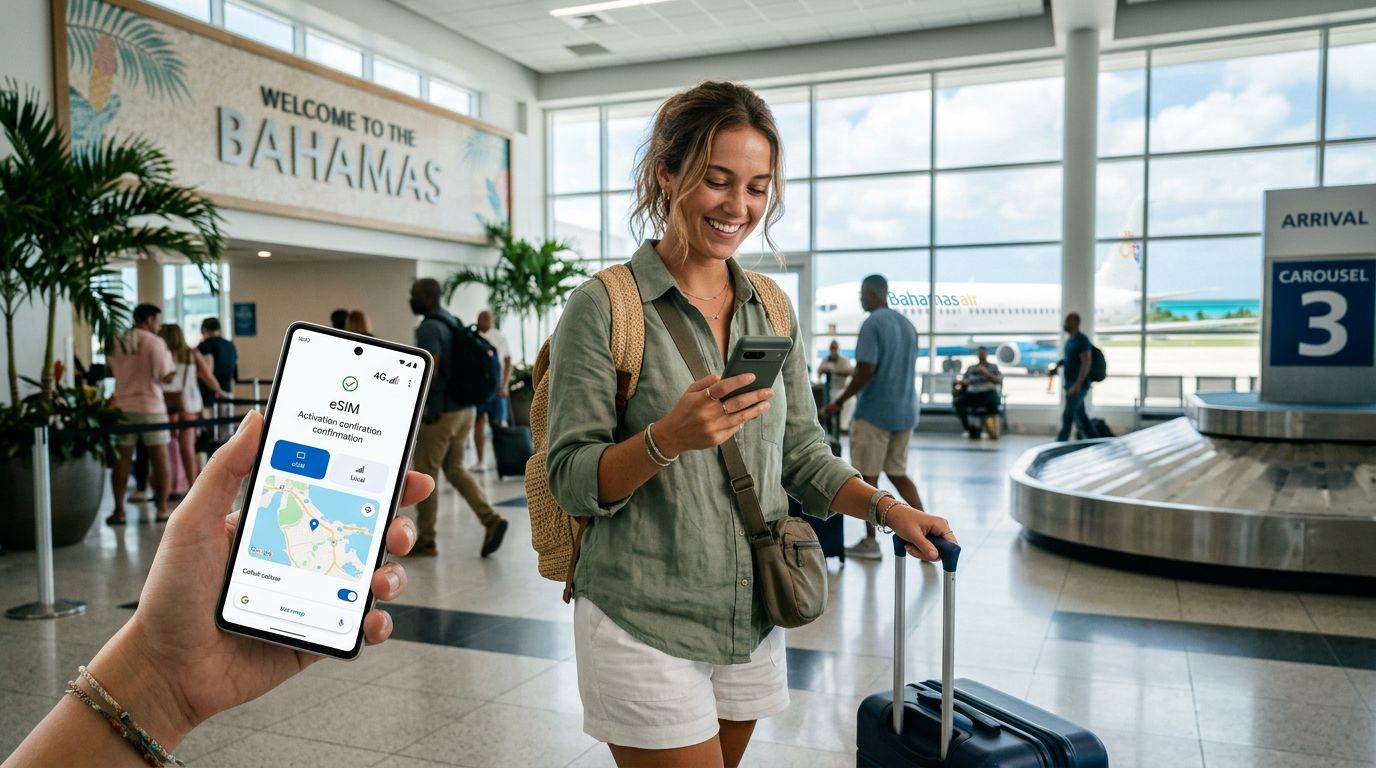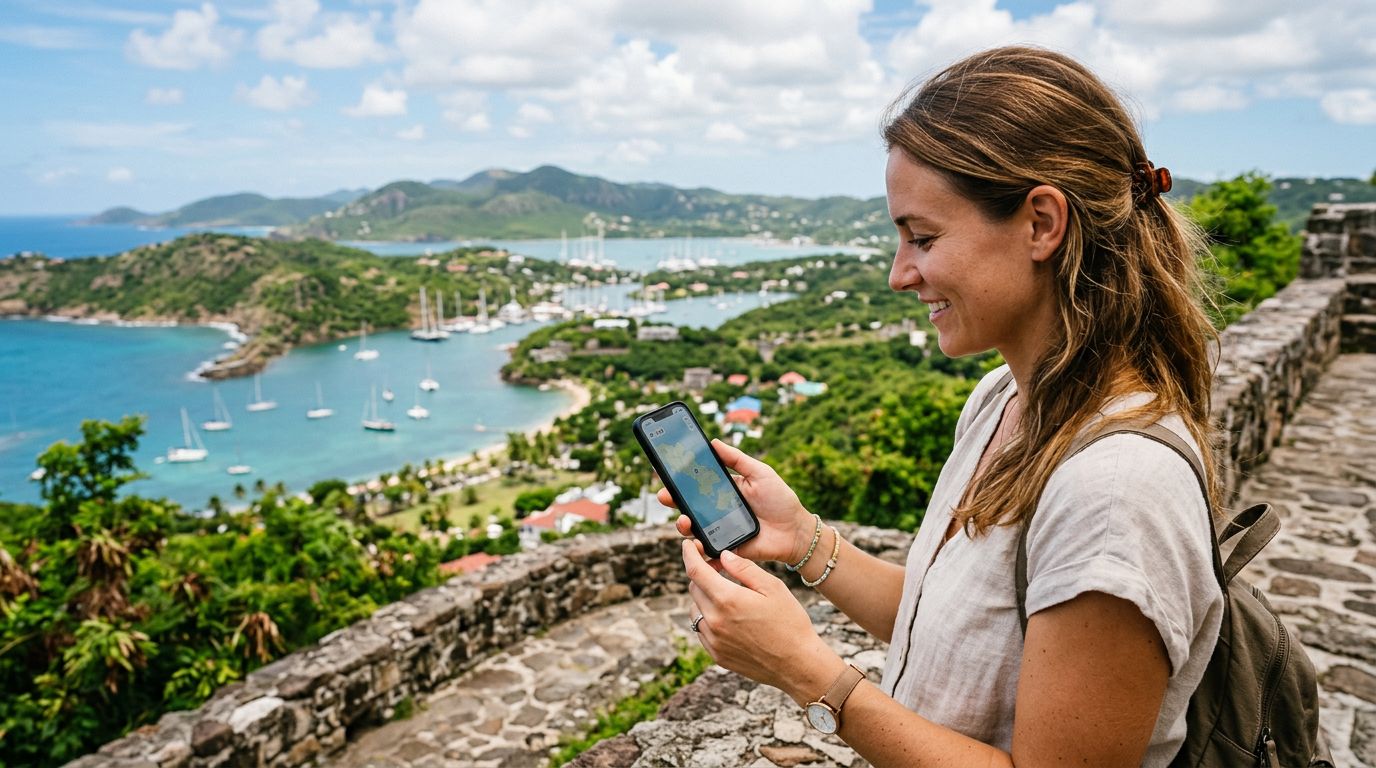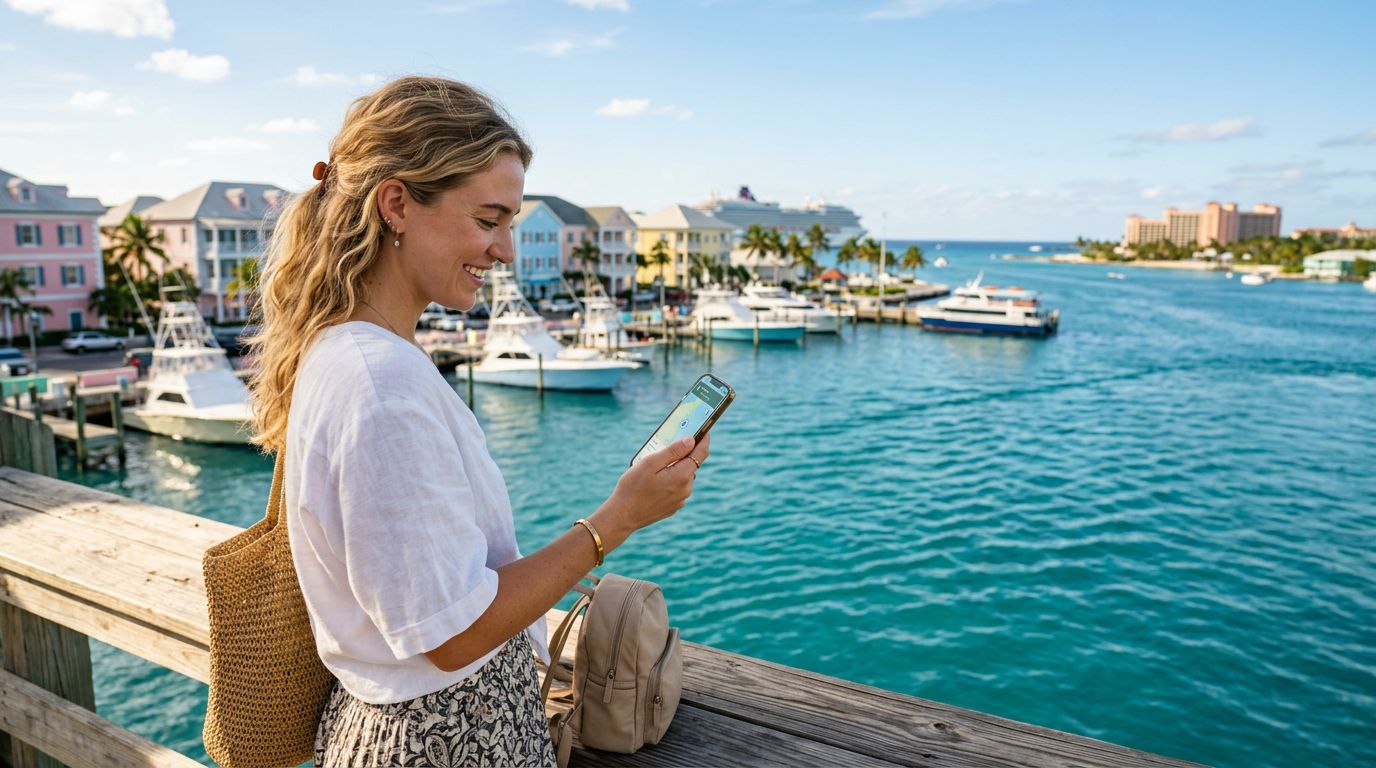
Traveling to the Bahamas is a dream for many, offering crystal-clear turquoise waters, white sandy beaches, and a relaxing island atmosphere. Whether you are heading to Nassau for the vibrant culture, exploring the Exumas for a private getaway, or visiting Grand Bahama for a mix of adventure and leisure, staying connected is essential. You might be wondering, does eSIM work in Bahamas? The answer is a resounding yes, and it is quickly becoming the preferred method for travelers to maintain internet access without the hassle of traditional roaming.
Understanding eSIM Technology for Your Bahamian Trip
An eSIM, or embedded SIM, is a digital version of the traditional physical SIM card that has been used in mobile phones for decades. Instead of needing to visit a local shop or swap out a tiny plastic card, an eSIM is downloaded directly to your device. This technology allows you to activate a cellular plan from a provider like OneTapSIM without needing a physical connection to the device's hardware.
For travelers, this means you can set up your data plan before you even leave your home country. Once you land at Lynden Pindling International Airport or arrive at a cruise port, your phone will automatically connect to the local network. This eliminates the stress of searching for a local kiosk or dealing with language barriers while trying to purchase a prepaid physical SIM card.
Most modern smartphones, including the latest models from major manufacturers, support eSIM functionality. Before you travel, it is important to ensure your device is unlocked by your home carrier. If your phone is locked to a specific network, it may not be able to accept an eSIM from a third-party provider. You can verify your device's compatibility by checking the settings menu or visiting the official support pages for your phone manufacturer. If you are using an iPhone, you can find detailed information on how to manage your cellular plans on the official Apple support website. Similarly, Android users can find guidance through Google support resources to ensure their devices are ready for international travel.
Why Choose an eSIM Over Traditional Roaming
Many travelers default to their home mobile carrier's international roaming plan because it feels familiar. However, roaming can be unpredictable and often comes with hidden complexities. When you rely on your home carrier, your data is routed through your home network, which can lead to significant latency and slower speeds. Furthermore, managing roaming settings can be confusing, and forgetting to disable certain features might lead to unexpected connectivity issues.
By using an eSIM from OneTapSIM, you are essentially purchasing a local data experience. Because the connection is established through local towers, you benefit from more stable performance and better coverage across the islands. This is particularly useful if you are island-hopping or traveling to more remote areas where signal strength can vary.
Another major advantage is the ability to keep your primary number active while using a separate data plan. With an eSIM, you can designate your physical SIM for calls and texts from your home country, while setting your OneTapSIM eSIM as the primary source for data. This allows you to use navigation apps, check your email, and post photos to social media without worrying about whether your home carrier is charging you for every megabyte used. You remain reachable for urgent matters while enjoying the freedom of a local data connection.
Tips for a Smooth Connectivity Experience in the Bahamas
To get the most out of your connectivity in the Bahamas, preparation is key. Start by checking your device compatibility a few days before your departure. Ensure your phone is updated to the latest operating system, as these updates often include improvements for eSIM management and network stability.
When you install your OneTapSIM profile, do so while you still have a stable Wi-Fi connection at home or at the airport. Once the profile is downloaded, you can toggle it on as soon as you arrive in the Bahamas. If you have any trouble connecting, a simple restart of your phone often resolves the issue by forcing the device to scan for available local networks again.
Keep in mind that while the Bahamas has good coverage in major tourist hubs, the signal may be weaker in very remote cays or deep in the jungle areas of the larger islands. If you find yourself in a spot with low signal, try moving to a higher elevation or stepping outside of concrete buildings, which can sometimes interfere with cellular reception.
Additionally, monitor your data usage throughout your trip. While many eSIM plans offer generous data packages, streaming high-definition video or downloading large files can consume your data quickly. Most smartphones have built-in tools that allow you to track how much data each app is using. You can also turn off background app refresh and automatic updates for apps while you are on your cellular data plan to conserve your balance for essential tasks like maps and messaging.
By opting for an eSIM, you are choosing a modern, efficient way to stay connected. You gain the flexibility to manage your data independently, the reliability of local network access, and the peace of mind that comes with knowing you have a plan in place before you step off the plane. Whether you are capturing the beauty of the Bahamian sunset or coordinating plans with friends at a local resort, having a reliable data connection ensures that your focus remains on the experience rather than the technology. OneTapSIM is designed to make this process as seamless as possible, allowing you to focus on enjoying the sun, sand, and sea.
Get an eSIM for
Plans for the destinations covered in this guide, with instant QR delivery.