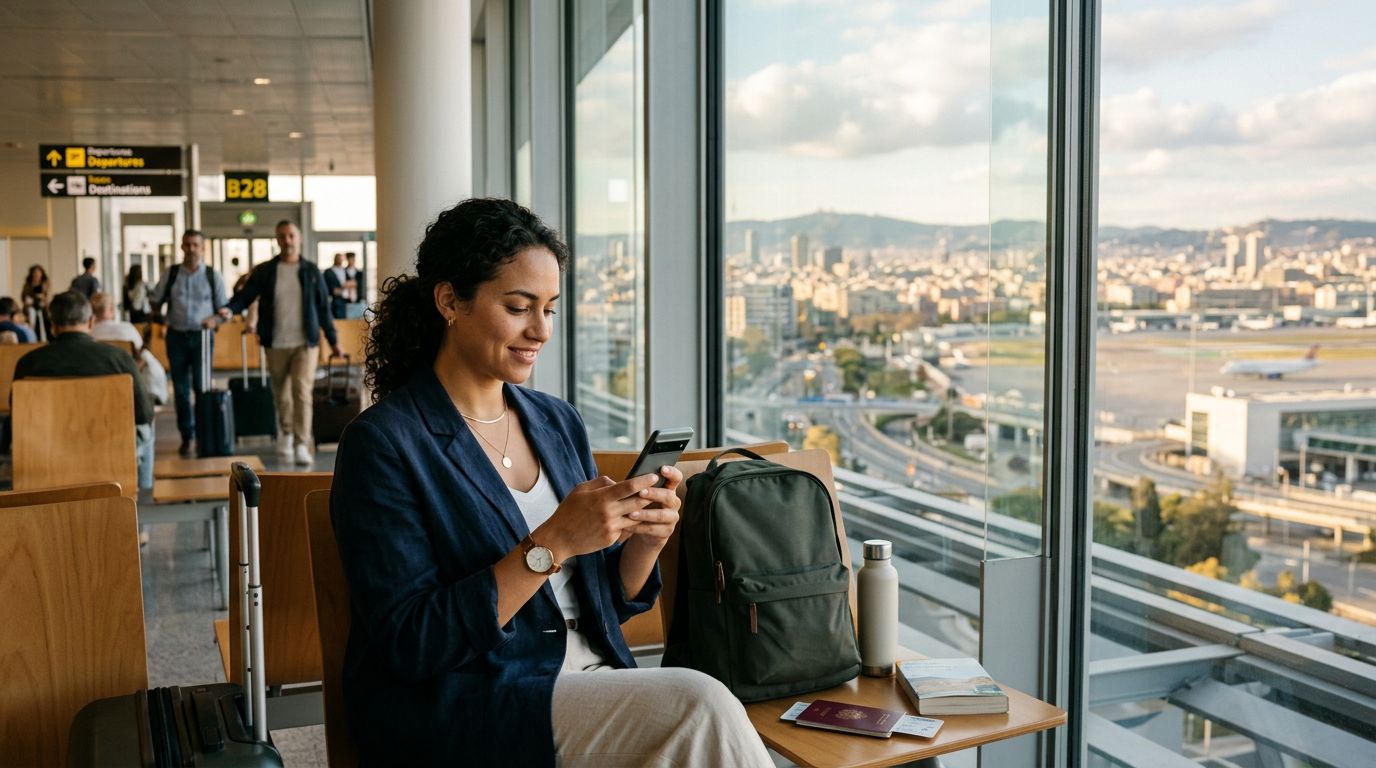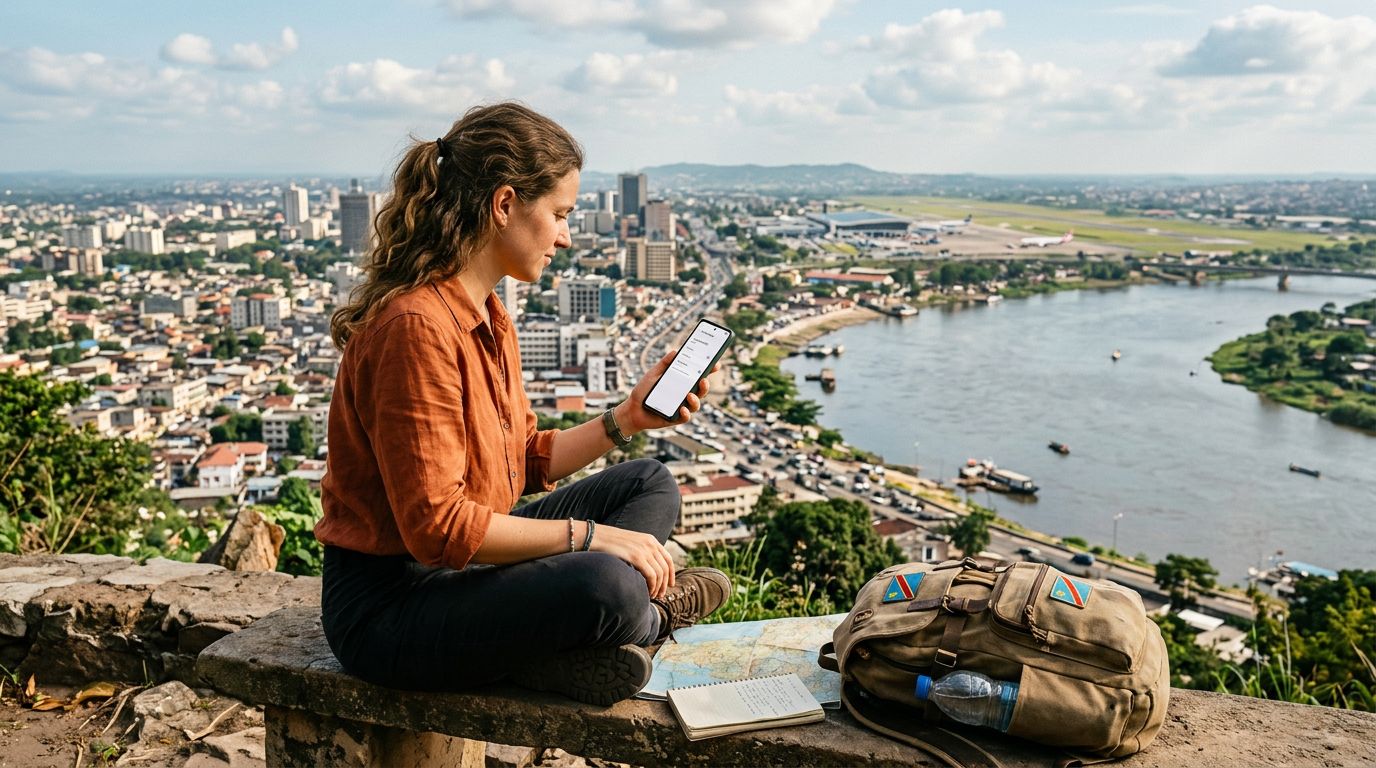
Traveling to the Democratic Republic of the Congo, specifically the vibrant capital of Kinshasa, is an adventure that requires careful planning. From the bustling markets to the scenic views along the Congo River, staying connected is essential for safety, navigation, and keeping in touch with loved ones back home. While physical SIM cards were once the standard for international travelers, the technology has shifted toward more convenient solutions. Activating travel eSIM for a Congo Kinshasa trip has become the most efficient way to ensure you have mobile data the moment you step off the plane.
Understanding the Benefits of eSIM Technology for Congo
An eSIM, or embedded SIM, is a digital version of the traditional plastic card you have used in your phone for years. Because it is built directly into the hardware of modern smartphones, you do not need to visit a local kiosk or swap out tiny, easily lost pieces of plastic when you land in a new country. For a destination like Kinshasa, where local infrastructure can be complex for a visitor to navigate, having your connectivity sorted before you depart provides significant peace of mind.
One of the primary advantages of using a service like OneTapSIM is the ability to maintain your primary phone number while simultaneously using a local data plan. This is particularly useful for travelers who need to receive verification codes for banking or important messages on their home number, while using the eSIM data for maps, ride-sharing apps, and translation tools. By separating your data needs from your home carrier, you avoid the exorbitant roaming fees that often catch travelers off guard.
Furthermore, the environmental impact of digital eSIMs is lower than that of physical SIMs, as there is no plastic waste or shipping required. You are essentially downloading a profile to your device, which makes the entire process seamless and instantaneous. As long as your device is carrier-unlocked and eSIM-compatible, you are ready to set up your connection for the Congo.
Preparing Your Device Before Departure
Before you begin the process of activating travel eSIM for a Congo Kinshasa trip, you must ensure your hardware is ready. Not every smartphone supports eSIM technology, so the first step is to check your device settings. Generally, most flagship phones released in the last few years are compatible. You can verify this by checking your phone’s cellular or mobile network settings to see if there is an option to "Add eSIM" or "Add Cellular Plan."
It is also critical to ensure your phone is carrier-unlocked. If your device is locked to a specific network provider in your home country, it will not be able to accept an eSIM profile from another provider, even if the hardware is capable. If you are unsure about your device status, contact your home carrier to request an unlock before you leave for your trip.
Once you have confirmed compatibility, you should prepare your device by updating your operating system to the latest version. Software updates often include security patches and improvements to how the phone handles dual-SIM configurations. Finally, ensure you have a stable internet connection—such as home Wi-Fi—before you start the installation process. Installing an eSIM requires a data connection to download the profile, so do not wait until you are struggling with poor airport Wi-Fi in Kinshasa to get started.
Step-by-Step Activation and Troubleshooting
The activation process for OneTapSIM is designed to be straightforward. After you select your plan and complete the checkout process, you will receive a QR code or an activation link. To install this on an iPhone, navigate to your Settings, tap on Cellular, and select "Add eSIM." You can then scan the QR code provided. For Android users, the path is usually Settings, followed by Network & Internet, and then the SIMs section, where you will find the option to add a new profile.
Once the eSIM is installed, it will appear as a secondary line in your phone’s settings. You can label this line as "Travel" or "Congo" to keep it distinct from your primary line. When you arrive in Kinshasa, you will need to activate the data roaming toggle for the eSIM line. Do not worry; because you are using a dedicated travel data plan, this will not trigger the expensive roaming charges associated with your home carrier.
If you find that you are not immediately connected upon arrival, there are a few standard troubleshooting steps. First, toggle your Airplane Mode on and off to force the device to search for local network signals. If that does not work, check your APN (Access Point Name) settings. Occasionally, the phone may need a manual entry to recognize the network provider in the Congo. Most eSIM providers offer a simple guide on how to verify these settings.
Another common issue is the data roaming setting. Ensure that your phone is configured to use the eSIM for "Cellular Data" and that the "Allow Cellular Data Switching" option is turned off. If this is left on, your phone might attempt to switch back to your home carrier’s network if the eSIM signal is weak, potentially leading to unexpected roaming charges. By locking your data usage to the eSIM, you maintain full control over your connectivity.
Throughout your time in Kinshasa, monitor your data usage through your phone’s built-in usage tracker. If you find yourself using more data than expected—perhaps due to high-resolution video calls or background app updates—you can often manage your plan or top up through the OneTapSIM interface. Keeping your software updated and your data settings managed ensures that your trip remains focused on your experiences in the Congo rather than technical frustrations. With your connectivity handled, you are free to explore the vibrant culture, music, and history of Kinshasa with the confidence that you are never truly offline.