Why an eSIM is the Best Choice for Your Bahamas Getaway
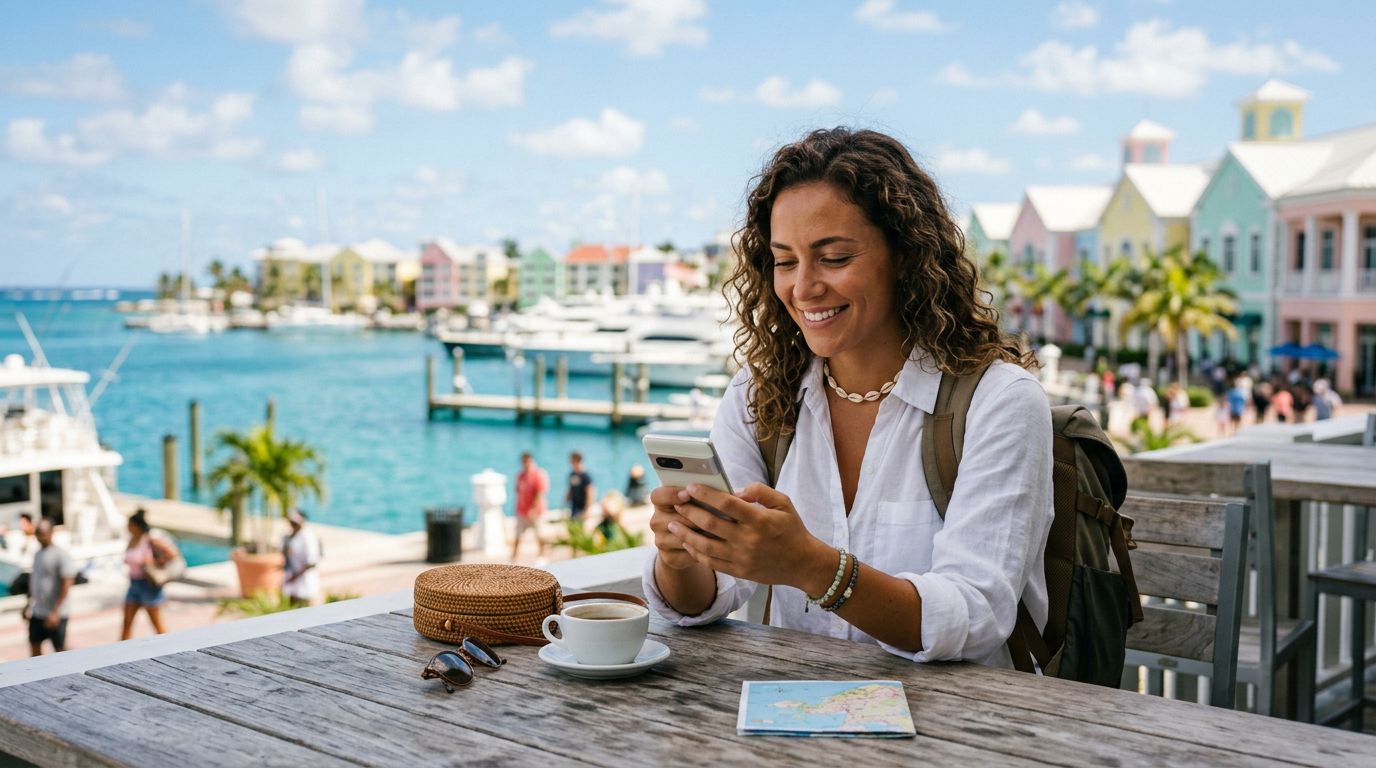
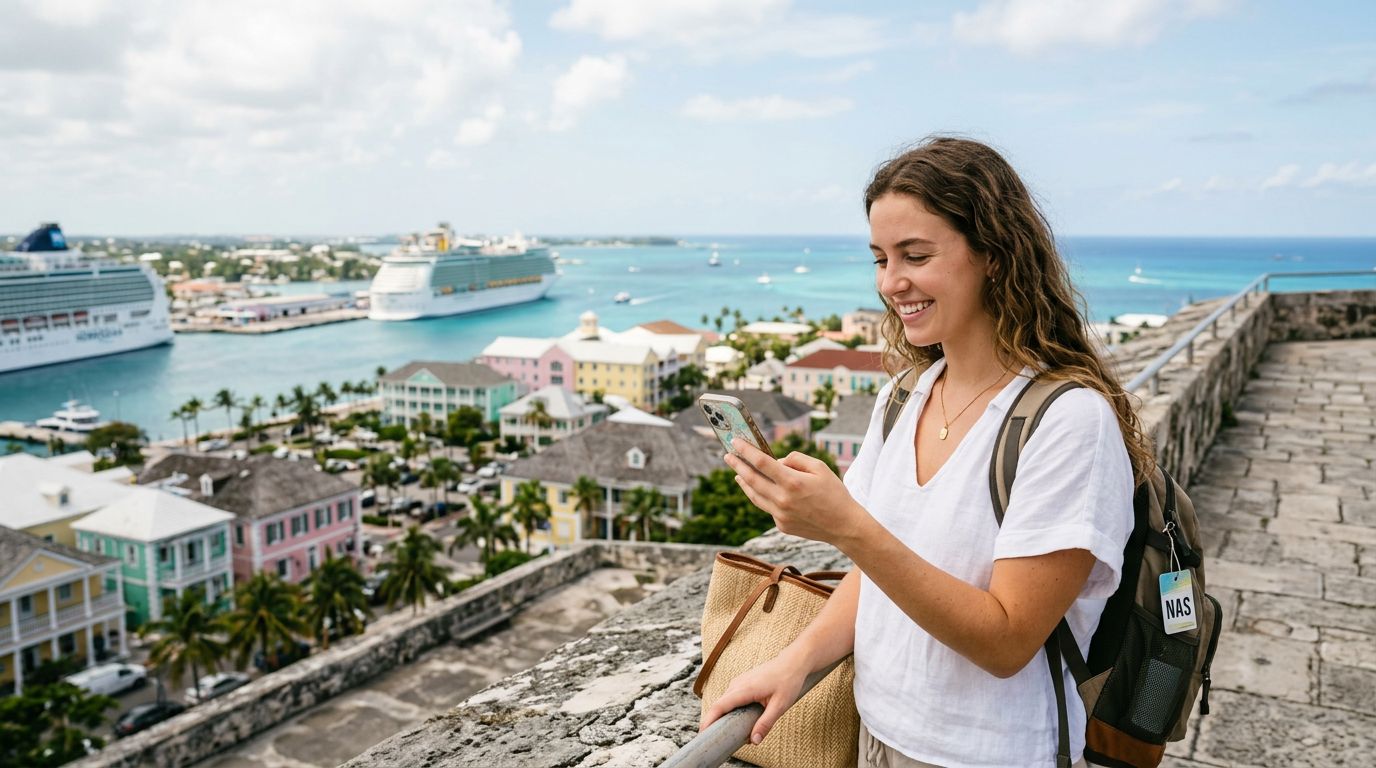
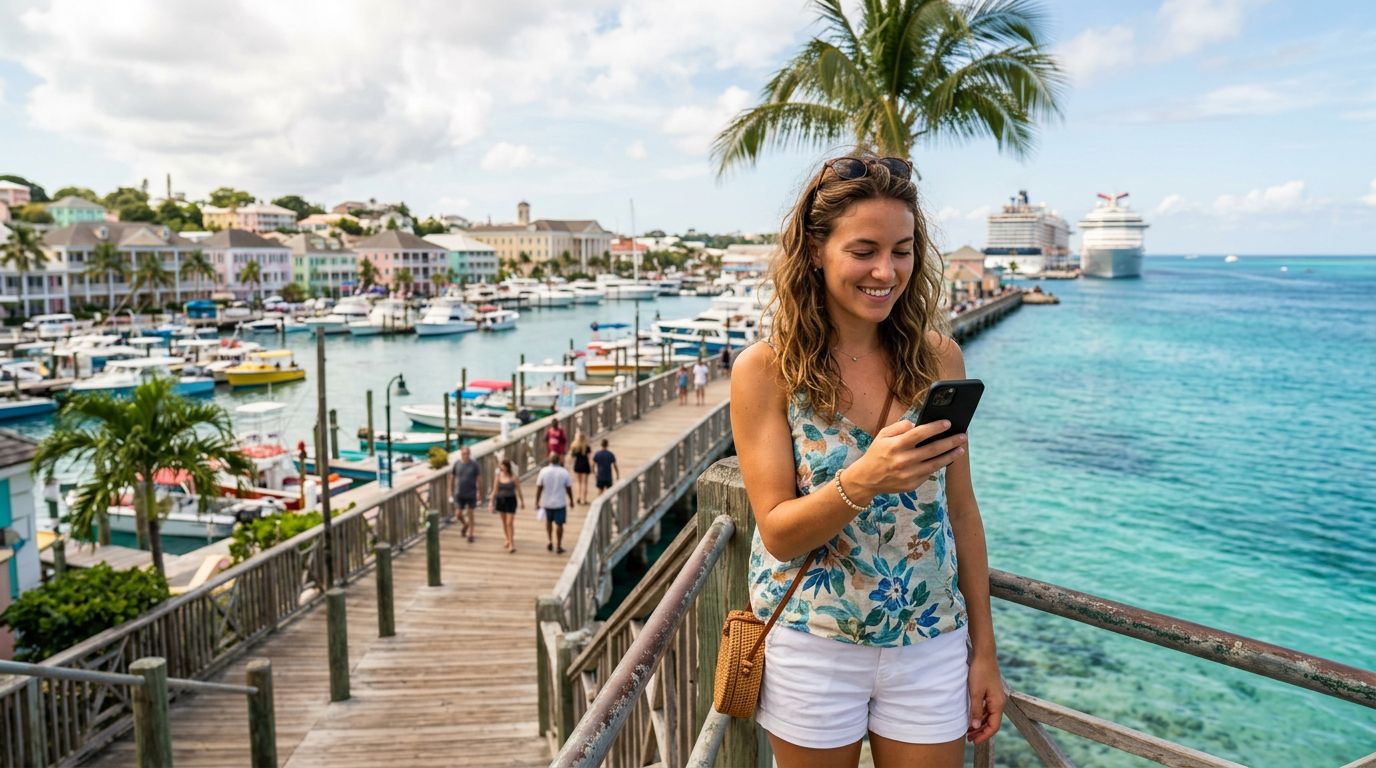
Planning a trip to the Bahamas brings visions of turquoise waters, white sandy beaches, and vibrant local culture. Whether you are heading to Nassau for the resorts or exploring the Out Islands for a quieter escape, staying connected is essential. Relying on your home carrier’s international roaming packages can often lead to unexpected complications or slow, throttled data speeds. This is where the convenience of a travel eSIM comes into play.
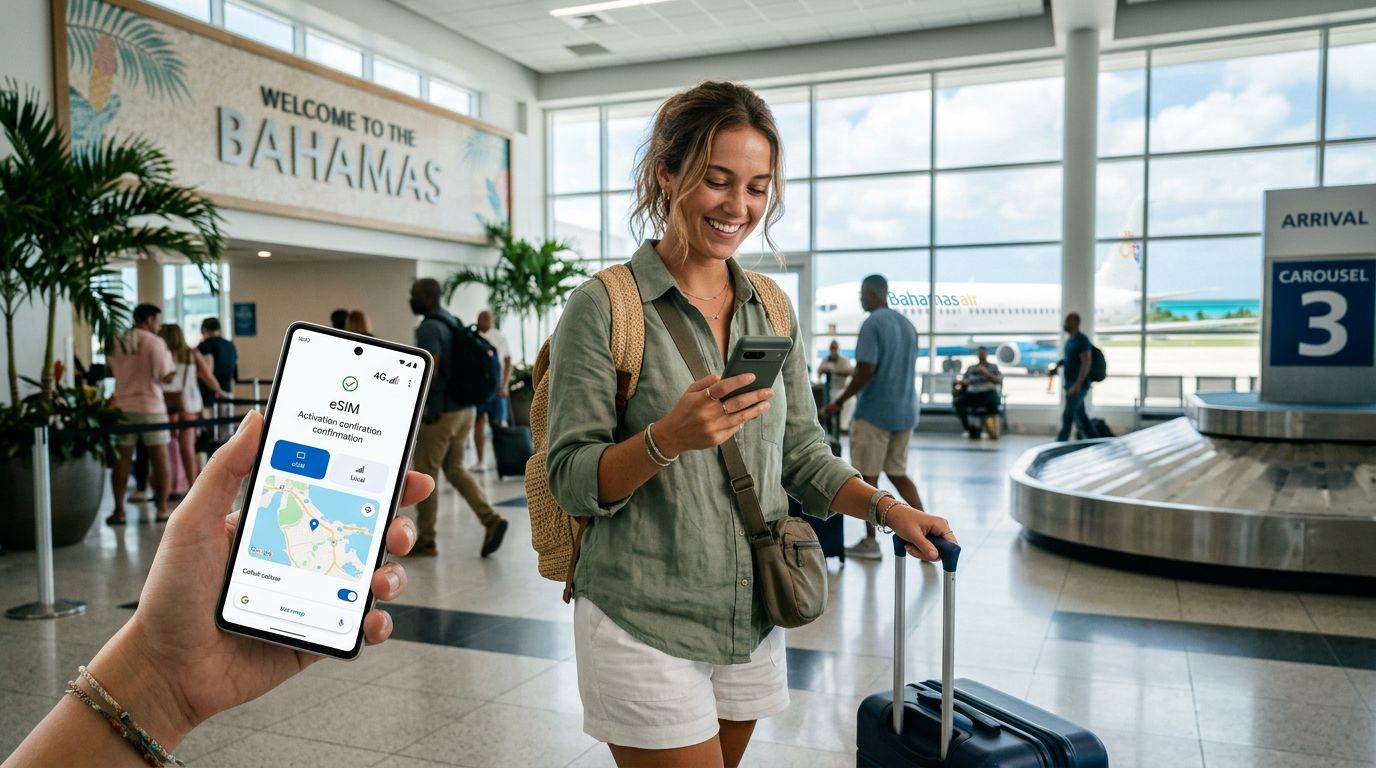
An eSIM, or embedded SIM, is a digital version of the physical card you are likely used to. Instead of swapping out tiny plastic chips that are easy to lose, you simply download a profile to your phone. For travelers visiting the Bahamas, this means you can have your local connectivity ready to go the moment your plane touches down. By using a service like OneTapSIM, you bypass the need to visit a local kiosk or deal with language barriers when trying to purchase a physical SIM card at the airport.
Choosing a travel eSIM allows you to maintain your primary phone number for essential calls or texts from home while using a separate data plan for navigation, social media, and translation apps. This separation is ideal for tourists who want to avoid the high costs associated with traditional roaming while ensuring they have reliable internet access to book excursions or find the best local dining spots.
Step-by-Step Guide to Activating Your eSIM in the Bahamas
The process of activating your eSIM in the Bahamas is designed to be straightforward, provided you have a compatible device. Before you leave home, ensure your phone is unlocked, meaning it is not restricted to a specific carrier. Most modern smartphones support eSIM functionality, but it is always wise to check your device settings or consult the manufacturer’s support pages if you are uncertain.
To begin, you will select your preferred data package through OneTapSIM. Once your purchase is confirmed, you will receive a QR code or an activation link. It is highly recommended to complete the initial setup while you are still at home and connected to a stable Wi-Fi network.
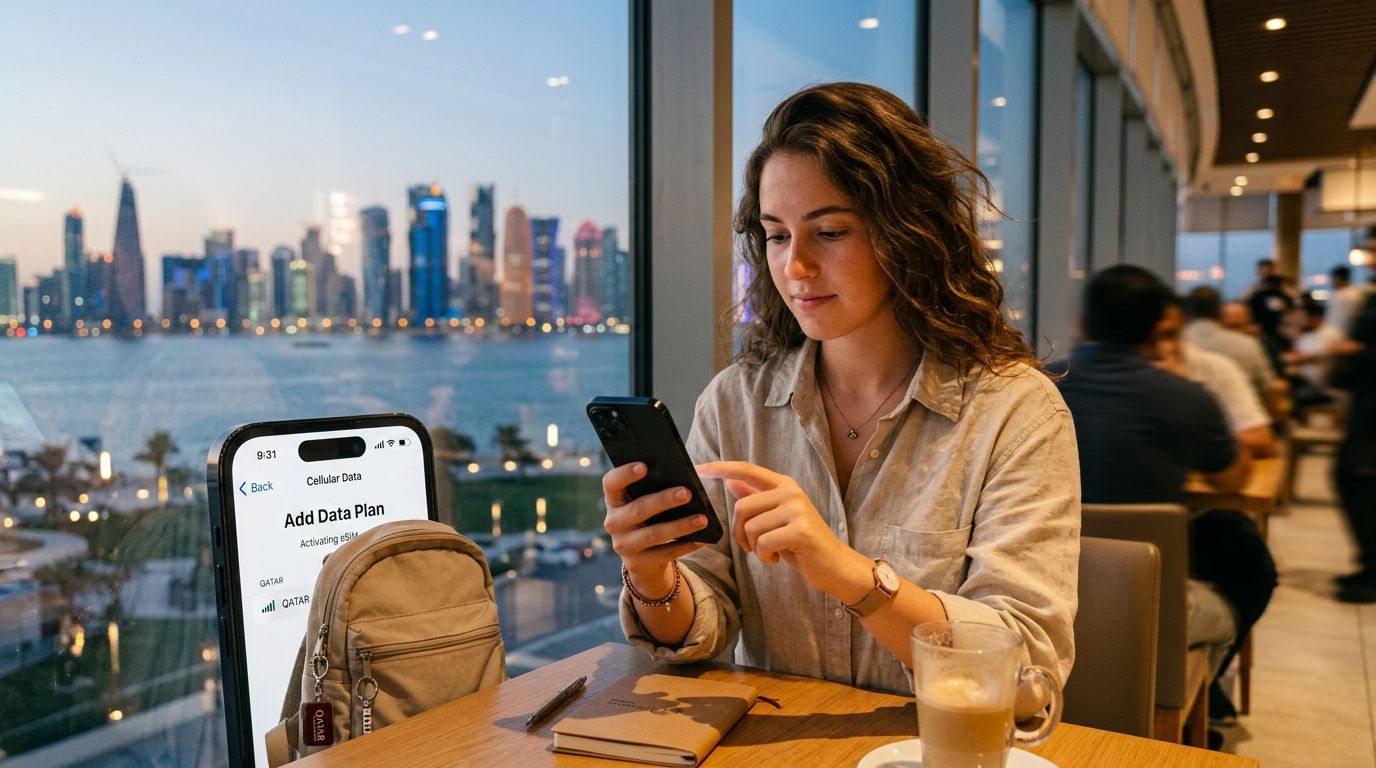
On an iPhone, go to your Settings, select Cellular or Mobile Data, and tap "Add eSIM." You can then scan the QR code provided. For Android users, the path is generally found under Settings, Network & Internet, and then SIMs, where you will look for the option to add a new network. Once the profile is downloaded, it will sit dormant until you reach your destination.
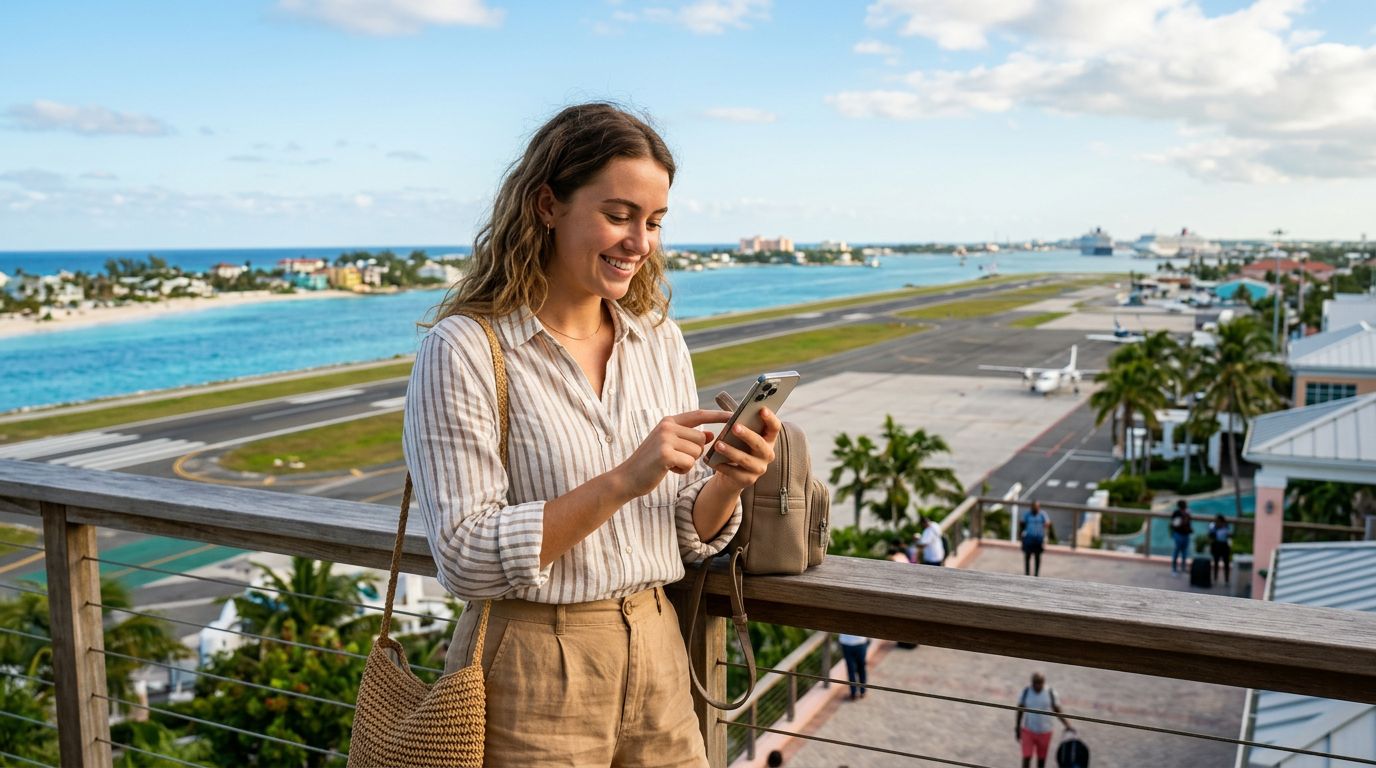
When you arrive in the Bahamas, you will need to toggle your settings to ensure the eSIM is active. Navigate to your cellular settings and ensure that the "Data Roaming" option is turned on for your travel eSIM. This is a common point of confusion for many travelers; while roaming is usually expensive with your home carrier, it is a necessary setting to allow your travel eSIM to connect to local Bahamian towers. Your phone will then automatically register with the local network, and you will be ready to browse the web.
Troubleshooting and Tips for a Seamless Connection
Even with the most reliable technology, minor issues can occasionally arise when connecting to a new network in a foreign country. If you find that your data is not working immediately upon arrival, the first step is to toggle "Airplane Mode" on and off. This forces your device to search for local signals again and often resolves temporary handshake issues with the cell tower.
Another frequent solution involves checking your APN (Access Point Name) settings. While most modern eSIMs configure these automatically, some devices may require a manual entry. If you find yourself without service, check the instructions provided by your eSIM provider to see if a specific APN string needs to be entered into your mobile network settings.
It is also important to manage your data usage effectively. Even though you are using a travel eSIM, streaming high-definition video or downloading large files can consume your data allowance quickly. Use Wi-Fi at your resort or hotel whenever possible to save your mobile data for when you are out exploring. By keeping an eye on your usage through your phone’s built-in data tracking tools, you can ensure that you have enough connectivity for the duration of your trip.
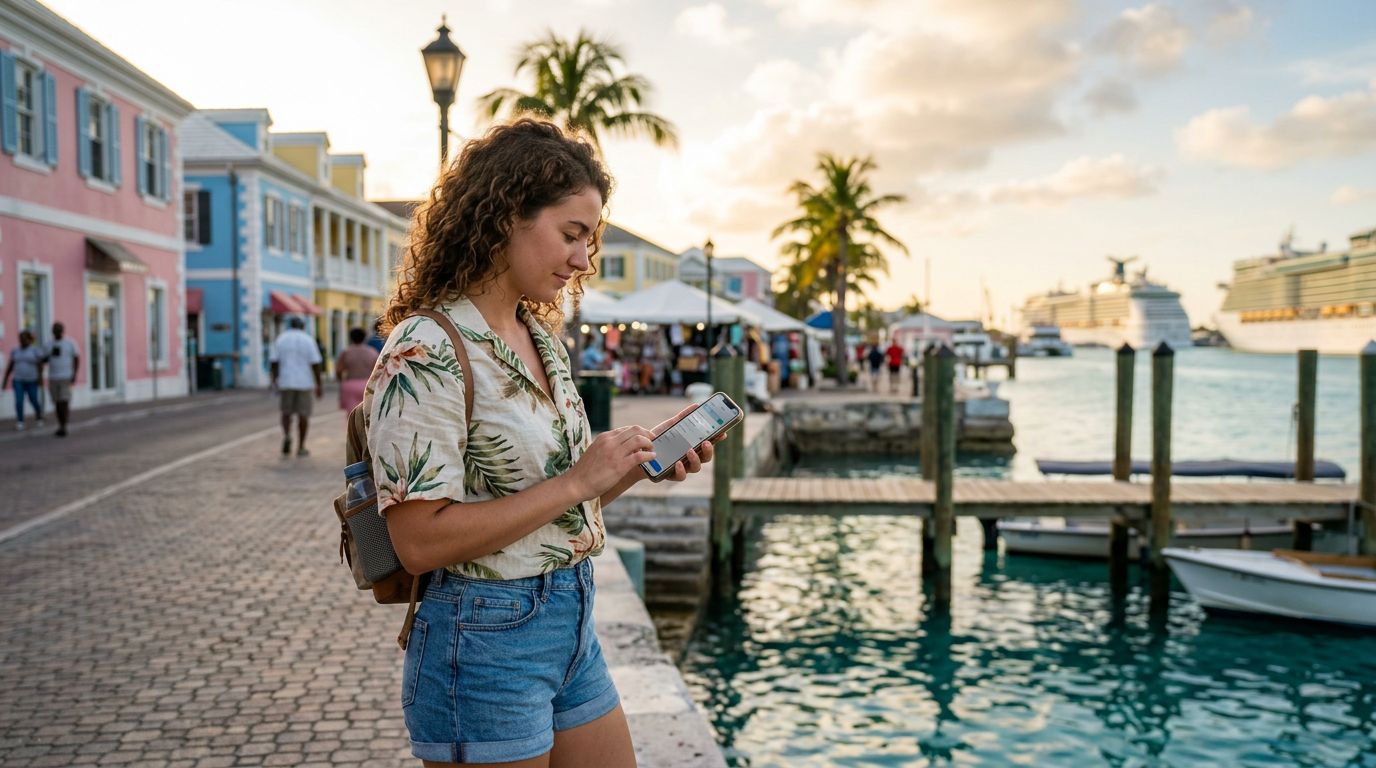
If you are traveling between different islands in the Bahamas, remember that network coverage can vary. While major tourist hubs like Nassau and Freeport have excellent 4G and 5G coverage, more remote areas might have limited signal strength. In these instances, having a reliable eSIM provider that partners with multiple local carriers can be a significant advantage, as your device will automatically attempt to connect to the strongest available signal.
Finally, keep your primary SIM card active if you need to receive important two-factor authentication codes or urgent calls from home. You can designate your travel eSIM as the primary source for "Cellular Data" while keeping your original SIM as the default for "Voice and SMS." This hybrid approach ensures you are never truly disconnected from your home life while enjoying the freedom and flexibility that a digital travel solution provides. By preparing your device before you board your flight, you ensure that your time in the Bahamas is spent enjoying the sun and sand rather than troubleshooting your phone.
Get an eSIM for
Plans for the destinations covered in this guide, with instant QR delivery.