Understanding Connectivity Needs While Traveling in Spain
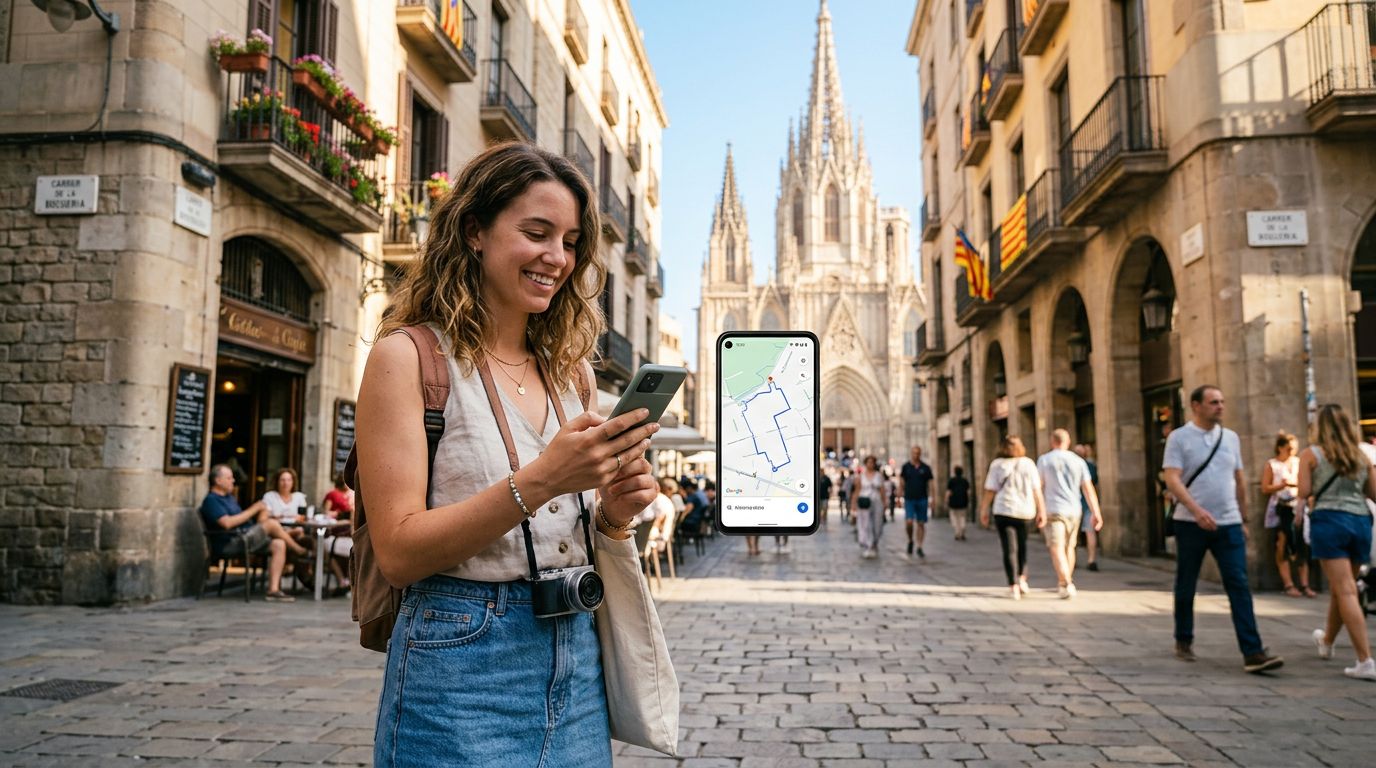
Spain is a country that invites exploration, from the winding streets of Barcelona’s Gothic Quarter to the sun-drenched beaches of the Costa del Sol. As you move between cities, having a reliable internet connection is essential for more than just checking maps or finding the nearest tapas bar. Many travelers find that their smartphone data is not enough, especially when they need to connect a laptop, a tablet, or a travel companion’s device to the internet. This is where hotspot data usage in Spain travel becomes a central topic for planning your trip.
A mobile hotspot allows you to turn your smartphone into a portable Wi-Fi router. By broadcasting a signal, your phone shares its cellular data connection with other devices. This is incredibly useful if you are working remotely, need to upload high-resolution photos to cloud storage, or simply want to stream a movie on a larger screen while relaxing in your hotel room. However, relying on a hotspot can consume your data allowance much faster than standard phone usage.
When you use a OneTapSIM eSIM for your travel needs, you gain the flexibility of a dedicated data plan designed specifically for international roaming. Because OneTapSIM provides high-speed data access across local Spanish networks, you can manage your hotspot usage more effectively. Instead of worrying about exorbitant roaming charges from your home carrier, you can focus on how to best distribute your data across your devices. Understanding the technical side of tethering ensures that your connection remains stable and that you do not burn through your data unexpectedly.
Best Practices for Managing Hotspot Data Usage
To make the most of your data while traveling, it is important to be proactive about your device settings. When you activate a hotspot, your connected devices—such as laptops—often assume they are on an unlimited home Wi-Fi network. This can lead to background processes like operating system updates, cloud synchronization, and photo backups running automatically, which will quickly exhaust your data.
Before you enable your hotspot, take a few moments to adjust your device settings. On a laptop, you can set your connection as a "Metered Connection" in Windows or low data mode in macOS. This tells the system to pause non-essential updates and background syncing. Similarly, ensure that applications like Dropbox, Google Drive, or iCloud are paused while you are tethered. By taking these small steps, you ensure that the data you purchased for your trip is used only for the tasks that truly matter to you.
Another strategy is to monitor your data consumption periodically. Most smartphones have a built-in data usage tracker that breaks down exactly how much data each app or tethered device has consumed. By checking this screen once a day, you can identify if a specific device is being a "data hog." If you notice that a tablet is consuming a large portion of your allowance, you can disconnect it or adjust its settings to prevent further background activity. OneTapSIM users often find that having a clear, digital-first approach to their connectivity allows for a more stress-free experience, as they can track their usage through their device settings without needing to call a provider or visit a physical store.
Optimizing Your Connectivity Strategy with OneTapSIM
Choosing the right data solution is the foundation of a successful trip to Spain. Traditional roaming options can be unpredictable and difficult to track, often leaving travelers with unexpected bills or throttled speeds. By opting for a OneTapSIM eSIM, you are choosing a modern, efficient way to stay connected. Because the eSIM is digital, you can set it up before you even land in Spain, ensuring that you have data as soon as you step off the plane.
When planning your hotspot usage, consider the nature of your activities. If you are a digital nomad, you might need to prioritize video calls. In this case, ensure you are in an area with strong cellular coverage, which is generally easy to find in major Spanish cities like Madrid, Valencia, or Seville. If you are a casual traveler, you might only need a hotspot for occasional browsing or uploading travel photos. In either scenario, the stability provided by local network partners through OneTapSIM ensures that your hotspot connection remains consistent.
Remember that hotspot data usage is not just about the amount of data; it is also about the quality of the connection. By using a dedicated travel eSIM, you avoid the congestion often found on public Wi-Fi networks in cafes or airports. Public Wi-Fi can be insecure and slow, whereas your personal hotspot provides a secure, private connection for your devices. This is particularly important if you are accessing sensitive information like banking apps or corporate email.
Ultimately, managing your hotspot data usage in Spain travel is about balance. You want to enjoy the convenience of a portable office or entertainment hub without the anxiety of running out of data. By choosing a reliable service provider, adjusting your background settings, and staying mindful of your usage habits, you can enjoy all the benefits of connectivity while you travel. Whether you are navigating the historic architecture of Granada or enjoying the nightlife in Ibiza, having a robust data plan allows you to share your experiences, stay productive, and remain connected to what matters most. With OneTapSIM, you have the tools to keep your devices running smoothly, allowing you to focus on the beauty and culture of Spain rather than the technicalities of your internet connection.
Obtenha um eSIM para
Planos para os destinos abordados neste guia, com entrega instantânea por QR.