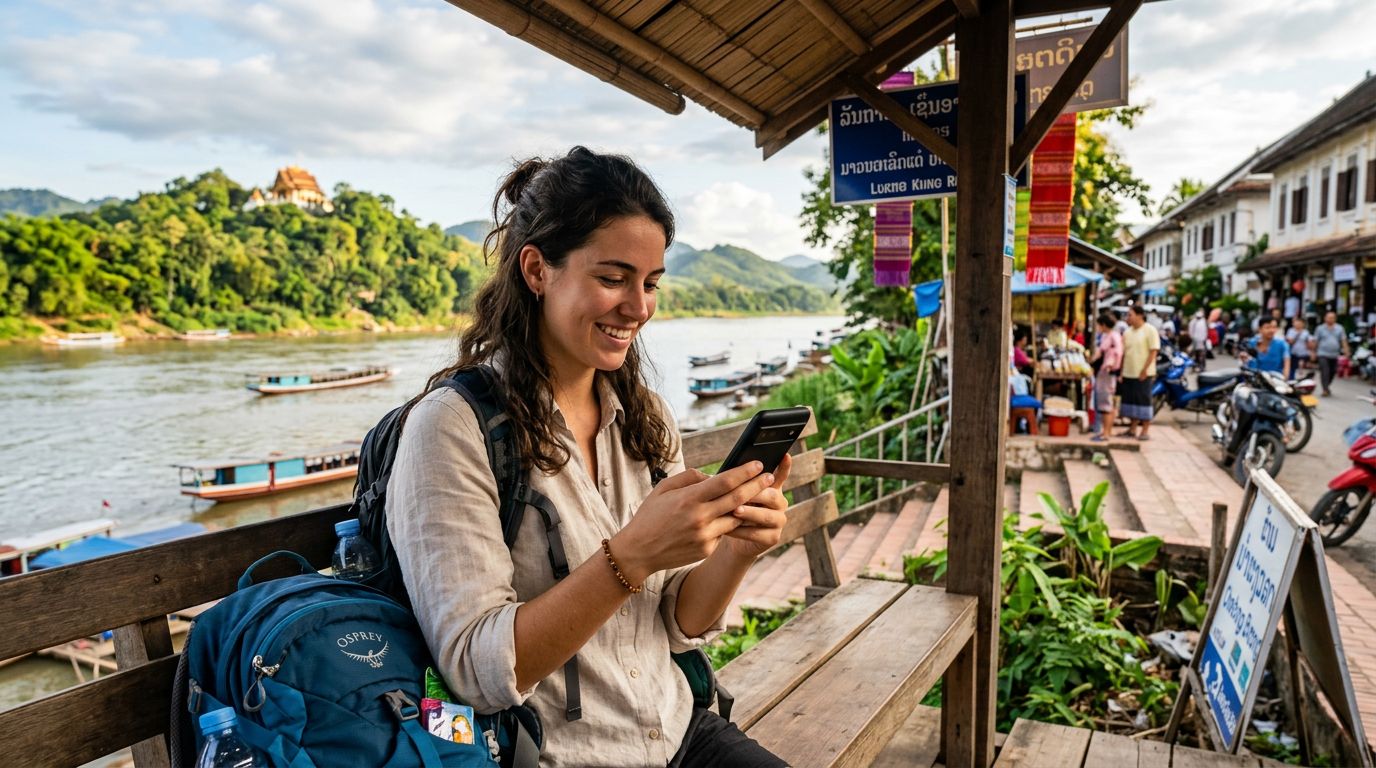
Understanding Connectivity Challenges in Laos
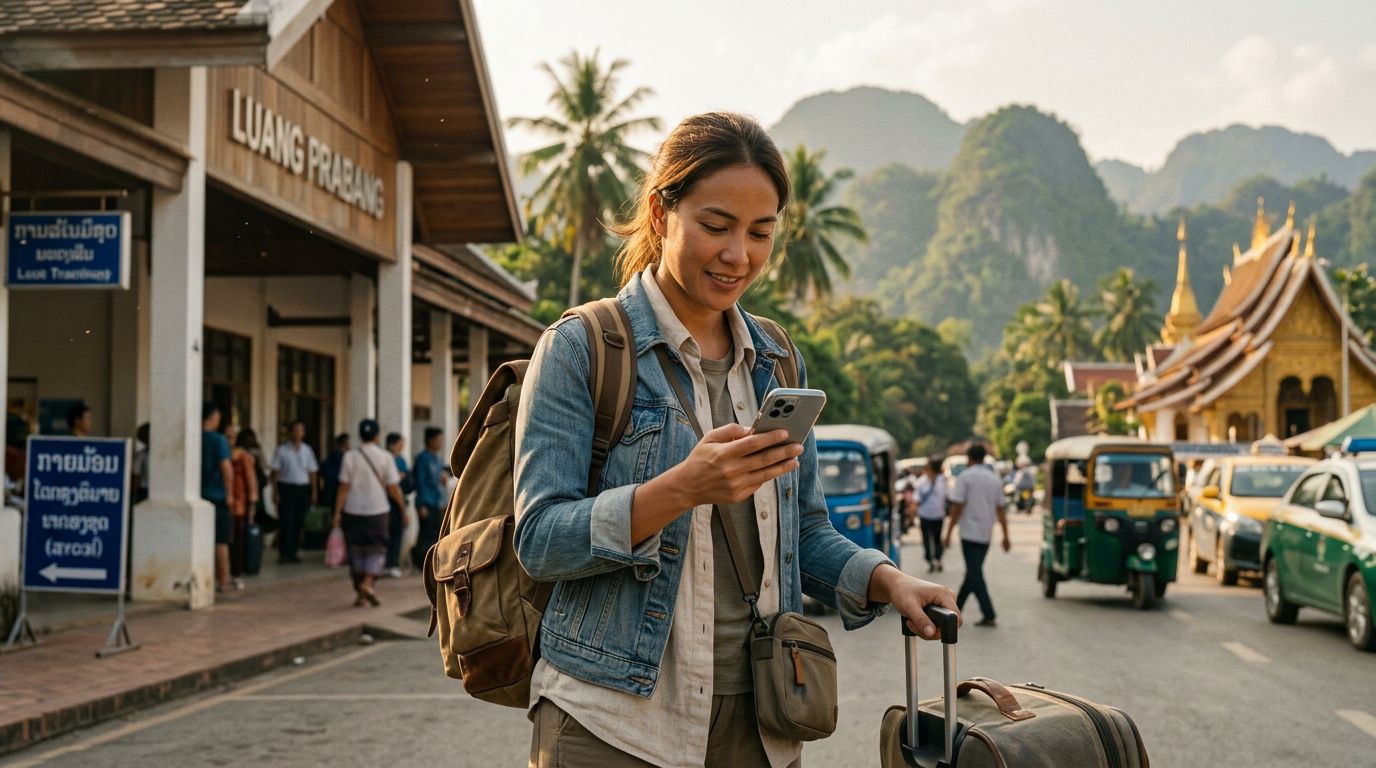
Laos is a country defined by its serene landscapes, from the mist-covered mountains of the north to the sprawling river islands of the south. For travelers, this remote beauty often comes with a trade-off: maintaining a reliable internet connection can be difficult. While major cities like Vientiane and Luang Prabang offer decent infrastructure, the moment you head into the countryside or board a slow boat down the Mekong, local cellular signals can become unpredictable.
When you are traveling with a group or carrying multiple devices, the need for a stable internet connection becomes even more pronounced. This is where understanding your hotspot data usage in Laos becomes essential. A hotspot allows you to share your cellular data connection with other devices, such as a laptop for remote work, a tablet for navigation, or a travel companion’s smartphone. However, because hotspotting creates a localized Wi-Fi network that acts as a bridge for multiple devices, it often consumes data at a much higher rate than standard mobile browsing.
Many travelers arrive in Laos expecting to rely solely on public Wi-Fi found in cafes or hostels. While these options are helpful, they are rarely secure and often suffer from slow speeds or intermittent outages. Relying on a dedicated travel eSIM like OneTapSIM allows you to maintain your own private, secure network regardless of where you are in the country. By managing your settings correctly, you can ensure that your data lasts throughout your entire journey without the frustration of sudden cutoffs.
Optimizing Your Device for Hotspot Efficiency
To make the most of your data while traveling, you must be proactive about how your devices consume bandwidth. When you tether your laptop to your phone, your computer often treats the connection as a standard high-speed broadband network. This means it may automatically trigger background tasks that consume significant data, such as cloud synchronization, operating system updates, or high-definition video streaming.
Before you activate your hotspot, take a few minutes to adjust your device settings. On most operating systems, you can toggle a setting called "Metered Connection." Enabling this tells your laptop that it is on a limited data plan, which prevents it from downloading large system updates or syncing heavy files in the background. Additionally, disable automatic cloud backups for services like iCloud, Google Drive, or Dropbox. These services are designed to constantly look for changes in your files and upload them, which can deplete your data allowance in minutes if you are not careful.
Another effective strategy is to monitor your browser behavior. If you are using a browser like Chrome or Safari, consider installing an ad-blocker or a data-saving extension. These tools prevent resource-heavy advertisements and auto-playing videos from loading, which significantly reduces the amount of data transferred over your hotspot. If you need to attend a video conference, try to disable your outgoing video feed if it is not strictly necessary, as video calls are among the most data-intensive activities you can perform. By treating your data as a finite resource, you can extend the utility of your OneTapSIM connection across multiple devices for the duration of your trip.
Managing Hotspot Data Usage in Laos
The geography of Laos presents unique challenges for cellular connectivity. As you travel between provinces, your signal strength may fluctuate based on the proximity to cellular towers. When your signal is weak, your phone may work harder to maintain a connection, which can sometimes lead to faster battery drain and less efficient data transmission.
When you are using a hotspot, it is crucial to keep track of your usage patterns. Most smartphones have a built-in data usage monitor in the settings menu. Check this periodically to see which applications are consuming the most data. You might be surprised to find that a social media app or a background synchronization service is responsible for a large portion of your usage. By identifying these "data hogs," you can restrict their access or close them entirely while tethering.
If you find yourself in a particularly remote area, prioritize your connection for essential tasks. Use your data to check maps, confirm your next accommodation, or send important messages. Save high-bandwidth activities, such as streaming movies or downloading large travel guides, for when you are in a location with a more robust signal or a stable wired connection.
Using an eSIM from OneTapSIM provides a streamlined way to manage your connectivity. Because the eSIM is integrated directly into your device, you avoid the physical hassle of swapping local SIM cards and the potential for losing your original home SIM. This digital-first approach allows you to focus on the experience of exploring the Kuang Si Falls or wandering through the night markets of Luang Prabang rather than worrying about the technicalities of your network.
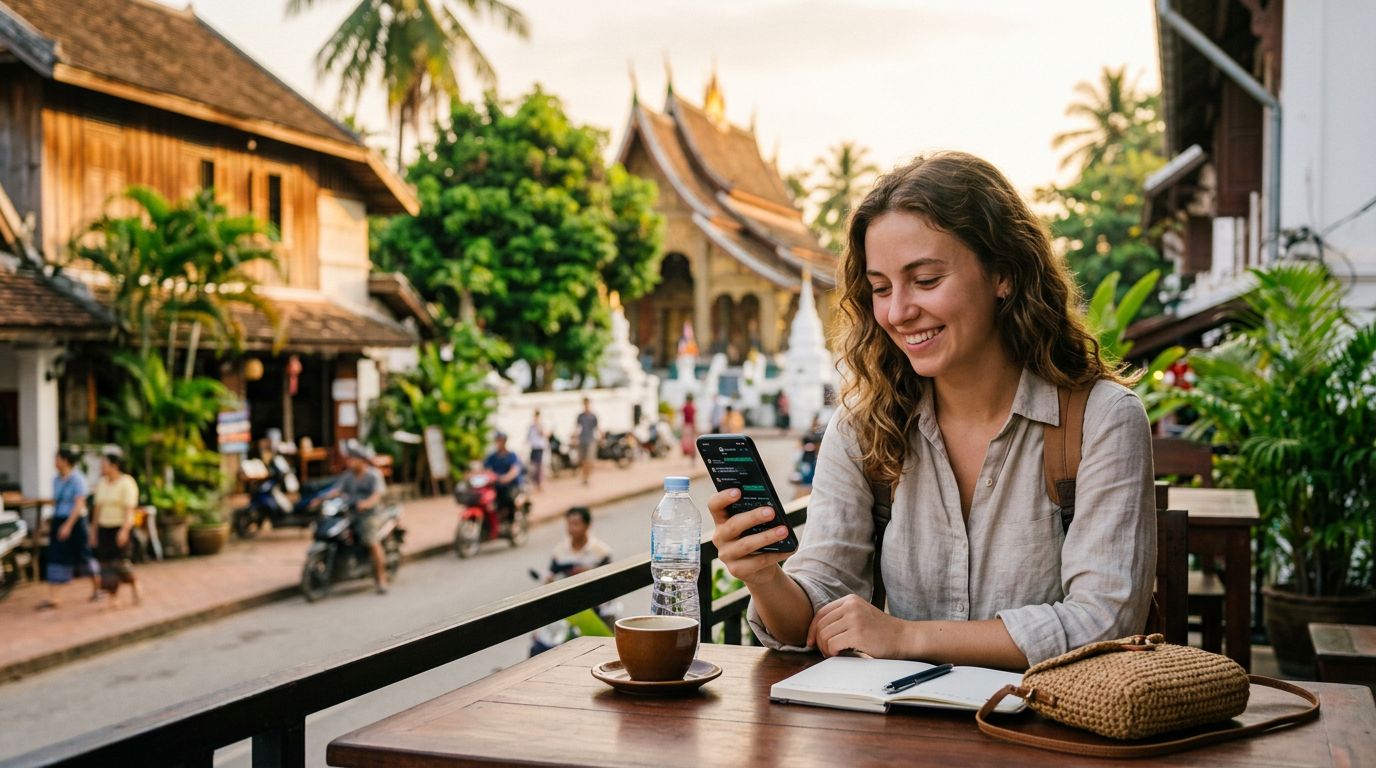
Ultimately, the goal of using a hotspot in Laos is to enhance your travel experience, not to restrict it. By being mindful of your background data settings, limiting heavy downloads, and choosing a reliable connectivity partner, you can stay connected to the people and information that matter most. Whether you are a digital nomad working from a quiet balcony overlooking the Nam Khan River or a casual traveler sharing photos with friends back home, a well-managed hotspot setup ensures that your connection remains a tool for your journey rather than a source of stress. Keep your software updated, monitor your background processes, and enjoy the freedom that comes with having your own private, portable internet connection throughout the beautiful landscapes of Laos.
Obtenha um eSIM para
Planos para os destinos abordados neste guia, com entrega instantânea por QR.