Arriving in the Philippines Fully Connected
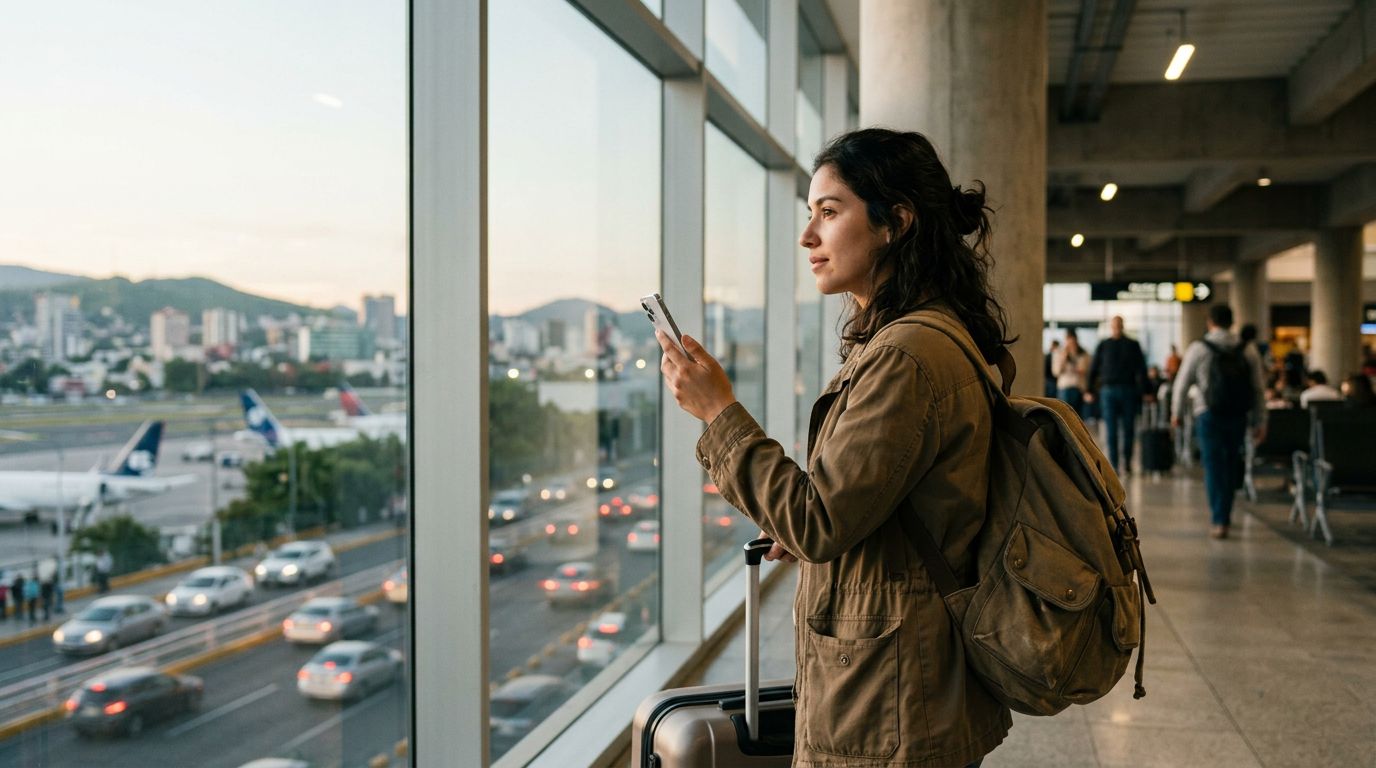
Stepping off the plane at Ninoy Aquino International Airport or any other gateway in the Philippines often means being met with long queues at physical SIM card kiosks. By choosing to install your OneTapSIM eSIM while still at home on a stable Wi-Fi connection, you eliminate the stress of searching for a shop or fumbling with tiny plastic cards after a long flight. Once you land, you simply toggle your settings, and your phone connects to the local network instantly. This is vital during that critical first hour in the country. Instead of standing in line, you can immediately summon a ride through local transport apps to reach your hotel, pull up a map to verify your route, or message your accommodation host to let them know you have arrived safely. Having connectivity the moment your wheels touch the tarmac turns a potentially chaotic arrival into a smooth transition.
Data Usage and Digital Habits in the Philippines
The Philippines is a highly digitized travel destination where mobile data is essential for daily logistics. Most travellers rely heavily on ride-hailing apps like Grab to navigate traffic-clogged cities or to book vetted transport from the airport. Beyond transport, data is crucial for scanning QR codes, which are increasingly common for contactless payments in cafes, boutiques, and markets. You will also find that messaging apps like Messenger or Viber are the primary way to communicate with local tour operators, dive instructors, or restaurant staff. If you are exploring beyond the main tourist hubs, having data for translation tools or real-time transit updates helps bridge the gap when signage is limited. Whether you are uploading photos of the Chocolate Hills or checking the latest ferry schedules to reach a remote island, having a reliable data connection ensures you can interact with these local systems without hunting for public Wi-Fi.
Reliable Connectivity Through Partner Networks
When you travel across the diverse archipelago of the Philippines, your OneTapSIM eSIM connects through partner networks such as SMART and Globe. These networks provide the infrastructure that allows your device to maintain a link to the digital world as you move between urban centers, coastal resorts, and mountain provinces. By utilizing these established local providers, your eSIM benefits from the extensive reach they have built across the islands. This setup allows you to maintain your connection as you travel from the bustling streets of Manila to the serene beaches of Palawan or the highlands of Baguio, ensuring that you remain reachable and capable of using your essential travel apps throughout your journey.
Selecting the Right Plan for Your Journey
With 15 different plans available, tailoring your data package to your specific itinerary is straightforward. If you are planning a short city break, a plan with a shorter validity period will provide exactly what you need without unnecessary overhead. For those embarking on a longer stay, perhaps island-hopping over several weeks, you can select a plan with extended validity that stretches up to 180 days. Your data allowance choice should reflect your habits: if you are a light user who only needs data for maps and occasional messaging, a smaller allowance is perfectly sufficient. Conversely, if you plan to share your trip updates on social media or stream content, opting for a higher allowance, such as 50 GB, provides better value by preventing the need to manage your usage too strictly. Some of our plans also offer the flexibility of a top-up mid-trip, allowing you to add more data if your exploration of the Philippines takes longer than expected.
Practical Tips for Dual-SIM Management
Managing your connectivity while abroad is simple if you follow a few basic etiquette rules for your devices. You do not need to remove your home SIM card; instead, you can keep it active to receive important SMS alerts or two-factor authentication codes from your bank. In your phone settings, you can designate your OneTapSIM eSIM as the primary line for cellular data while keeping your home SIM active only for calls and texts. Be sure to toggle data roaming to "on" specifically for your travel eSIM line while keeping it "off" for your home line to avoid unexpected charges from your domestic carrier. While many hotels, cafes, and airports in the Philippines offer public Wi-Fi, it should be treated as a complement to your eSIM rather than a primary solution, as public networks can be inconsistent or insecure. By keeping your eSIM as your primary data source, you ensure a consistent experience regardless of the local Wi-Fi availability.