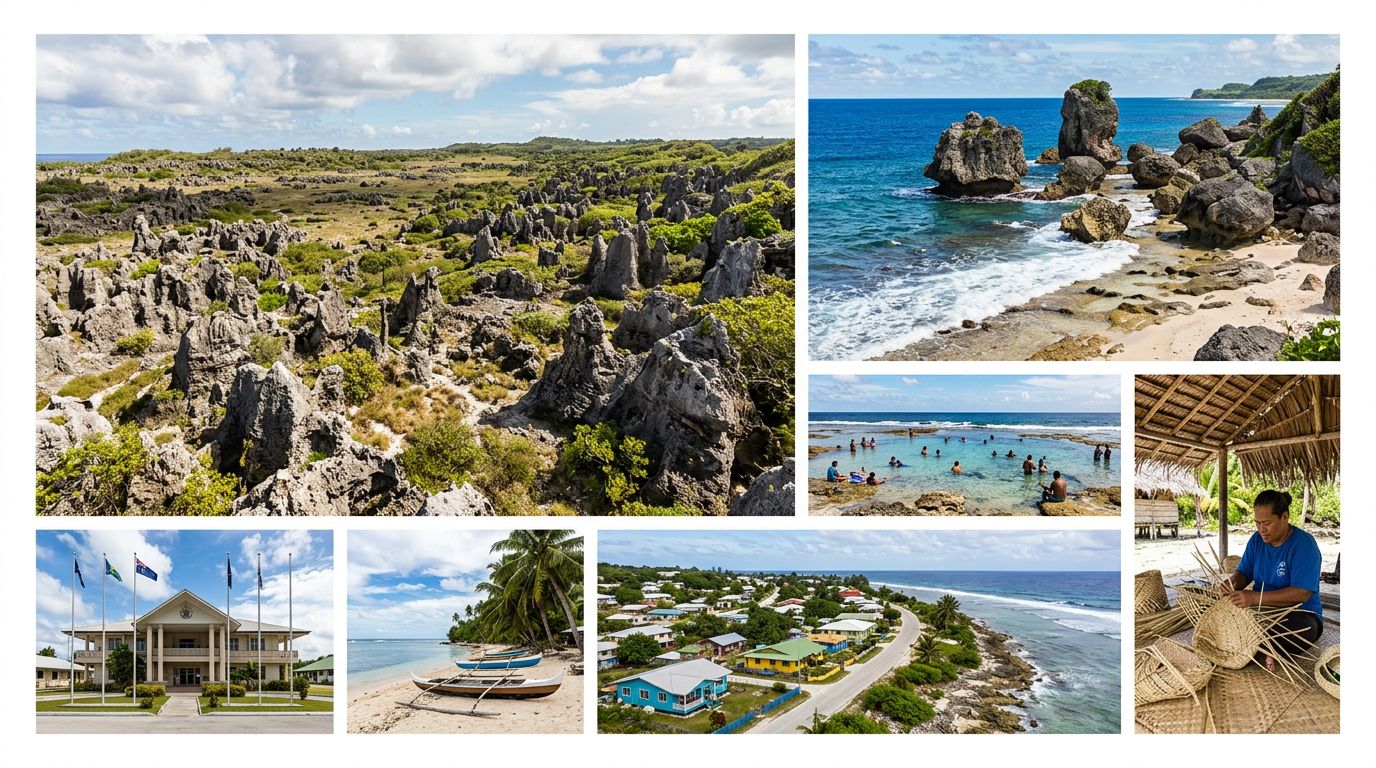
Seamless Arrival in Nauru
Landing in Nauru is a unique experience, and the last thing you want to do after your flight is stand in a queue at the airport trying to secure a local physical SIM card. By installing your OneTapSIM eSIM while you are still at home on your reliable Wi-Fi, you ensure that your device is ready to go the moment the wheels touch the tarmac. As soon as you step off the plane, your phone will automatically search for a signal, meaning you bypass the stress of hunting for a kiosk or fumbling with small plastic cards.
Consider those vital first sixty minutes upon arrival. Whether you are arranging transport to your accommodation or trying to share your arrival status with your hosts, having immediate connectivity is invaluable. Nauru is a small island nation where local coordination is key. Having your maps ready to load instantly helps you get your bearings, and having messaging apps active allows you to confirm your check-in details without needing to hunt for an open Wi-Fi network in the terminal.
Connectivity for Your Nauruan Adventure
When you are exploring Nauru, your data usage will likely center on staying oriented and keeping in touch with the world back home. While you might be tempted to use your phone for heavy media streaming, the reality of travel on the island is that your data is best spent on practical tools. You will find that keeping your messaging apps active is essential for coordinating with local guides or confirming plans with your hotel.
Because Nauru has a distinct landscape and specific points of interest, having access to offline-ready maps that you can refresh periodically is a significant advantage. You might also use your data to look up historical sites or local information about the island’s unique geography. Since Nauru is a place where you want to be present, using your data to quickly check a translation or look up a local custom ensures you are traveling respectfully and efficiently. Remember that while you might be tempted to upload high-resolution photos to social media, keeping your data usage focused on navigation and essential communication helps you stay connected throughout your entire trip without interruption.
Reliable Local Connections
OneTapSIM connects through partner networks such as Digicel. By leveraging these established local infrastructures, your eSIM provides a consistent experience as you move around the island. This partnership allows your device to register on the local mobile network as if you were a local resident, providing the stability you need to navigate the island’s roads and coastal areas. Because this connection is handled digitally, you do not need to swap hardware, keeping your device intact and secure while you explore the various districts of Nauru.
Selecting Your Ideal Data Plan
With 11 different plans available, ranging from 1 GB to 20 GB of data, you can tailor your connectivity to match the specific rhythm of your visit. If you are planning a short stay on the island, a plan with a shorter validity period—starting from just one day—is often the most efficient choice. For those staying for a longer period, perhaps up to 30 days, selecting a higher data allowance ensures you have enough capacity for the duration of your trip without having to worry about your balance.
Think about your personal habits: are you a light user who only needs data for occasional emails and map checks, or do you prefer the comfort of a larger data bucket for more frequent web browsing? Choosing a plan that aligns with your actual usage provides the best value. Some of our plans also support mid-trip top-ups, which offers a safety net if your usage happens to be higher than you initially anticipated. By matching your plan to your travel itinerary, you avoid paying for more than you need while ensuring you are never left without a signal.
Practical Tips for Dual-SIM Management
Managing your connectivity while traveling in Nauru is straightforward if you follow a few simple rules. First, keep your home SIM card inside your phone; there is no need to remove it. You can keep your primary number active for incoming SMS or emergency calls from your home country, provided you check your home carrier’s roaming settings beforehand. In your phone’s cellular settings, you should designate your home SIM for voice and your OneTapSIM eSIM specifically for cellular data.
When you land, ensure that data roaming is toggled "on" for your eSIM line, but verify that it is turned "off" for your home line to prevent any unexpected charges from your home provider. While Nauru does have some Wi-Fi availability in hotels and public buildings, it is often intermittent. Treating your eSIM as your primary, reliable data source and using hotel Wi-Fi only as a secondary complement will provide the most stable experience. By managing these settings before you leave the gate, you can enjoy your time in Nauru with the peace of mind that your digital connection is handled.