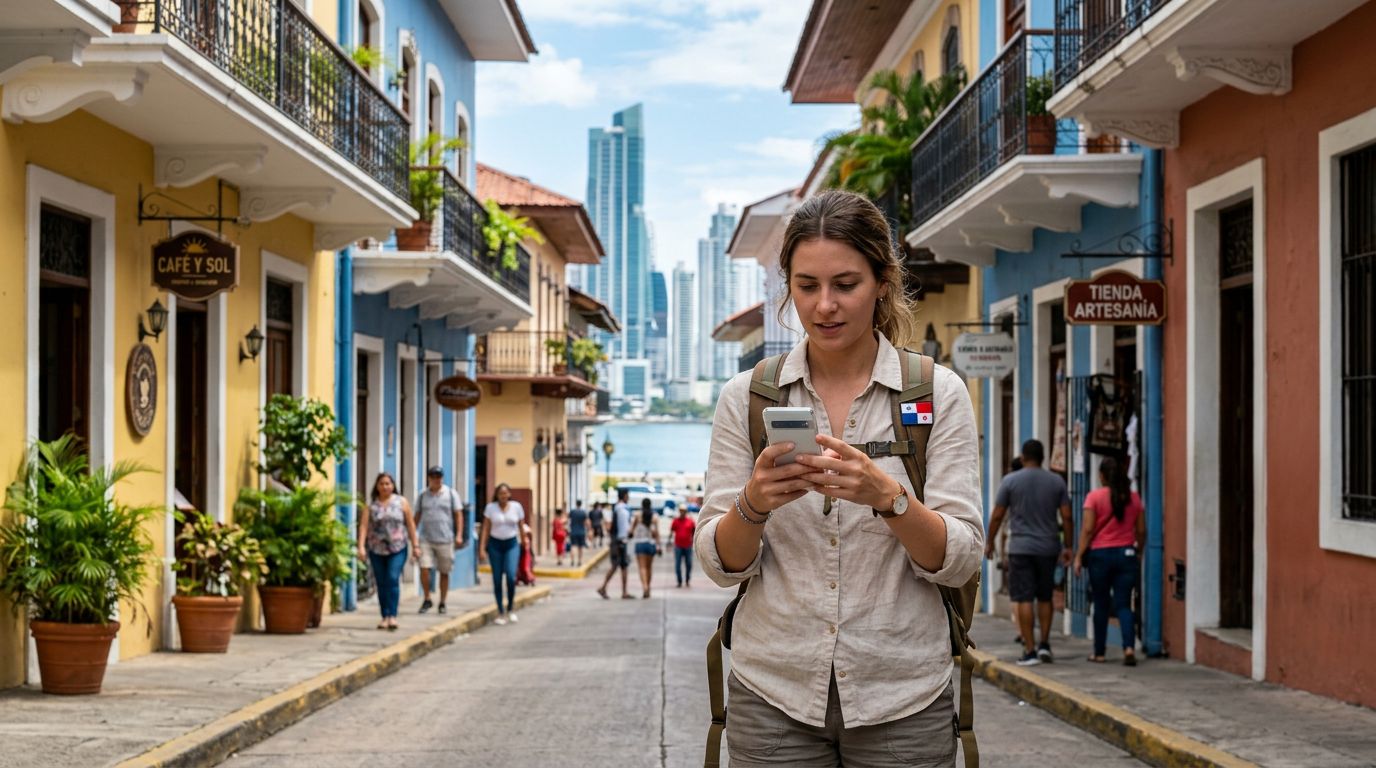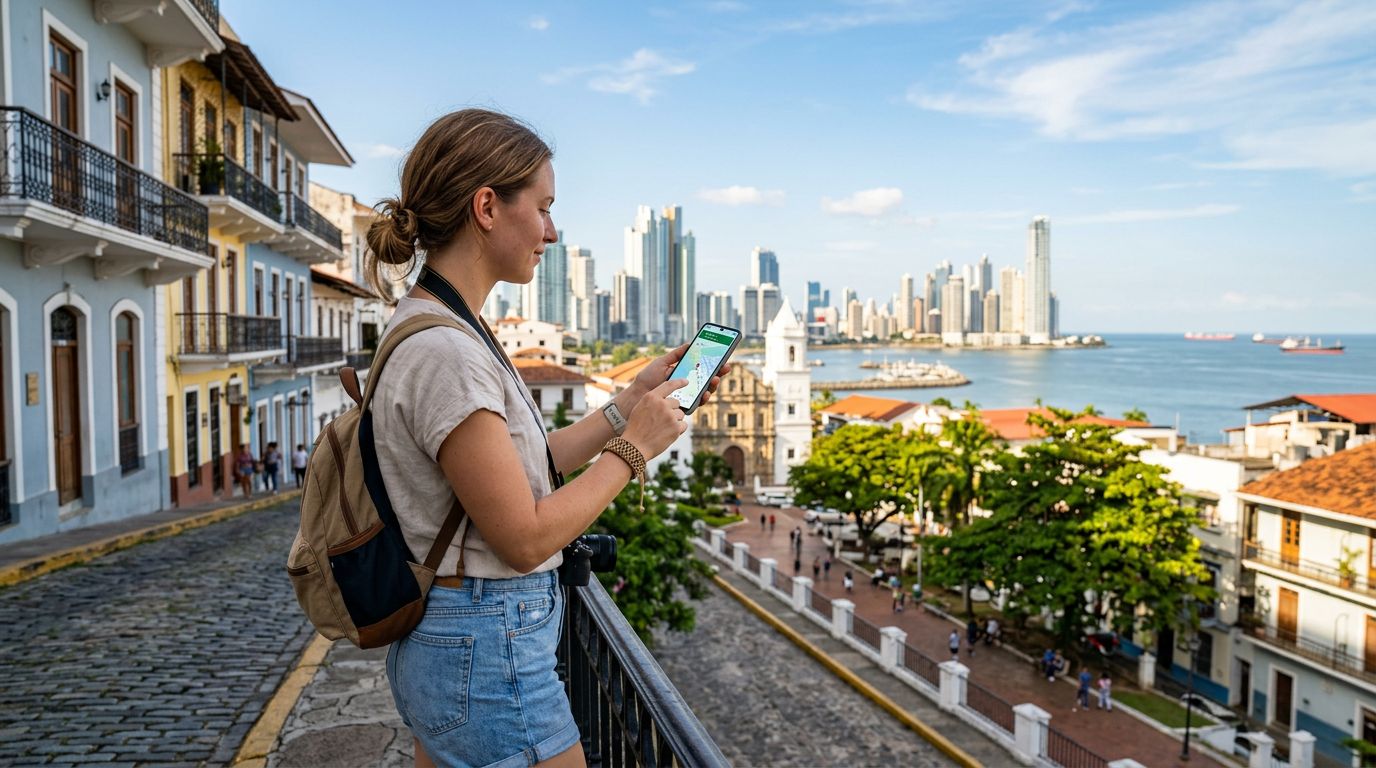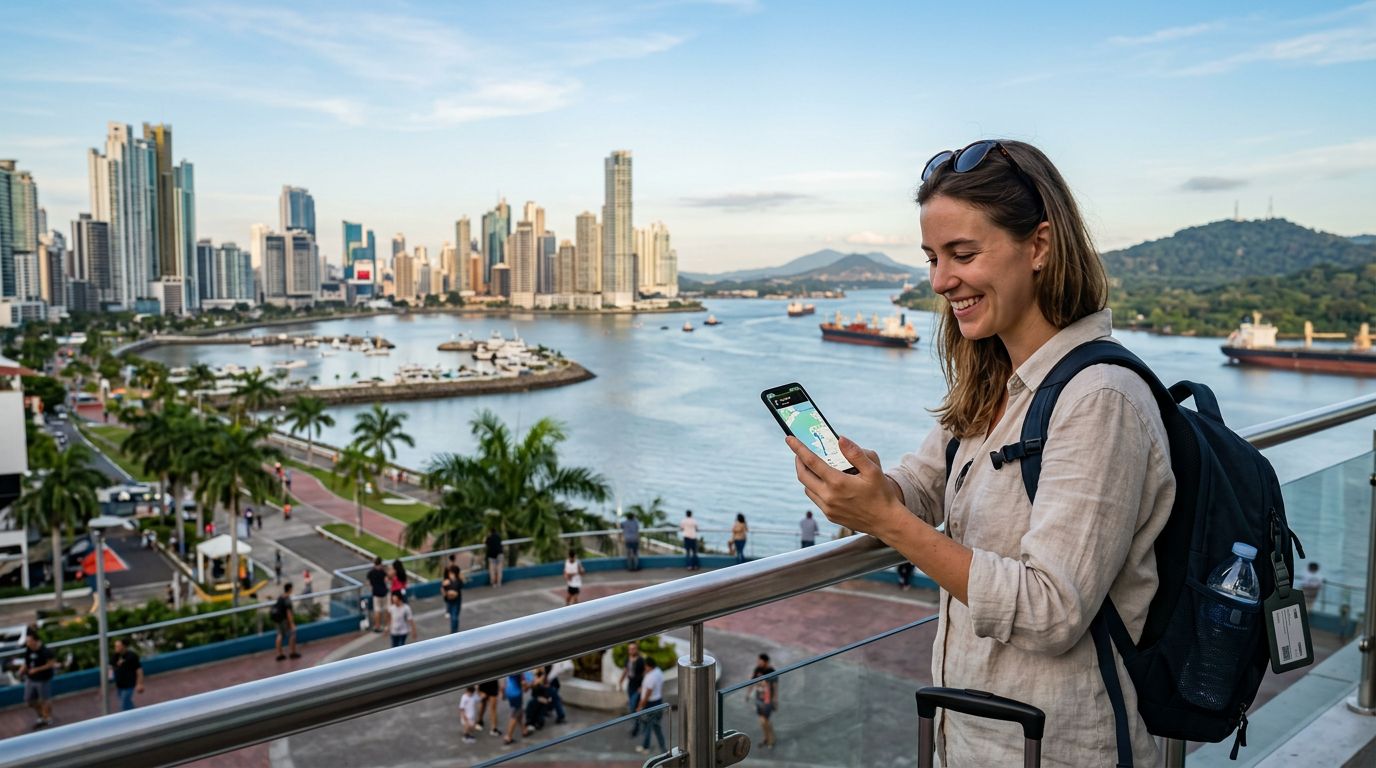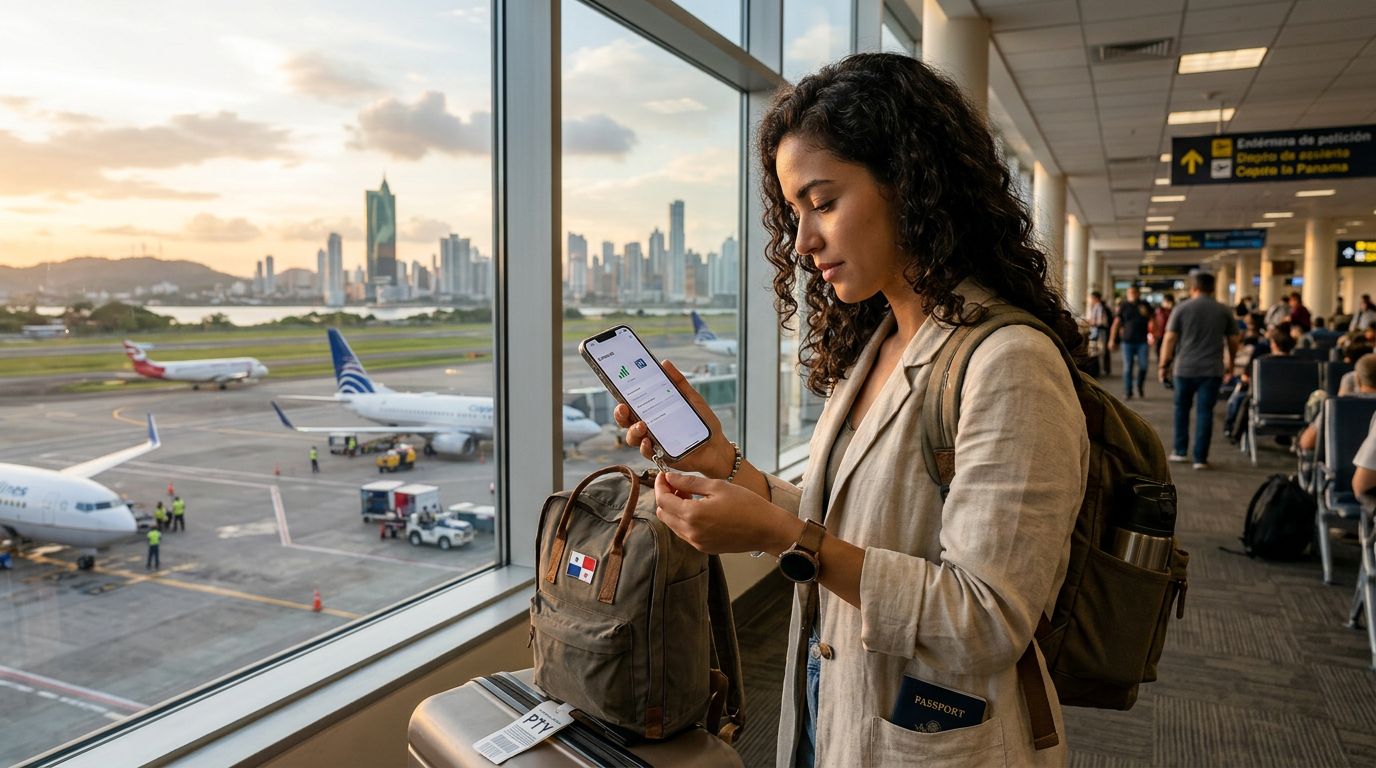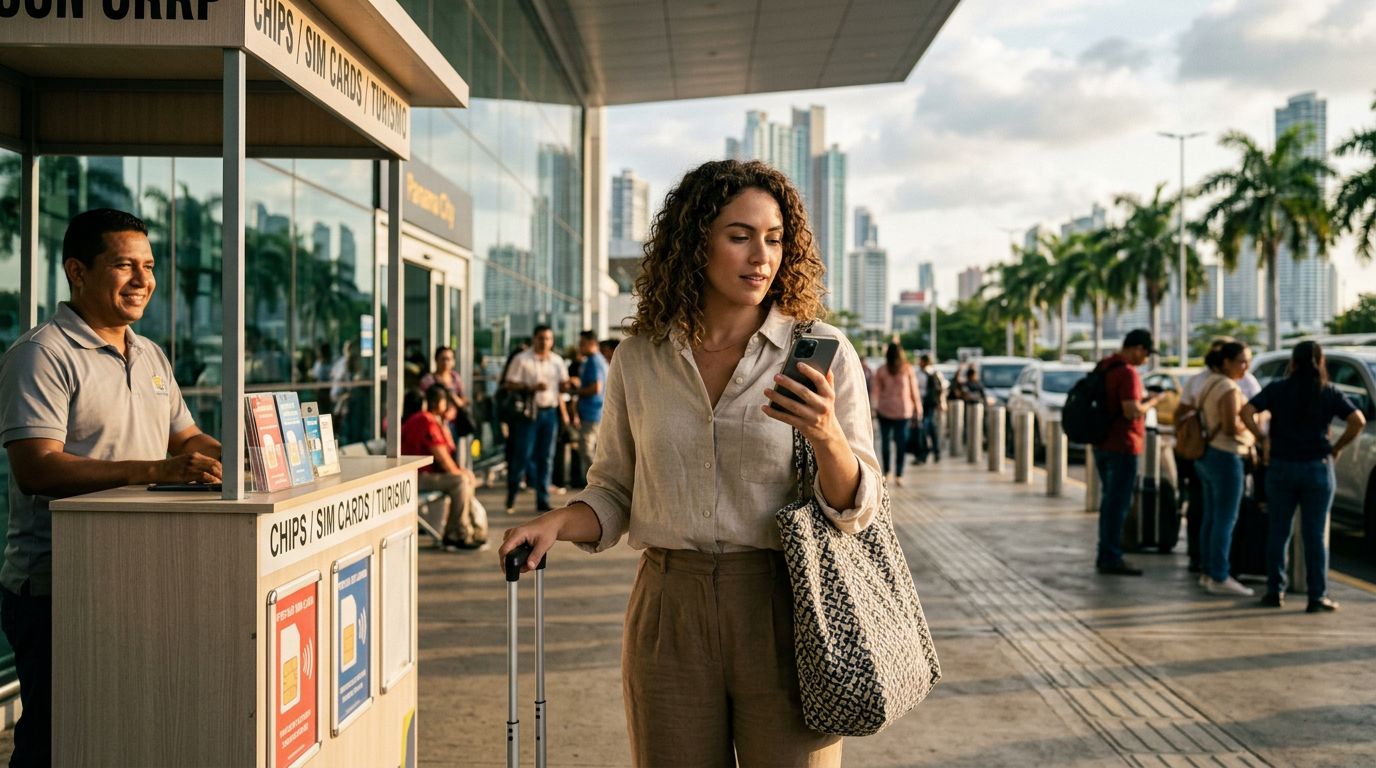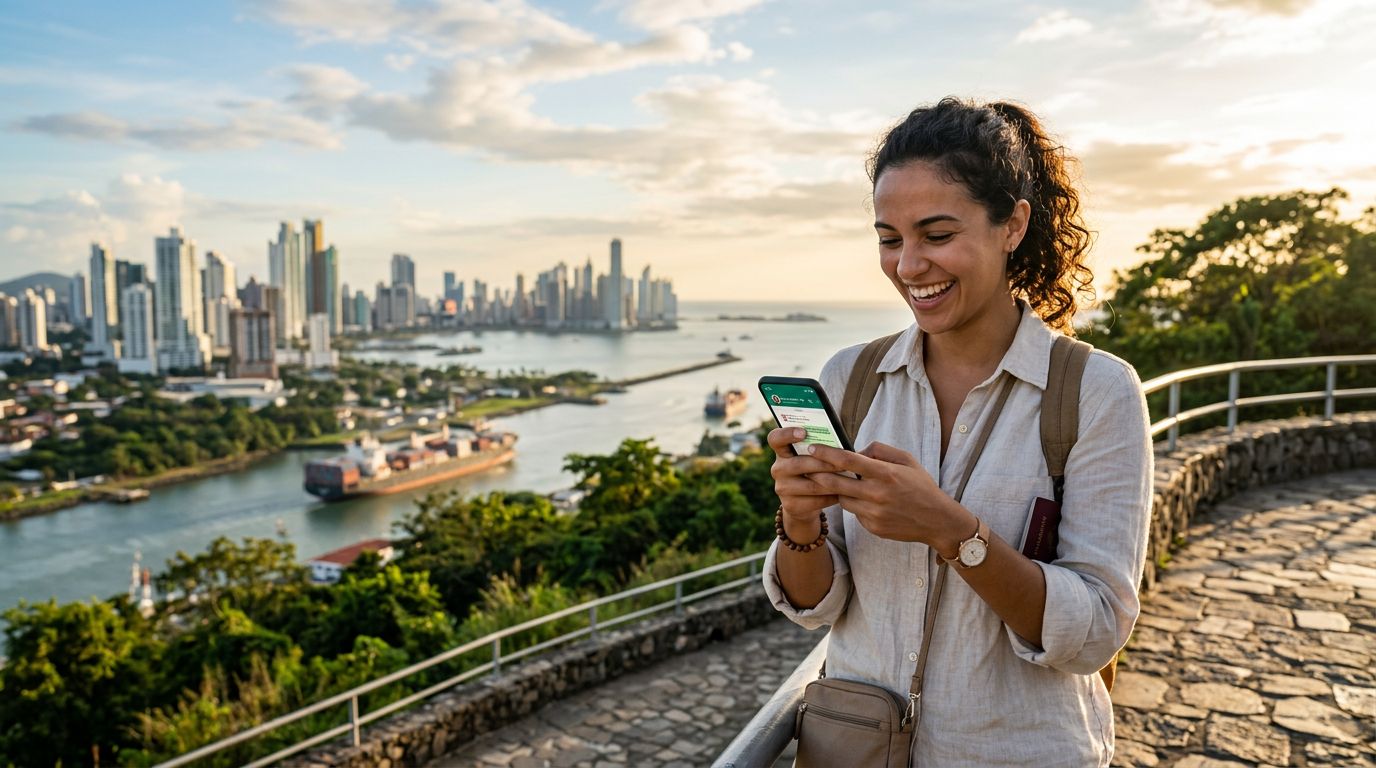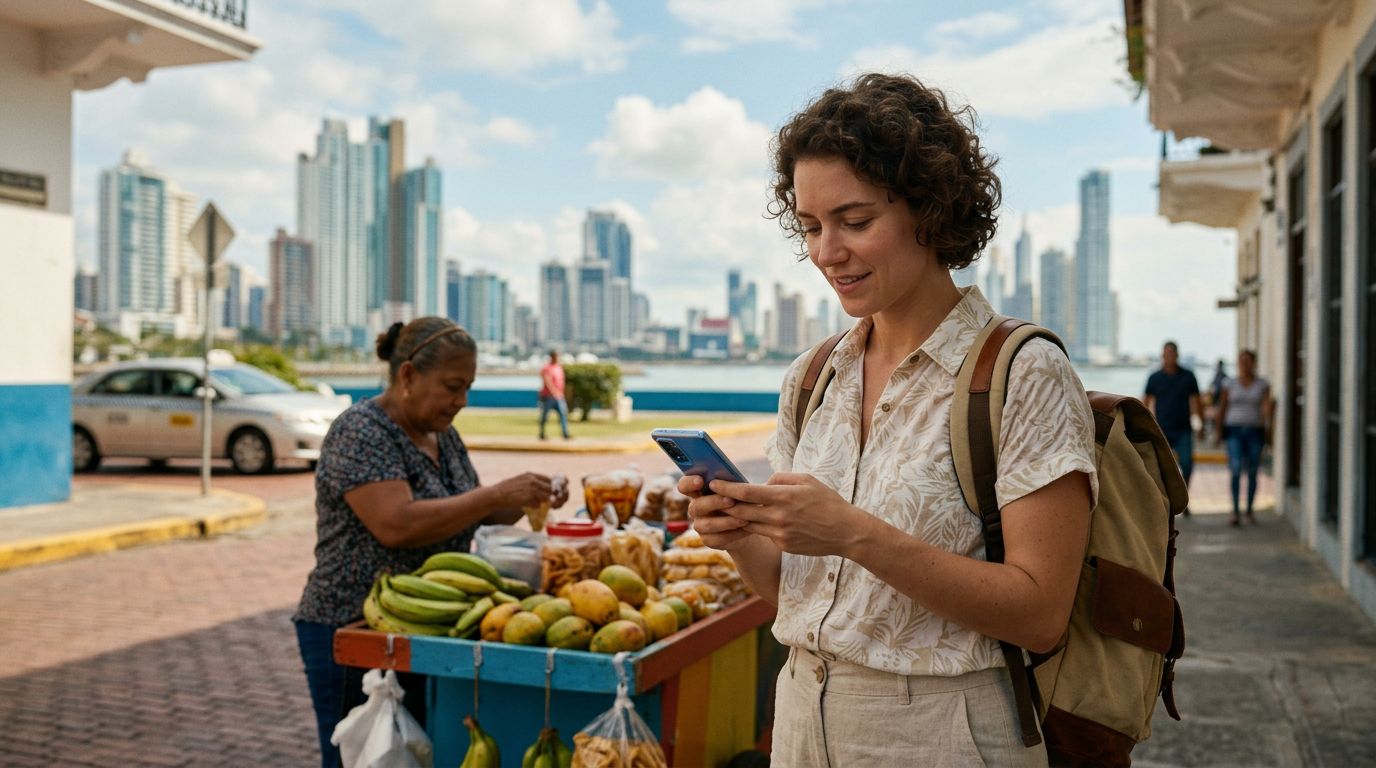
Panama is a vibrant destination that blends modern urban convenience with breathtaking natural beauty. Whether you are wandering through the historic streets of Casco Viejo, marveling at the engineering of the Panama Canal, or relaxing on the pristine beaches of Bocas del Toro, staying connected is essential. For many travelers, the primary goal of connectivity is not just browsing the web or using maps, but managing finances and making purchases on the go. Using payment apps with your eSIM in Panama is a practical strategy for a seamless trip, provided you understand how to manage your digital infrastructure effectively.
The Role of Reliable Connectivity in Digital Payments
When you travel, your smartphone becomes your most important tool. It acts as your camera, your translator, your navigator, and, increasingly, your wallet. Relying on public Wi-Fi networks to access banking portals or digital wallets is a significant security risk. Cybercriminals often target unsecured public networks to intercept sensitive data, including login credentials and payment information. By using an eSIM from a provider like OneTapSIM, you ensure that your data traffic remains on a private, encrypted mobile network rather than a shared public hotspot.
Beyond security, the convenience of having a consistent data connection cannot be overstated. Payment apps often require two-factor authentication (2FA) to verify transactions or authorize new devices. If you are relying on a spotty hotel Wi-Fi connection, you might miss the notification or the verification code sent via SMS or app push notification. When you have a dedicated data plan through an eSIM, you remain reachable and authenticated at all times, ensuring that your payment apps function exactly when you need them.
Panama’s infrastructure is quite advanced, and many retailers, restaurants, and transport services now accept digital payments. However, the reliability of these transactions depends entirely on the stability of your mobile data. An eSIM allows you to maintain a continuous connection as you move between different regions of the country, preventing the frustration of a payment failing at the point of sale due to a dropped signal.
Configuring Your Device for Secure Financial Transactions
Before you arrive in Panama, it is important to prepare your device to handle financial transactions safely. The first step is to ensure your payment apps are updated to their latest versions. Developers frequently release security patches that protect against vulnerabilities, and running an outdated version of a banking app can be a significant risk. You can check for updates through the official app stores provided by apple.com or google.com.
Once you have installed your eSIM, you should review your phone’s settings to prioritize your data usage. On most modern smartphones, you can designate your eSIM as the primary source for cellular data while keeping your home SIM active for calls and texts if necessary. This configuration is ideal for using payment apps because it ensures that your financial data is transmitted over the secure mobile network provided by your eSIM plan. If you are unsure how to manage these settings, you can find detailed instructions on support.apple.com or support.google.com.
Another critical aspect of using payment apps while traveling is managing your location services. Many banking and payment apps use geofencing to detect fraudulent activity. If your app suddenly sees a login attempt from Panama, it might trigger a security block. While this is a good thing for fraud prevention, it can be inconvenient. Some apps allow you to set a "travel notice" or enable international usage within their settings. Checking these settings before you leave can save you from the headache of having your card frozen while trying to pay for a meal or a taxi.
Best Practices for Mobile Payments in Panama
While digital payments are becoming the standard in Panama City and major tourist hubs, it is wise to maintain a balanced approach. Using payment apps with your eSIM in Panama works best when you are prepared for the occasional technical hiccup. Always keep a backup payment method, such as a physical credit card or a small amount of local currency, just in case a merchant’s terminal is offline or a specific app is temporarily incompatible with a local payment gateway.
When using apps like PayPal, Venmo, or regional digital wallets, ensure that you are using a secure VPN if you feel the need for an extra layer of protection, though the cellular connection provided by your OneTapSIM eSIM is already significantly more secure than public Wi-Fi. Avoid accessing your banking apps while you are distracted in busy areas. Instead, take a moment to step into a quiet space where you can focus on the transaction. This reduces the risk of input errors and allows you to monitor the transaction status until it is confirmed as complete.
Furthermore, consider the data consumption of your apps. While payment apps themselves are generally lightweight, they often trigger background processes or sync with other services. Having a reliable data plan ensures that these background tasks do not exhaust your allowance, leaving you without connectivity when you need it most. By monitoring your data usage through your phone's settings, you can ensure that your financial apps always have the priority and bandwidth they require to function smoothly.
Finally, remember that the goal of using an eSIM is to simplify your travel experience. By removing the need to search for local SIM cards or rely on insecure Wi-Fi, you gain the freedom to enjoy your time in Panama. Whether you are paying for an excursion to the San Blas Islands or buying a souvenir in a local market, having a stable, secure, and fast data connection allows you to focus on the experience rather than the logistics of connectivity. With the right preparation and a reliable eSIM provider, managing your finances in Panama becomes just another seamless part of your journey.
Get an eSIM for
Plans for the destinations covered in this guide, with instant QR delivery.