Preparing Your Device for Seamless Connectivity
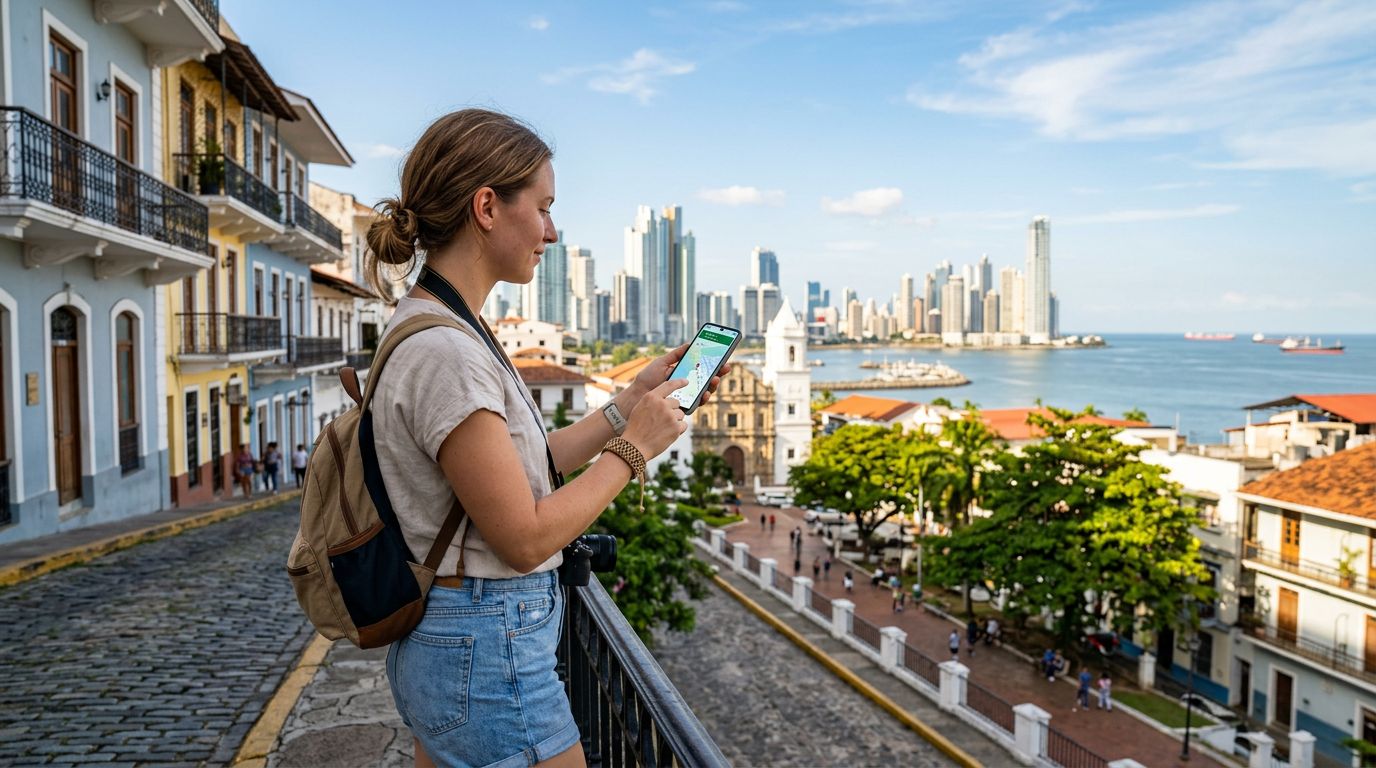
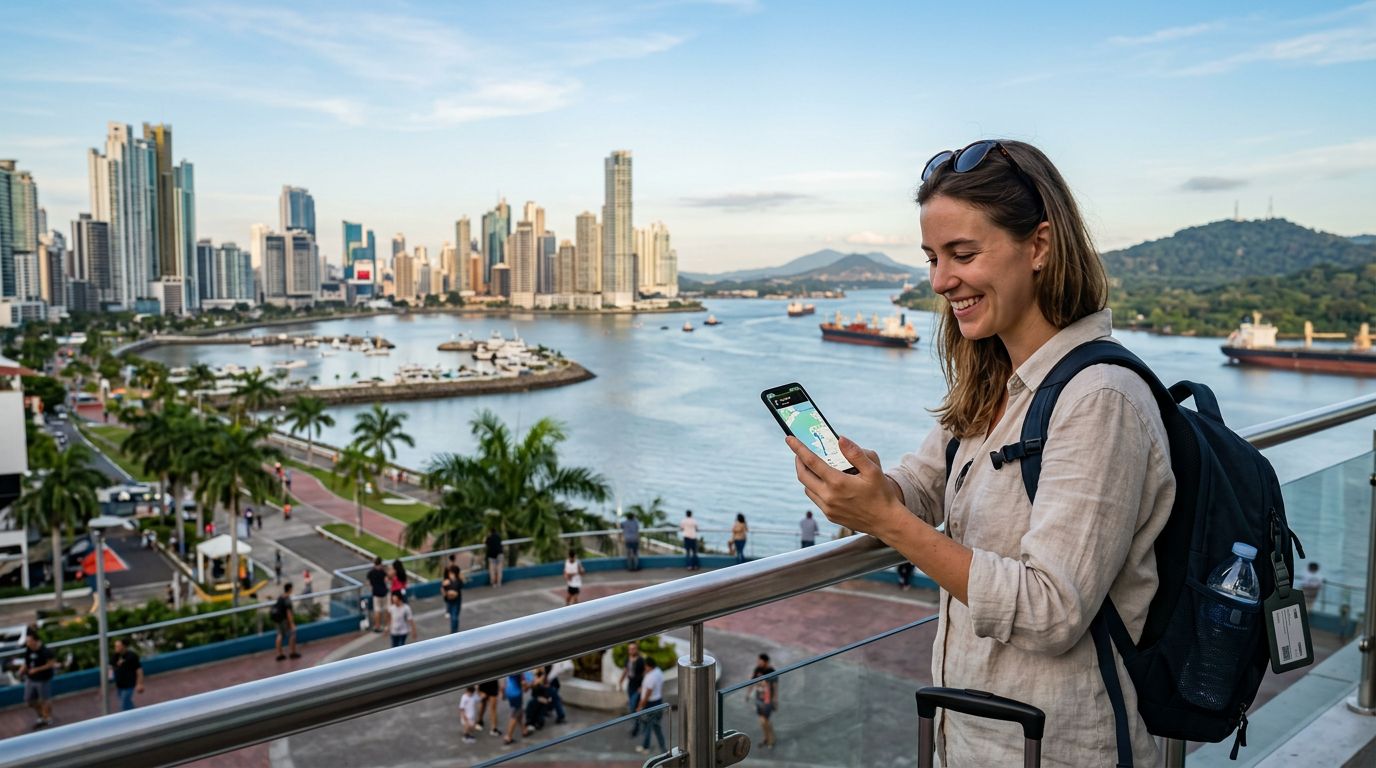
Planning a trip to Panama involves more than just packing your passport and sunscreen. Whether you are trekking through the lush rainforests of Gamboa, exploring the historic streets of Casco Viejo, or navigating the modern infrastructure of Panama City, staying connected is essential. A dual SIM setup for Panama trip planning is the most efficient way to maintain your home phone number while enjoying local data speeds.
Before you depart, you must ensure your smartphone is compatible with eSIM technology. Most modern flagship devices from major manufacturers support this feature. To verify if your device is ready, check your phone’s settings menu under the cellular or mobile data section. If you see an option to add an eSIM or manage cellular plans, your device is likely prepared for a digital SIM.
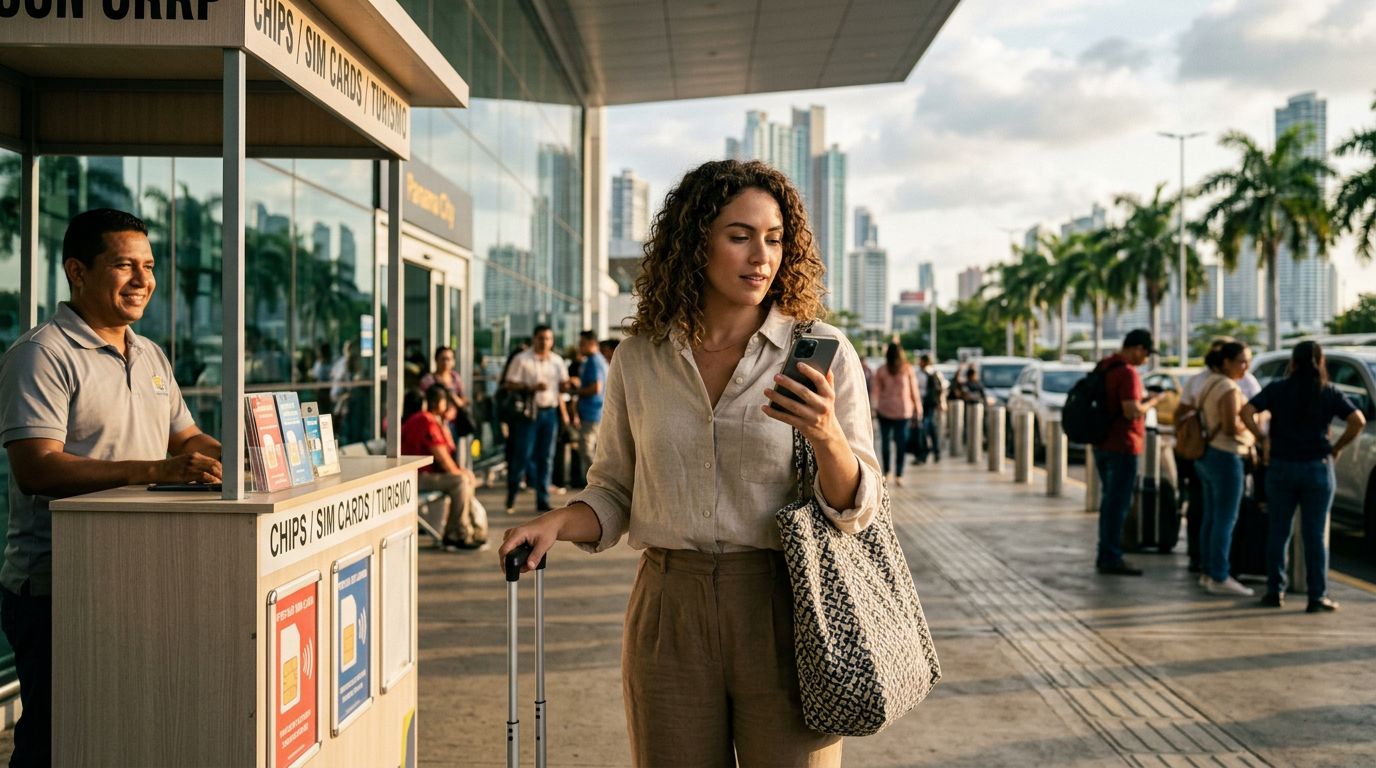
One critical step that travelers often overlook is ensuring their device is carrier-unlocked. If your phone is locked to a specific network provider, it will not accept a secondary eSIM, regardless of its technical capabilities. Contact your home service provider before your flight to confirm that your device is unlocked for international use. Once confirmed, you can easily install a digital plan through a service like OneTapSIM, which allows you to activate your connection as soon as you land at Tocumen International Airport.
Configuring Your Dual SIM Settings
Once you have secured your eSIM, the configuration process is straightforward. A dual SIM setup allows your phone to manage two different networks simultaneously. Typically, you will designate one SIM for voice calls and SMS, while the second SIM—the eSIM—handles your data requirements.
On an iPhone, you can label your plans in the settings menu. For example, you might label your physical home SIM as "Primary" and your OneTapSIM as "Travel" or "Panama." This distinction is vital for avoiding accidental roaming charges. When you arrive in Panama, you can toggle your data settings to use your travel eSIM exclusively. This ensures that all your map navigation, social media updates, and web browsing occur over the local network rather than your home carrier’s expensive roaming data.
For Android users, the process is equally intuitive. You can select your preferred SIM for mobile data within the network settings. Many devices also allow you to set rules for which SIM to use for specific contacts or services. By keeping your home SIM active for calls and texts while routing data through your travel eSIM, you maintain the ability to receive important messages from home without paying for international data roaming. Always remember to turn off "Data Roaming" on your primary home SIM to prevent any background data usage that might trigger unwanted fees from your home provider.
Maximizing Your Panama Experience with Reliable Data
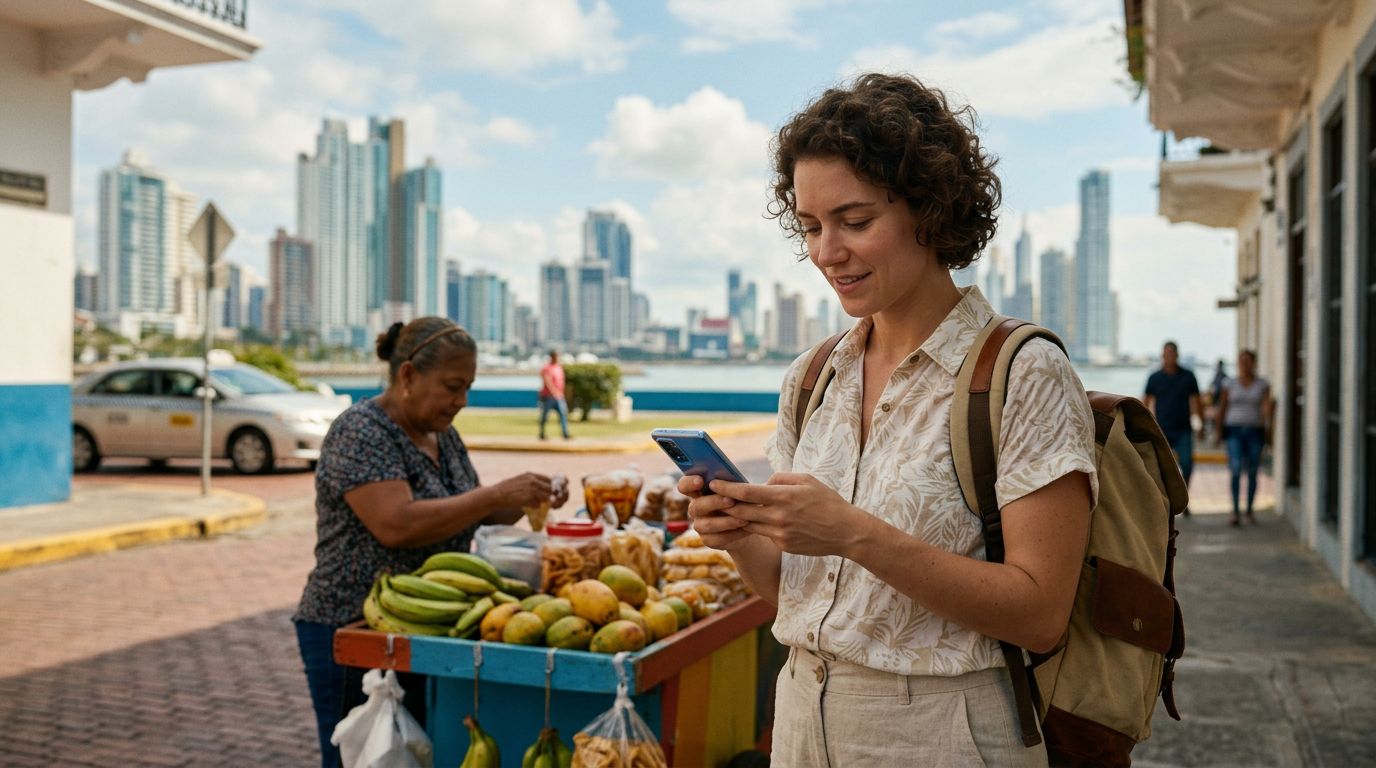
Panama offers a diverse range of environments, from the bustling Panama Canal to the serene beaches of Bocas del Toro. Having reliable, high-speed data allows you to utilize translation apps, real-time transit information, and ride-sharing services, which are widely available in urban areas. Without a local data connection, you might find yourself struggling to find your way or missing out on spontaneous travel opportunities.
When you rely on a dual SIM setup, you gain the freedom to explore without being tethered to hotel Wi-Fi or insecure public hotspots. Public Wi-Fi networks in airports or cafes can pose security risks, whereas a dedicated eSIM provides a private, secure connection for your personal data. This is particularly important for travelers who handle banking or sensitive communications while abroad.
Beyond security, the convenience of having data the moment you step off the plane cannot be overstated. With OneTapSIM, the installation process is designed to be user-friendly, allowing you to bypass the need to visit a local kiosk or purchase a physical SIM card that requires a paper clip to swap. You simply scan a QR code or follow the digital installation prompts, and your connection is ready.
As you travel through Panama, monitor your data usage through your phone’s built-in settings. Most smartphones provide a breakdown of which applications are consuming the most data. If you are planning to spend a significant amount of time in remote areas, consider downloading offline maps for navigation. While your eSIM will provide excellent coverage in cities and major towns, remote jungle regions may have limited cellular reception regardless of the provider.
By preparing your dual SIM setup for Panama trip logistics in advance, you remove a major source of travel stress. You remain reachable to friends and family back home while enjoying the freedom of a local connection. Whether you are capturing photos of the Miraflores Locks or finding the best coffee shop in Boquete, your digital connection acts as a reliable companion, ensuring you stay linked to the world while you immerse yourself in the vibrant culture of Panama. Taking the time to configure your device correctly ensures that your focus remains on the adventure, not on troubleshooting connectivity issues.
Get an eSIM for
Plans for the destinations covered in this guide, with instant QR delivery.