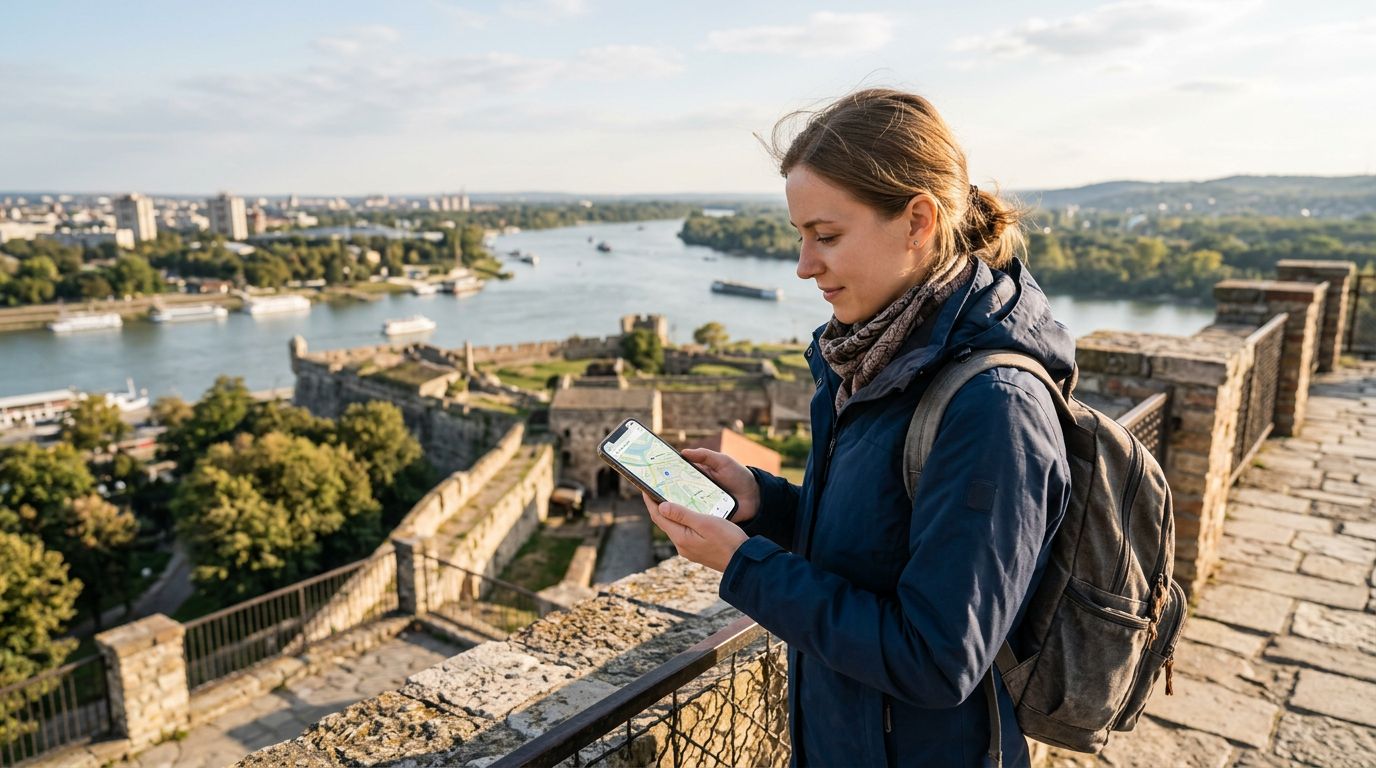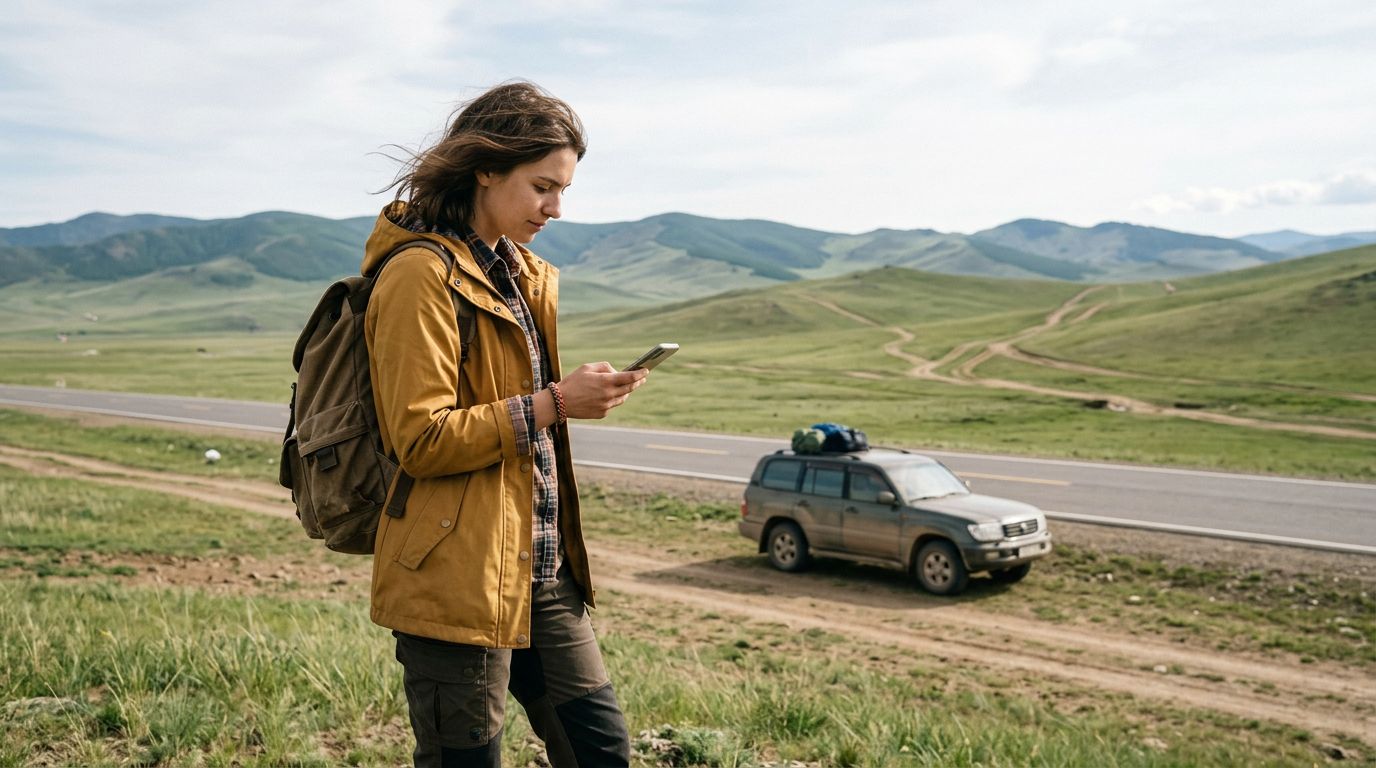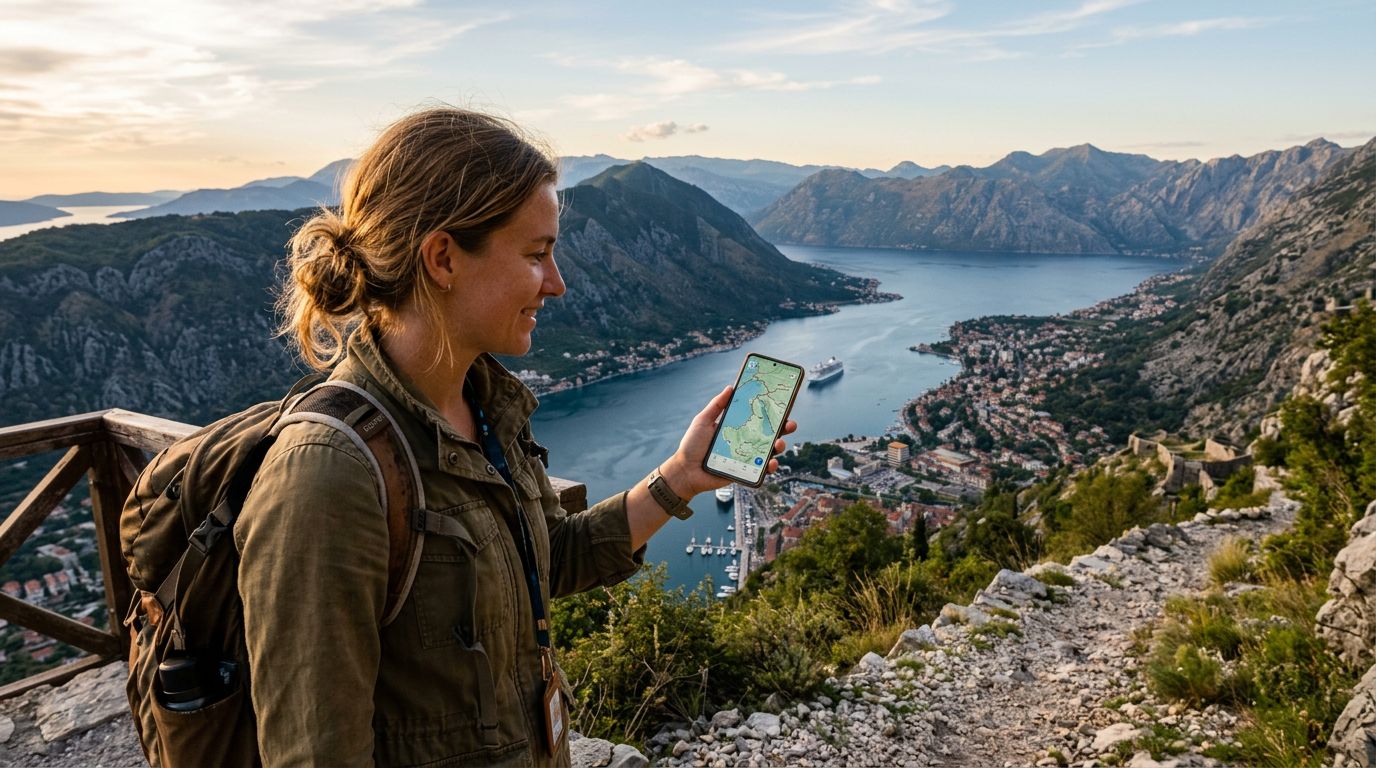
Montenegro is a land of dramatic contrasts, where limestone peaks plunge directly into the deep, sapphire waters of the Adriatic Sea. From the winding, medieval streets of Kotor to the rugged, untamed wilderness of Durmitor National Park, the country offers endless opportunities for exploration. However, the very terrain that makes Montenegro so breathtaking—its deep canyons, high mountain passes, and dense forests—can play havoc with cellular signals. While many travelers rely on real-time data to get around, there are moments when you will find yourself in a digital dead zone. This is where mastering the art of offline navigation becomes an essential skill for any visitor.
Why Offline Maps Are Essential for Your Montenegrin Adventure
When you are driving through the Piva Canyon or hiking the remote trails near the border of Albania, relying solely on a constant internet connection is a risky strategy. Even in more populated areas, signal strength can fluctuate due to the mountainous geography. If you are using a rental car to explore the coastal roads or the interior highlands, having a reliable map that does not require a connection is a safety net.
Offline maps ensure that you never lose your way, even when you are miles away from the nearest cell tower. They allow you to pin points of interest, calculate routes, and find local amenities like gas stations, grocery stores, or emergency services without needing to load data. While you might have a high-quality eSIM like OneTapSIM to keep you connected in towns and cities, the offline map acts as your backup for the wilder, more isolated stretches of your journey. By downloading your maps before you leave your hotel or accommodation, you gain the confidence to explore off the beaten path without the anxiety of losing your GPS signal.
Setting Up Your Devices for Success
Before you start your trip, you need to prepare your digital tools. Both Google Maps and Apple Maps offer robust offline capabilities, but they require a bit of foresight. To get the most out of these tools, you should download the relevant regions of Montenegro while you are connected to a high-speed Wi-Fi network at your starting point.
When selecting areas to download, be generous with the boundaries. Instead of just downloading the city of Budva or Podgorica, try to capture the entire region you plan to visit. This prevents the "edge of the map" problem, where you might find yourself just outside the downloaded area when you need directions the most.
It is also worth noting that while offline maps provide basic navigation, they do not always show live traffic updates or temporary road closures. This is where your OneTapSIM becomes particularly useful. By having a reliable eSIM, you can quickly toggle your data back on when you reach a town to check for traffic reports or real-time updates on local events. Once you have the information you need, you can switch back to offline mode to conserve your battery and data, maintaining a seamless balance between connectivity and independence. Always ensure your phone’s location services are set to "Always Allow" or "While Using the App" for your navigation software, and consider carrying a portable power bank, as constant GPS usage can drain your battery faster than normal daily activities.
Best Practices for Navigating Montenegro
Once your maps are downloaded, your approach to navigation should be proactive. If you are driving, do not wait until you are in the middle of a winding mountain road to figure out your next turn. Review your route while you are still in a location with a stable connection, or at least while you are stationary.
In Montenegro, many of the most scenic roads are narrow and serpentine. GPS apps might suggest the "fastest" route, which in this country often means a road that is barely wide enough for two cars. If you are using offline maps, take a moment to look at the topography. If a route looks like a series of tight zig-zags, be prepared for a slow, cautious drive. Having a physical map as a secondary backup is also a classic traveler's trick that never goes out of style. It provides a larger perspective on the country that a small screen simply cannot match.
Furthermore, remember that language and signage can occasionally be a challenge in rural areas. While major roads are well-marked, smaller village roads might rely on local landmarks. Using your offline map to drop pins on specific locations—such as your hotel, a trailhead, or a recommended restaurant—will help you orient yourself even if the street names are unfamiliar.
If you find yourself truly turned around or in a situation where you need local assistance, having a working eSIM is invaluable. Being able to quickly search for a local contact number or use a translation app can turn a stressful moment of confusion into a minor detour. OneTapSIM helps bridge the gap between being completely disconnected and having the peace of mind that comes with knowing you can reach out for help if needed.
Ultimately, the goal of using offline maps in Montenegro is to grant you the freedom to explore without fear. By combining the reliability of offline navigation with the flexibility of a modern eSIM, you can focus on the stunning views, the history of the old towns, and the unique culture of the Montenegrin people. Whether you are trekking through the Black Lake area or driving the coastal highway from Tivat to Bar, being prepared ensures that your memories are defined by the beauty of the landscape rather than the stress of finding your way home. Take the time to download your maps, keep your devices charged, and enjoy the rugged, unfiltered beauty of one of Europe’s most spectacular hidden gems.
Get an eSIM for
Plans for the destinations covered in this guide, with instant QR delivery.