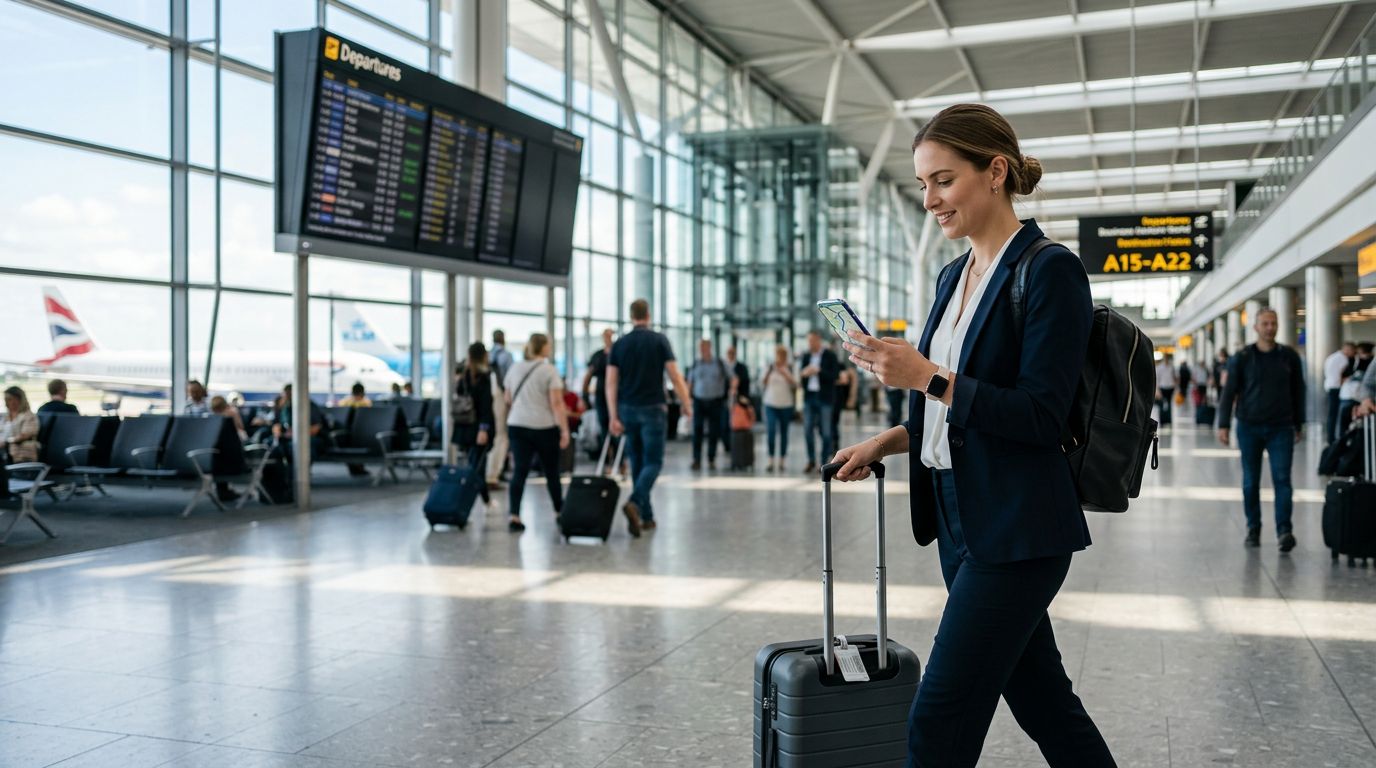
The Strategic Advantage of Dual SIM Technology
For business professionals, staying connected is not just a convenience; it is a fundamental requirement of the job. Whether you are finalizing a contract from a departure lounge, coordinating with local teams in a foreign market, or simply ensuring your office can reach you during an international conference, your mobile connection is your lifeline. The transition from physical SIM cards to eSIM technology has fundamentally changed how we manage these connections, particularly when using dual SIM for work travel.
By utilizing a dual SIM setup, you effectively separate your professional and personal lines or, more importantly, keep your primary home number active while adding a dedicated data line for your destination. This approach eliminates the frantic search for local kiosks upon arrival and removes the risk of losing your primary SIM card while swapping it out in a taxi or hotel lobby. With a dual SIM configuration, your phone acts as a hub that manages two distinct networks simultaneously. You can receive calls on your home number while using a high-speed local data connection to navigate, check emails, and join video conferences without incurring the exorbitant roaming fees often associated with standard carrier plans.
Streamlining Your Workflow While Abroad
The primary challenge of business travel is maintaining productivity while moving through different time zones and network infrastructures. When you rely solely on your home carrier, you are often at the mercy of their roaming agreements, which can lead to throttled speeds, inconsistent coverage, or unexpected billing issues. Integrating an eSIM into your dual SIM setup changes this dynamic entirely.
When you install a secondary eSIM, such as those provided by OneTapSIM, you gain the ability to choose a network that is optimized for the specific region you are visiting. This means you can maintain your primary line for essential SMS verification codes and urgent calls from colleagues, while the secondary eSIM handles all your data-heavy tasks. Because modern smartphones allow you to assign specific functions to each SIM, you can designate your home line for "Voice" and your travel eSIM for "Cellular Data."
This separation is vital for maintaining a professional workflow. You no longer have to worry about your phone defaulting to a weak roaming signal when you need to upload a large presentation or participate in a high-definition video call. By offloading your data usage to a dedicated travel eSIM, you ensure that your connection remains stable, fast, and predictable. Furthermore, this setup prevents the "data shock" that occurs when a phone automatically updates background applications over a roaming connection, which can quickly drain your allowance or lead to massive overage fees.
Best Practices for Managing Dual SIM Settings
To successfully master the dual SIM experience, you must understand how to configure your device before you board your flight. Most modern smartphones running recent versions of iOS or Android offer robust settings to manage multiple SIMs. The key is to set these preferences before you leave your home country so that your phone transitions seamlessly the moment you land.
First, ensure your device is compatible with eSIM technology. You can verify this through the official support pages for Apple or Google. Once you have confirmed compatibility, you can purchase and activate your travel eSIM in advance. OneTapSIM allows you to prepare your connection ahead of time, ensuring that as soon as your plane touches down, you simply toggle on your secondary line and connect to the local network.
Within your phone settings, you should define your "Default Voice Line" and your "Cellular Data" line. For most business travelers, keeping the home line as the voice default is the safest bet to ensure you don't miss important calls from clients or office headquarters. However, ensure that "Allow Cellular Data Switching" is turned off if you want to prevent your phone from accidentally reverting to your home carrier's roaming data when the local signal fluctuates. By locking your data to the travel eSIM, you maintain full control over your connectivity.
Another critical tip is to manage your roaming settings for each individual SIM. You can keep "Data Roaming" enabled for your travel eSIM while keeping it strictly disabled for your home SIM. This configuration provides a fail-safe that prevents your home carrier from ever triggering a roaming charge, regardless of how your phone behaves in different network environments.
Finally, remember that dual SIM usage is not just about data; it is about the peace of mind that comes with being reachable. If you are traveling to a region where your home carrier has poor coverage, a dual SIM setup allows you to switch your voice line to the local provider if necessary, or simply continue using your home number via Wi-Fi calling if your carrier supports it. This flexibility is the hallmark of a seasoned business traveler who understands that connectivity is a resource that must be managed with the same precision as a project budget or a travel itinerary.
By taking the time to understand your device's capabilities and choosing reliable eSIM services, you transform your mobile phone from a potential source of stress into a powerful, reliable tool for international business. Whether you are navigating a new city or working from a remote office, the ability to switch networks instantly ensures that your focus remains on your work, not on your signal bars.