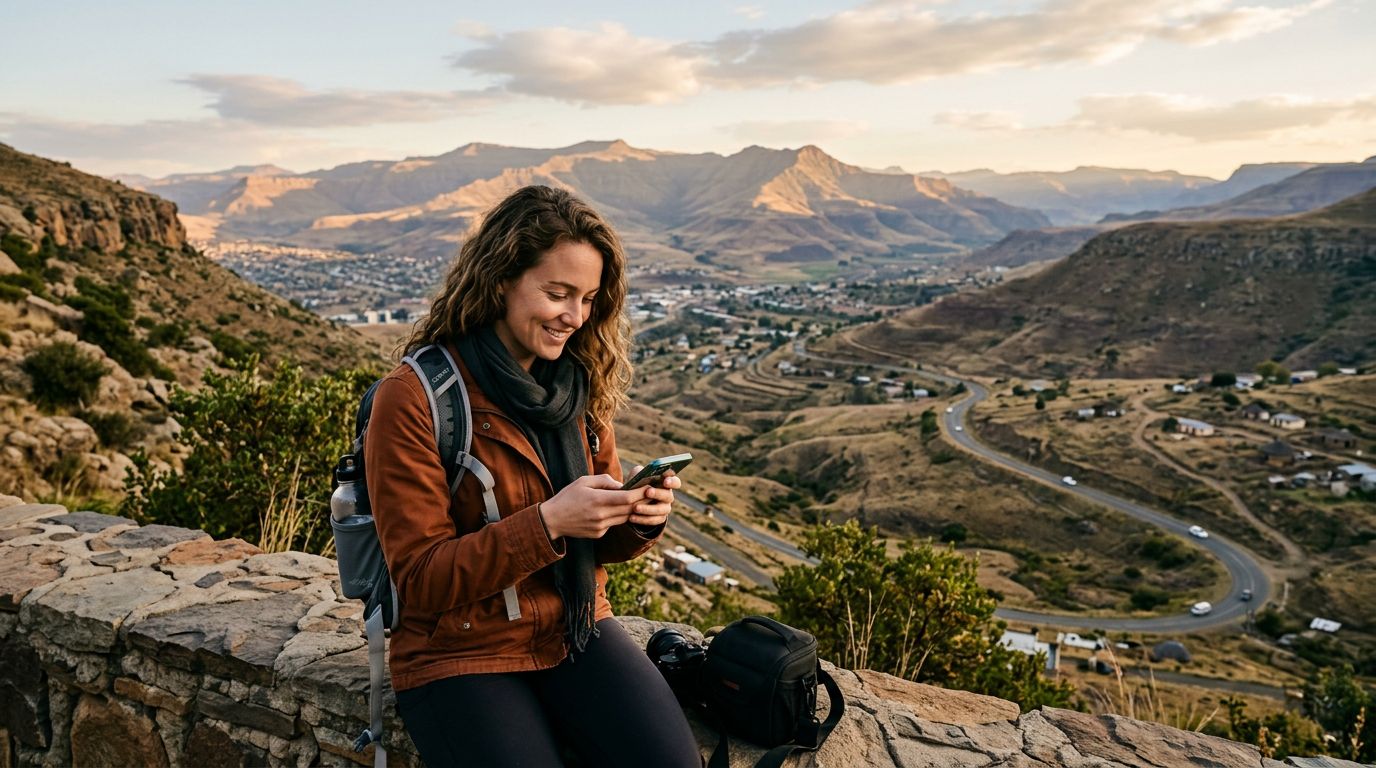
Staying Connected in the Mountain Kingdom
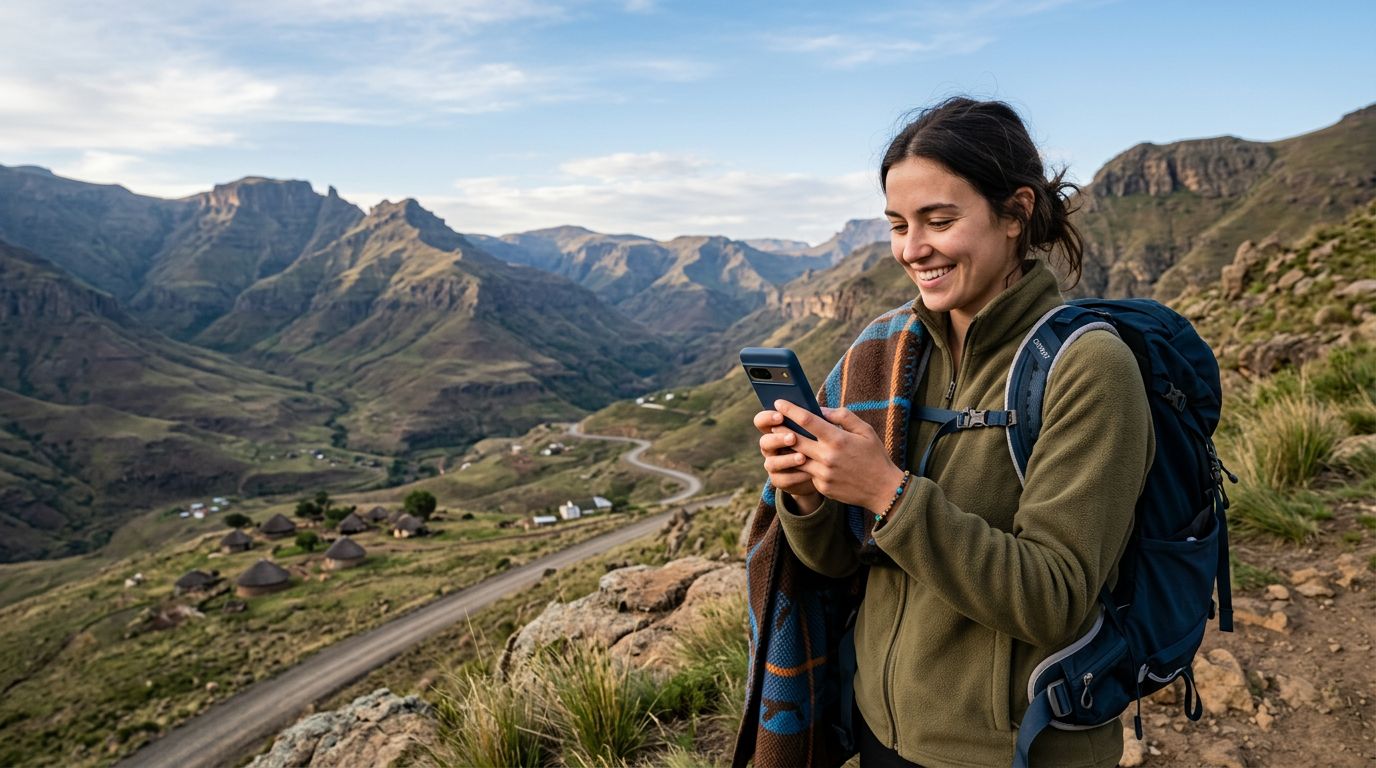
Lesotho, known as the "Kingdom in the Sky," offers breathtaking landscapes, ranging from the rugged peaks of the Maloti Mountains to the serene beauty of its high-altitude plateaus. Whether you are planning a trek to the Sani Pass, visiting the Katse Dam, or exploring the cultural heritage of Thaba-Bosiu, staying connected is essential for safety, navigation, and sharing your journey.
One of the most common concerns for international travelers is the logistics of mobile connectivity. Specifically, many people worry about how to maintain their existing messaging services while abroad. If you rely on WhatsApp for communication with family, friends, and colleagues back home, you likely want to avoid the hassle of switching accounts or losing your chat history. The good news is that keeping your WhatsApp number while visiting Lesotho is entirely possible, provided you have the right mobile data strategy in place.
When you arrive in a new country, the temptation might be to purchase a local physical SIM card. While this is a traditional method, it often involves visiting a kiosk, registering your passport, and physically swapping out your home SIM card. This process risks the loss of your primary SIM and can sometimes lead to confusion regarding your phone settings. An eSIM, such as those provided by OneTapSIM, offers a seamless alternative. By using an eSIM, you can maintain your primary SIM card inside your device while simultaneously running a data-only plan for your travels. This dual-SIM setup ensures that your WhatsApp account remains linked to your original phone number, allowing you to message and call as if you never left home.
How WhatsApp Functions with an eSIM
To understand why an eSIM is the ideal solution for your trip, it is helpful to clarify how WhatsApp operates. WhatsApp is tied to your phone number, not the physical SIM card inside your device. When you first set up the application, it verifies your number via SMS. Once the account is active, the app uses your internet connection to send and receive messages, make voice calls, and share media.
Because WhatsApp relies on an internet connection, it does not matter whether that connection comes from a home Wi-Fi network, a local roaming plan, or a travel eSIM. As long as your phone has an active data signal, WhatsApp will function normally. When you install a OneTapSIM eSIM for your trip to Lesotho, your phone treats it as a secondary data source. You can configure your device settings to use the eSIM strictly for cellular data while keeping your primary SIM card active for SMS and incoming calls.
This configuration is the gold standard for international travelers. By keeping your primary SIM card active, you ensure that you can still receive the occasional verification code or important text message from home. Meanwhile, the eSIM provides the data necessary to keep your WhatsApp active, your maps loaded, and your social media updated. You will not be prompted to change your number within the WhatsApp app, and your contacts will see your existing number when you message them, preventing any confusion or the need to notify your entire contact list of a temporary change.
Setting Up Your Digital Connection
Preparing for your journey to Lesotho involves a few simple technical steps. Before you depart, ensure that your smartphone is unlocked and compatible with eSIM technology. Most modern smartphones manufactured in the last few years support this feature. You can verify your device's compatibility by checking the manufacturer's support pages, such as those provided by Apple or Google.
Once you have confirmed your device is ready, you can acquire your travel data plan through OneTapSIM. The process is designed to be straightforward, allowing you to purchase and install your plan before you even board your flight. You will receive a QR code or an activation link that allows you to download the eSIM profile directly to your device. This profile acts as a virtual SIM card, granting you access to local networks in Lesotho without the need for physical hardware changes.
Upon landing in Maseru or crossing the border, you simply toggle your settings to enable the eSIM for cellular data. It is important to ensure that "Data Roaming" is turned on for the eSIM profile, but you should keep your primary SIM card’s data roaming turned off to avoid unexpected charges from your home carrier. This specific configuration allows your phone to route all data traffic—including your WhatsApp activity—through the local eSIM connection while keeping your primary number on standby for essential services.
If you find that your data connection is not immediately active upon arrival, a quick restart of your device usually resolves the issue. Your phone will then automatically search for and connect to the available local towers. Because you are using a dedicated data plan, you can monitor your usage easily through your device settings, ensuring you have enough connectivity to last the duration of your trip.
By choosing this modern approach, you remove the stress of hunting for a local shop or dealing with language barriers at a mobile kiosk. You arrive in Lesotho ready to explore the stunning mountain passes and cultural sites, with your digital life perfectly intact. Whether you are sending photos of the Maletsunyane Falls or coordinating a meeting with a local guide, your WhatsApp remains a reliable tool. Keeping your WhatsApp number while visiting Lesotho is no longer a complex technical challenge; it is a simple matter of having the right data plan installed before you start your adventure. With your connectivity sorted, you are free to focus on the unique experiences that make Lesotho such a memorable destination.
Get an eSIM for
Plans for the destinations covered in this guide, with instant QR delivery.