The Challenge of Staying Connected While Traveling
Traveling to a destination as vibrant and diverse as Uganda brings a unique set of logistical hurdles, particularly when it comes to maintaining your digital identity. For most international travelers, WhatsApp has become the primary method of communication, serving as the bridge between home and the road. Whether you are coordinating with local tour guides, keeping in touch with family, or managing business correspondence, the prospect of losing access to your WhatsApp account is a significant concern.
Many travelers mistakenly believe that changing their physical SIM card upon arrival in a new country will automatically disconnect their WhatsApp account or force them to switch to a local number. This misconception often leads to unnecessary stress or the purchase of expensive international roaming packages that provide poor data speeds. In reality, WhatsApp is tied to your account identity rather than the specific physical chip inside your phone. As long as you understand how to manage your device settings and data connectivity, you can maintain your existing number seamlessly while exploring the Pearl of Africa.
The key to keeping your WhatsApp number in Uganda is ensuring that your primary phone number remains active for verification purposes while using a secondary data source for your internet needs. This is where modern connectivity solutions like OneTapSIM become essential. By utilizing eSIM technology, you can keep your home SIM card in your device to receive SMS verification codes if needed, while routing all your data traffic through a local or regional eSIM profile.
How WhatsApp Handles Number Changes
Understanding the mechanics of the application is the first step toward stress-free travel. When you first set up WhatsApp, the app links your account to your phone number. This link is stored on WhatsApp’s servers, not on the physical SIM card itself. When you travel to Uganda, you do not need to update your number in the app settings unless you intend to permanently switch to a Ugandan phone number.
If you simply want to continue using your current number, you should leave your WhatsApp settings exactly as they are. When you land in Entebbe or cross the border, your phone will search for a network. If you have a roaming plan, it might connect to a local carrier, but this is often costly. Instead, by installing a OneTapSIM eSIM, you provide your phone with a reliable data connection. Your phone will treat the eSIM as the primary source for data, while your home SIM remains in "standby" mode for calls and texts.
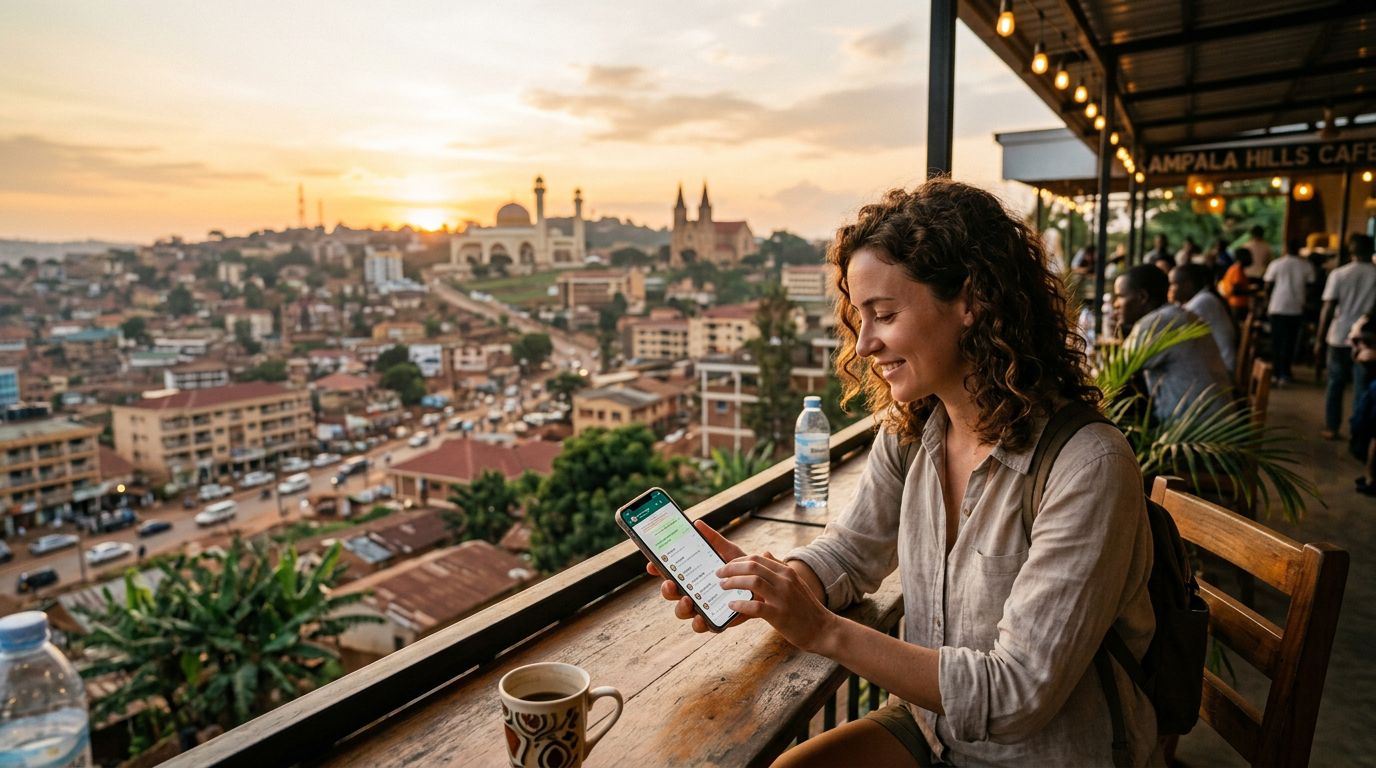
Because WhatsApp relies on an internet connection to send and receive messages, it will automatically use the data provided by your eSIM. Your contacts will still see your original number, your chat history will remain intact, and you will not lose any of your groups. The application does not care which network provides the data; it only cares that a connection exists. This setup allows you to enjoy the benefits of local data rates without the inconvenience of changing your digital identity or notifying every contact in your address book that you have a new number.
Best Practices for Seamless Connectivity in Uganda
To ensure your experience remains smooth throughout your trip, there are a few technical configurations you should verify before and during your journey. First, ensure that your device is eSIM-compatible. Most modern smartphones support this technology, allowing you to run two SIM profiles simultaneously. If you are unsure about your device capabilities, you can check the official documentation provided by the manufacturer on the apple.com or google.com support pages.
When you install your OneTapSIM profile, you will be prompted to label your SIM cards. It is highly recommended to label your home SIM as "Primary" or "Home" and your eSIM as "Travel" or "Uganda." In your cellular settings, ensure that "Data Roaming" is turned on for your eSIM profile, but keep it turned off for your home SIM to avoid accidental roaming charges from your home carrier.
Another critical setting is the "Cellular Data Switching" feature. If you have this enabled, your phone might attempt to switch back to your home SIM if the signal is weak, which could trigger expensive roaming fees. Disable this feature to ensure your phone stays locked to your eSIM for all data-related tasks.
If you are worried about receiving an occasional SMS from your bank or a two-factor authentication code while in Uganda, keep your home SIM active for voice and text only. Most carriers allow you to disable data on a specific SIM while keeping it active for SMS. By doing this, you receive the necessary security codes via your home number while using the high-speed data from your OneTapSIM for your WhatsApp calls, video chats, and navigation.
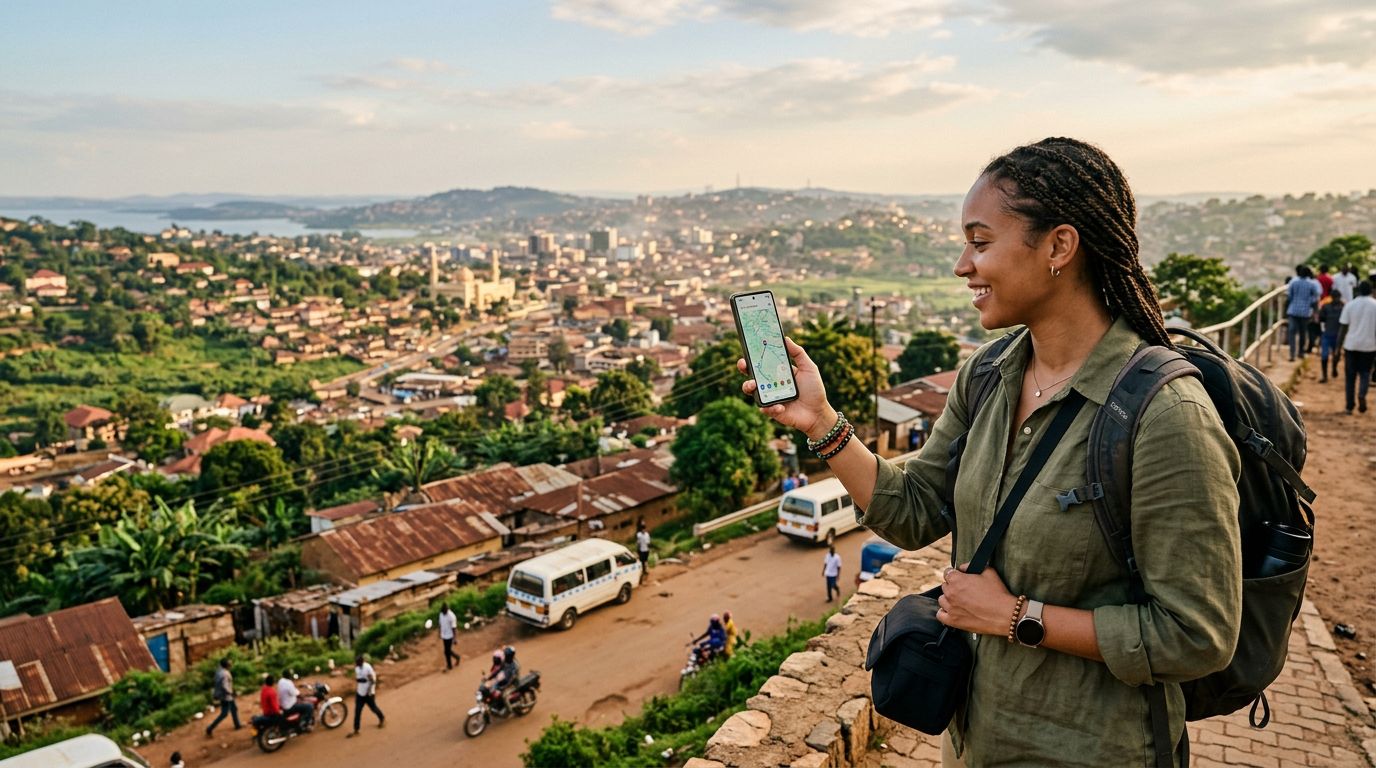
Finally, always keep your WhatsApp application updated to the latest version before you depart. Older versions of the app may have compatibility issues with certain network configurations. By following these simple steps, you ensure that your communication remains uninterrupted, allowing you to focus on the beauty of Uganda rather than the technicalities of your phone settings. Whether you are trekking through Bwindi Impenetrable National Park or navigating the bustling streets of Kampala, your digital connection will remain as stable as your home network, providing you with the peace of mind to enjoy your adventure to the fullest.
Get an eSIM for
Plans for the destinations covered in this guide, with instant QR delivery.