Understanding the Connectivity Landscape in South Sudan
Traveling to South Sudan presents a unique set of logistical considerations, particularly when it comes to staying connected. As the world’s youngest nation, the telecommunications infrastructure is still developing, and the availability of modern mobile technology varies significantly between urban centers like Juba and more remote regions. For international travelers, business professionals, and aid workers, maintaining a reliable data connection is essential for safety, navigation, and communication.
Many travelers often ask, "is eSIM available in South Sudan?" The short answer is that while eSIM technology is globally recognized and supported by most modern smartphones, the local telecommunications infrastructure in South Sudan has not yet fully integrated eSIM provisioning for local carriers. This means you cannot simply walk into a local shop in Juba and purchase a physical or digital eSIM card from a domestic provider in the same way you might in Europe or North America.
Because local eSIM support is limited, international travelers must rely on alternative solutions to ensure they have mobile data upon arrival. Relying on roaming services from your home carrier is one option, but this often involves complex setups and unpredictable performance. This is where travel eSIM providers like OneTapSIM become a practical solution. By utilizing global roaming agreements, these services allow your device to connect to local networks without needing a local SIM card or a local carrier’s specific eSIM infrastructure.
How Travel eSIMs Work for Your Trip
An eSIM, or embedded SIM, is a digital version of the traditional plastic SIM card. It is built directly into the hardware of your smartphone, tablet, or laptop. Instead of physically inserting a card, you download a digital profile that allows your device to communicate with cellular networks. This technology is supported by most flagship devices released in the last few years. You can verify if your device is compatible by checking the manufacturer’s support documentation on the official Apple or Google websites.
When you travel to a destination where local eSIMs are not yet the standard, such as South Sudan, a travel eSIM acts as a bridge. When you purchase a data package through a provider like OneTapSIM, you are essentially buying access to a network that has roaming agreements with local providers in your destination. Once you scan the provided QR code or follow the manual installation steps, your device treats the eSIM as a secondary line.
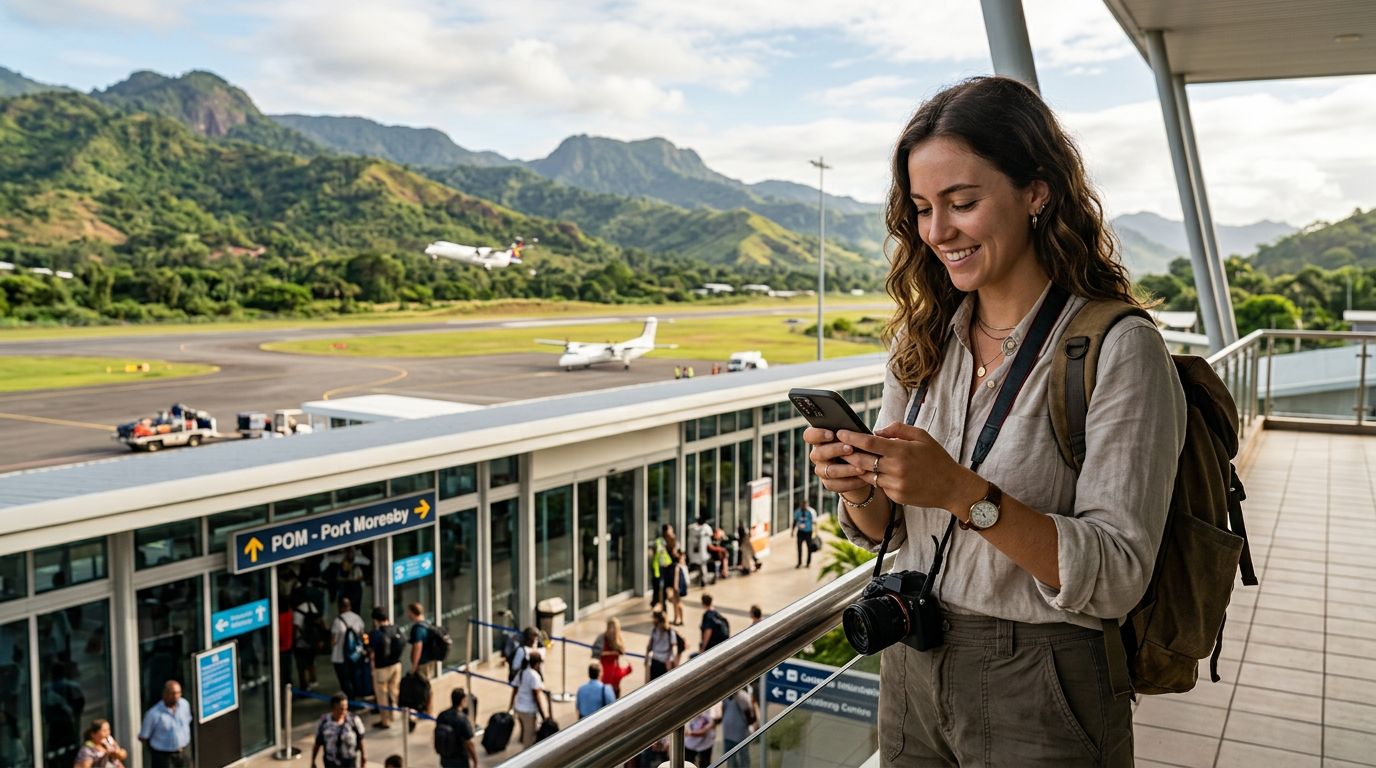
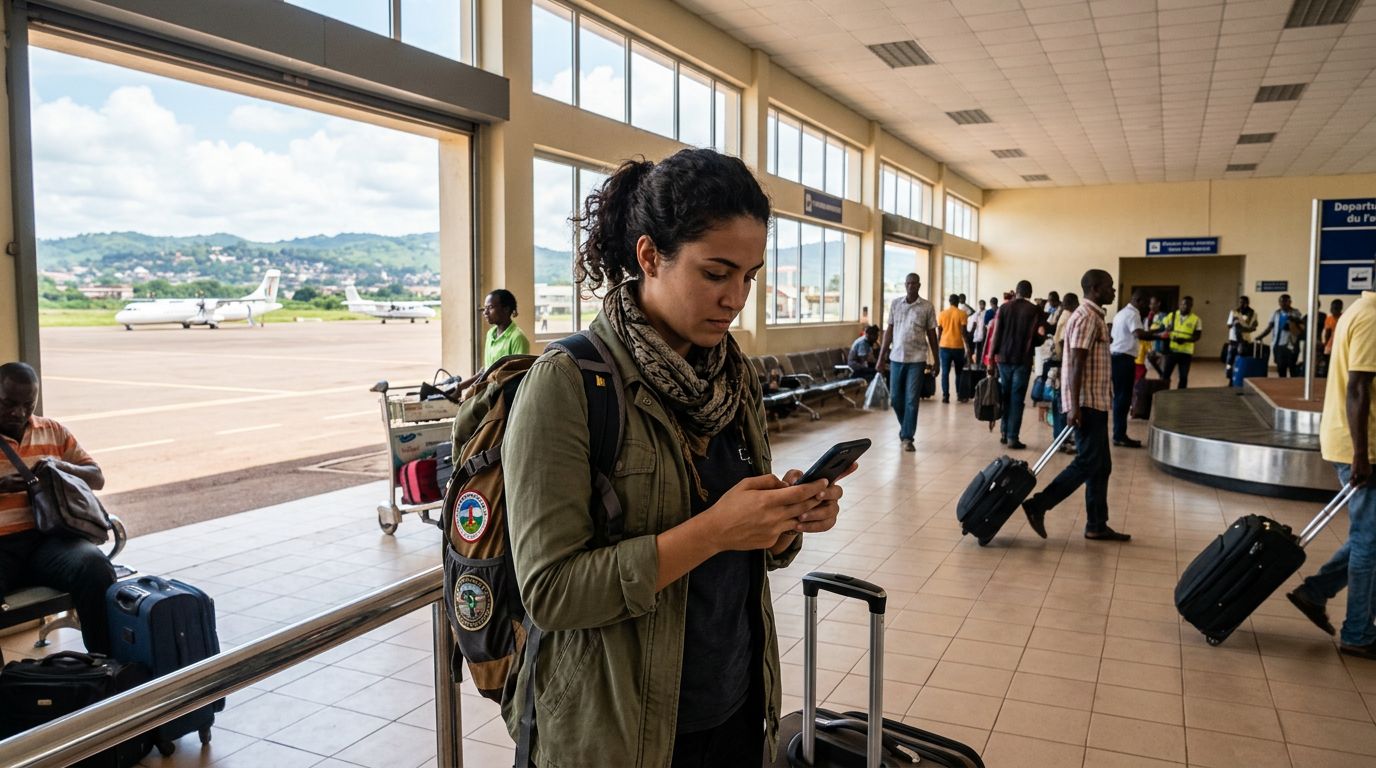
The primary advantage of this approach is convenience. You do not need to hunt for a local kiosk, provide identification documents, or manage physical cards that are easily lost. You can set up your connection before you even board your flight. Once you land in Juba or any other part of the country, your device will automatically search for the strongest available signal based on the roaming agreements associated with your eSIM profile. This ensures that you have access to maps, email, and messaging apps as soon as you touch down.
Preparing Your Device for Travel
Before you depart, it is vital to ensure your device is prepared for international travel. First, confirm that your phone is carrier-unlocked. If your device is locked to a specific domestic carrier, it will not be able to accept an eSIM from a third-party provider, regardless of the destination. You can usually check this in your phone’s settings menu or by contacting your home service provider.
Second, ensure your device is eSIM-compatible. Most modern smartphones from major manufacturers support this feature. If you are unsure, searching for your device model on the official support pages for Apple or Google will provide the necessary specifications. Having a compatible, unlocked device is the foundation of a smooth connectivity experience.
When you choose to use a service like OneTapSIM, the process is streamlined to minimize technical hurdles. After selecting your destination and data requirements, you will receive instructions on how to add the eSIM to your device. This usually involves navigating to your cellular settings and selecting the option to add a new plan. You will then scan a QR code provided by the service. It is recommended to perform this step while you still have a stable Wi-Fi connection, such as at home or in an airport lounge, to ensure the profile downloads completely.
Once the eSIM is installed, you can keep it turned off until you arrive at your destination. Upon arrival, you simply toggle the eSIM to "On" in your cellular settings. It is also important to manage your data roaming settings. Ensure that your primary SIM is set to voice/SMS only if you wish to keep your home number active for calls, while your travel eSIM is designated as the primary source for cellular data. This configuration prevents unexpected charges from your home carrier while allowing you to use the internet freely through your travel eSIM.
Staying connected in regions with emerging infrastructure requires a bit of foresight. By understanding that local eSIM availability is limited and opting for a reliable international travel eSIM, you can focus on the purpose of your trip rather than the technical difficulties of finding a reliable network. Whether you are traveling for humanitarian efforts, business, or exploration, having a pre-configured data plan provides peace of mind and the ability to stay in touch with your contacts back home. Always remember to check your device compatibility and complete your setup before departure to ensure a seamless transition to your destination's network.
Get an eSIM for
Plans for the destinations covered in this guide, with instant QR delivery.