Preparing Your Devices for Connectivity in Rwanda
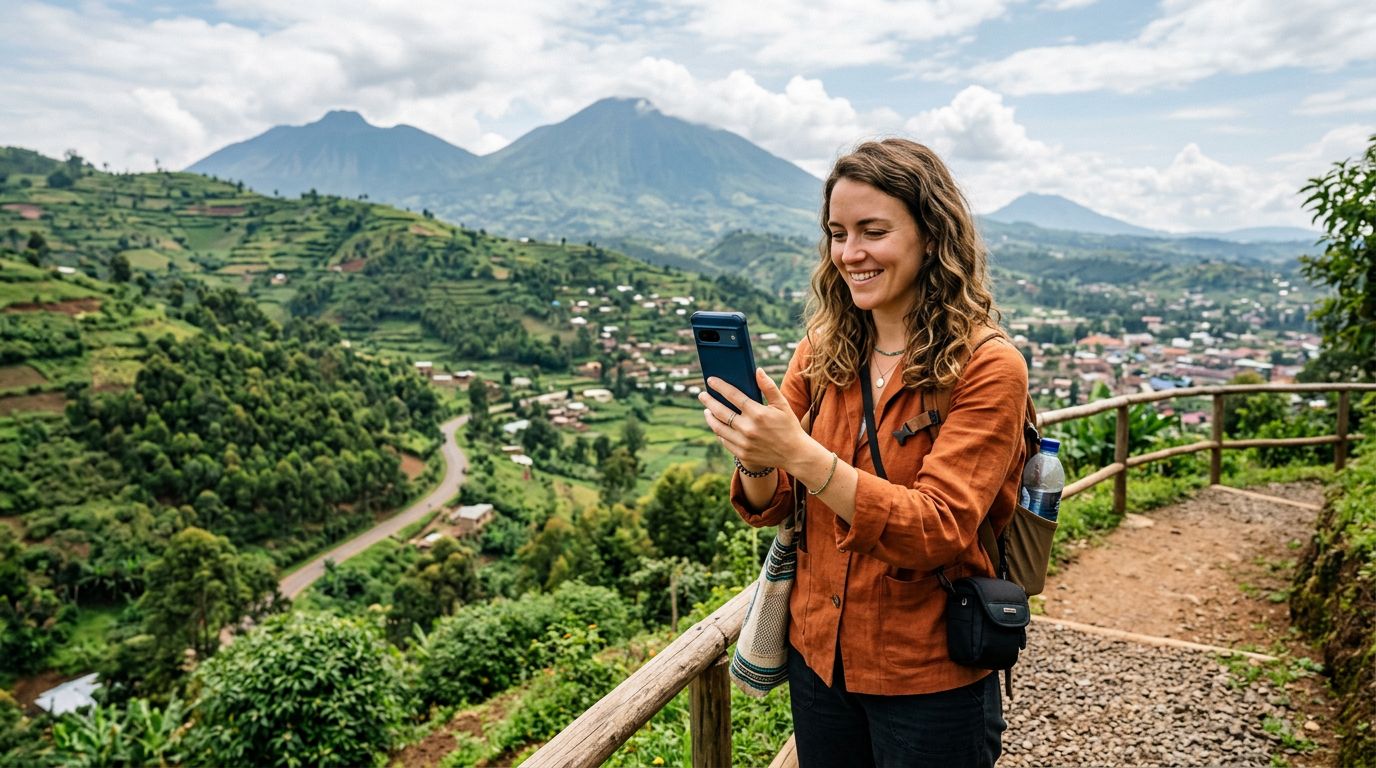
Rwanda is a country that surprises many visitors with its robust digital infrastructure. From the bustling streets of Kigali to the remote hillsides near Volcanoes National Park, staying connected is easier than ever. However, the key to a seamless experience lies in preparation. Before you land, you need a strategy that ensures your primary device stays online and your secondary devices—such as laptops, tablets, or cameras—can piggyback off your connection.
Using a travel eSIM is the most efficient way to achieve this. By installing a digital SIM, you avoid the hassle of visiting local kiosks or swapping out physical cards. OneTapSIM provides a streamlined approach to this process, allowing you to activate your roaming data as soon as you arrive. Before you depart, ensure your phone is carrier-unlocked. This is a critical step that many travelers overlook. If your device is locked to your home provider, it will not accept an eSIM, regardless of the service you choose. You can verify this status in your device settings or by contacting your home carrier before your trip.
Once you have confirmed your device is unlocked, the installation process for an eSIM is straightforward. You will receive a QR code or a manual activation string that links your phone to the local network. This setup happens in the background, leaving your primary SIM card slot free for your home number if you wish to keep it active for essential calls or texts. By having your data plan ready before you step off the plane, you can immediately access maps, ride-sharing apps, and messaging services, ensuring you are never left searching for a Wi-Fi signal in an unfamiliar airport.
Configuring Hotspot Settings for Seamless Sharing
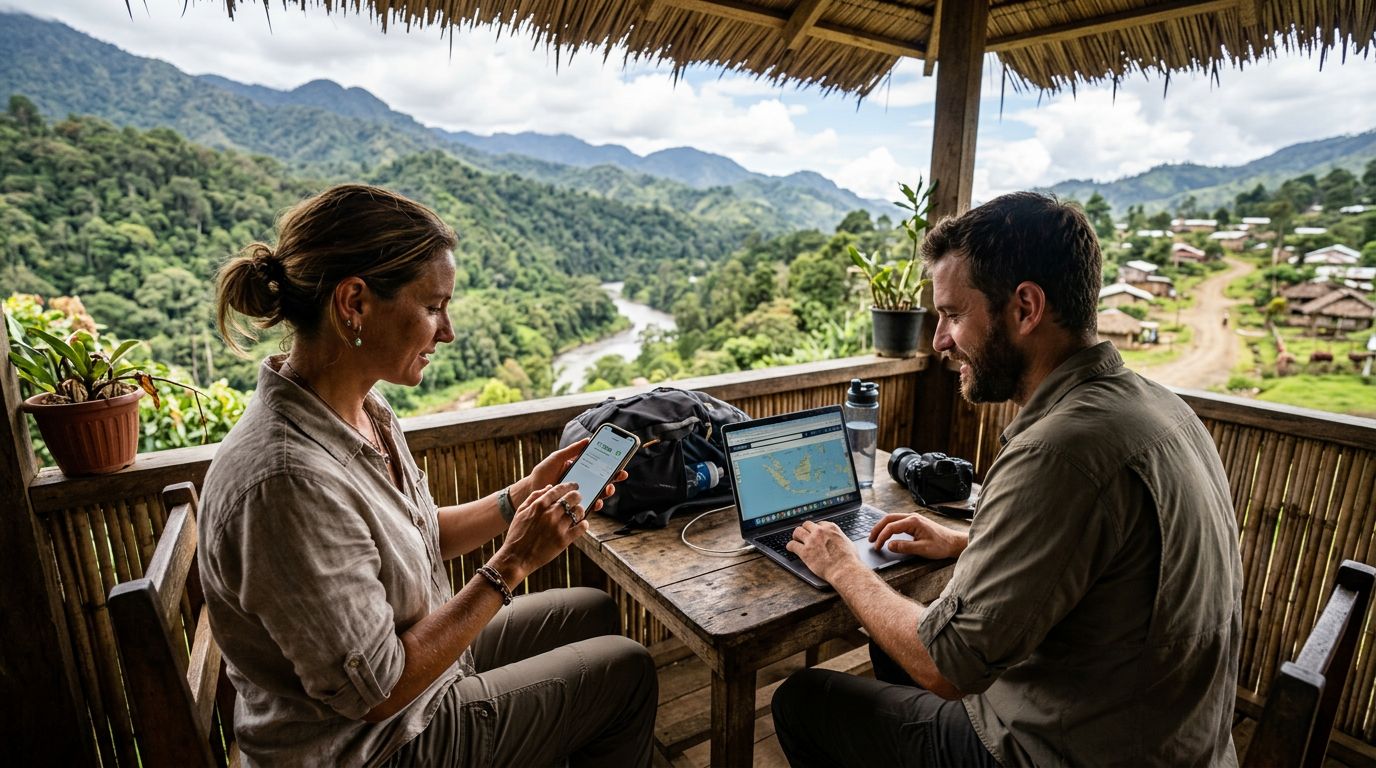
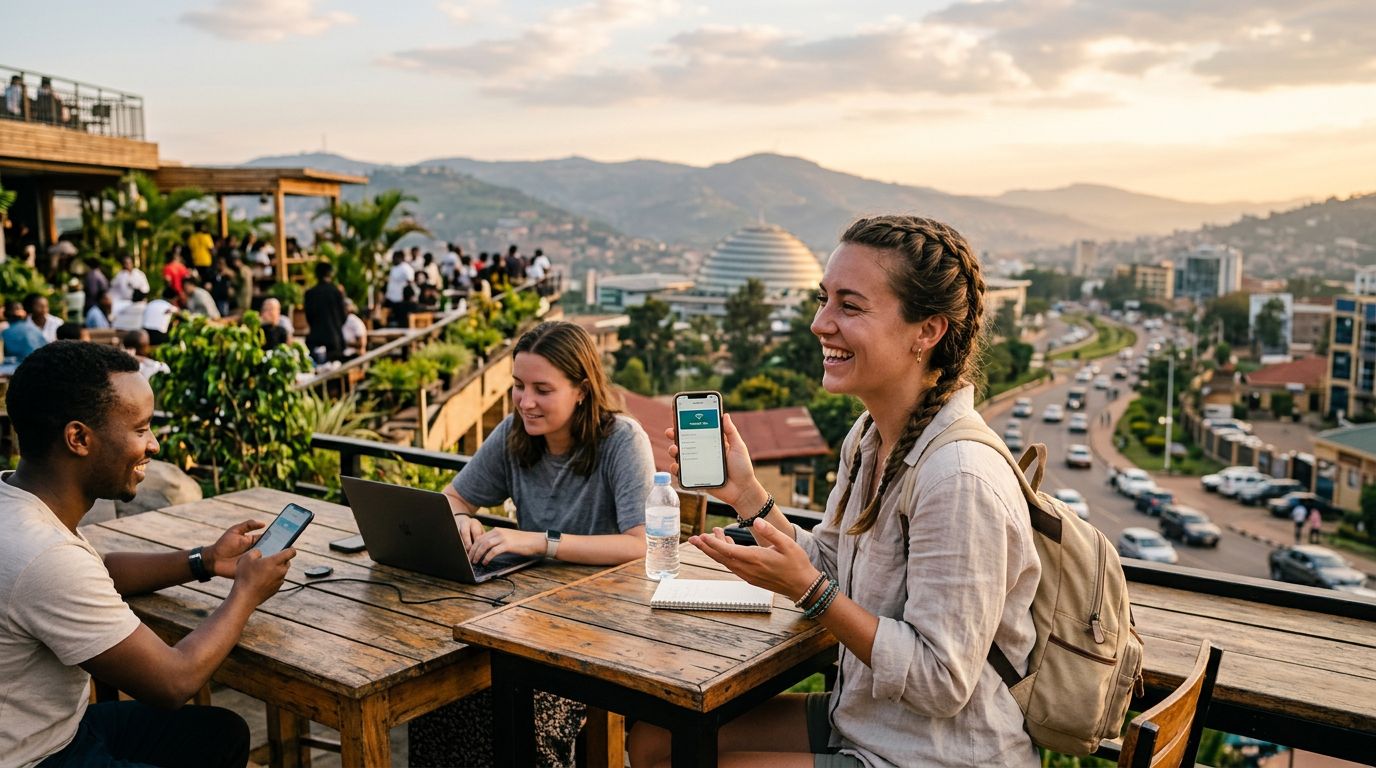
Once your eSIM is active, the next step is sharing that connection with your other devices. This is where the hotspot feature becomes essential. A hotspot, or tethering, allows your smartphone to act as a portable router, broadcasting a Wi-Fi signal that your laptop or tablet can join. In Rwanda, where you might want to upload photos from a safari or finish work at a local cafe, having a reliable hotspot is invaluable.
To enable this on an iPhone, navigate to your settings menu and look for the Personal Hotspot option. You will need to ensure that the cellular data network is set to use your OneTapSIM eSIM for data roaming. Once enabled, you can set a custom password. It is highly recommended to use a strong, unique password to prevent unauthorized devices from connecting to your data stream, which could deplete your allowance quickly. For Android users, the process is similar; look for the Hotspot & Tethering section within your network settings. Ensure the APN (Access Point Name) settings are correctly configured, as sometimes the phone needs a manual nudge to recognize the eSIM as the primary data source.
If you find that your devices are not connecting, check the "Maximize Compatibility" setting on your phone. This feature often switches the frequency band to 2.4 GHz, which is more widely supported by older laptops and cameras, though it may be slightly slower than the 5 GHz band. Remember that tethering consumes data faster than standard phone usage. Because you are essentially providing internet for multiple devices, keep an eye on your background processes, such as cloud backups or software updates, which can silently consume your data allocation if left on automatic.
Managing Your Data Usage While Traveling
Rwanda offers diverse experiences, from the serene shores of Lake Kivu to the vibrant markets of Kigali. While you are exploring, you want to focus on the scenery, not on your data limits. Managing your hotspot usage is about finding a balance between staying connected and preserving your resources.
One of the best ways to manage your data is to adjust the settings on the devices connected to your hotspot. For instance, if you are tethering your laptop, set the connection as a "Metered Connection" in your operating system settings. This tells your computer to pause background updates and prevents apps from syncing large files automatically. Similarly, if you are uploading videos or high-resolution photos, try to do so in batches rather than keeping a constant stream active.
If you find yourself running low on data, the advantage of using a service like OneTapSIM is the ability to manage your plan digitally. You can monitor your consumption and, if necessary, top up your data without needing to find a physical store. This flexibility is particularly useful if your travel plans change or if you find yourself spending more time in remote areas where local Wi-Fi is unavailable.
Furthermore, consider the physical environment. In some parts of Rwanda, network coverage can vary due to the mountainous terrain. When using a hotspot, try to keep your phone in a location with a clear line of sight to the sky or near a window if you are indoors. This helps maintain a stronger signal, which in turn allows your phone to transmit data more efficiently, saving battery life and preventing the connection from dropping. By following these simple steps, you can ensure that your connectivity remains a tool that enhances your journey rather than a source of stress. Whether you are navigating the city or trekking through the rainforest, having a reliable, shared connection allows you to share your experiences with friends and family in real-time, making your Rwandan adventure truly memorable.