Why Rwanda Demands Reliable Connectivity
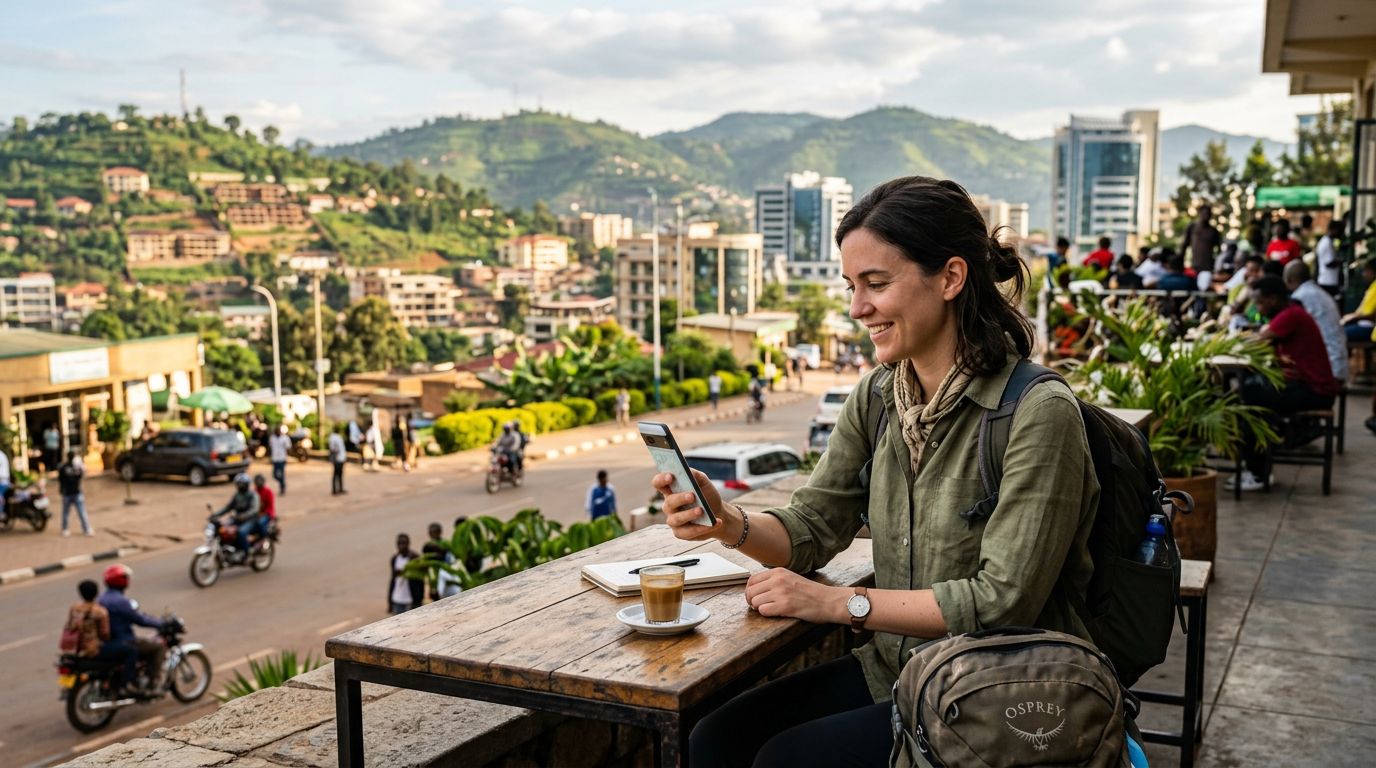
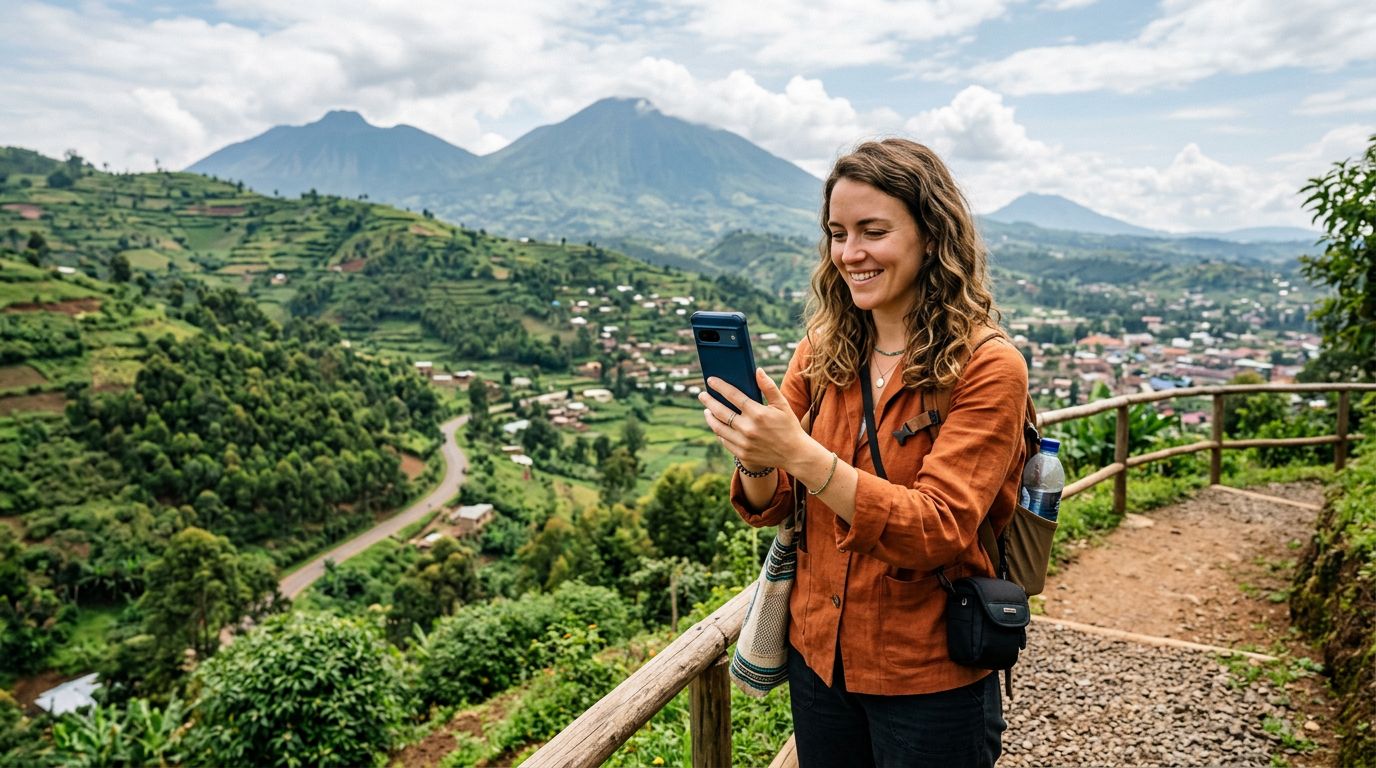
Rwanda is a country defined by its rapid transformation and natural beauty. From the misty slopes of Volcanoes National Park, where mountain gorillas reside, to the vibrant, clean streets of Kigali, travelers are increasingly drawn to this East African destination. Whether you are visiting for business in the capital or embarking on an adventurous safari, staying connected is essential for safety, navigation, and sharing your journey.
The terrain in Rwanda can be challenging, and while major cities have decent infrastructure, remote areas require a robust network strategy. Relying solely on your home carrier often leads to exorbitant roaming charges or, worse, a complete loss of service. This is where the concept of using dual SIM for Rwanda travel becomes the most practical solution for modern visitors. By keeping your primary number active for essential calls or banking verifications while utilizing a local or travel-specific data plan, you maintain full control over your communication costs and connectivity.
Understanding the Dual SIM Advantage
Dual SIM technology allows your smartphone to manage two different network connections simultaneously. In the context of international travel, this means you can keep your home SIM card inserted to receive important SMS messages—such as two-factor authentication codes for your bank—while using a second SIM specifically for mobile data.
For those with modern smartphones, this process is simplified through eSIM technology. An eSIM is a digital version of a physical SIM card that you download directly to your device. When you use a service like OneTapSIM, you can install your Rwandan data plan before you even leave your home country. Upon landing at Kigali International Airport, your phone will automatically switch to the local data network, allowing you to access maps, ride-sharing apps, and messaging services immediately.
The primary benefit of this setup is the elimination of the "connectivity gap." Many travelers arrive in a new country and spend valuable time searching for a physical kiosk to purchase a local SIM card, which often involves language barriers and long queues. With a dual SIM setup, you bypass these hurdles entirely. You are connected the moment your plane touches the tarmac. Furthermore, because you are not removing your home SIM card, you avoid the risk of losing it, a common issue when juggling tiny physical cards during transit.
Setting Up Your Device for Seamless Travel
Before you depart, it is important to ensure your device is compatible with eSIM technology. Most flagship smartphones released in the last few years support this feature. You can verify your device's capabilities by checking the official support pages for your manufacturer, such as the resources provided by Apple or Google.
To prepare for your trip, follow these steps:
- Check for Carrier Lock: Ensure your phone is not locked to your home carrier. If it is, you will be unable to use a secondary SIM card. Contact your home provider to request an unlock if necessary.
- Install Your eSIM: Using a provider like OneTapSIM, you will receive a QR code or an activation link. Follow the instructions to add the cellular plan to your device settings.
- Configure Data Settings: Once the eSIM is installed, go to your phone’s cellular settings. You can designate your home SIM for "Voice" and your travel eSIM for "Cellular Data." This ensures that your phone uses the travel plan for internet-heavy tasks while keeping your primary line ready for incoming calls.
- Manage Roaming: Ensure that "Data Roaming" is turned on for your travel eSIM but turned off for your home SIM. This prevents your home carrier from accidentally triggering expensive roaming charges while you are abroad.
By configuring these settings in advance, you create a fail-safe environment. If you find yourself in a remote part of Rwanda, such as the Nyungwe Forest, having a reliable data connection allows you to use GPS apps to track your location, which is significantly more reliable than relying on offline maps alone.
Best Practices for Connectivity in Rwanda
While Rwanda has made significant strides in digital infrastructure, it is wise to follow a few best practices to ensure your dual SIM setup works flawlessly throughout your stay.
First, monitor your data usage. Even with a generous data plan, streaming high-definition video or downloading large files can consume your allowance quickly. Use Wi-Fi at your hotel or lodge whenever possible to save your mobile data for when you are on the move. Most smartphones provide a breakdown of data usage by app, which can help you identify and restrict background processes that might be eating into your balance.
Second, keep a portable power bank in your day bag. Using dual SIMs and maintaining a constant connection to cellular towers can drain your battery faster than normal usage. Since you will likely be using your phone for photography and navigation, having a backup power source ensures you aren't left with a dead device in the middle of a safari or a hike.
Third, consider the importance of local apps. In Rwanda, ride-sharing services and local delivery platforms are highly efficient. Having a dedicated data connection via your travel eSIM ensures that these apps function smoothly. If you encounter any connectivity issues, a simple toggle of the "Airplane Mode" switch often forces the phone to re-scan for the strongest available signal, effectively refreshing your connection to the local network.
Finally, remember that while technology is a great tool, it is meant to support your experience, not define it. Rwanda offers breathtaking landscapes and rich cultural history. Using dual SIM for Rwanda travel provides the peace of mind that you are reachable and capable of navigating your surroundings, allowing you to focus on the gorillas, the canopy walks, and the warm hospitality of the Rwandan people. With your connectivity sorted, you are free to explore with confidence.
Obtenez une eSIM pour
Des forfaits pour les destinations de ce guide, livrés instantanément par QR.