Understanding Dual SIM Functionality for Global Travel
Modern smartphones have revolutionized how we stay connected while traveling. The integration of Dual SIM technology—specifically the combination of a physical SIM card and an eSIM—allows travelers to manage two different networks simultaneously. This capability is essential for those who want to keep their home phone number active for urgent calls or verification codes while utilizing a local or regional data plan for maps, social media, and navigation.
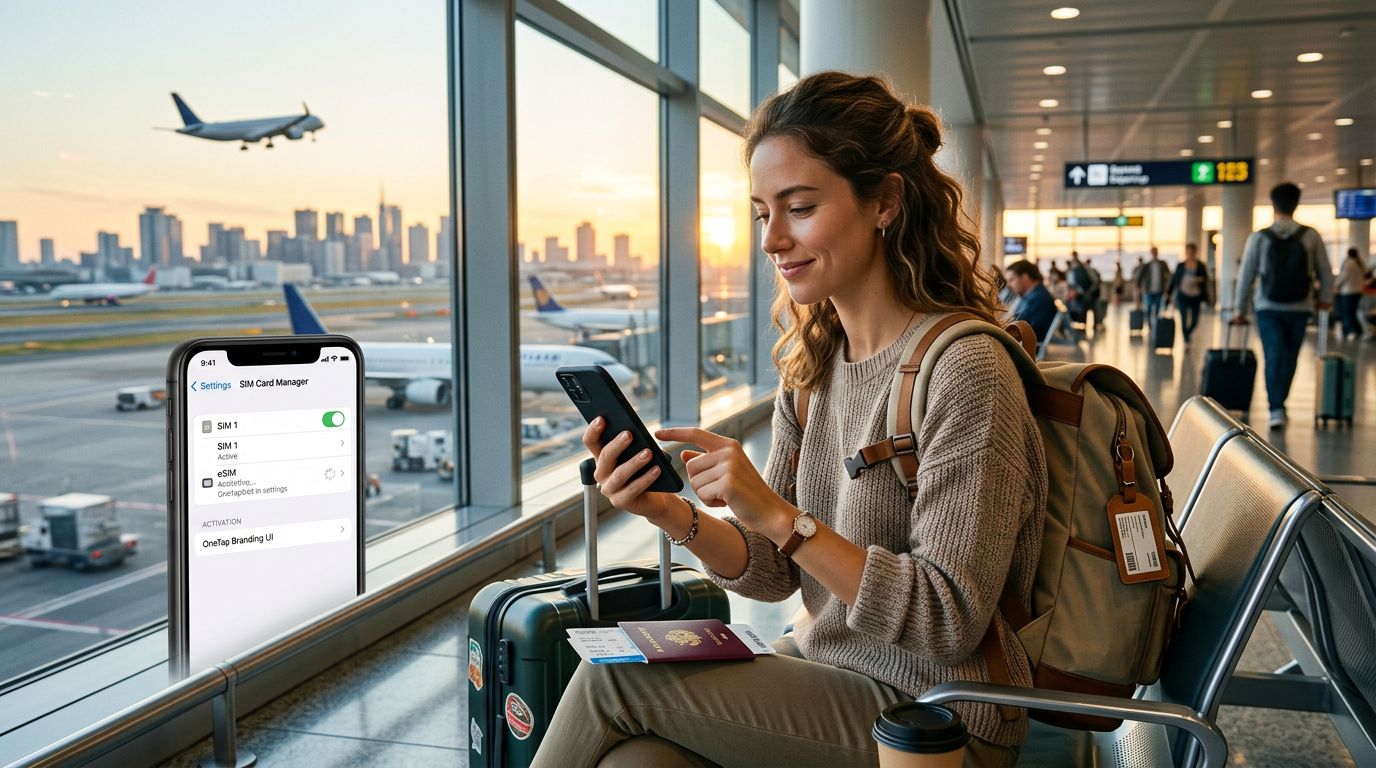
When you use a travel eSIM like OneTapSIM, you are essentially adding a second "virtual" SIM card to your device. Because your phone treats this as a separate line, you can configure how each SIM behaves. For instance, you might choose to keep your home SIM for voice and SMS, while designating your travel eSIM as the primary source for cellular data. This prevents expensive roaming charges from your home carrier while ensuring you are never disconnected from the internet.
Before you begin the activation process, it is important to ensure your device is unlocked. An unlocked phone is one that is not restricted to a specific carrier. Most modern smartphones purchased directly from manufacturers are unlocked, but if you bought yours through a service provider, you may need to contact them to request an unlock. Once your device is unlocked, you are ready to manage your dual connectivity settings.
Step-by-Step Activation for iOS and Android Devices
The process for how to activate a travel eSIM on dual sim phones varies slightly depending on your operating system. Both Apple and Google have streamlined these steps to make the transition as smooth as possible.
For iPhone users, the process begins in your settings menu. Navigate to Cellular or Mobile Data and select "Add eSIM." You will typically be prompted to scan a QR code provided by your eSIM service. Once scanned, your phone will download the necessary profile. After the download is complete, you must label your plans. It is helpful to name your home SIM "Primary" and your travel eSIM "Travel" or "OneTapSIM." This makes it easier to identify which network is being used for specific tasks. Within the Cellular settings, ensure that "Cellular Data" is set to your travel eSIM. You should also check the "Allow Cellular Data Switching" option; it is generally recommended to turn this off to prevent your phone from accidentally reverting to your home carrier’s expensive roaming data.
For Android users, the path is generally found under Network & Internet or Connections, followed by SIM Manager. Tap the plus icon or "Add eSIM" to initiate the setup. Similar to iOS, you will scan the QR code provided by your provider. Android devices often provide a clear interface to assign tasks to each SIM. You can designate one SIM for calls and the other for data with a few taps. It is vital to verify that "Data Roaming" is toggled on for your travel eSIM, as these plans rely on roaming agreements with local networks to provide service. Note that turning on roaming for your travel eSIM does not mean you are roaming on your home SIM; as long as your home SIM’s data roaming is toggled off, you remain protected from unexpected charges.
Managing Your Dual SIM Settings for Optimal Performance
Once you have successfully activated your eSIM, proper management is the key to a stress-free trip. Many travelers make the mistake of leaving both SIMs fully active for all services, which can lead to confusion or battery drain.
The most effective strategy is to use your home SIM for voice and text only, and your travel eSIM for data. On an iPhone, you can go to your Cellular settings and assign specific contacts to specific SIMs if you wish, or simply leave the default as your home line. For Android, the SIM Manager menu allows you to set a "Preferred SIM" for calls and messages. By setting your home SIM as the preferred line for traditional communication, you ensure that you receive important messages or calls without needing to change your settings.
Battery life is another consideration when running two SIMs. Keeping two active radios searching for signals can consume more power than usual. If you are in a location with poor coverage, your phone may work harder to maintain both connections. If you find your battery draining quickly, consider turning off your home SIM entirely if you do not expect any urgent calls. You can easily toggle it back on when you reach your hotel or a stable Wi-Fi area.
Finally, keep an eye on your data usage. While many travel eSIMs offer generous packages, it is good practice to monitor your consumption through your phone’s built-in data usage tracker. If you find yourself running low, you can often purchase a top-up or an additional data package directly through your provider’s app or website. Using a reliable service like OneTapSIM ensures that you have access to clear instructions and support if you ever need to adjust your settings mid-trip. By understanding how to balance these two connections, you gain the freedom to explore new destinations while maintaining the connectivity you rely on, all without the worry of massive roaming bills or lost access to your primary mobile number.