Getting Ready for Your Hungarian Adventure
Hungary is a country defined by its stunning architecture, thermal baths, and rich cultural history. Whether you are wandering through the historic streets of Budapest, exploring the vineyards of Eger, or relaxing by the shores of Lake Balaton, staying connected is essential. Relying on public Wi-Fi or expensive roaming charges from your home carrier can be frustrating and unreliable. This is where modern connectivity solutions come into play.
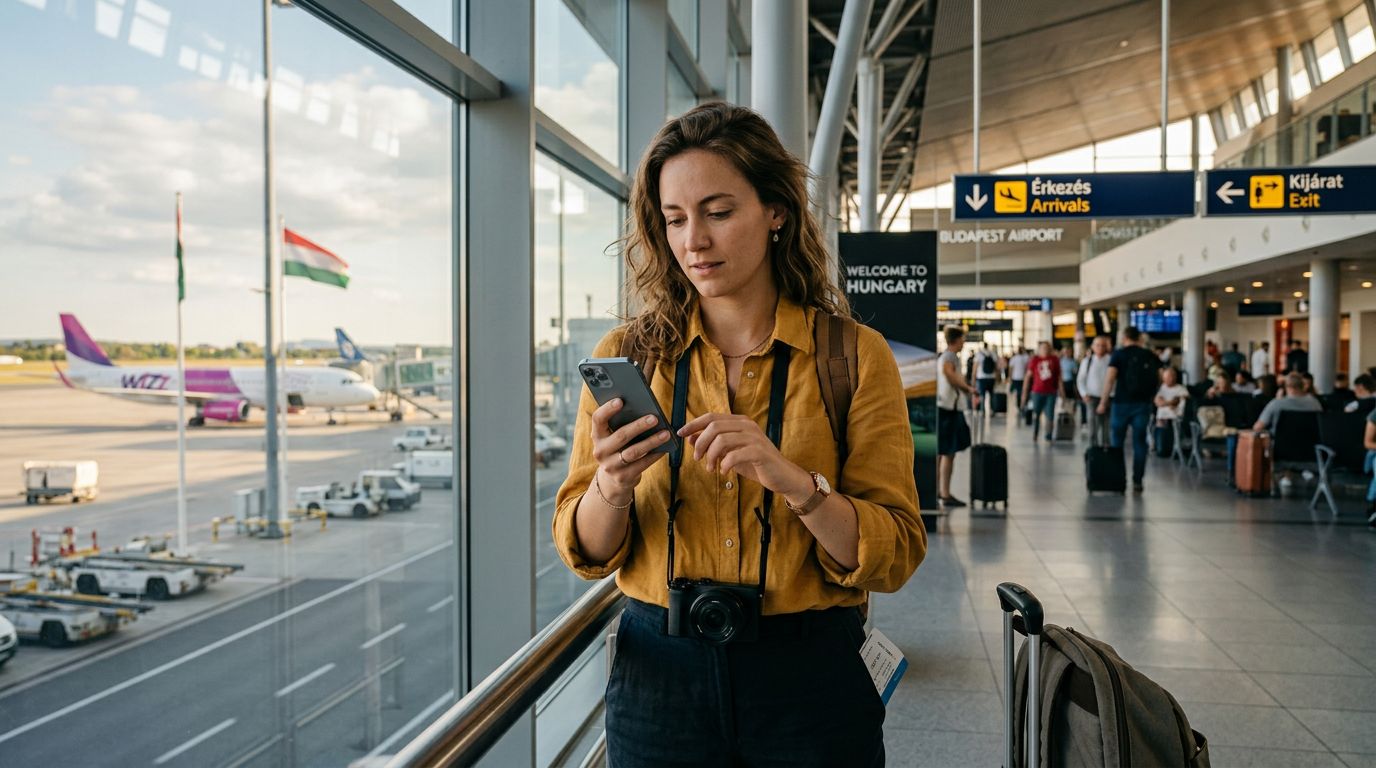
An eSIM, or embedded SIM, is a digital version of the physical SIM card you have used for years. Because it is built directly into the hardware of your smartphone, you do not need to visit a local shop or swap out tiny plastic cards when you land at Budapest Ferenc Liszt International Airport. With a service like OneTapSIM, you can purchase and install your data plan before you even leave your home country. This ensures that the moment your plane touches down on Hungarian soil, your device is ready to connect to local networks, allowing you to use map applications, translation tools, and messaging services immediately.
Before you begin the process of setting up your digital connection, ensure that your smartphone is carrier-unlocked. Most modern devices purchased directly from manufacturers or those that have completed their contract terms are unlocked, but it is always worth verifying with your home provider. Additionally, confirm that your specific phone model supports eSIM technology. Most flagship devices released in the last few years are compatible, but checking your device settings or the manufacturer's official support pages is a smart precautionary step.
Step-by-Step Installation Process
The process of activating your digital plan is designed to be straightforward, regardless of whether you are using an iPhone or an Android device. Once you have acquired your eSIM profile from OneTapSIM, you will receive a QR code or a manual activation string via email.
For iPhone users, the installation is handled through the cellular settings menu. Navigate to your device settings, select "Cellular" or "Mobile Data," and look for the option to "Add eSIM." You can then scan the provided QR code. Your phone will communicate with the network provider to register the profile. Once the installation process finishes, you can label the plan—for example, as "Hungary Travel"—to distinguish it from your primary line.
For Android users, the steps are similar but may vary slightly depending on the manufacturer’s interface. Generally, you will go to "Network & Internet" or "Connections" in your settings, select "SIM Manager," and choose the option to add an eSIM. Scanning the QR code or entering the activation details manually will initiate the download of the necessary network credentials.
Once the eSIM profile is installed, it is important to understand how to manage your data settings. You should keep your primary SIM active for calls or SMS if needed, but ensure that your "Cellular Data" setting is toggled to the newly installed travel eSIM. This prevents your home carrier from accidentally triggering international roaming charges. If you are unsure about these settings, your phone’s official support documentation provides detailed guides on how to manage multiple SIM profiles effectively.
Troubleshooting and Optimizing Your Connection
Even with a simple installation process, technology can occasionally be temperamental. If you find that your device is not connecting to a network upon arrival in Hungary, the first step is to enable and then disable "Airplane Mode." This simple action forces the phone to re-scan for available local towers.
If you still do not see a signal, check your APN (Access Point Name) settings. While most modern eSIMs configure these automatically, some devices require you to manually enter the APN details provided by your service provider. This information is typically included in the setup instructions sent to you after purchase. Ensuring these settings are correct is often the key to resolving connectivity issues.
Data roaming is another critical setting to verify. While it may sound counterintuitive, you must ensure that "Data Roaming" is turned on for your travel eSIM. Because you are using a digital profile that connects to a network outside of your home country, your phone perceives this as roaming. Turning this setting on for your travel plan—and keeping it off for your home plan—allows the eSIM to access local data services without incurring the high costs associated with your home provider’s roaming packages.
Finally, consider your data usage habits while traveling. Streaming high-definition video or downloading large files while disconnected from Wi-Fi will deplete your data allowance quickly. Use your travel eSIM for essential tasks such as navigation, looking up restaurant reviews, or checking train schedules. By managing your usage, you can ensure that your connection remains active throughout your entire stay in Hungary. If you find that you need more data, OneTapSIM makes it easy to manage your account and stay connected for the duration of your trip.
By taking these steps, you can focus on the beauty of the Danube or the grandeur of the Hungarian Parliament Building rather than worrying about connectivity. A digital eSIM provides the freedom to explore at your own pace, knowing that you have a reliable, cost-effective way to stay in touch with the world while you enjoy everything this beautiful country has to offer.
Get an eSIM for
Plans for the destinations covered in this guide, with instant QR delivery.