Understanding Connectivity Requirements for Rwanda
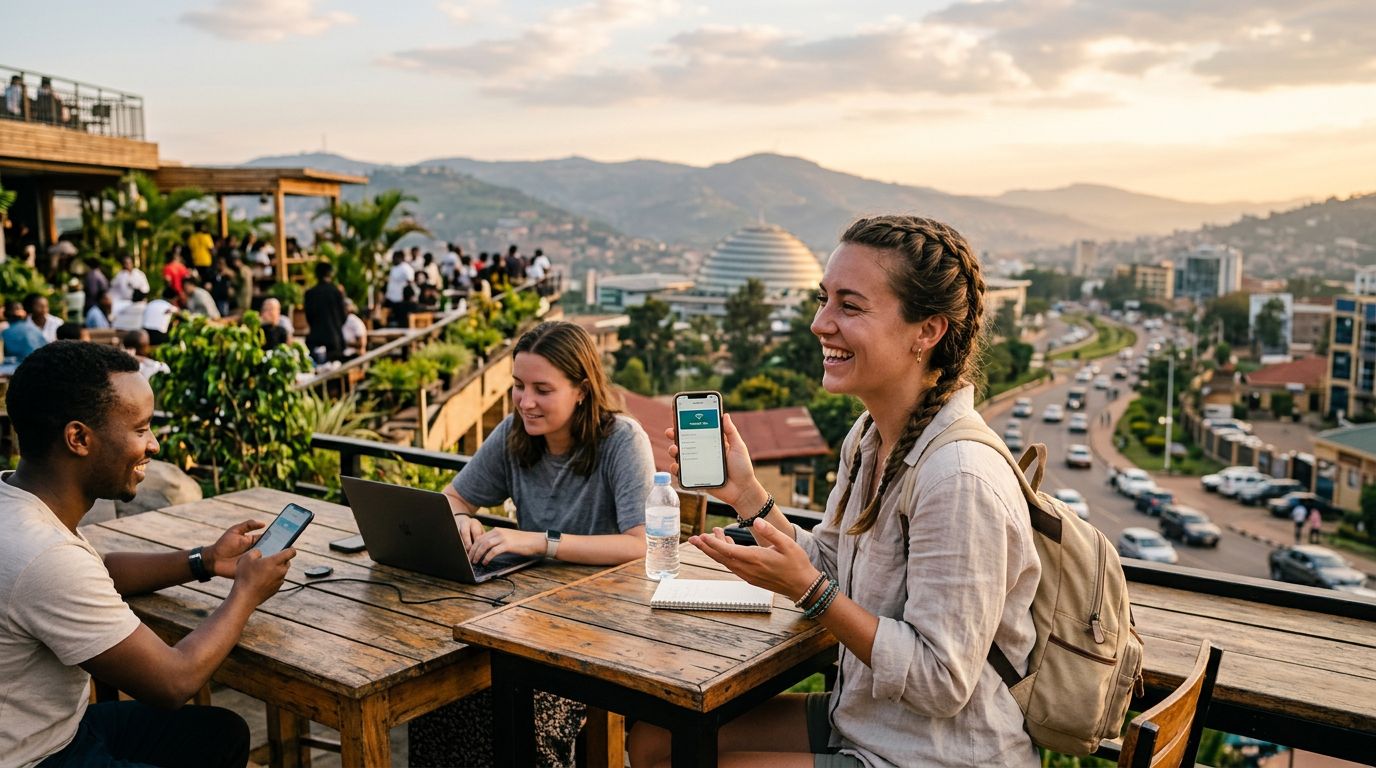
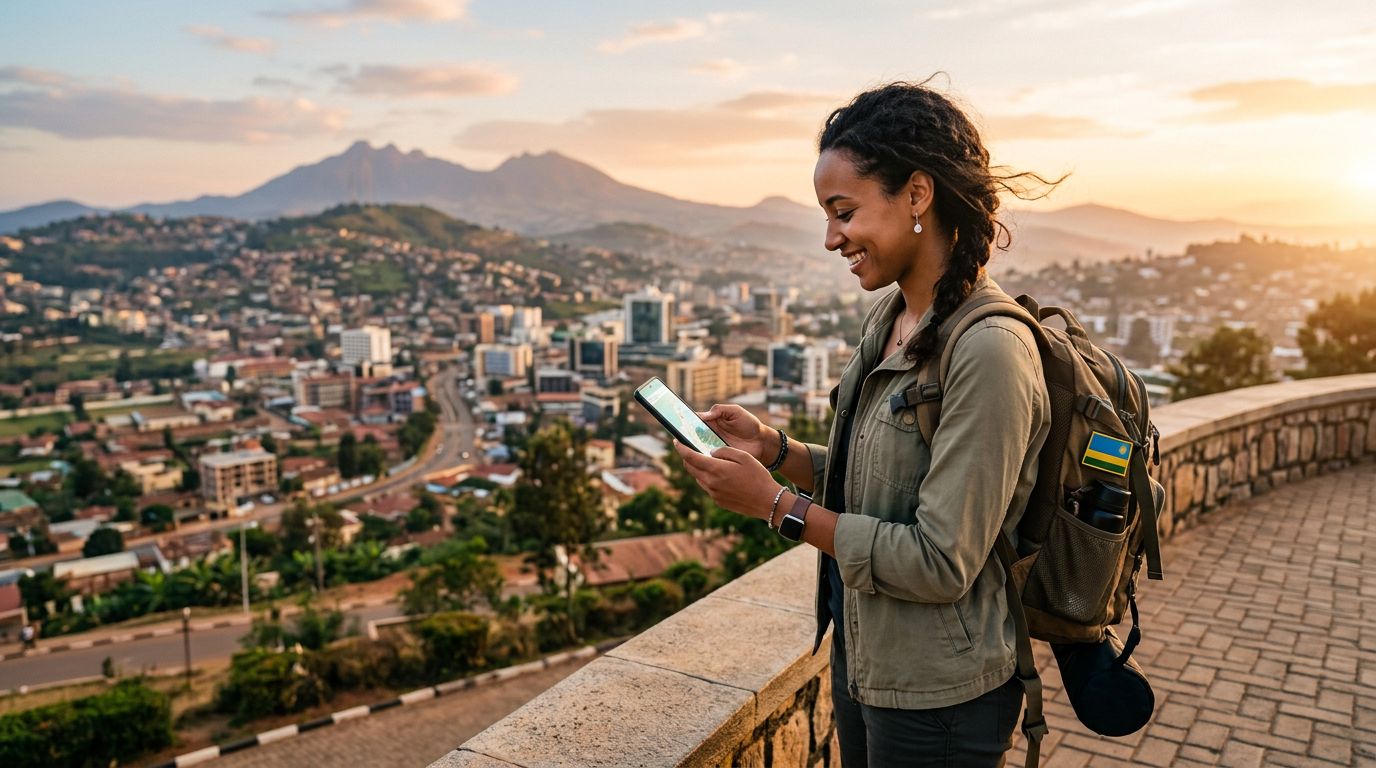
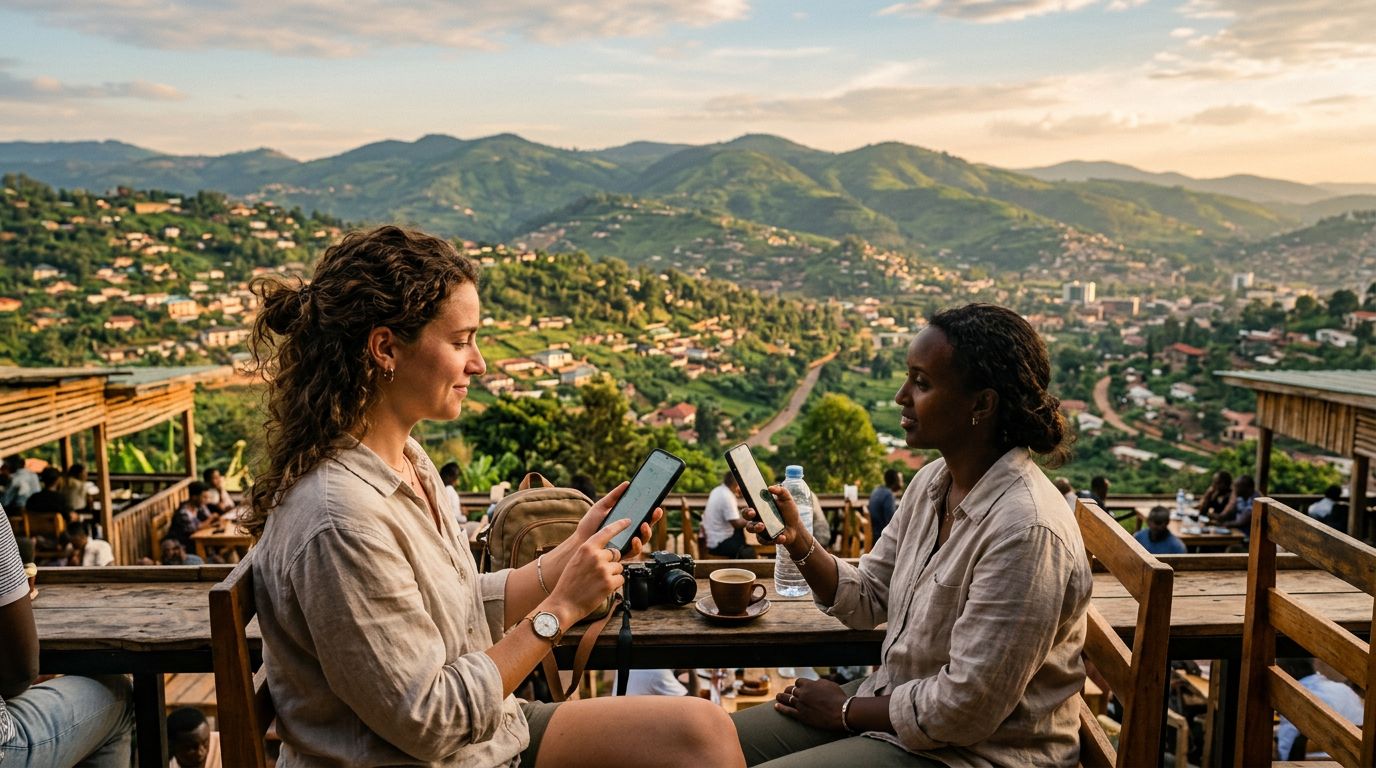
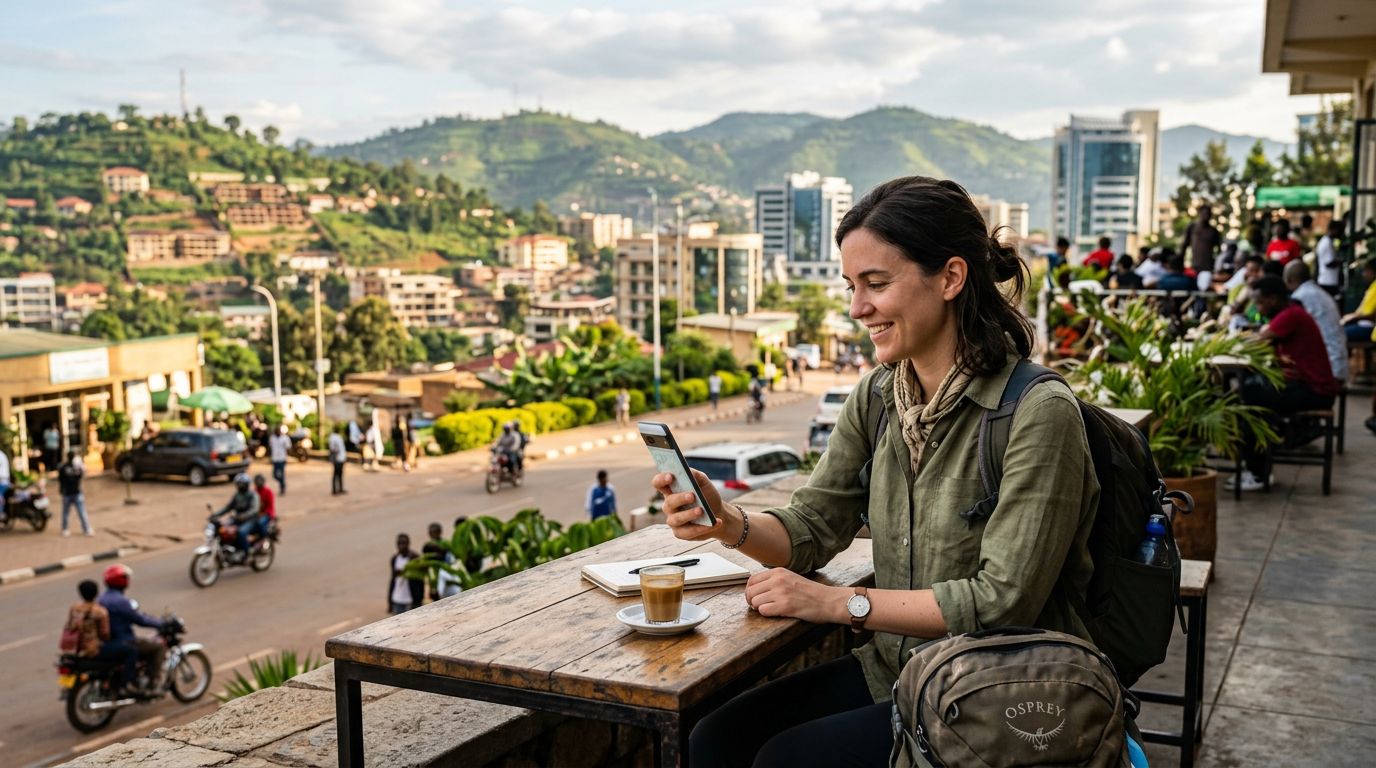
Rwanda is a country that surprises many travelers with its impressive digital infrastructure. From the bustling streets of Kigali to the remote hillsides near Volcanoes National Park, the demand for reliable internet is constant. Whether you are a digital nomad working from a café or a tourist uploading photos of mountain gorillas, staying connected is essential. One common question for those visiting the Land of a Thousand Hills is how to manage their connectivity across multiple devices, specifically through hotspot data usage in Rwanda.
Using your smartphone as a mobile hotspot is often the most convenient way to provide internet access to your laptop, tablet, or a travel companion’s device. However, this method consumes data at a different rate than standard mobile browsing. When you connect a computer to a phone hotspot, the operating system often treats the connection as a high-speed broadband link. This means background processes—such as automatic software updates, cloud synchronization, and high-definition video streaming—may trigger automatically, consuming your data allowance much faster than you might anticipate.
To ensure your trip remains stress-free, it is vital to understand your data consumption patterns before you arrive. By using a travel eSIM like OneTapSIM, you can secure a reliable connection as soon as you land. Because OneTapSIM provides direct access to local networks, you avoid the complications and potential security risks associated with public Wi-Fi networks found in airports or hotels. Managing your hotspot usage effectively allows you to maintain your productivity or social media presence without worrying about unexpected data depletion.
Strategies for Managing Hotspot Data Usage in Rwanda
Once you have your OneTapSIM profile active, you should configure your devices to prevent "data leakage." Many travelers find that their laptops consume significant amounts of bandwidth simply by being connected to a mobile hotspot. To mitigate this, you should adjust your device settings to treat your mobile connection as a "metered" or "limited" network.
On Windows devices, you can navigate to your network settings and toggle the "Set as metered connection" option for your hotspot. This prevents the operating system from downloading large updates in the background. Similarly, on macOS, you can enable "Low Data Mode" within your Wi-Fi settings once connected to your phone. These simple adjustments ensure that your data is reserved for the tasks that truly matter, such as sending emails, navigating with map applications, or uploading travel content.
Another effective strategy is to monitor your usage manually. Both iOS and Android operating systems provide built-in tools to track how much data individual apps are consuming. If you notice a specific application is using a disproportionate amount of data, you can restrict its background access. Furthermore, consider turning off cloud backup services like iCloud or Google Photos while you are using your mobile hotspot. These services are designed to sync large files whenever a stable connection is detected, which can exhaust your data plan in a matter of minutes if you are not careful. By taking these proactive steps, you ensure that your OneTapSIM data lasts for the duration of your trip, regardless of how many devices you need to support.
Optimizing Your Travel Experience with OneTapSIM
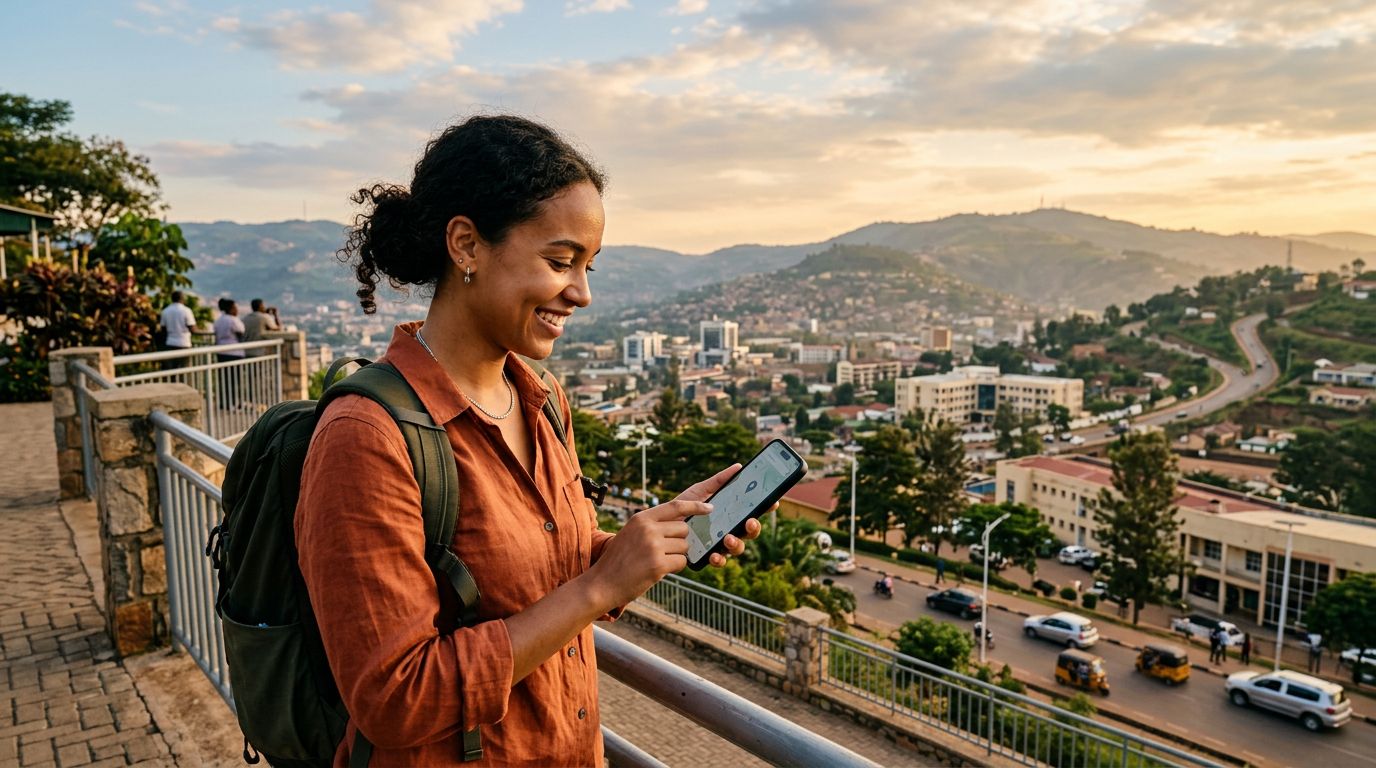
The beauty of traveling through Rwanda lies in the ability to move seamlessly from urban centers to the serene countryside. Having a consistent internet connection is the backbone of a smooth itinerary. Whether you are checking the latest park entry requirements for Akagera National Park or coordinating with a tour guide via messaging apps, a dependable eSIM solution makes all the difference. OneTapSIM is designed to offer a straightforward activation process, allowing you to bypass the need for physical SIM cards or local vendor kiosks.
When planning your hotspot usage, consider the specific activities you intend to perform. If you need to participate in video conferences, try to find a location with a strong signal and close unnecessary browser tabs. If you are simply using the internet for navigation and basic communication, your data consumption will be significantly lower. Rwanda’s mobile network coverage has expanded rapidly, and by using a high-quality eSIM, you are tapping into the same infrastructure that local residents rely on every day.
It is also worth noting that mobile hotspots can drain your phone’s battery more quickly than standard usage. If you plan on sharing your connection for an extended period, carry a portable power bank. Combining a reliable power source with the efficient data management techniques mentioned above will provide you with a robust mobile office or travel hub.
Finally, remember that the goal of your trip is to experience the unique culture and landscapes of Rwanda. While staying connected is important for logistics and safety, balance is key. Use your OneTapSIM connection to handle the necessary tasks, then disconnect to fully immerse yourself in the environment. By managing your hotspot data usage in Rwanda effectively, you gain the freedom to explore the country with confidence, knowing that you have a stable digital lifeline whenever you need it. Whether you are capturing the sunrise over Lake Kivu or navigating the vibrant markets in Kigali, your connectivity will remain as reliable as your sense of adventure.