Understanding the eSIM Advantage for iPhone Users
The way we connect while traveling has shifted significantly over the last few years. Traditional physical SIM cards, which required finding a local kiosk, swapping tiny pieces of plastic, and risking the loss of your home SIM, are rapidly becoming a relic of the past. For travelers using an iPhone, the eSIM—or embedded SIM—offers a seamless alternative that integrates directly into your device's hardware.
An eSIM is essentially a digital version of a physical SIM card. Because it is built into the logic board of your iPhone, you do not need to insert or remove anything to switch carriers or activate a travel plan. This technology allows you to download a cellular profile, which acts just like a physical card, granting you access to local data networks the moment you land at your destination.
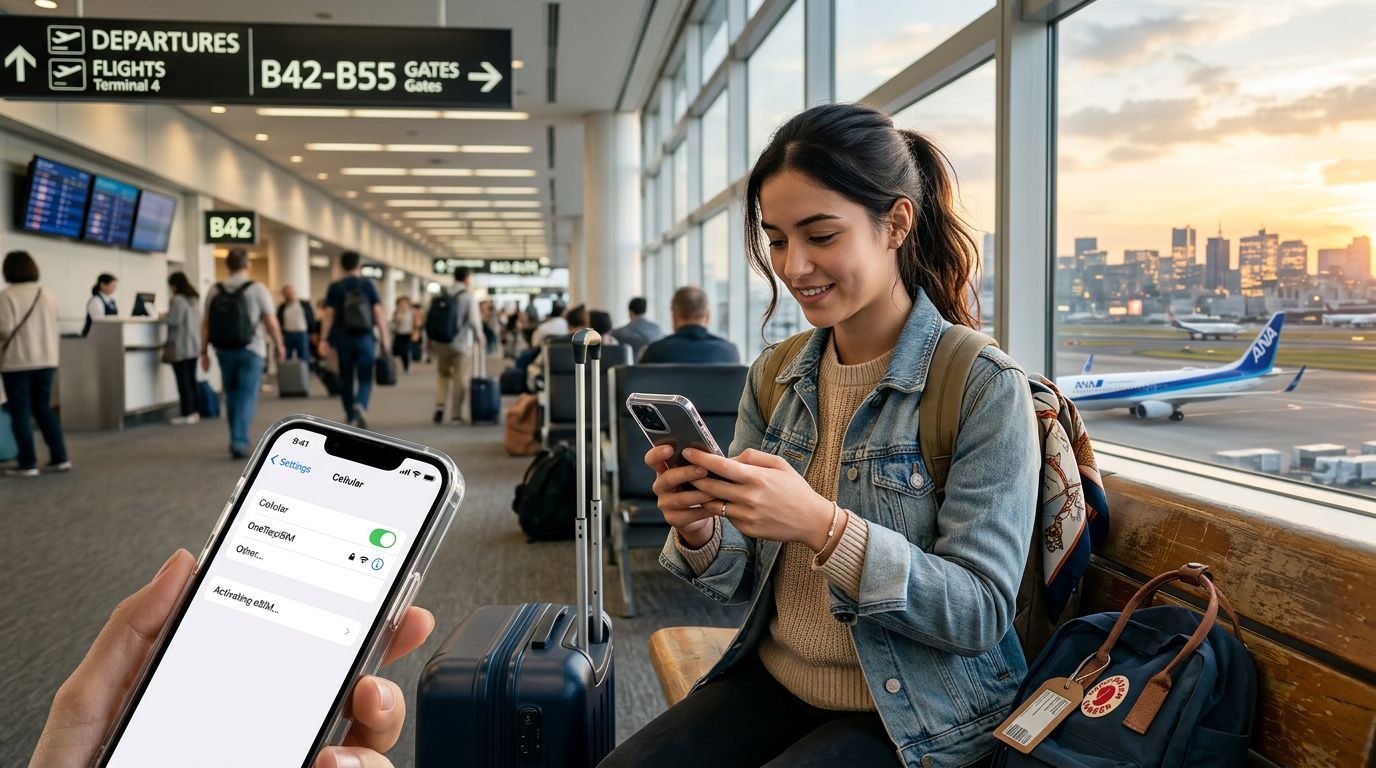
Using an eSIM on your iPhone provides several distinct advantages. First, you can keep your primary phone number active for calls and texts while using a secondary eSIM specifically for data. This means you can stay reachable for important work or family matters on your home line while enjoying high-speed local data for navigation, social media, and communication apps. Second, the convenience of pre-purchasing your data plan before you leave home removes the stress of hunting for a mobile shop in an unfamiliar airport. With services like OneTapSIM, you can manage your connectivity needs entirely through your phone, ensuring you are online the second your plane touches down.
Setting Up Your eSIM on iPhone
Configuring your device is a straightforward process that takes only a few minutes. Before you begin, ensure your iPhone is unlocked. An unlocked phone is one that is not restricted to a specific carrier, allowing you to add plans from different providers. Most modern iPhones support multiple eSIM profiles, so you can store several plans and switch between them as needed.
To get started, you will typically receive a QR code or a manual activation code from your provider. When you choose a service like OneTapSIM, the process is streamlined to ensure you spend less time configuring settings and more time enjoying your trip.
To install your eSIM, follow these steps: 1. Open the Settings app on your iPhone. 2. Tap on "Cellular" or "Mobile Data." 3. Select "Add eSIM." 4. Choose the option to use a QR code if provided, or enter the details manually if you have received an activation string.
Once the profile is downloaded, your iPhone will prompt you to label the plan. It is helpful to name it something recognizable, such as "Travel Data," to distinguish it from your primary home plan. During the setup, your iPhone will also ask you to designate which line should be used for cellular data. For travel purposes, ensure your newly installed eSIM is selected for data usage. You can also choose whether you want to allow "Cellular Data Switching," which is a feature that lets your phone automatically switch to your home line if the travel eSIM loses signal, though be cautious with this if you wish to avoid roaming charges on your primary account.
Managing Your Connection and Troubleshooting
Once your eSIM is active, maintaining your connection is generally hands-off. Your iPhone manages the handover between networks automatically. However, there are a few best practices to ensure a smooth experience throughout your journey.
If you find that your data is not working immediately upon arrival, the first step is to check your "Cellular Data" settings to confirm that the correct eSIM is toggled on and selected as the primary data source. Ensure that "Data Roaming" is enabled for your travel eSIM. While this sounds counterintuitive, the eSIM profile treats the local partner network as a roaming partner, so the setting must be active for the data to flow.
If you continue to experience issues, toggling Airplane Mode on and off often forces the device to re-scan for available local towers. Another common fix is to ensure your APN (Access Point Name) settings are correct. Most modern eSIM installations configure these automatically, but if you are having trouble, you can usually find the correct settings in the documentation provided by your service provider.
OneTapSIM provides clear instructions for these configurations, ensuring that even if you are not a technical expert, you can resolve connectivity hurdles quickly. Because the eSIM is digital, you are not tethered to a physical chip that could be damaged or lost. If you decide to extend your trip, you can often purchase additional data or a new plan remotely without needing to visit a store or wait for a physical package to arrive.
Finally, remember to manage your data usage by monitoring your iPhone’s cellular settings. Many apps consume data in the background, such as cloud backups or photo syncing. It is a good idea to disable these features while using a travel plan to preserve your data allowance for essential tasks like map navigation and translation tools. By preparing your device before you depart and understanding how to toggle between your home and travel profiles, you can enjoy a reliable, high-speed connection anywhere in the world. Whether you are traveling for business or leisure, the combination of a modern iPhone and a flexible eSIM solution provides the most efficient way to stay connected without the traditional headaches of international roaming.